

Wikimotive's Task Forms for ClickUp – Free
This plugin allows you to add Task Submission Forms for ClickUp to your Wordpress website via the use of shortcodes and ClickUp's Cloud API Conne …
Plugin info
Maintenance & Compatibility
Maintenance score
Possibly abandoned • Last updated 2039 days ago
Is Wikimotive's Task Forms for ClickUp – Free abandoned?
Possibly abandoned (last update 2039 days ago).
Compatibility
Similar & Alternatives
Explore plugins with similar tags, and compare key metrics like downloads, ratings, updates, support, and WP/PHP compatibility.
Description
What does Wikimotive’s Task Forms for ClickUp plugin do?
This plugin connects your WordPress site to your ClickUp tasks board via their Cloud API. You can create custom forms and format them to submit tasks to a selected ClickUp task list.
Maybe you want a support ticketing system for your site, or you have a dashboard for your employees and would like to assign specially formatted tasks to your team members. You can do that with this plugin.
Placing the form on your site:
Once you’ve created your form you’ll be able to place it anywhere on your site with the use of the shortcode below.
[ctf_form id=”{Form ID}”]
The shortcode for each form is provided at the top of the form editor page.
Installation
Installation Instuctions:
1. Download and install the plugin from the WordPress Plugins Repository located here: https://wordpress.org/plugins/wikimotive-clickup-task-forms-free/
2. Activate the plugin
3. For configuration instructions, please see the “Help” page in the ClickUp Forms WordPress Admin Submenu
Frequently Asked Questions
Review feed
Screenshots
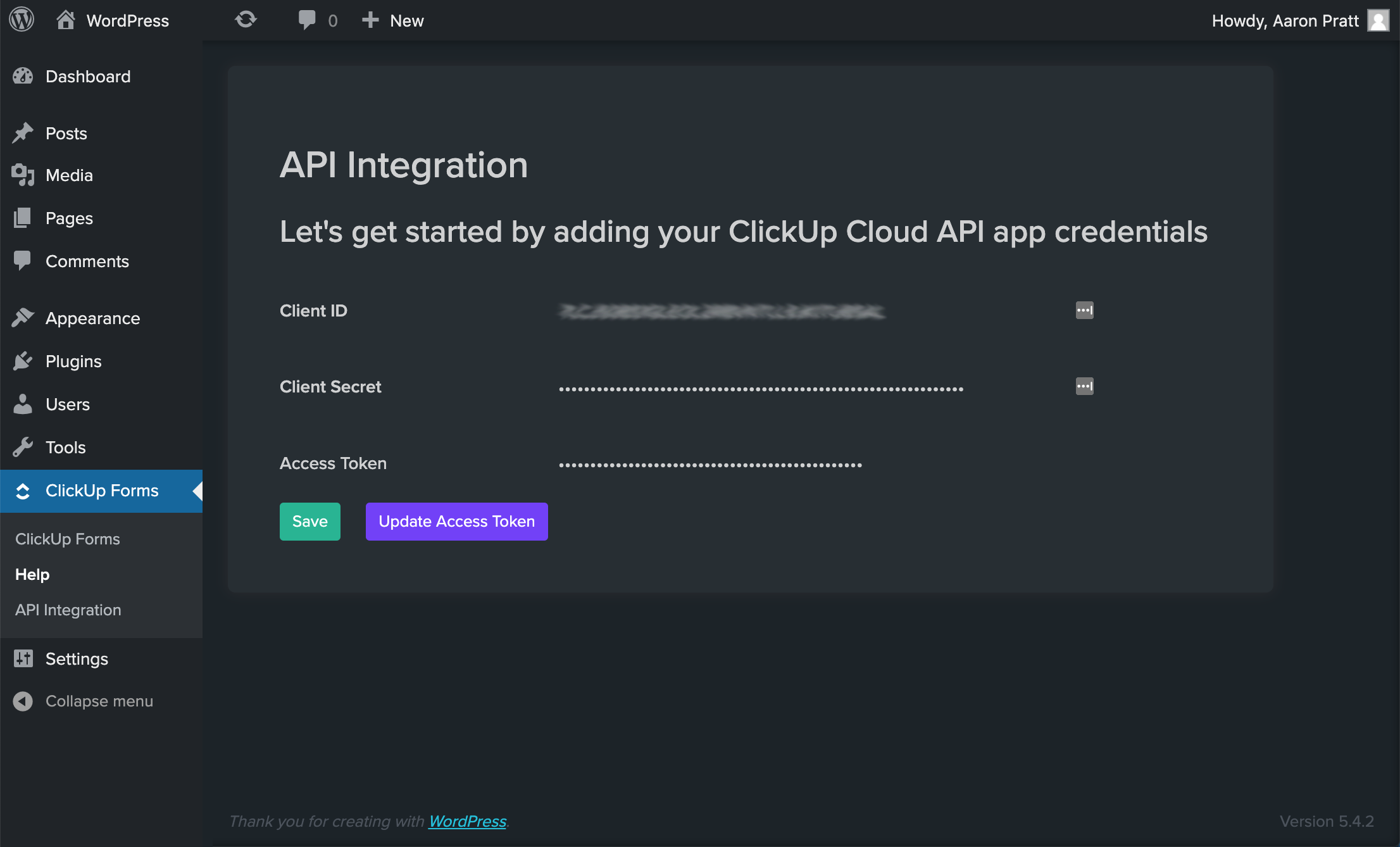
API Integration Settings Page

The Help Page - Complete with setup instructions and form submission formatting variable descriptions

The form editor

Placing the shortcode on a page

The front end form generated by the shortcode
Changelog
1.0
- Initial Launch
1.0.1
- Added admin notice for survey