

Plugin info
Maintenance & Compatibility
Maintenance score
Possibly abandoned • Last updated 1603 days ago • 1 reviews
Is Will Work for Ko-fi abandoned?
Possibly abandoned (last update 1603 days ago).
Compatibility
Similar & Alternatives
Explore plugins with similar tags, and compare key metrics like downloads, ratings, updates, support, and WP/PHP compatibility.
Description
Welcome to the Will Work for Ko-fi (WW4KOFI) Gutenberg block version 2.0.0.
Add your customised official Ko-fi button to your posts and pages. Visually preview your customisations in the block editor.
This custom Gutenberg Block (CGB) for the Ko-fi donation button allows you to:
- Create an optional heading
- Add a short call-to-action prompt
- Insert your custom button text
- Choose a background colour using a built-in colour picker
- And of course, add your Ko-fi code or username
Usage
- Open a page or post in Gutenberg.
- Click on the
+to add a block. - Start typing “Will Work for Ko-fi” until you see the block appear, then select it.
- Inside the block, enter an optional heading or short description into the respective input fields.
- In the settings sidebar, enter the text you want on your button. This is important! Keep it short.
- In the settings sidebar, use the colour picker for the button’s background.
- Remember to enter your Ko-fi code or username. This is also in the settings sidebar.
- Preview, Update, or Publish your page or post and enjoy 😉
Credits
Built with Create Guten Block.
Will Work for Ko-fi coffee logo by walkerstudio13 from the Noun Project.
Installation
- Upload the contents of the plugin zip file to the
/wp-content/plugins/will-work-for-ko-fidirectory, or install the plugin through the WordPress plugins page directly. - Activate the plugin through the ‘Plugins’ page.
Frequently Asked Questions
Yes. It’s only 47 KB zipped. And, it uses its’ own local copy of the official Ko-fi widget JavaScript library.
It sure is. The Ko-fi button widget code comes from https://ko-fi.com/manage/widgets and it looks like this.
<script type='text/javascript' src='https://ko-fi.com/widgets/widget_2.js'></script><script type='text/javascript'>kofiwidget2.init('Support Me on Ko-fi', '#29abe0', 'D1D7YARD');kofiwidget2.getHTML();</script>
You can change the content alignment by using additional CSS. The additional CSS below will centre justify the WW4KOFI block contents.
.centre-this-block {
    text-align: center;
    width: 50%;
    margin: 0 auto;
}
You can change the content alignment by using additional CSS. The additional CSS below will add slight padding to the contents and create a drop shadow effect.
.style-this-block {
    padding: 1.5%;
    border-radius: 10px;
    box-shadow: 5px 20px 12px rgba(0,0,0,.2);
}
Version 2.1.0 introduced the .section__kofi CSS class that controls the top/bottom padding for the widget’s heading, description, and button.
.section__kofi {
  padding-top: 0;
  padding-bottom: 0;
}
No. Version 2.0.0 does not rely on any third-party plugins. Lazy Blocks is deprecated in v2.0.0.
Click on the horizontal ellipses (…) on the right, then select Attempt Block Recovery.
Review feed
Screenshots
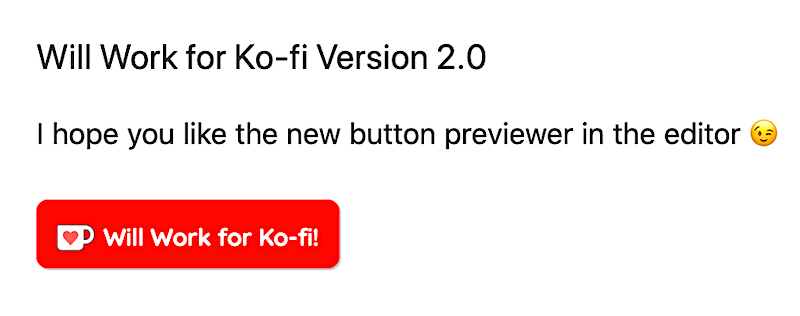
Your very own personalised official Ko-fi button.

Get creative with your button placement and styling.

Style your Will Work for Ko-fi block with custom CSS.

NEW live button preview in the block editor. Customise the heading and description in the editor. Edit the button text, button colour, and Ko-fi ID in the block inspector.

Use additional CSS for custom styling. Add your CSS class names under the Advanced section in the settings sidebar.
Changelog
2.1.1
- Added local Ko-fi image assets.
- Tested with WordPress 5.7.1.
2.1.0
- CSS changes. Mainly to add section class to avoid inheriting large padding used in Twenty Twenty theme CSS.
- Tested with WordPress 5.6.
2.0.0
- Added support for live preview of the Ko-fi button. The live preview displays inside the block while in the block editor.
- Moved the button text and button colour controls to the inspector (right sidebar).
- Removed the dependency for Lazy Blocks.
1.2.0
- Added proper use of enqueue for the official Ko-fi JavaScript library.
- Readme updates.
1.0.0
- First release. Tested on the Twenty Twenty and GeneratePress themes.