

Correos de Costa Rica Shipping Plugin
This plugin allows the creation of Tracking Code when a sale is made and Costa Rica Post is selected as the shipping option.
Plugin info
Maintenance & Compatibility
Maintenance score
Possibly abandoned • Last updated 2032 days ago • 2 reviews
Is Correos de Costa Rica Shipping Plugin abandoned?
Possibly abandoned (last update 2032 days ago).
Compatibility
Similar & Alternatives
Explore plugins with similar tags, and compare key metrics like downloads, ratings, updates, support, and WP/PHP compatibility.
Description
This plugin integrates Correos de Costa Rica as a shipping method for WooCommerce.
It allows the creation of Tracking Code when a sale is made and Costa Rica Post is selected as the shipping option.
Features included
Tracking code generation for each purchase order.
Set shipping cost based on delivery region, (inside and outside the GAM).
Custom settings available to restrict the use of Correos de Costa Rica as a method based on delivery areas.
Send the Tracking Number generated by email when the purchase order is created.
Display Tracking Number on purchase orders.
Proxy configuration form as a solution for servers with dynamic IP.
Addresses in Costa Rican format * (Based on dependent plugin).
Set free shipping cost based on rules like (A minimum order amount, A minimum order amount OR a coupon and A minimum order amount AND a coupon).
Installation
This plugin only works for the country Costa Rica. This plugin is an extension for WooCommerce and needs WC Provincia-Canton-Distrito plugin in order to use Costa Rican addresses format.
Instructions for obtaining connection credentials for the web service
The procedure is 100% physical at the Costa Rican post offices in the sales area, once the contract for the service is signed the credentials are generated, it is not an automated process.
This section describes how to install the plugin and get it working.
e.g.
- Upload the plugin files to the
/wp-content/plugins/plugin-namedirectory, or install the plugin through the WordPress plugins screen directly. - Activate the plugin through the ‘Plugins’ screen in WordPress
- Use the Settings->Plugin Name screen to configure the plugin
Frequently Asked Questions
Review feed
Screenshots
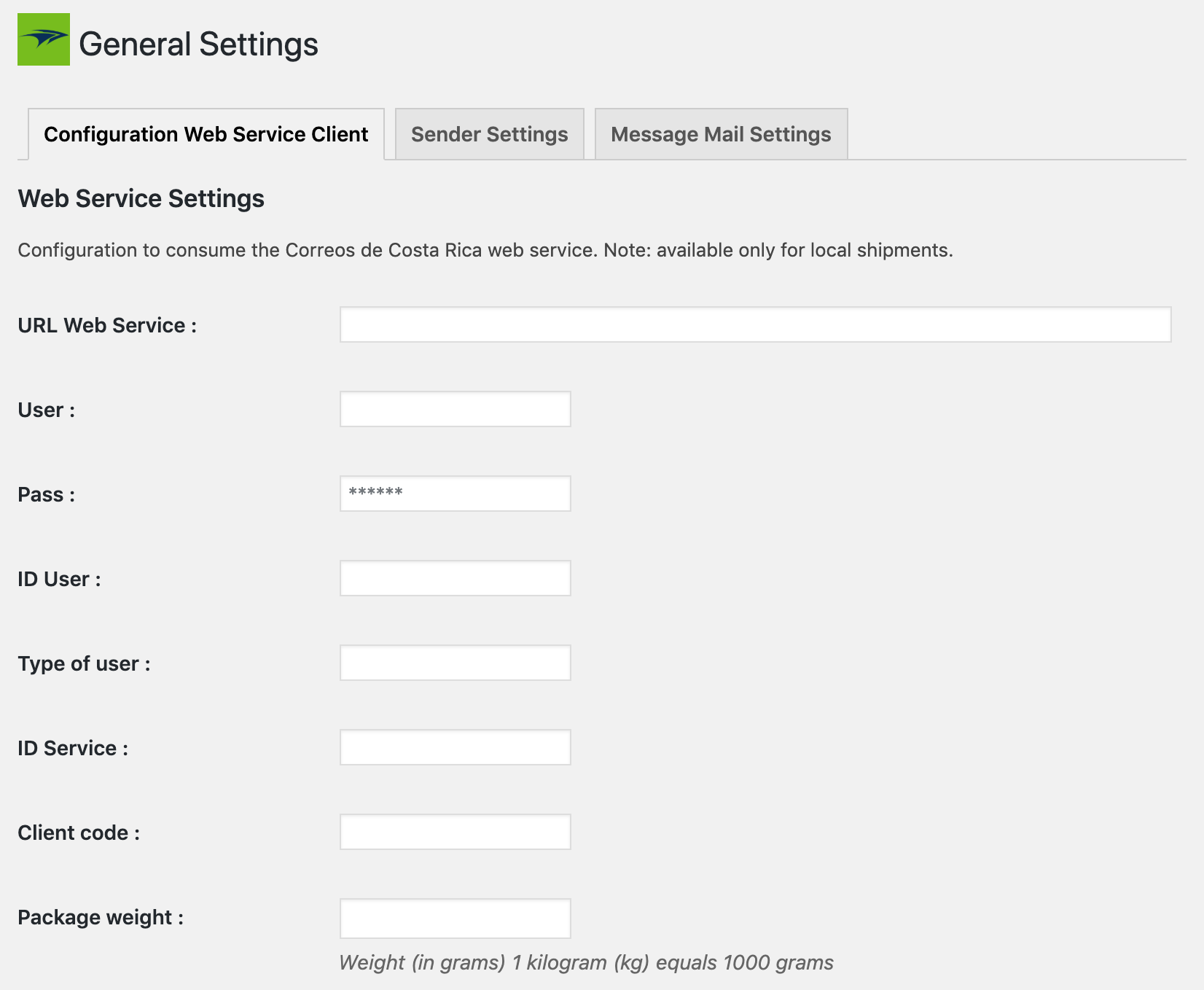
Web service configuration
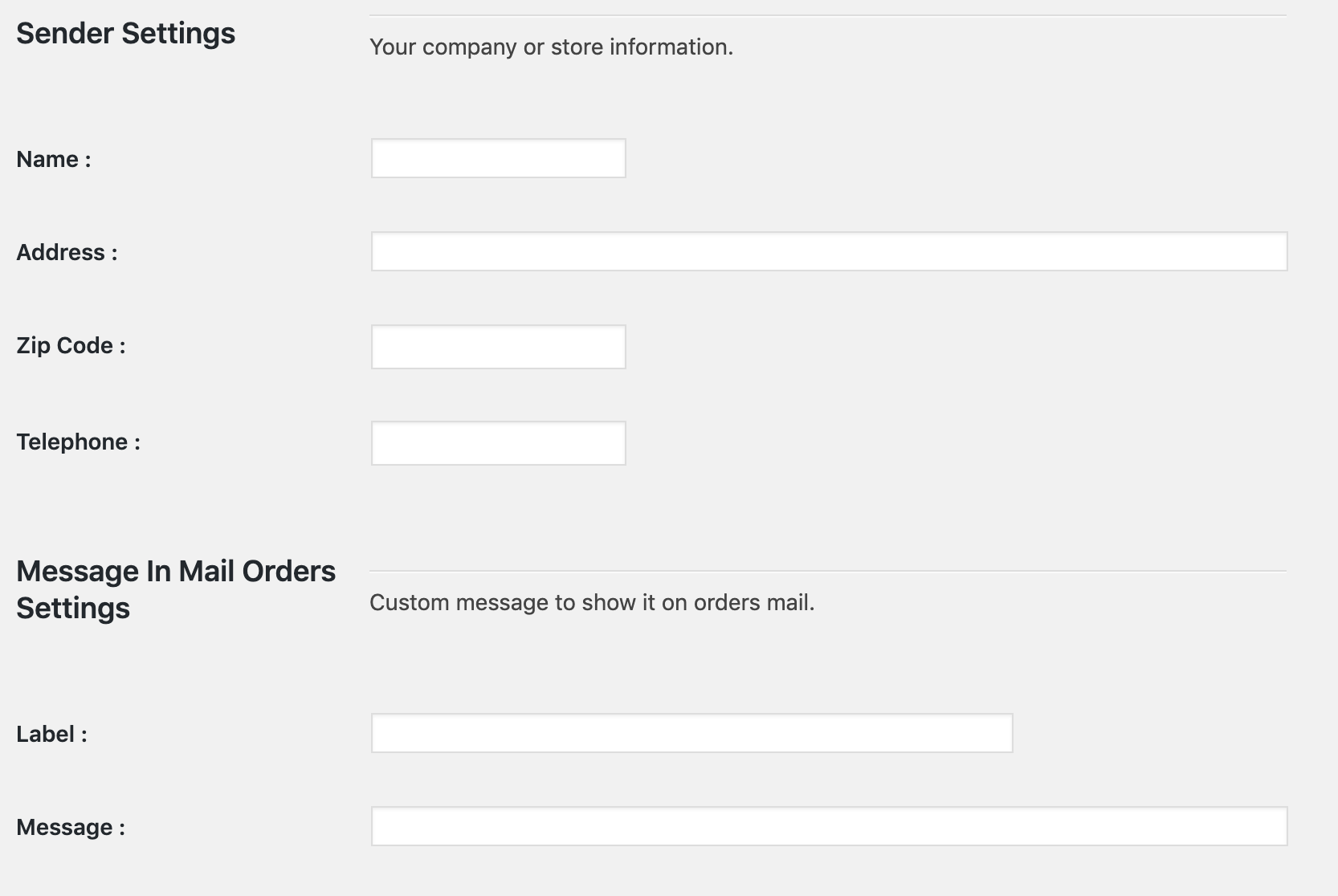
Sender settings
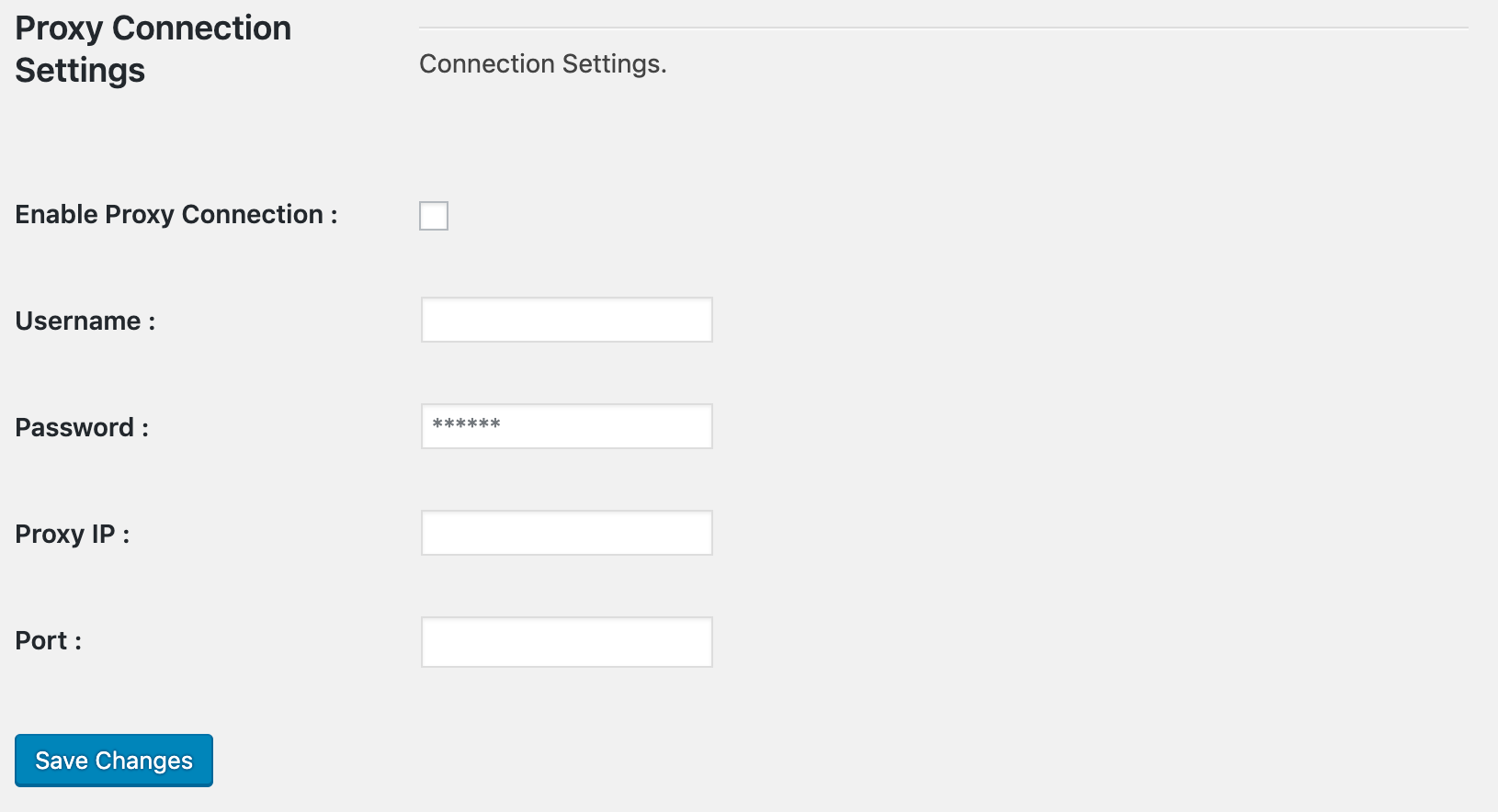
Proxy Settings
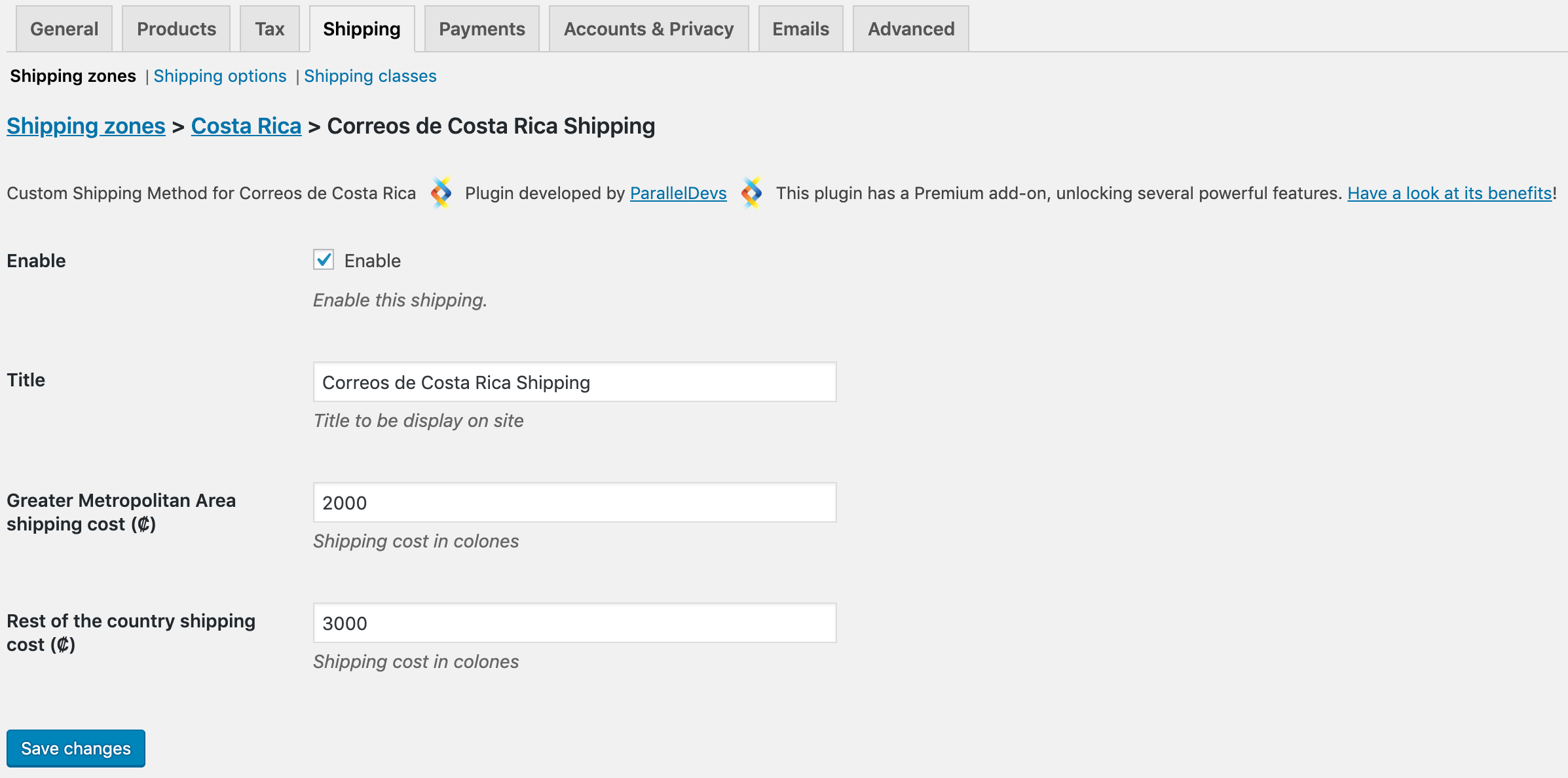
Shipping cost settings
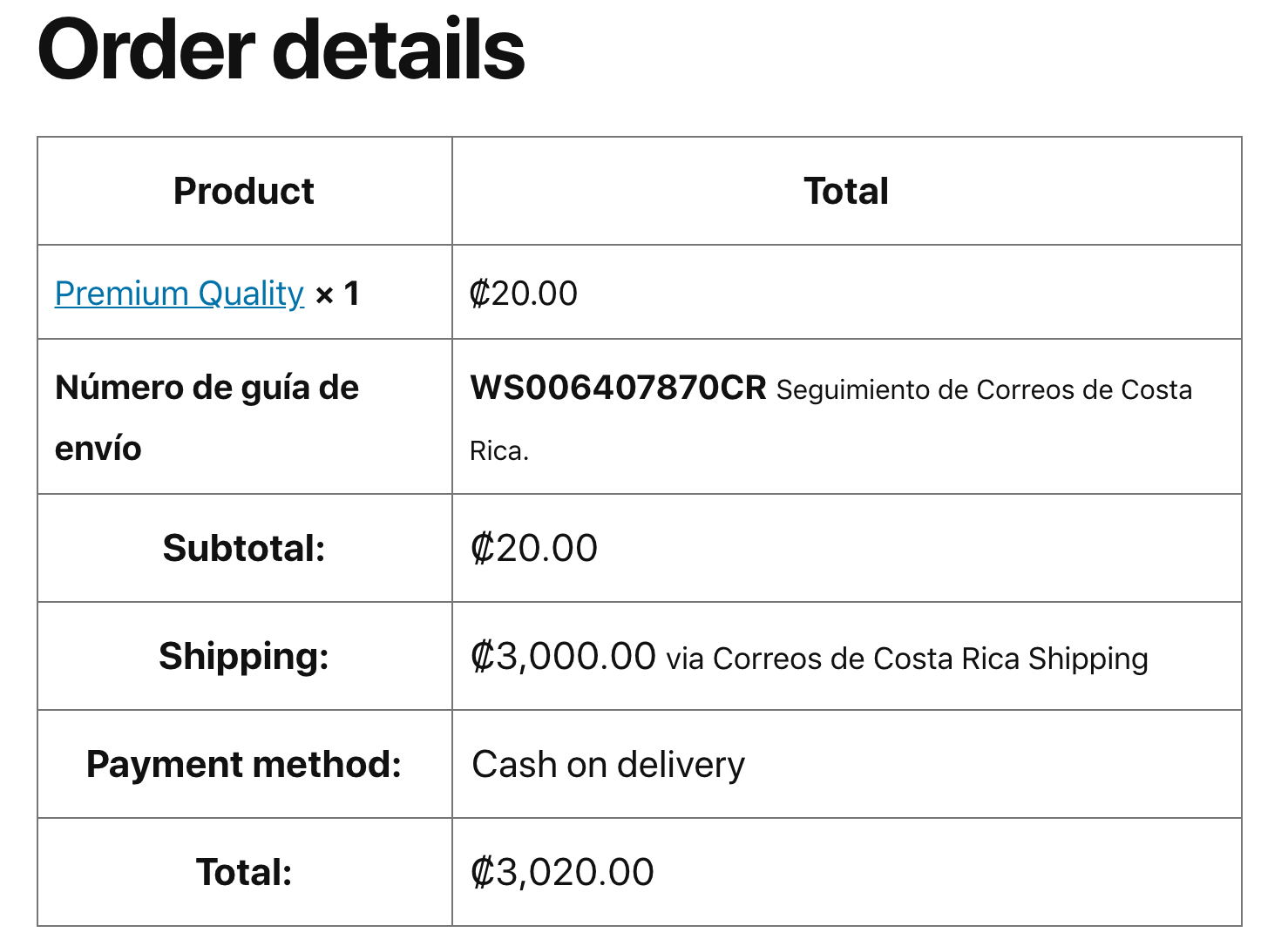
Order Details
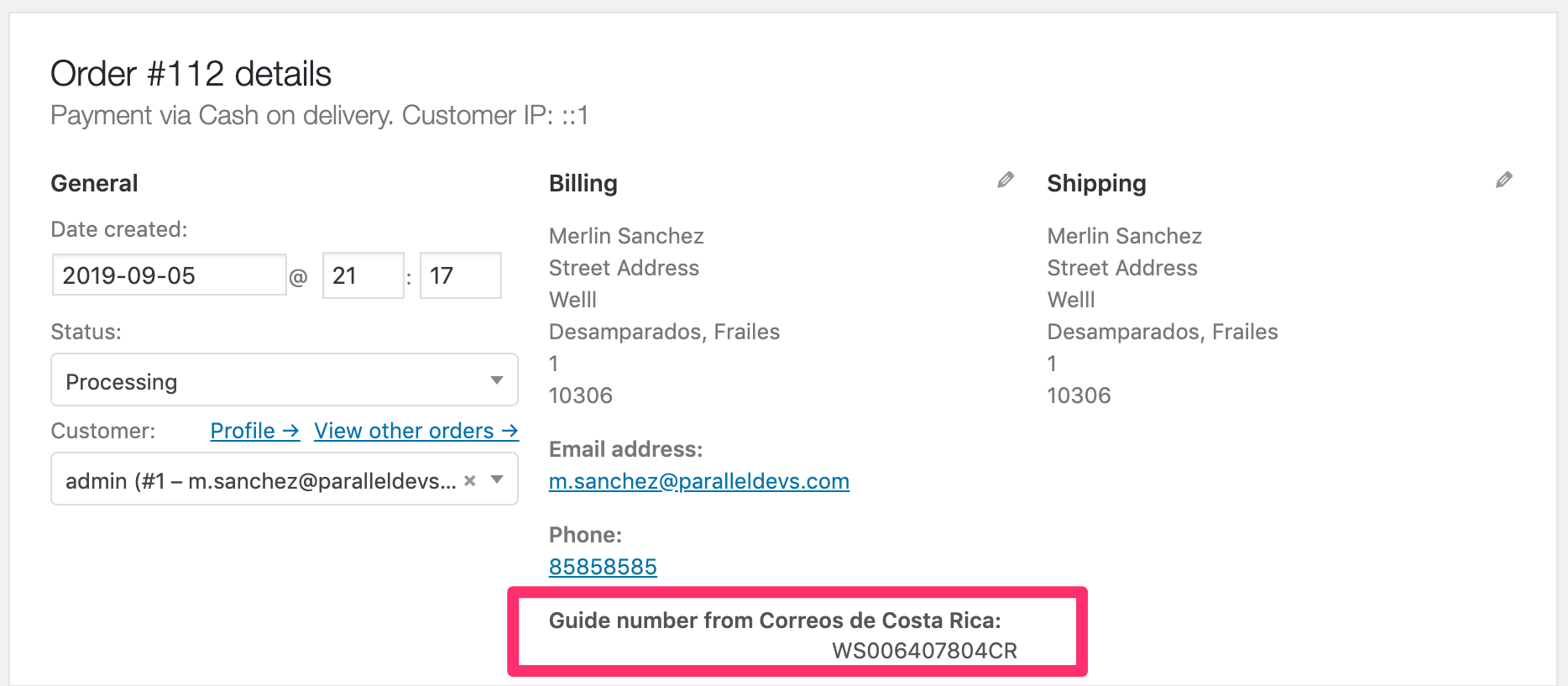
Order overview page
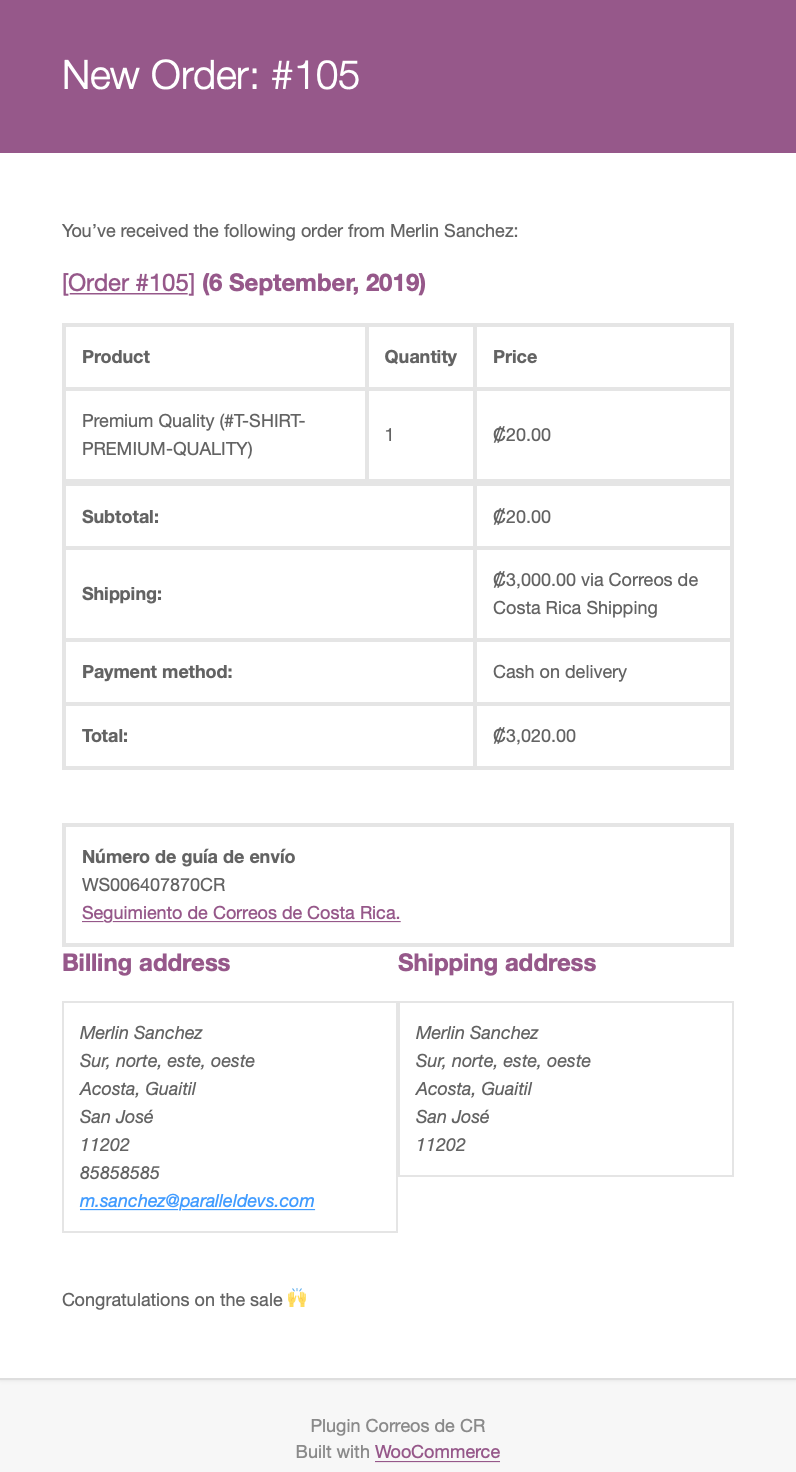
Order email
Changelog
0.1.1
- Add new feature – free shipping cost based on rules.
0.1
- Initial plugin release