

Woo Coupon URL
Attach a coupon code to your URL and apply it automatically to the cart.
Plugin info
Maintenance & Compatibility
Maintenance score
Possibly abandoned • Last updated 2574 days ago • 9 reviews
Is Woo Coupon URL abandoned?
Possibly abandoned (last update 2574 days ago).
Compatibility
Similar & Alternatives
Explore plugins with similar tags, and compare key metrics like downloads, ratings, updates, support, and WP/PHP compatibility.
Description
This plugins enables you create links with a coupon code that will be applied automatically.
If your shop URL is https://shop.example.com then you can add a coupon code in a query parameter like this https://shop.example.com?coupon=WELCOME10.
You can add the coupon code to any URL pointing to a page within yor WooCommerce store. It can be a homepage, product, category, cart, checkout or any other page.
https:\\shop.example.com\product\invisible-watch?coupon=vip-x4tz8https:\\shop.example.com\product-category\new-arrivals?coupon=HELLO-4M1GOhttps:\\shop.example.com\product-category\new-arrivals?coupon=HELLO-4M1GO
Example use case
A perfect case for Woo Coupon URL is when you want to offer a discount to your newsletter subscribers.
Normally, you’d append a coupon code to the email, and your customers would need to copy and paste the code.
With Woo Coupon URL you can now send a link with the discount code that will be applied when your customers click on the link.
Installation
- Upload the
woo-coupon-urlfolder to the/wp-content/plugins/directory - Activate the plugin through the ‘Plugins’ menu in WordPress
Frequently Asked Questions
Review feed
Screenshots
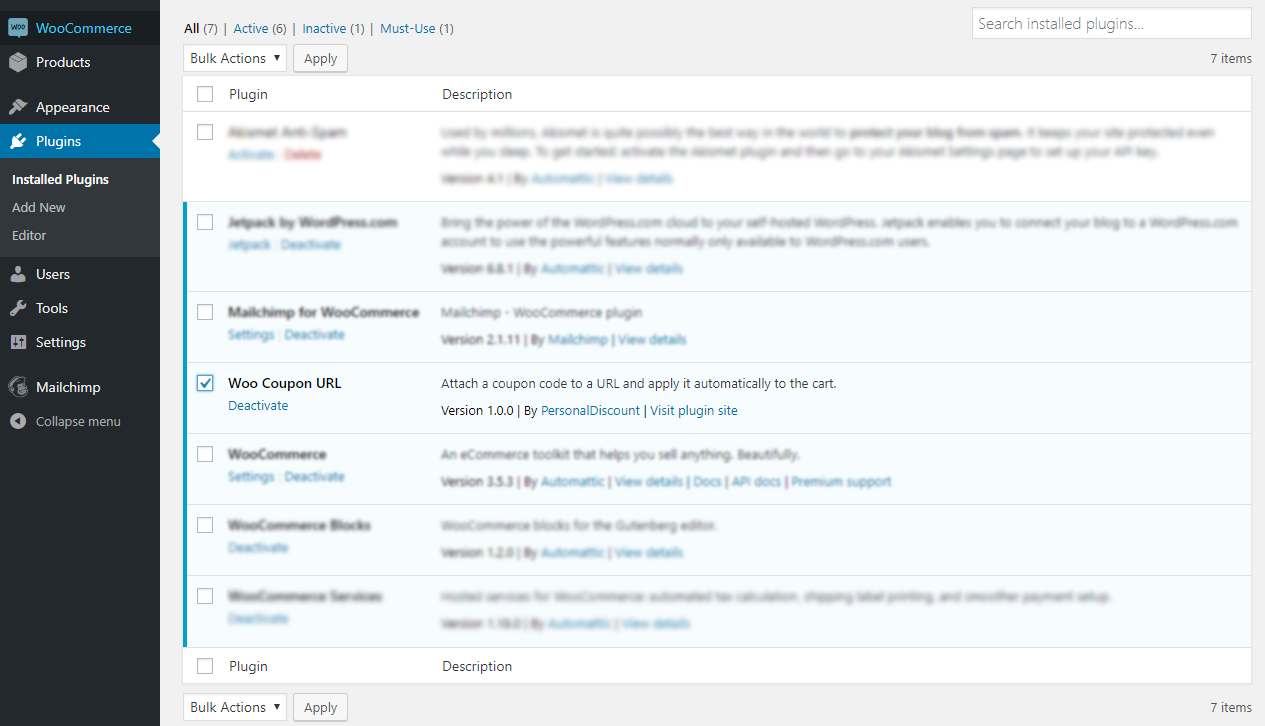
Woo Coupon URL on the plugins list.

Coupon code applied automatically from the URL.
Changelog
1.0.1
- Tested on Wordress 5.1.1
1.0.0
- Initial version