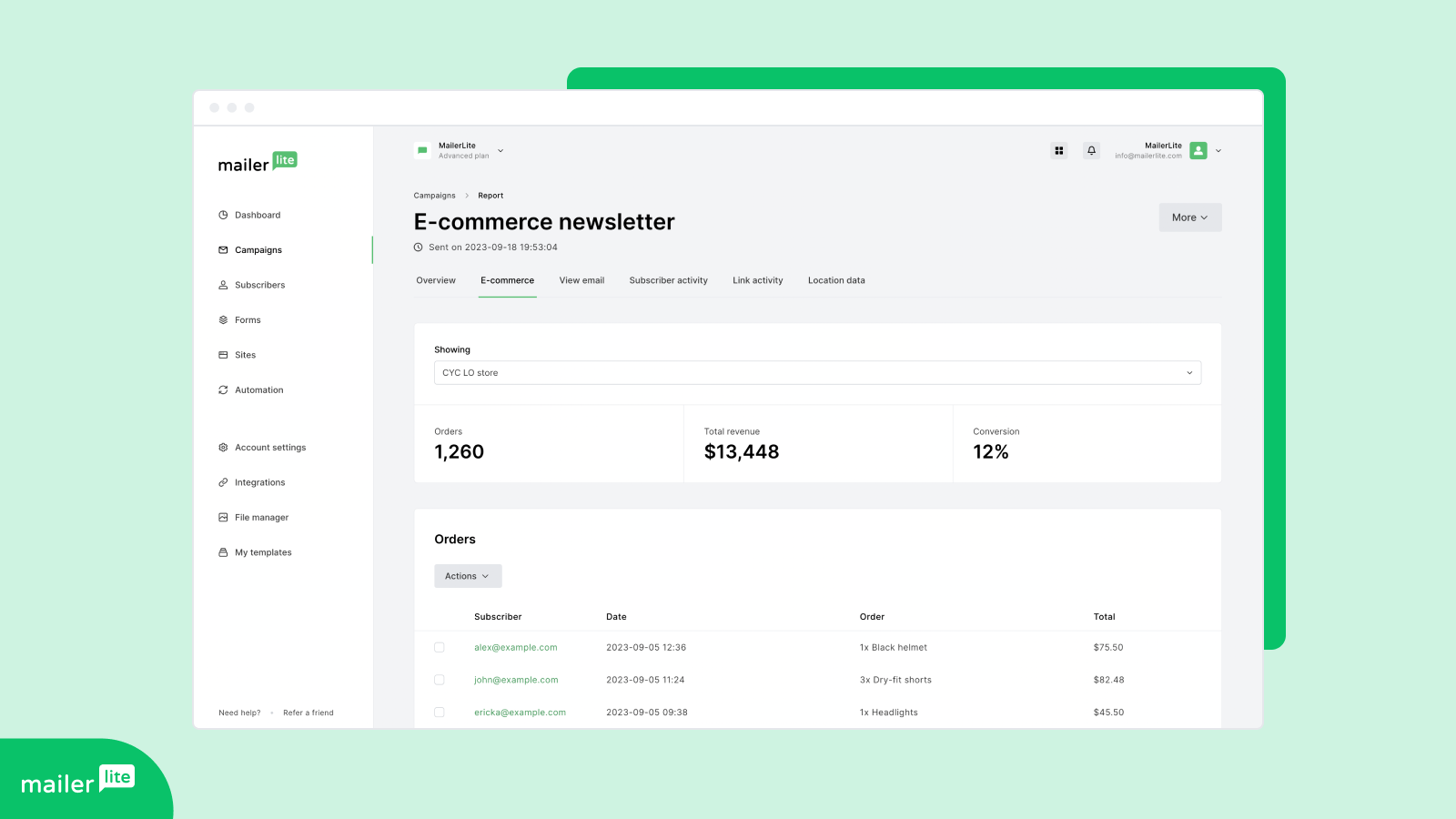
MailerLite – WooCommerce integration
Powerful e-commerce email marketing tools that are easy to use. Grow your store with automated emails, pop-ups, product blocks, sales tracking + more.
Maintenance 57/10041d since update
Active installs
30,000
Downloads
1,219,924
Reviews
63
Age
8.6y
TagswoocommerceecommerceemailmarketingautomationwooEmail Marketingmailerlite
Plugin info
Total downloads: 1,219,924
Active installs: 30,000
Total reviews: 63
Average rating: 2.9
Support threads opened: 9
Support threads resolved: 1 (11%)
Available in: 1 language(s)
Contributors: 1
Last updated: 11/20/2025 (41 days ago)
Added to WordPress: 5/11/2017 (8 years old)
Minimum WordPress version: 3.0.1
Tested up to WordPress version: 6.8.3
Minimum PHP version: 7.2.5
Maintenance & Compatibility
Maintenance score
Actively maintained • Last updated 41 days ago • Support resolved 11% • 63 reviews
57/100
Is MailerLite – WooCommerce integration abandoned?
Likely maintained (last update 41 days ago).
Compatibility
Requires WordPress: 3.0.1
Tested up to: 6.8.3
Requires PHP: 7.2.5
Similar & Alternatives
Explore plugins with similar tags, and compare key metrics like downloads, ratings, updates, support, and WP/PHP compatibility.
Fast MailerLite
Rating 0.0/5 (0 reviews) • Active installs 400
WordPress Mailerlite Integration Lite
Rating 2.3/5 (3 reviews) • Active installs 200
Centous Integration For Contact Form 7 And MailerLite
Rating 0.0/5 (0 reviews) • Active installs 20
MailerLite – Signup forms (official)
Rating 3.1/5 (37 reviews) • Active installs 90,000
Contact Form 7 Connector
Rating 4.3/5 (16 reviews) • Active installs 5,000
Optin Forms – Simple List Building Plugin for WordPress
Rating 4.6/5 (72 reviews) • Active installs 3,000
Description
Powerful e-commerce email marketing tools that are easy to use. Grow your store with automated emails, pop-ups, product blocks, sales tracking + more.
OFFICIAL PLUGIN FEATURES
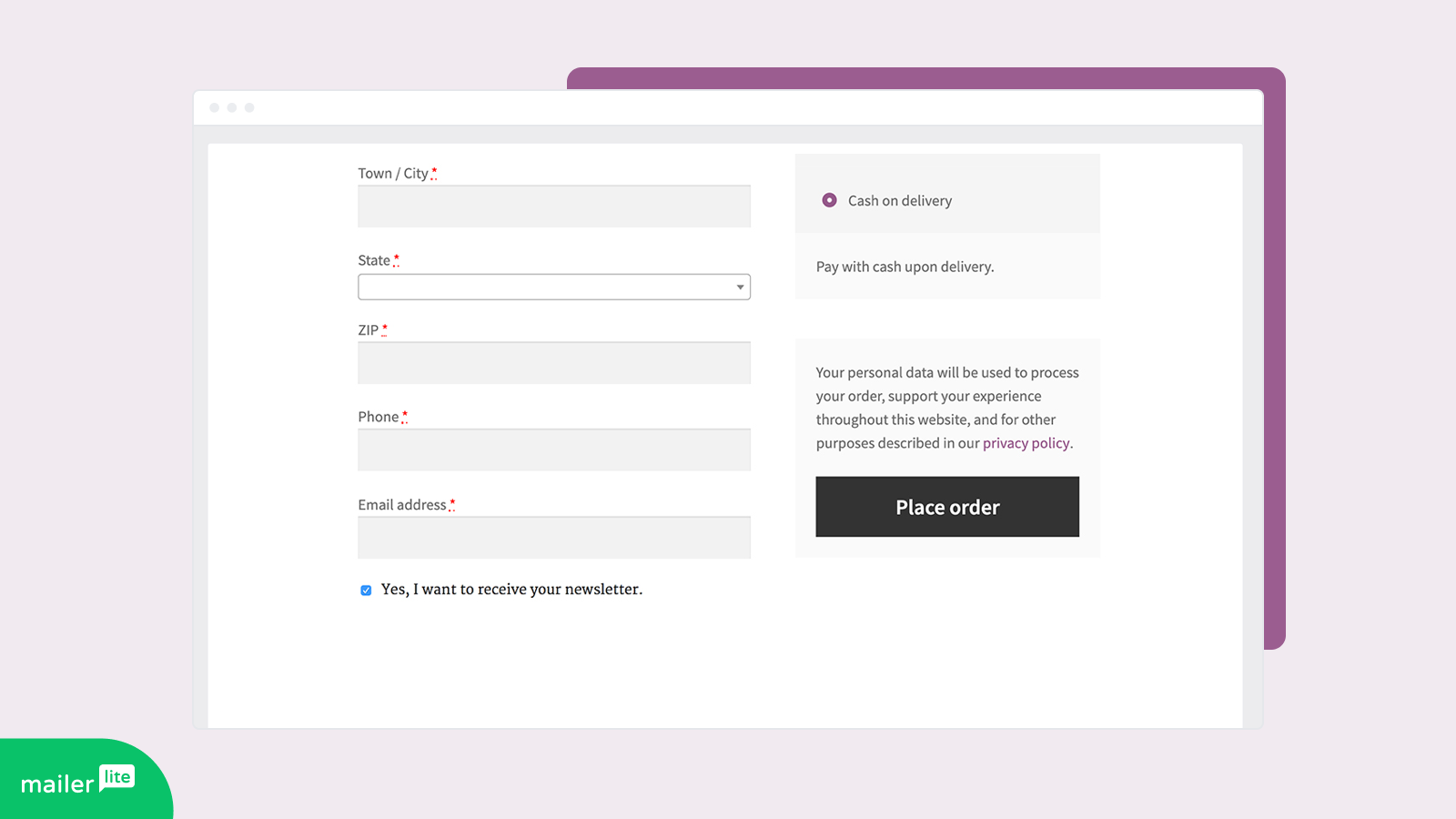
- Checkout integration
- Select between multiple positions
- Show/hide checkbox
- Enable/disable double opt-in
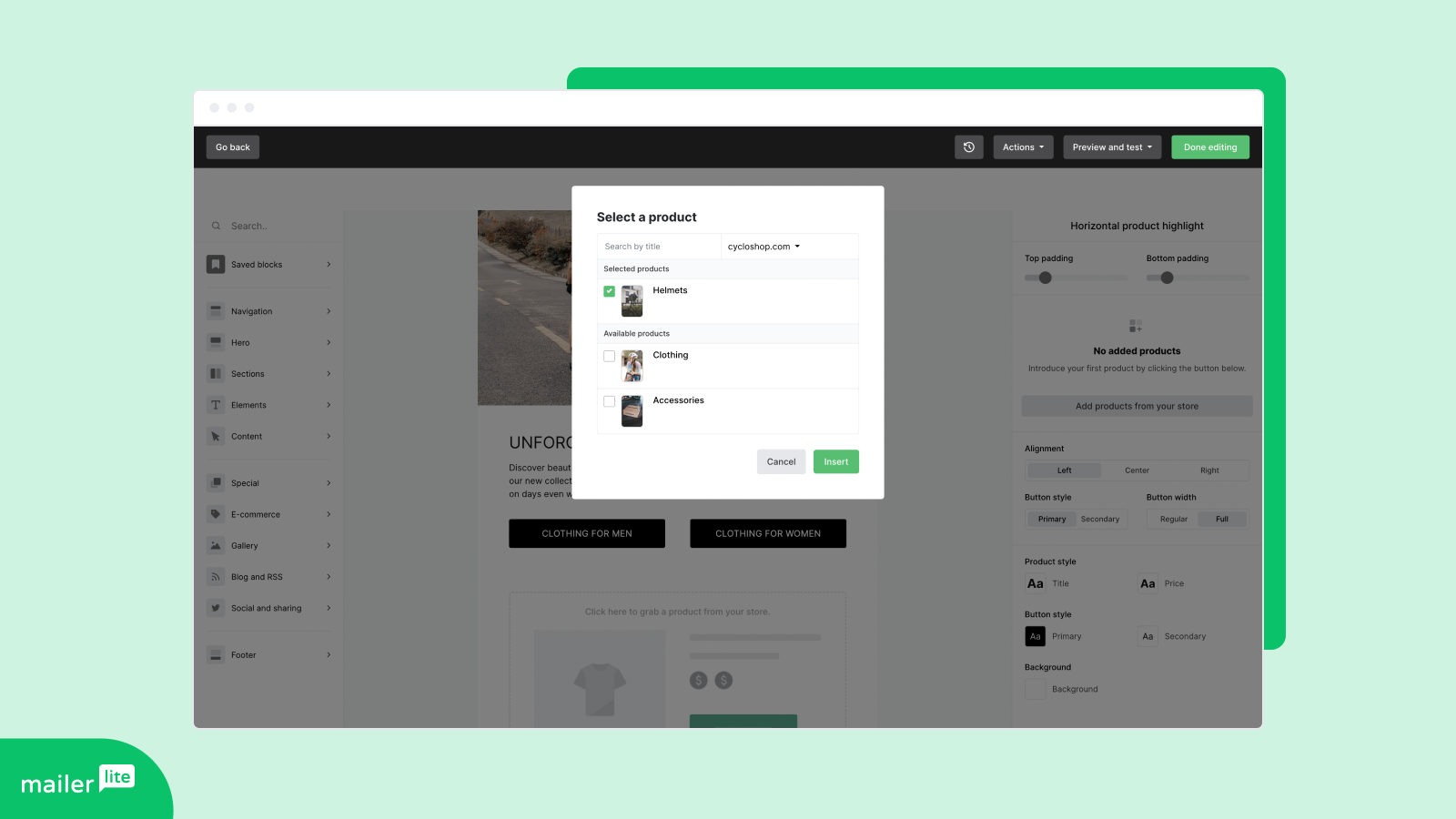
- Product importing
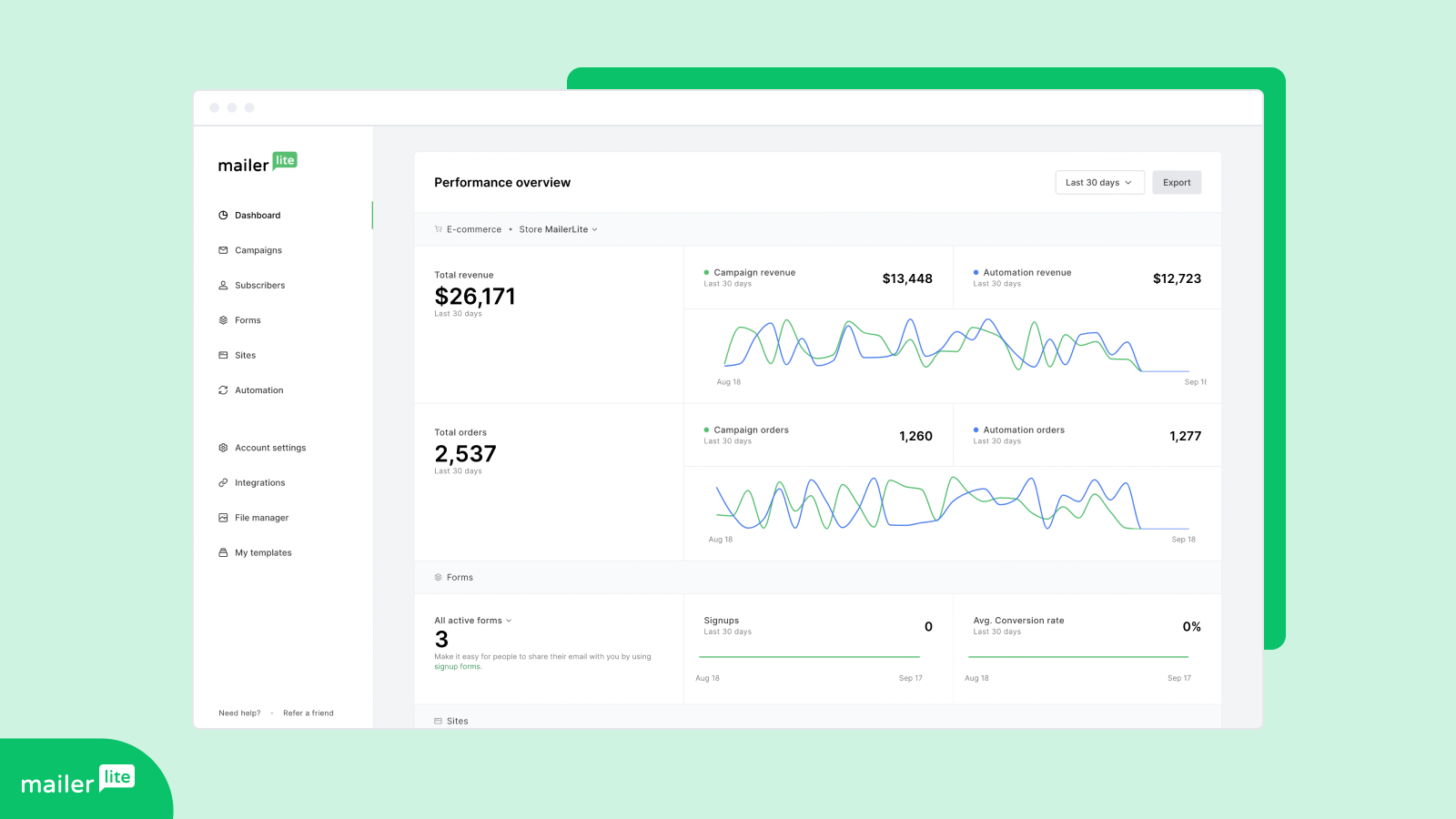
- Sales tracking and campaign ROI
- Customize checkbox label via settings page
- Forward order data to MailerLite
- Setup order tracking MailerLite custom fields
- Setup order related MailerLite segments
- Set up automation triggered by recent purchases
- Abandoned cart emails
- Subscribe pop-ups
- Regular updates and improvements: Check out the changelog
Quickstart
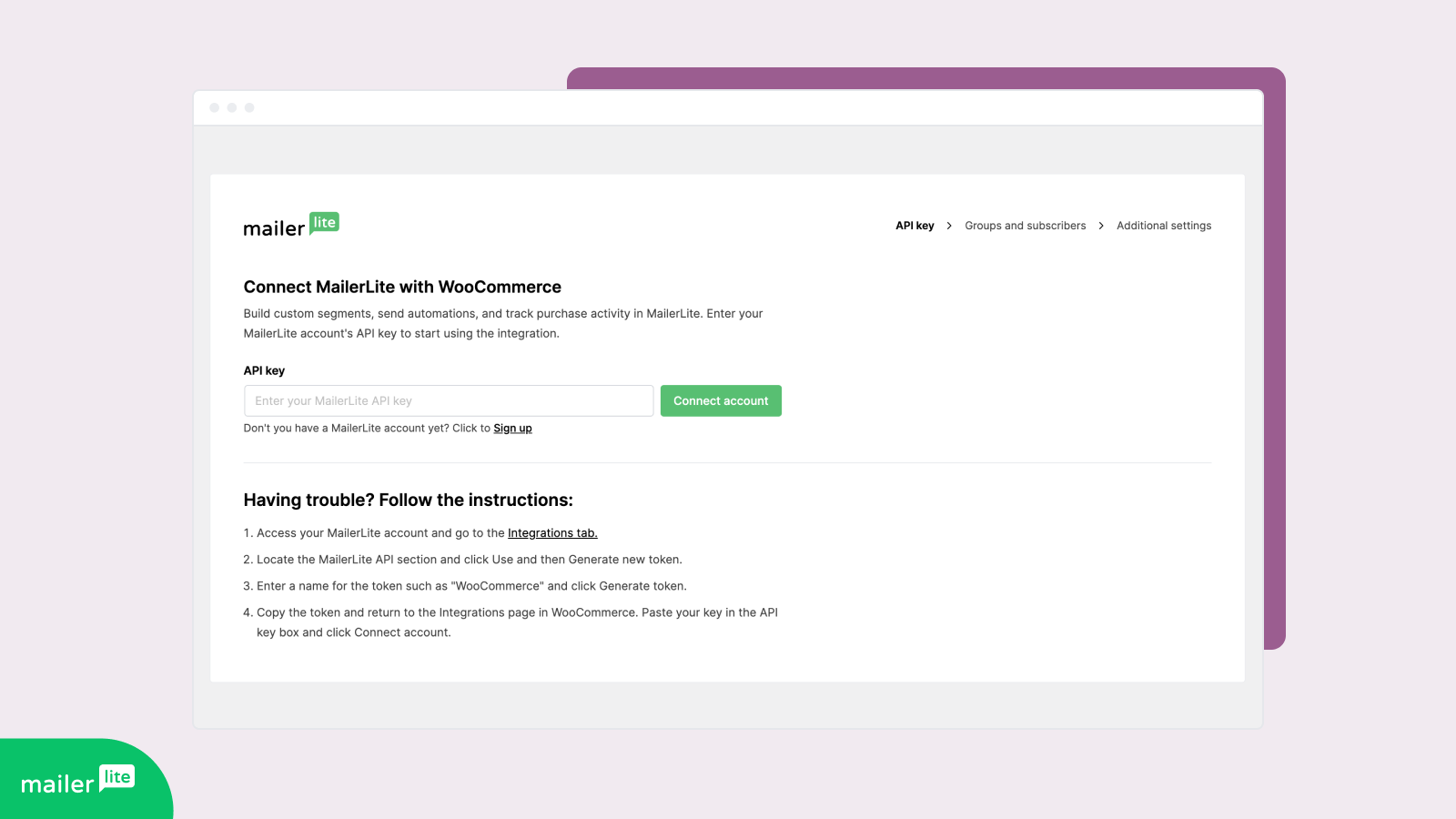
- Enter your MailerLite API key
- For e-commerce tracking on campaigns generate a consumer key + secret with read rights
- Select your default list/group
- Enable checkout integration
Credits
- Plugin created with the official MailerLite API.
Installation
The installation and configuration of the plugin is as simple as it can be.
Using The WordPress Dashboard
- Navigate to the ‘Add New’ in the plugins dashboard
- Search for ‘woo mailerlite’
- Click ‘Install Now’
- Activate the plugin on the Plugin dashboard
Uploading in WordPress Dashboard
- Navigate to the ‘Add New’ in the plugins dashboard
- Navigate to the ‘Upload’ area
- Select zip file from your computer
- Click ‘Install Now’
- Activate the plugin in the Plugin dashboard
Using FTP
- Download the plugin
- Extract the directory to your computer
- Upload the directory to the
/wp-content/plugins/directory - Activate the plugin in the Plugin dashboard
Frequently Asked Questions
Yes, WordPress Multisite is supported by this official plugin..
Review feed
Stefano Lodola
Breaks everyday
The integration breaks every day.
I wake up and find e-commerce automation deactivated together with an error message.
I reactivate them and the day after they're off again.
I've tried disabling the plugin, changing API keys, disabling Cloudflare, asking to support.
The integration still breaks regularly.
Mailerlite per se is good enough, but I fear I need to switch providers because of the integration with Woocomerce.
Daniel P.
Difficult to connect, poor feedback, poor UE & UI, duplicating subs fields
Settings link:
The settings link on the plugins page and on the notification that shows WordPress to finish setup is wrong, it goes to integrations under WooCommerce (domain.tld/wp-admin/admin.php?page=wc-settings&tab=integration). The right link must go to the integration itself: domain.tld/wp-admin/admin.php?page=wc-settings&tab=integration§ion=mailerlite
API key link:
On first setup under the API key field there is a link to create the API key but the information is outdated, so from there you can't create an API key. Now (on the new Mailerlite) the API keys are created from the integrations tab.
JS alert when validating API key:
For some reason when validating the API key, there is a JS alert for "are you sure to exit this page?". This is a wrong behavior. Maybe delete the validate button and create a simple save button at the bottom.
Difficult to connect/disconnect form MailerLite:
Once you enter your API key, the integration is NOT CONNECTED YET (but you don't know it)... After searching, I've found that I need to click on some messages the plugin shows on some settings fields "MailerLite integration setup not completed yet. Please click here." Those are in grayed text. This is too difficult to understand, maybe having a blue button that says CONNECT solves the issue and a status (feedback) like "connected" or "disconnected". The same goes for disconnect, I need to talk with support for manually disconnection from the backend. This is solved as before, a status and buttons to connect/disconnect.
Duplicating user fields on MailerLite:
When connecting for the first time, this integration creates and duplicates the fields under subscribers. Instead of having the 3 necessary fields, creates 6. I have tested in two websites.
No feedback at all:
We as users and developers need to know what is happening, when data is being sent to MailerLite, for example a new subscriber is sent from the checkout page, an abandoned cart is stored o created in the database, etc. We need feedback.
Abandoned carts not being fired:
There is no feedback for the abandoned carts on the WooCommerce part, we don't even know if the plugin is sending data or not. In my case, I have followed the docs and talked with support but no automations were fired. Would be nice to have a table with the abandoned carts (you already have the information on a database table). Also would be nice to know if the data was sent to MailerLite or not.
CSS conflict with Bootstrap 4 classes:
The checkbox in the checkout is conflicting with Bootstrap, is using the class custom-control-input. Please name your classes with some prefix like ml_.
Checkout must be in two steps (not working with default WooCommerce checkout):
This was told to me by a support agent:
So once people add a product to the cart and go to buy it, they have both name, email, address and payment on the same page. It's called 1-page checkout and sadly, our plugin doesn't work correctly in this setup.
Our plugin can only work correctly in a 2 step checkout method.
So in order to make it work, you would need to change the checkout method so it would be a 2-page checkout:
So, you are developing a plugin for WooCommerce that doesn't work on WooCommerce native? I'm lost here...
Changelog
3.1.3 (20th November 2025)
- Security improvements
3.1.2 (19th November 2025)
- Bug fixes and performance improvements
3.1.1 (4th November 2025)
- Bug fixes and performance improvements
3.1.0 (13th October 2025)
- Improved data and asynchronous resource synchronization
- Bug fixes and performance improvements
3.0.8 (15th September 2025)
- Improved cart synchronization and updates
- Minor bug fixes and performance improvements
3.0.7 (22nd August 2025)
- Bug fixes and improvements
3.0.6 (18th August 2025)
- Bug fixes and improvements
3.0.5 (18th August 2025)
- Bug fixes and improvements
3.0.4 (13th August 2025)
- Bug fixes and improvements
- Improved resource sync
3.0.3 (7th August 2025)
- Bug fixes and improvements
3.0.2 (7th August 2025)
- Bug fixes and improvements
3.0.1 (5th August 2025)
- Scope styles and scripts
- Custom table prefix fixes
- Bug fixes and improvements
3.0.0 (4th August 2025)
- Major codebase refactor for improved maintainability and clarity
- Enhanced data sync logic for more reliable and consistent synchronization
- Performance improvements across the plugin
- Cleaned up legacy functions and optimized resource loading
- Improved compatibility with latest WooCommerce and WordPress versions