

WooCommerce Mobile Checkout with Table
WooCommerce Mobile Checkout with Table display all WooCommerce products in Table View.
Plugin info
Maintenance & Compatibility
Maintenance score
Possibly abandoned • Last updated 1845 days ago • 1 reviews
Is WooCommerce Mobile Checkout with Table abandoned?
Possibly abandoned (last update 1845 days ago).
Compatibility
Similar & Alternatives
Explore plugins with similar tags, and compare key metrics like downloads, ratings, updates, support, and WP/PHP compatibility.
Description
Mobile Checkout with Table (MCT) is WooCommerce plugin display all products in table with sorting, searching and filter by categories. Simple and fast UI allow clients to see all products on one page. Almost all the fields are rendered in each columns.
Features
- All Products in Table View
- Search Products
- Sorting Products
- Pagination
- Image Thumbs
- Responsive
- Updated DataTable API
- Filters & Actions
FAQs
= Does it replace default Shop page? =
* No it does not replace default shop page
How to use this?
- Create a page and paste this shortcode: [wmct]
Product Columns Show/Hide?
- In free version, five basic columns are shown, please see screenshot for more detail
PRO Version
- Filter by Categories
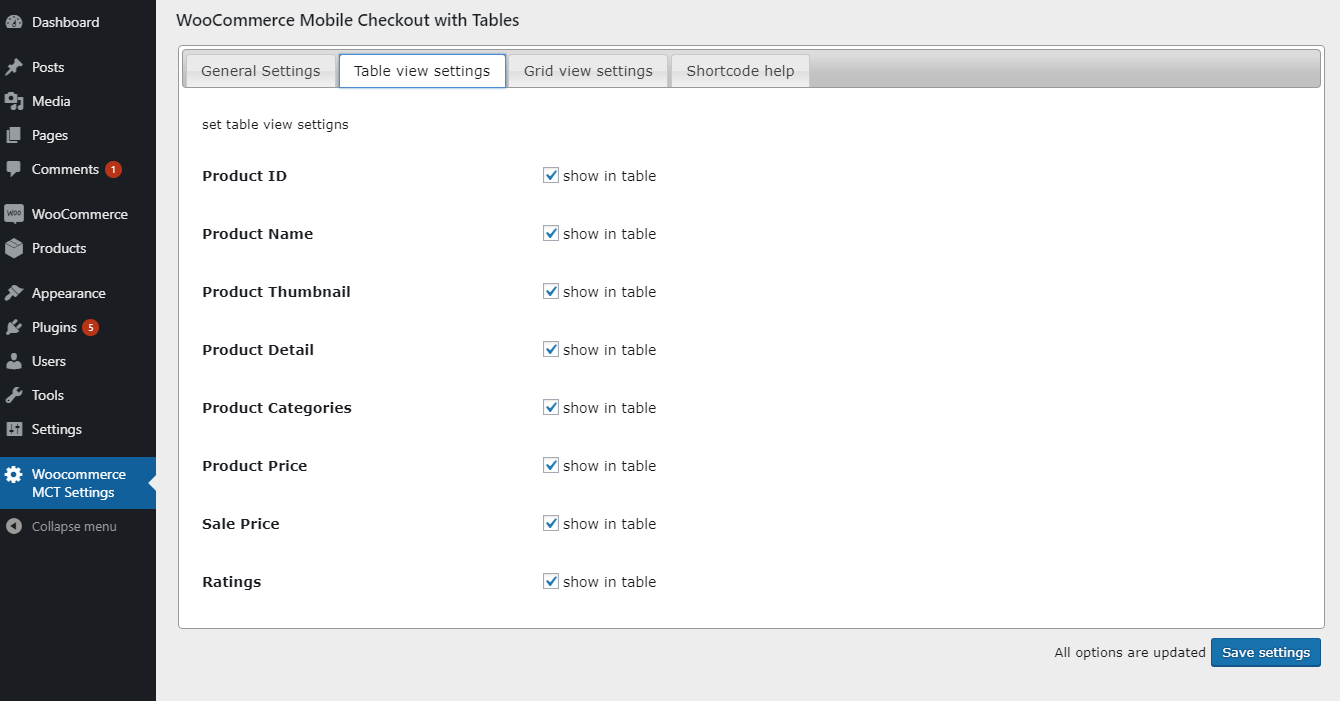
- Show/hide columns
- Grid View
- Generate Shortcode for Selected Categories
Installation
- Upload
woo-mctdirectory to the/wp-content/plugins/directory - Activate the plugin through the ‘Plugins’ menu in WordPress
- Once Plugin is activated,
Woo MCT Settingsmenu page will appear in Dashboard
Frequently Asked Questions
No it does not replace default shop page
Create a page and paste this shortcode: [wmct]
In free version, five basic columns are shown, please see screenshot for more detail
Review feed
Smart checkout
Screenshots

Plugin General Settings

Table View Settings

Table View Front-end 4- Table View Front-end (PRO)
Shortcode Generator for Grid View

Grid View Settings

Grid View Front-end


Changelog
1.2 May 8, 2018
- Tweak: WooCommerce version check
- Bug fixed: Product were not loading in table
1.1 March 2, 2018
- Bug fixed: Add to cart URL fixed
- Bug fixed: Sale price showing true/false, removed
1.0
- Just released.