

Woo superb slideshow transition gallery with random effect
Dont just display images, showcase them in style using this plugin. Randomly chosen Transitional effects in IE browsers, others simple fadein.
Plugin info
Maintenance & Compatibility
Maintenance score
Possibly abandoned • Last updated 1218 days ago
Is Woo superb slideshow transition gallery with random effect abandoned?
Possibly abandoned (last update 1218 days ago).
Compatibility
Similar & Alternatives
Explore plugins with similar tags, and compare key metrics like downloads, ratings, updates, support, and WP/PHP compatibility.
Description
Dont just display images, showcase them in style using this plugin. Randomly chosen Transitional effects in IE browsers, others simple fadein.
Check official website for live demo http://www.gopiplus.com/work/2010/09/19/woo-superb-slideshow-transition-gallery-with-random-effect/
Live Demo
More info
Comments/Suggestion
About author
Dont just display images, showcase them in style using this Woo superb slideshow transition gallery with random effect plugin.
This is an image slideshow gallery that brings each image into view using 1 of 15 randomly chosen
Transitional effects in IE browsers. For other browsers that don’t support these built in effects, a custom fade transition is used instead!
- Simple, simple, simple.
- Easy installation.
- Lovable transition effect on IE beowser & simple fade transition in other browser.
We can use this plug-in in three different way.
1. Go to widget menu and drag and drop the Woo superb slideshow transition gallery with random effect widget to your sidebar location. or
-
Copy and past the mentioned code to your desired template location.
-
Use below code in post or page.
[woo-superb-slideshow type=”widget” random=”YES”]
In above code “widget” is your gallery type, “YES” is random option.
Note : To best view all image should be in same size, because this plugin not generate any thumnail to display.
If you have different size images see FAQ question 6 & 7 or visit plugin site for more info.
Translators
- English (en_EN) – Gopi Ramasamy
- Polish (pl_PL) – Abdul Sattar
Frequently Asked Questions
-
How to change the slide delay time?
-
Where to upload my image?
-
How the slide show manages the order?
-
How to split the images for gallery?
-
Where to update the duration of transition?
-
Where to update the pause time between images?
-
To change or use the fixed width?
-
How to arrange the width & height of the slideshow?
Review feed
Screenshots
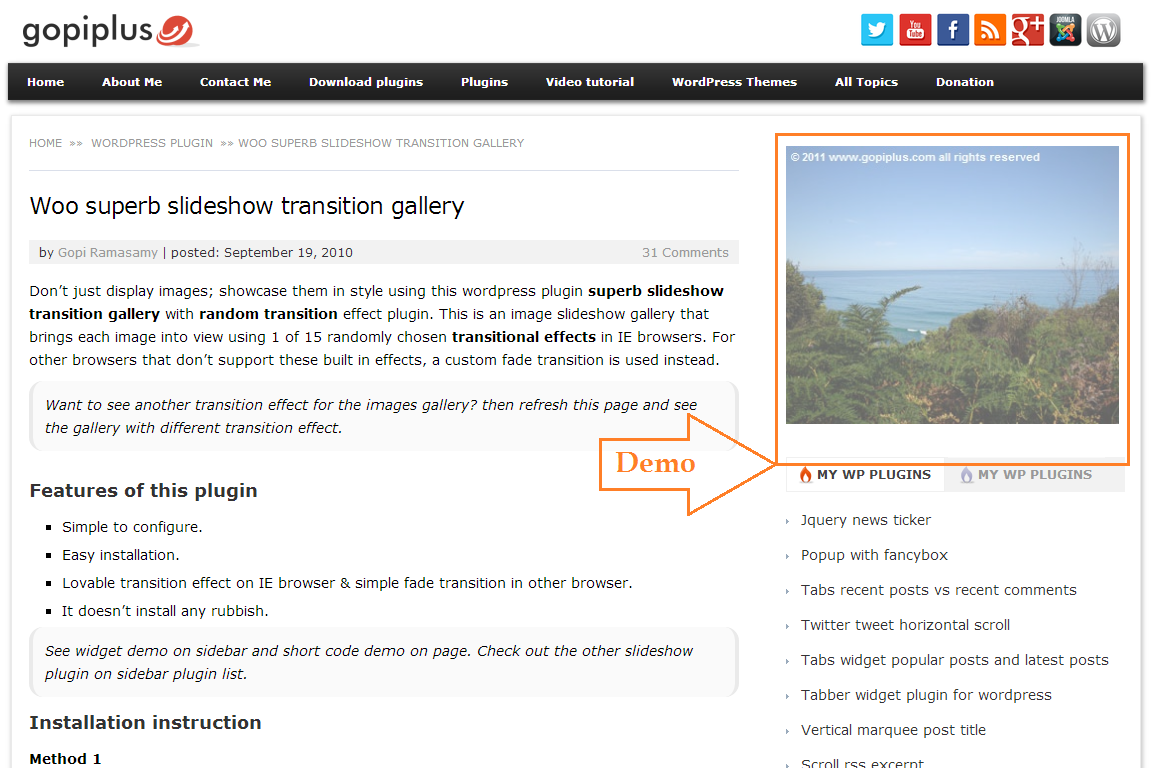
Front End Screen. http://www.gopiplus.com/work/2010/09/19/woo-superb-slideshow-transition-gallery-with-random-effect/

Admin Setting Screen. http://www.gopiplus.com/work/2010/09/19/woo-superb-slideshow-transition-gallery-with-random-effect/
Changelog
1.0
First version
2.0
Only admin can access this plugin in the admin dashboard
3.0
Tested up to 3.3
4.0
Tested up to 3.4
5.0
New demo link, www.gopiplus.com
6.0
Tested up to 3.5
Admin Delete Link problem has been fixed.
Slight change in the short code, Please find the new short code for your gallery.
New PHP code to load the plugin directly from theme file.
7.0
Tested up to 3.6
7.1
Added security feature.
New admin layout.
7.2
- Tested up to 3.8
- Now this plugin supports localization (or internationalization). i.e. option to translate into other languages.
Plugin *.po file (woo-transition.po) available in the languages folder.
7.3
- Tested up to 3.9
- Restricted direct page access.
7.4
- Tested up to 4.0
7.5
- Tested up to 4.1
7.6
- Tested up to 4.2.2
7.7
- Tested up to 4.3
7.8
- Tested up to 4.3.1
- Text Domain slug has been added for Language Packs.
7.9
- Tested up to 4.4
8.0
- Tested up to 4.5
- Sanitization added for all input value.
8.1
- Tested up to 4.6
8.2
- Tested up to 4.7
8.3
- Tested up to 4.8
8.4
- Tested up to 4.9
8.5
- Tested up to 5.2
- Uninstall option added. All plugin reference and plugin table will be cleared during uninstallation.
- Converted admin JS alert message into WP class file.
8.6
- Tested up to 5.3
8.7
- Tested up to 5.4
8.8
- Tested up to 5.5
8.9
- Tested up to 5.7
9.0
- Tested up to 5.8
- Use plugin short code in the widget.
9.1
- Tested up to 5.9