

Woocommerce Synchronizer
Manage your woocommerce online store using localhost without internet connection.
Plugin info
Maintenance & Compatibility
Maintenance score
Possibly abandoned • Last updated 2601 days ago • 1 reviews
Is Woocommerce Synchronizer abandoned?
Possibly abandoned (last update 2601 days ago).
Compatibility
Similar & Alternatives
Explore plugins with similar tags, and compare key metrics like downloads, ratings, updates, support, and WP/PHP compatibility.
Description
WooCommerce Store management By Localhost
The only way to manage WooCommerce offline in the world
If you manage an online store by WordPress and WooCommerce Plugin, you will certainly face with problems such as slow dashboard, high consumption of server resources, and problems encountered in shared hosts or low-cost servers, making difficult to work and edit products. On the other hand, the frequent interruptions of the Internet have been wasting our time for many times.
but , What if there was a way to deal with the interruptions of Internet connection, WordPress dashboard slow and lag, and the server resources, and save our time and money while managing the store and products. What if you always had the latest backup of your store products on your personal computer, worked round the clock without any restrictions or without needing Internet on your products, created a new product or changed it, and whenever your changes were completed, all the changes were transferred to your online store by pressing just one button.
By pressing one button, download all your online store products on your PC, disconnect your internet connection, and make any necessary changes to your products, categories, attributes , and tags. Add a new product or move it to Trash then connect to the Internet wherever you are prepared to release the product to your online store. Again, by pressing one button, apply all changes to your online store in less than a few minutes.
Free Version Features :
- “Making a Backup of” your online store products , categories , tags and attributes
- Supporting simple, downloadable, and virtual products
- Supporting online and offline mode
- Supporting categories, attributes, and tags
- Supporting categories with thumbnail image
- Supporting related products (up-sales, cross-sells)
- “Publishing” new products , categories , tags and attributes in online store by localhost
- “Editing” online store products , categories , tags and attributes by localhost
- Ability to specify offline or online publish / edit , per product , individually
- In-app bug-fix guide
Premium Version Features :
- Supporting simple, downloadable, virtual , “Variable” , “External” and “Grouped” products in online store backup
- Supporting simple, downloadable, virtual , “Variable” , “External” and “Grouped” products in publishing / editing
- Supporting Custom fields in products download or publish
- Supporting “Yoast Seo Plugin” in products download or publish
- Bulk editing : Full support from Bulk editing of products both in immediate and offline edit
- Supporting “Advanced Bulk Edit plugin” in immediate and offline edit
- Fast update : If you are working on your store products as a team and a number of your staff create changes in the site in the online mode, you can easily receive the latest changes made to the store and save them in your localhost in the shortest time.
Buy premium version
Installation
1.Install a local server on your pc(wamp or xampp)
2.Install WordPress on localhost
3.Install Woocommerce on localhost
4.Install “wc online store management by localhost” then go to plugin settings
5.Enter your online store rest-api key (there is a video guide in plugin , you can use that to get rest-api key) in setting fields
6.Enter your Server ftp information in settings fields
7.save your changes
Frequently Asked Questions
Internal server Error on Wamp , what should i do?
is this plugin support post and pages of target store?
Not yet.
is this necessary to download all products , categories , tags and attributes?
Yes
Can i work on products without internet connection?
Yes , Using the capability of the Publish list, you can apply any changes to the localhost products without connecting to the Internet. After that, connect to the Internet and transfer all changes to your online store by pressing one button in few minutes.
Review feed
Screenshots

Plugin setting page
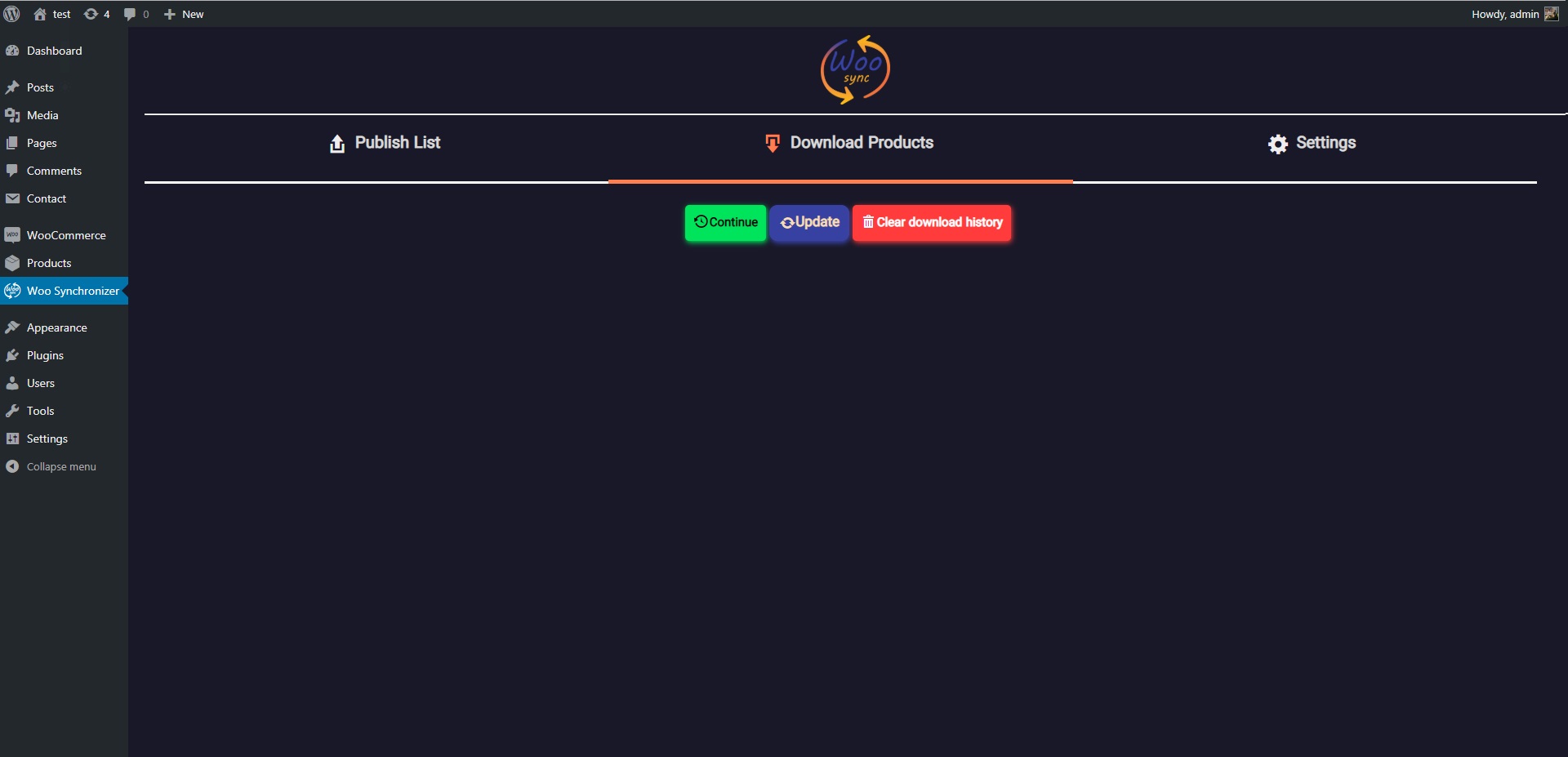
Download products
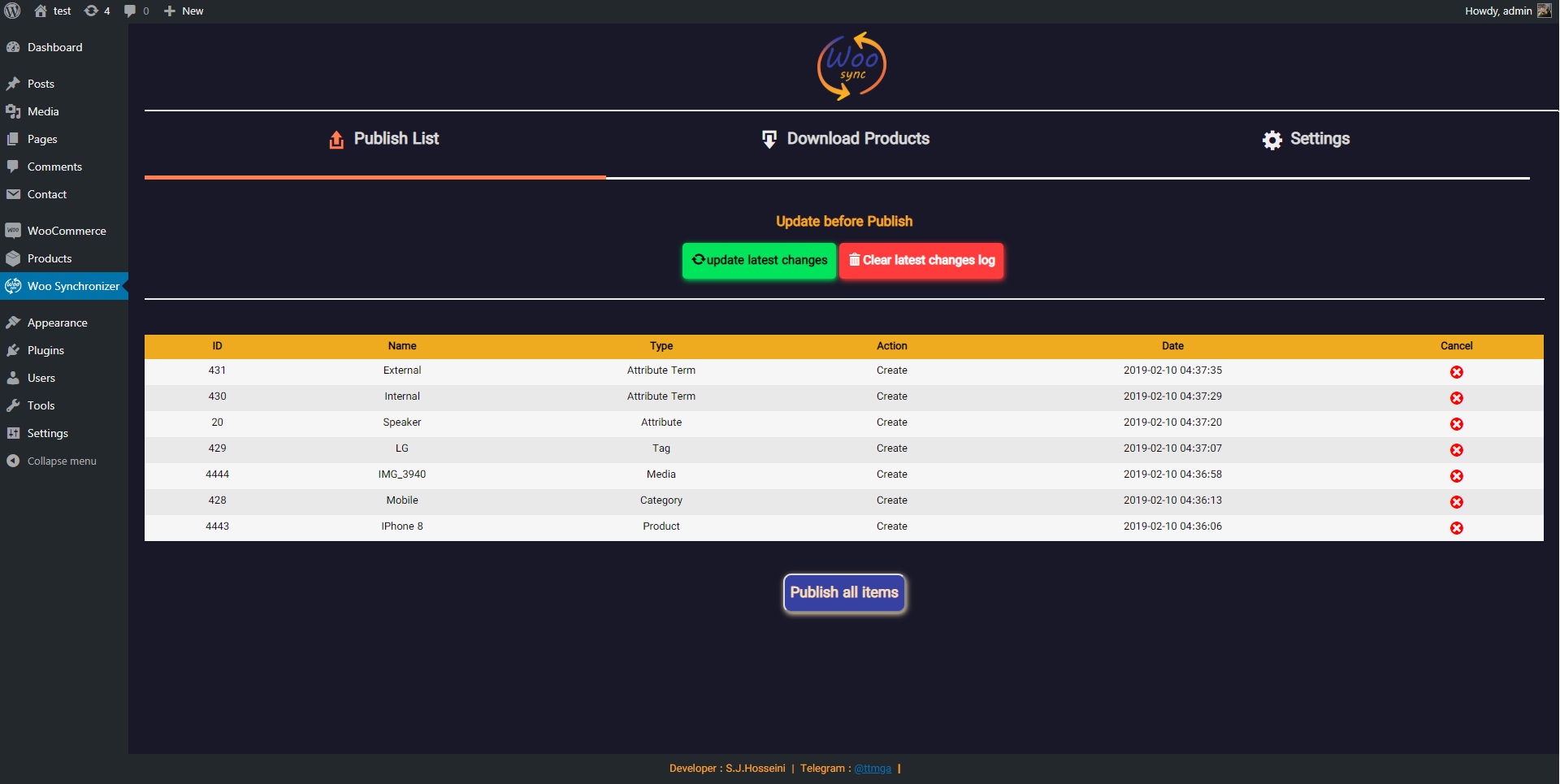
Publish list
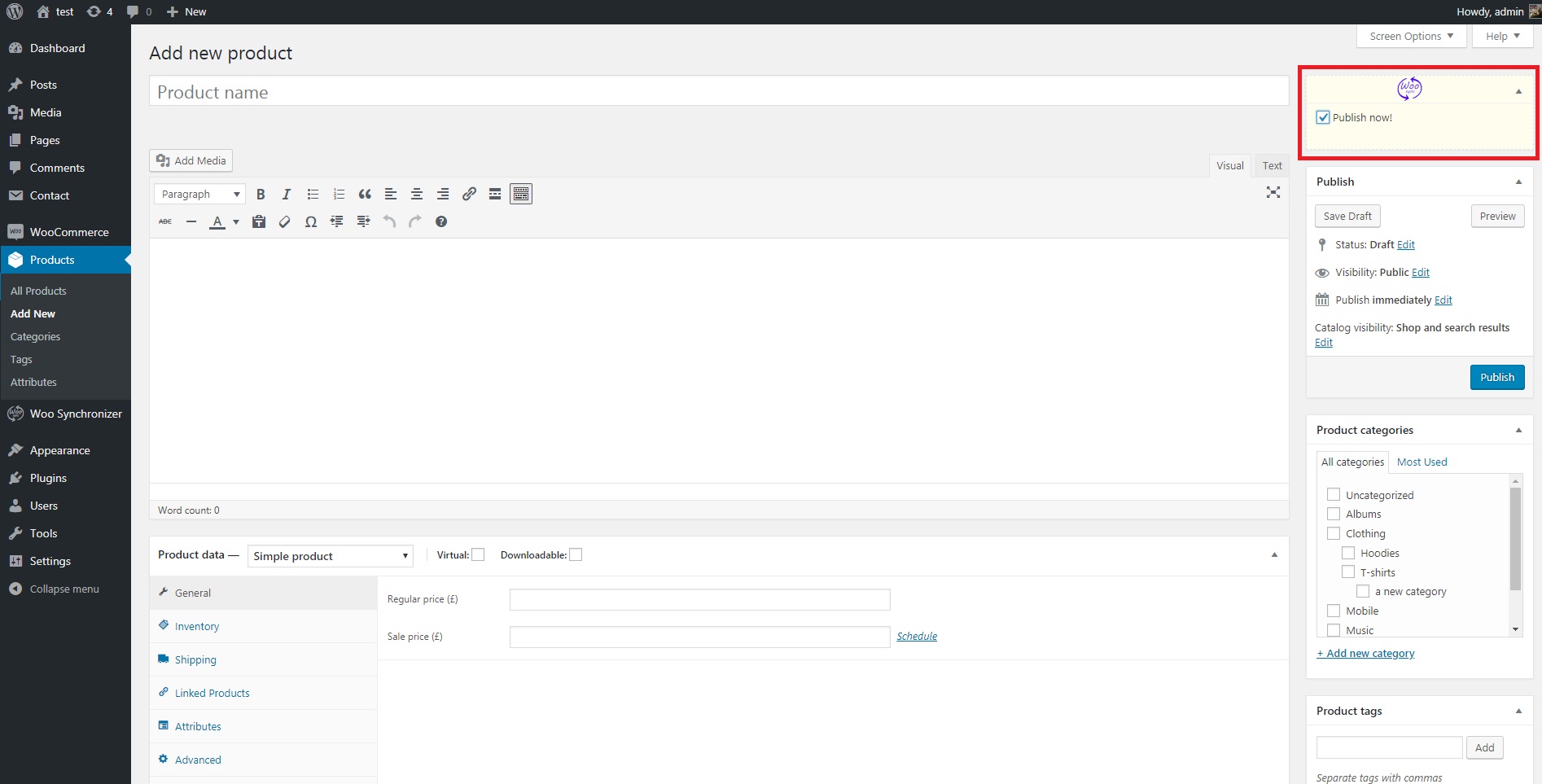
publish option in product edit page

downloading process
Changelog
=0.1=
Released into the wordpress