

WordPilot AI – SEO Writing Assistant
AI-powered SEO writing assistant for creating optimized, human-friendly, search-engine-ready contents.
Plugin info
Maintenance & Compatibility
Maintenance score
Stale • Last updated 217 days ago
Is WordPilot AI – SEO Writing Assistant abandoned?
Likely maintained (last update 217 days ago).
Compatibility
Similar & Alternatives
Explore plugins with similar tags, and compare key metrics like downloads, ratings, updates, support, and WP/PHP compatibility.
Description
WordPilot connects your WordPress site to the WordPilot AI platform so you can generate, review, and publish SEO-focused content without leaving the WordPress admin.
Core features
* Generate SEO-rich posts and pages from the WordPilot AI platform
* One-click publishing to WordPress (draft, scheduled, or publish)
* Built-in content metadata (SEO title, meta description, focus keywords)
* Simple dashboard to manage generated content and publishing history
* Page view / visit counting for published items
* Secure Authorization key-based integration and re-verification flow
Why use WordPilot?
WordPilot helps teams and solo authors speed up content creation while keeping control of quality and SEO settings. Save time on drafts, scale content creation, and measure post performance in one place.
Additional Info
- Home page: https://wordpilot.ai
- Dashboard: https://app.wordpilot.ai
- Support: [email protected]
Privacy Policy
WordPilot respects your privacy. The plugin sends content generation requests and verification tokens to the WordPilot API. No site user passwords are transmitted. For full details, see the WordPilot Privacy Policy: https://wordpilot.ai/privacy
Installation
- Upload the
wordpilotfolder to the/wp-content/plugins/directory, or install via the WordPress plugins screen. - Activate the plugin through the ‘Plugins’ menu in WordPress.
- On first load, the plugin displays the WordPilot verification form.
Enter your WordPilot Authorization key to connect your site.
Once verified, the page refreshes and shows the WordPilot dashboard. - Use the WordPilot admin menu to generate and publish content.
Frequently Asked Questions
Yes. WordPilot AI account credentials (Authorization key) are required to generate content via the platform.
A user must have the edit_posts capability to publish content via WordPilot. Administrators can manage API connections and plugin settings.
WordPilot outputs standard post and page content plus meta fields. It is compatible with most themes and popular SEO plugins. If you use a theme or plugin that modifies the post-save flow, test publishing on staging first.
Connections use API keys and HTTPS. API keys are stored in the database in an option controlled by the site admin. We recommend using a secure admin account and HTTPS on your site.
To reconnect, go to the WordPress Plugins page and click the Reconnect link under WordPilot.
This will re-open the verification form. Enter your WordPilot Authorization key again and complete
the verification. Once successful, the plugin refreshes back to the main dashboard.
Review feed
Screenshots
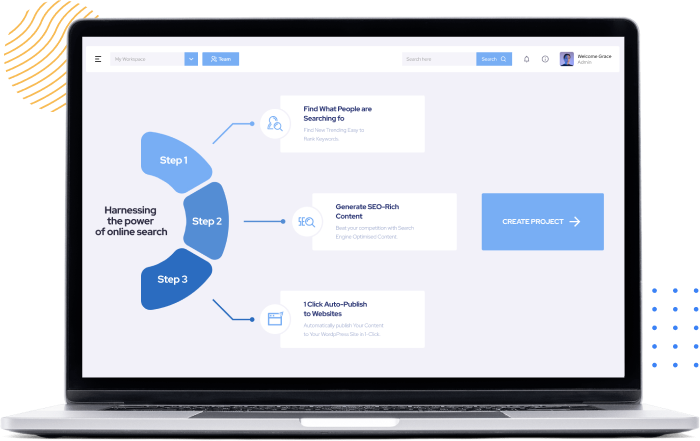
WordPilot Dashboard — overview of generated drafts and publishing status.
Content Generation — prompt fields and SEO controls.
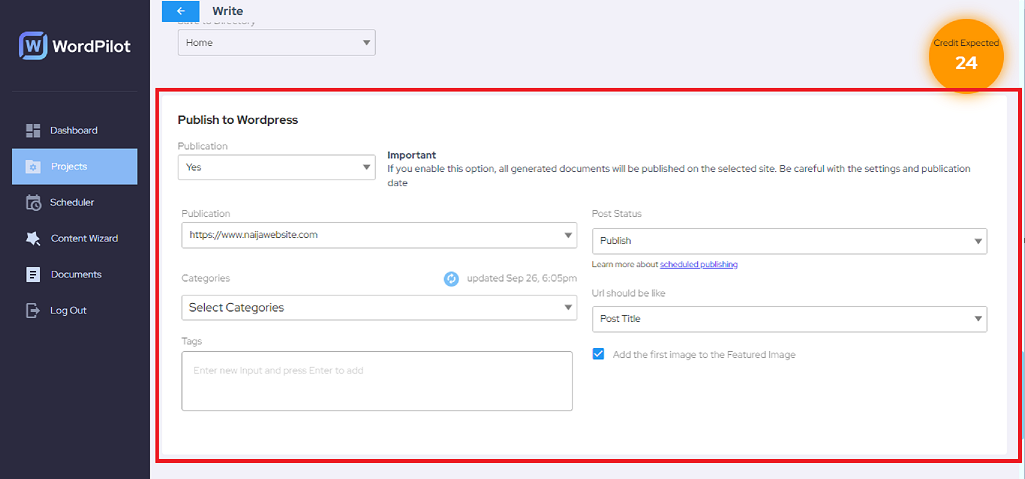
Publishing UI — choose draft, schedule, or publish immediately.

Publishing Reports — post performance and view counts.

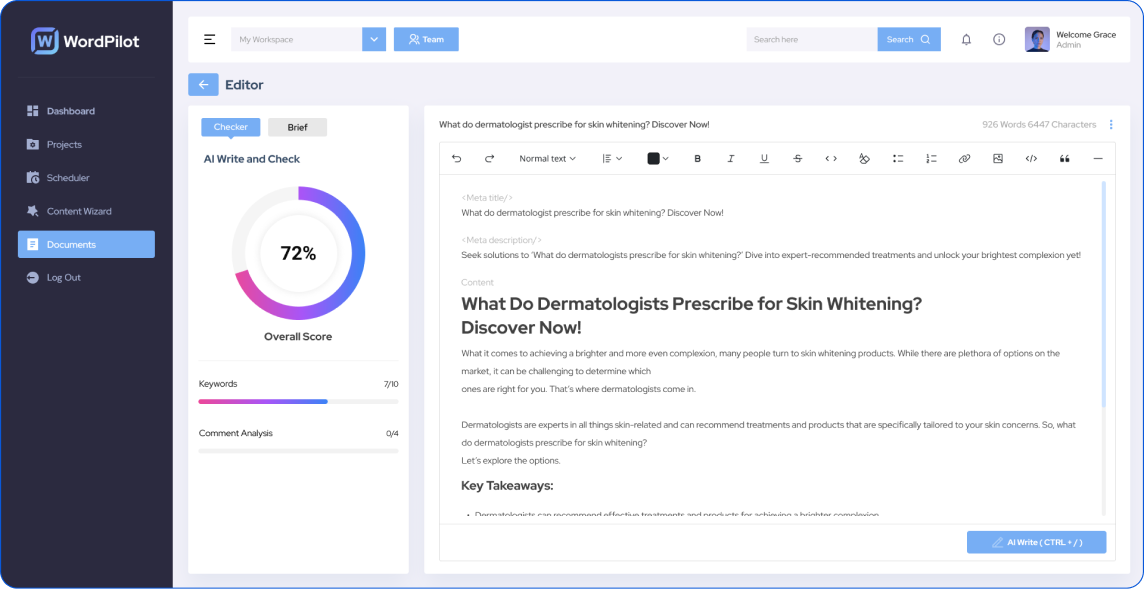
Generated Content — example of an AI-generated post in the editor.
Changelog
1.0.0
- Initial public release
- Generate, review, and publish WordPilot AI content
- Dashboard, analytics, and secure API integration