

WordPress Sinhala Comments
Make it very easy to comment in Sinhala, without any 3rd party Software or Sites.
Plugin info
Maintenance & Compatibility
Maintenance score
Stale • Last updated 297 days ago • 1 reviews
Is WordPress Sinhala Comments abandoned?
Likely maintained (last update 297 days ago).
Compatibility
Languages
Similar & Alternatives
Explore plugins with similar tags, and compare key metrics like downloads, ratings, updates, support, and WP/PHP compatibility.
Description
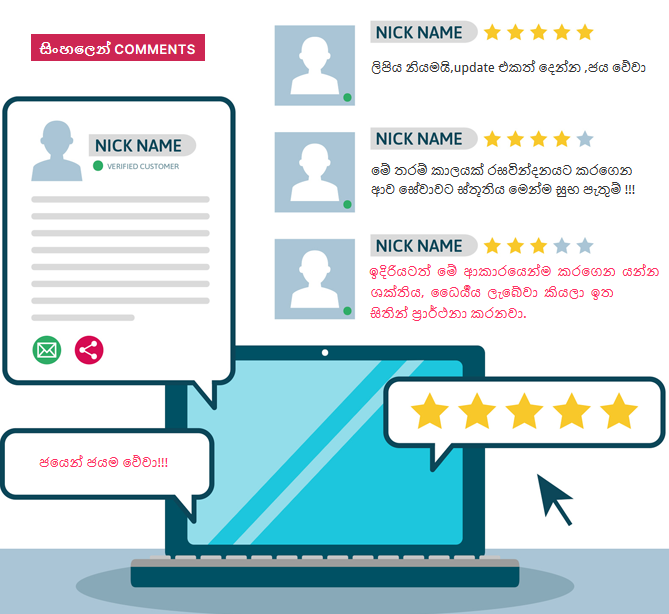
If you have a Sinhala WordPress Blog, this Plugin is a must have. This Plugin make it really easy to comment in Sinhala. There is no need of any other Sites or Software.
Use this plugin and help users to express themselves in there own words…
Installation
- Upload “wordpress-sinhala-comments” file to the
/wp-content/plugins/directory. - Activate the plugin through the ‘Plugins’ menu in WordPress.
If you more details visit official plugin Page.
https://webexplorar.com/wordpress-plugins/wordpress-sinhala-comments-plugin/
Frequently Asked Questions
-How can I comment in sinhala?
-Simply click on the “සිංහලෙන් comments” button of the comment box and then displayed a singlish comment box.
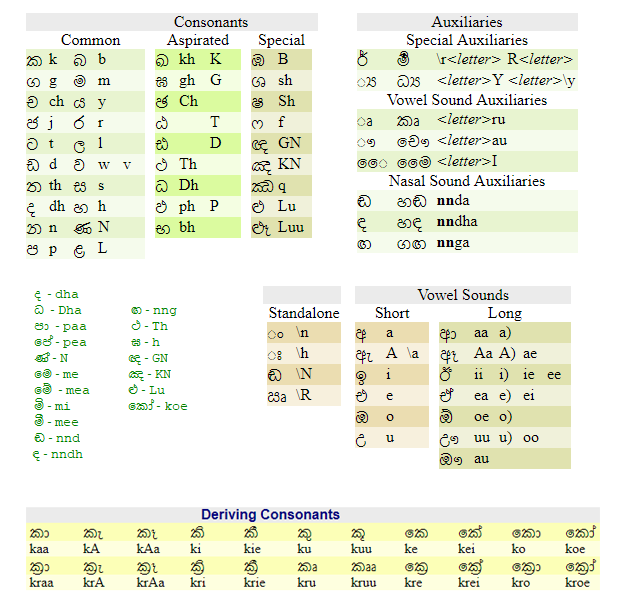
-Type your comment in singlish.Then comments will be added to the comment box in sinhala.

Visit the Plugin Page. Ask questions. Plugin author will be glad to answer.
https://webexplorar.com/wordpress-plugins/wordpress-sinhala-comments-plugin/
Review feed
Screenshots
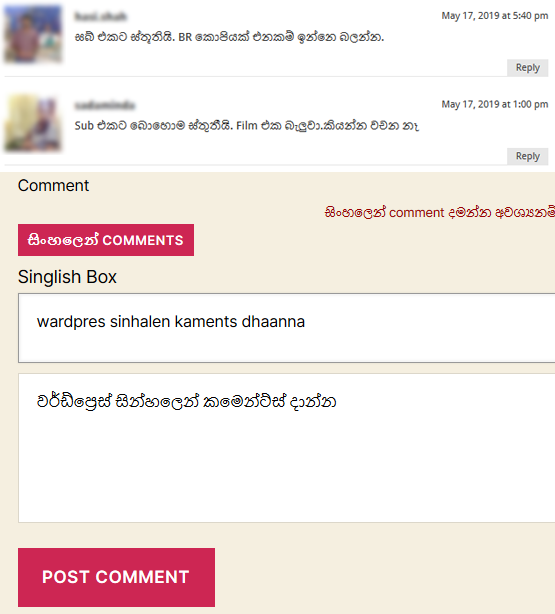
Simply click on the "සිංහලෙන් comments" button of the comment box.
Type your comment in singlish in the "Singlish Box".
After submit the comment you can see the comment in sinhala.
Changelog
4.2
- jQuery library file loaded from WordPress includes folder.
- Files renamed.
- Updated up to compatible with WordPress 6.8 version.
4.1
- Styles improvements. Updated upto compatible with wordpress 6 version.
4.0
- Styles improvements. Updated upto compatible with wordpress 5.8 version.
3.0
- Bug fixes: conflicting issues fixed and styles improvements.
2.5
- Bug fixes: Core functions updated upto compatible with wordpress 4.0.1 version.
- Enhancements: Added jQuery latest library file.(Version 2.1.1)
2.3
- Script conflicting issue fixed.
2.0
- Added JQuery to the convert process instead of Java Script.
- Added button to click and display comment box to type comments.
- You don't need to edit theme files.
- Added new unicode fonts.
- Fixed small bugs.
0.27
- Script Modifications were made.