

Wow Elements Addons for Elementor
The most powerful free addons & widgets for Elementor page builder. Includes 120+ advanced widgets and extensions to design beautiful, responsive, …
Plugin info
Maintenance & Compatibility
Maintenance score
Maintained • Last updated 121 days ago • 6 reviews
Is Wow Elements Addons for Elementor abandoned?
Likely maintained (last update 121 days ago).
Compatibility
Languages
Similar & Alternatives
Explore plugins with similar tags, and compare key metrics like downloads, ratings, updates, support, and WP/PHP compatibility.
Description
Wow Elements Addons for Elementor is a comprehensive plugin designed to supercharge your Elementor page builder with powerful, easy-to-use widgets. Perfect for bloggers, marketers, business owners, and WooCommerce users who want to create stunning, fully customized websites.
Why Wow Elements?
- 120+ Free & Pro widgets to cover common UI patterns
- Mobile-first, responsive controls
- WooCommerce widgets(grids, carousels, pricing, reviews)
- Smooth Animations & Effects
- Easy Drag & Drop Interface
- Modern Perfect Design Control
- Lightweight assets and performance-oriented defaults
- Pixel-perfect design options
- Regular updates and friendly support
🎯 **FREE WIDGETS COLLECTION**
📋 Content & Layout Widgets
- Accordion – Collapsible content sections with smooth animations and customizable styling
- Content Switcher – Tabbed content interface to organize and display multiple sections
- Modal – Popup modals with various trigger options and content sources
- Document Viewer – Embed and display documents directly on your website
🎨 Interactive & Animation Widgets
- Counter – Animated counters with various styles and effects
- Progress Bar – Customizable progress bars with animations
- Animated Heading – Eye-catching animated text headings
- Animated Link – Eye-catching animated links with unique hover effects and transitions
- Audio Player – Custom audio player with playlist support
- Flip Box – 3D flip animations to reveal content on hover
- Animated Box – Interactive content boxes with hover effects
- Hover Video – Videos that play on hover
- Image Expand – Expandable images with zoom and lightbox functionality
- Image Stack – Layered image effects with depth and perspective
- Interactive Card – Interactive card layouts with hover effects and animations
- Interactive Links – Eye-catching links with unique hover effects and transitions
- Interactive Tabs – Dynamic tabbed content with smooth transitions
- Lottie Image – Add beautiful Lottie animations to your site
- Marquee – Scrolling text or content with smooth animations
- Reading Progress – Show reading progress indicator
- SVG Blob – Create beautiful animated SVG blob shapes
🖼️ Gallery & Media Widgets
- Image Gallery – Advanced gallery with multiple layouts and filtering
- Creative Gallery – Stylish image galleries with modern layouts and lightbox support
- Image Accordion – Accordion-style image galleries with smooth transitions
- Image Compare – Before/after image comparison slider
- Lightbox – Image lightbox with gallery support and smooth transitions
- Slider – Responsive content slider with multiple transition effects
- Video Playlist – Display and organize video collections
🚗 Carousel & Slider Widgets
- Brand Carousel – Smooth sliding carousel to showcase brand logos and partners
- Logo Carousel – Smooth sliding carousel for logo displays
- Static Carousel – Smooth, non-sliding carousels to showcase content
- Static Product Carousel – WooCommerce product carousel with smooth sliding
📊 Grid & Layout Widgets
- Brand Grid – Grid layout to display brand logos and partner companies
- Logo Grid – Grid layout for displaying client or partner logos
- Static Product Grid – WooCommerce product grid with filtering and sorting
- Review Card Grid – Grid layout for displaying customer testimonials
🎯 Button & Navigation Widgets
- Creative Button – Eye-catching buttons with unique hover effects and animations
- Dual Button – Two-button layouts with various styling options and effects
- Dropbar – Dropdown bar widget with customizable styling and animations
- Image Hotspot – Highlight important text with marker effects
- Mobile Menu – Responsive, customizable menus for mobile views
- Nav Menu – Advanced navigation bar with dropdown support
- Offcanvas – Off-canvas sidebar and menu system
- Scroll Button – Smooth scroll-to-top buttons with customizable styling
- Scroll Navigation – Navigation that changes based on scroll position
- Table of Content – Automatic table of contents generator
- Vertical Menu – Vertical navigation menu with dropdown support
📝 Content & Text Widgets
- Heading Titles – Advanced heading with rich typography options
- Icon Box – Feature boxes with icons and custom styling
- Creative List – Beautifully styled lists with custom icons
- Stacker – Stackable content blocks with hover effects
- Static Grid Tab – Grid-based tabbed content layout
🎪 Special Effects Widgets
- Circle Menu – Circular menu layout with smooth hover animations
- Circle Info – Circular information displays with animated content presentation
- Progress Pie – Circular progress indicators with animated displays
- Step Flow – Step-by-step process visualization with progress indicators
📈 Business & E-commerce Widgets
- Business Hours – Display business operating hours with customizable styling
- Comparison List – Side-by-side comparison tables for products or services
- Google Reviews – Display Google business reviews with ratings
- Member – Team member profiles with social links
- Price List – Display pricing information in organized list format
- Price Table – Responsive pricing tables with comparison features
- Review Card Carousel – Customer review carousel with star ratings
- Social Proof – Display testimonials and trust badges
🎨 Content Enhancement Widgets
- Featured Box – Highlight important content with customizable featured boxes
- Call Out – Highlight important information with attention-grabbing call-out boxes
- Countdown – Timer widget for events, sales, or product launches
- Total Count – Animated counters for statistics and achievements
🗺️ Maps & Location Widgets
- Open Street Map – Interactive OpenStreetMap integration
🔍 Utility Widgets
- Search – Advanced search functionality with customizable styling
- Social Share – Social media sharing buttons with various platforms
- Age Gate – Age verification popup to restrict content based on user age requirements
- Barcode – Generate scannable barcodes in multiple formats with customizable styling
🎪 Forms Widgets
- Contact Form 7 – Integrate Contact Form 7 forms directly into your Elementor pages with customizable styling
- Everest Forms – Embed Everest Forms directly into your Elementor pages with customizable styling
- Forminator Forms – Integrate Forminator forms seamlessly into your Elementor pages with customizable styling
- Ninja Forms – Add Ninja Forms to your Elementor pages with customizable styling and design options
- WPForms – Integrate WPForms into your Elementor pages with customizable styling and design options
🚀 **PRO WIDGETS COLLECTION**
📝 Post & Content Widgets
- Post Grid – Beautiful grid layout for displaying blog posts with filtering options
- Post List – Clean list layout for blog posts with customizable styling
- Post Carousel – Smooth carousel for showcasing blog posts
- Post Slider – Advanced slider for blog posts with multiple layouts
- Post Gallery – Gallery layout for blog posts with lightbox support
- Post List Carousel – Carousel layout for post lists
- Post Featured List – Featured posts list with highlighted content
- Post Hover List – Interactive hover effects for post lists
- Post Hover Box – Animated box effects for individual posts
- Post Tiny List – Compact list layout for posts
- Post Timeline – Timeline layout for blog posts
- Post Vertical Timeline – Vertical timeline for posts
- Post Horizontal Timeline – Horizontal timeline layout
- Post Stories Slider – Stories-style slider for posts
- Post Video Slider – Video-focused slider for posts
🎬 Advanced Content Widgets
- Animated Post List – Animated list layout for posts
- Author – Author information and profile display
- Category Carousel – Carousel for category displays
- Mega Menu – Advanced mega menu with dropdown support and customizable layouts
- Sub Category – Display product sub-categories in grid layout
- Sub Category Carousel – Display product sub-categories in carousel layout
- Tag Cloud – Interactive tag cloud display
- Recent Comments – Display recent comments with styling
- News Ticker – Scrolling news ticker widget
- Checkerboard – Checkerboard layout for content
🎯 Remote Controls
- Remote Arrows – Control sliders or carousels using external arrow navigation
- Remote Fraction – Display current slide fraction (e.g., “1/5”) for synced sliders or carousels
- Remote Pagination – Add external pagination controls to synced sliders
- Remote Thumbs – Thumbnail-based navigation for synced sliders or galleries
🌀 Dynamic Loop Builder
- Dynamic Grid – Display posts, products, or content in a responsive grid layout
- Dynamic Carousel – Show dynamic content in a customizable carousel slider
- Dynamic Accordion – Expandable/collapsible accordion sections with dynamic data
- Dynamic Tabs – Switchable tabbed content powered by dynamic sources
🛒 WooCommerce Product Widgets
- Product Accordion – Display WooCommerce products in accordion layout with expandable sections
- Product Carousel Dynamic – Dynamic product carousel with customizable query options
- Product Category – Display WooCommerce product categories in grid layout
- Product Category Carousel – Display WooCommerce product categories in carousel layout
- Product Filters – Advanced product filtering system with multiple filter options
- Product Grid Dynamic – Dynamic product grid with customizable query options
- Product Image Accordion – Accordion-style product image gallery with smooth transitions
- Product Image Hotspot – Interactive product images with hotspot markers and tooltips
- Product List – Display WooCommerce products in list layout
- Product Review Carousel – Carousel layout for displaying product reviews
- Product Reviews – Display product reviews with ratings and customer feedback
- Product Slider – Advanced product slider with multiple layouts and transition effects
- Product Table – Display WooCommerce products in table format with sorting and filtering
🛍️ WooCommerce Page Widgets
- Cart Page – Customize WooCommerce cart page with full design control
- Checkout Page – Design custom WooCommerce checkout page with customizable styling
- Mini Cart – Display mini shopping cart with customizable styling and animations
- My Account Page – Customize WooCommerce my account page with full design control
- Order Page – Design custom WooCommerce order page with customizable styling
- Single Product Page – Customize WooCommerce single product page with full design control
🎨 Theme Builder (Header, Footer, Single Post, Archive)
Build custom headers, footers, single post layouts, and archive pages with full Elementor design control. Compatible with popular themes including Astra, GeneratePress, OceanWP, Neve, Genesis, and Beaver Builder Theme.
📄 Single Post Builder Widgets
- Post Title – Display and customize post titles with advanced typography and styling options
- Post Content – Show full post content or excerpts with customizable length and formatting
- Post Featured Image – Display post featured images with custom dimensions and styling
- Post Info – Show post metadata including author, date, categories, tags, and comments count
- Post Comments – Display post comments section with customizable styling and layout
🛒 Single Product Builder Widgets
- Product Title – Display and style WooCommerce product titles with custom typography
- Product Image – Show product images with gallery support and zoom functionality
- Product Price – Display product pricing with sale price highlighting and custom styling
- Product Rating – Show product star ratings with customizable colors and sizes
- Product Description – Display full or short product descriptions with formatting options
- Product Meta – Show product metadata including SKU, categories, and tags
- Product Stock – Display product stock status with customizable messages and styling
- Product Tabs – Show product information in organized tabbed layout
- Product Related – Display related products with grid or carousel layout
- Add to Cart – Customizable add to cart button with quantity selector and styling options
- Additional Information – Display product attributes and additional details in table format
- Call For Price – Show custom call for price message when product price is not set
🌀 Elementor Extend Features
- Grid Line – Add decorative grid lines and layout guides to enhance visual structure
- Wrapper Link – Make any container or section clickable with custom link functionality
- Animated Gradient Background – Apply animated gradient backgrounds to sections and containers
- Backdrop Filter – Add blur, brightness, and filter effects to element backgrounds
- Liquid Glass Effects – Create modern glassmorphism effects with customizable blur and transparency
- Adblock Detector – Detect ad blockers and display custom messages to users
More widgets and features are coming soon…
Installation
This section describes how to install the plugin and get it working.
e.g.
- Upload
wow-elements-addons-for-elementorfolder to the/wp-content/plugins/directory - Activate the plugin through the ‘Plugins’ menu in WordPress
- Start using it by going to the Elementor editor.
Frequently Asked Questions
- Yes, the Wow Elements Addons for Elementor is compatible and supports all WordPress themes including popular free and premium Elementor themes.
- Just install Wow Elements Addons for Elementor along with Elementor page builder; that’s all. Our plugin will provide you with all essential widgets to help you create your blogging site in minutes.
- Of course, we provide detailed documentation and video to support our users with thorough guidelines for our plugins and widgets.
- Just contact us and we will follow up within 24 hours with our expert technical team.
- When we release a update version, then automatically you will get a notification on WordPress plugin manager, so you can update from there. Thereafter you want to update manually just knock us, we will send you update version via mail.
Review feed
Next-Gen UI: Modern Design Widgets That Wow
Screenshots
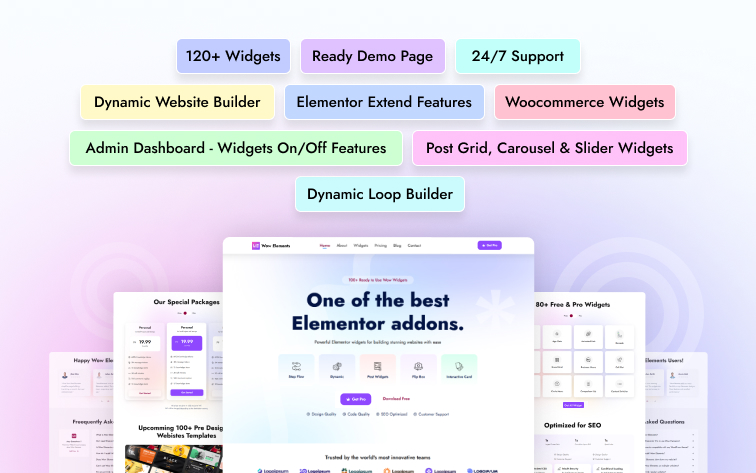
Overview
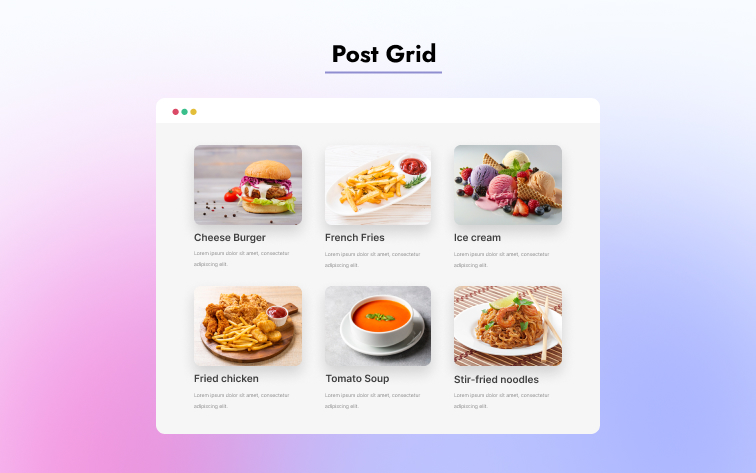
Post Grid
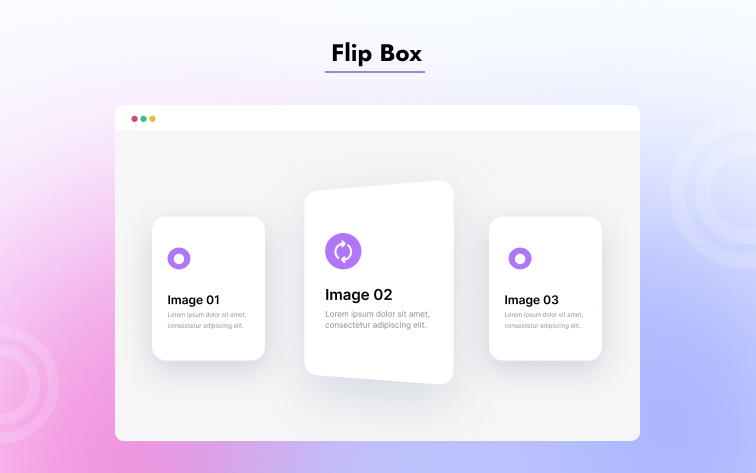
Flip Box
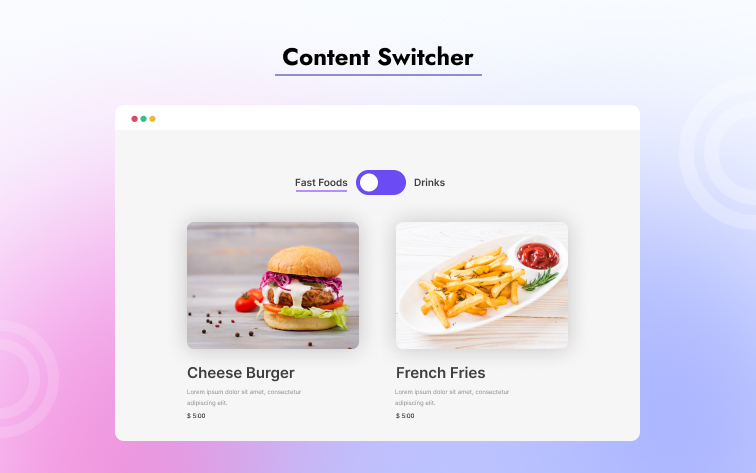
Content Switcher
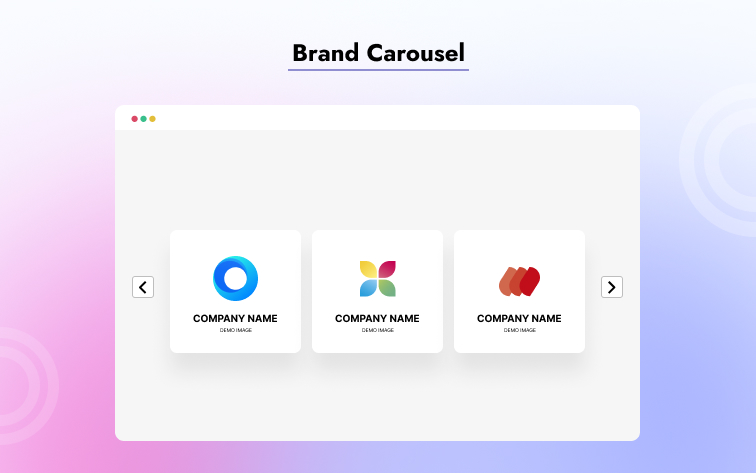
Brand Carousel
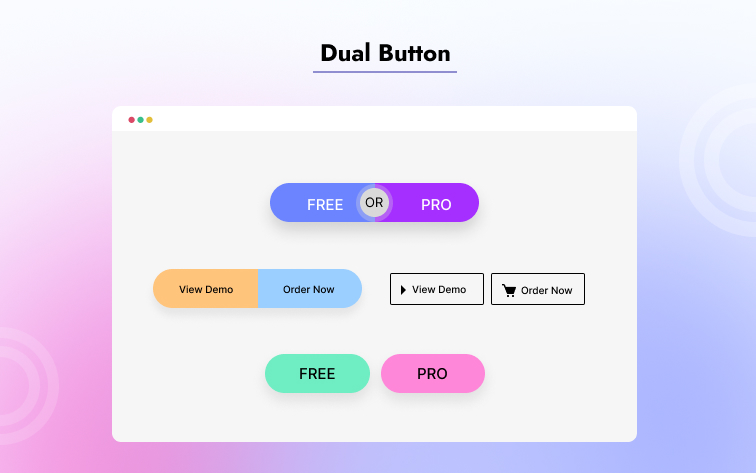
Dual Button
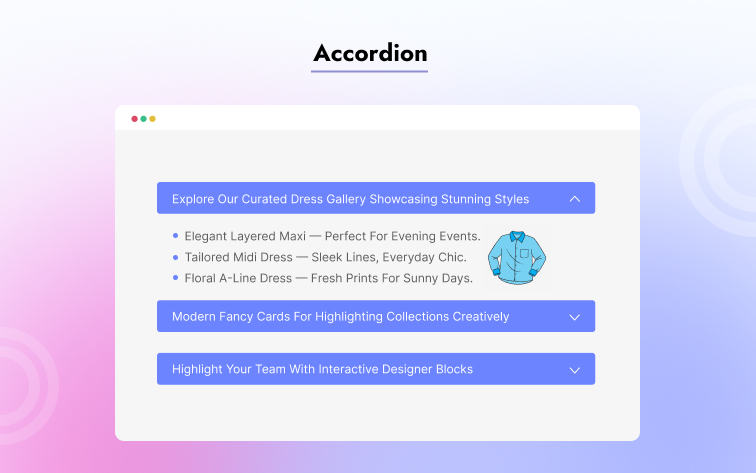
Accordion
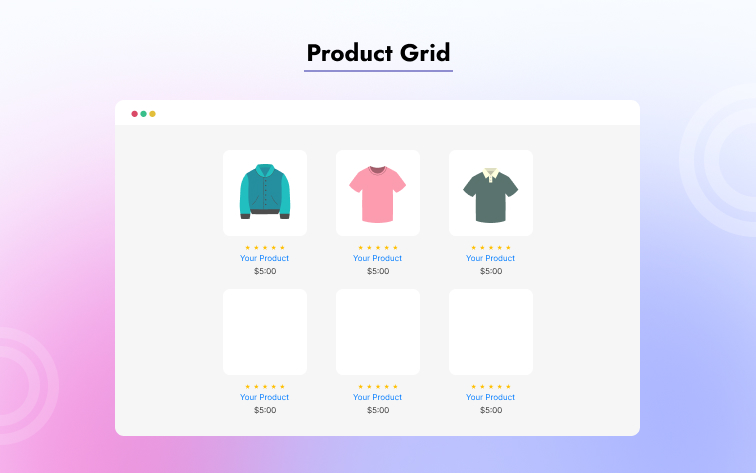
Product Grid
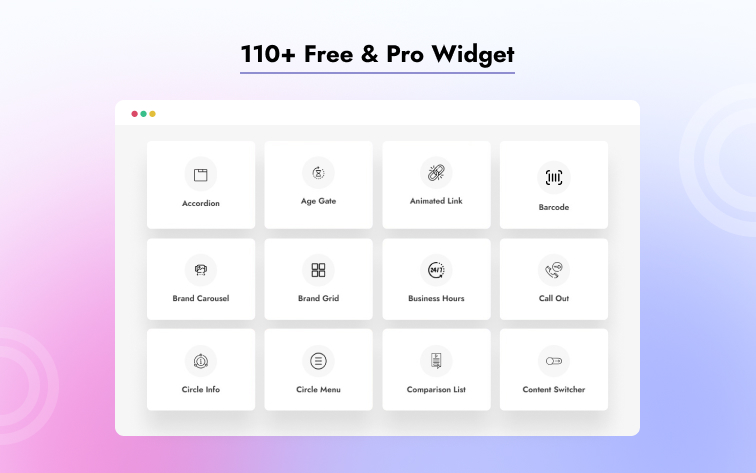
Widgets
Changelog
1.5.3 [3rd December 2025]
- Updated: Made compatible with WordPress version 6.9
1.5.2 [30th November 2025]
- Updated: System improved
1.5.1 [30th November 2025]
- Fixed: Widgets icon missing fixed
1.5.0 [29th November 2025]
- Added: Theme Builder added
- Added: Post Title widget added
- Added: Post Content widget added
- Added: Post Comments widget added
- Added: Post Featured Image widget added
- Added: Post Info widget added
- Added: Add to Cart widget added
- Added: Additional Information widget added
- Added: Call For Price widget added
- Added: Product Description widget added
- Added: Product Image widget added
- Added: Product Meta widget added
- Added: Product Price widget added
- Added: Product Rating widget added
- Added: Product Related widget added
- Added: Product Stock widget added
- Added: Product Tabs widget added
- Added: Product Title widget added
- Added: Adblock Detector extension added
- Added: Animated Gradient Background extension added
- Added: Backdrop Filter extension added
- Added: Grid Line extension added
- Added: Liquid Glass Effects extension added
- Added: Wrapper Link extension added
1.4.2 [8th November 2025]
- Fixed: Image Expand overflow issue fixed
1.4.1 [4th November 2025]
- Fixed: Product filter issue fixed
1.4.0 [28th October 2025]
- Added: Contact Form 7 widget added
- Added: Everest Forms widget added
- Added: Forminator Forms widget added
- Added: Ninja Forms widget added
- Added: WPForms widget added
- Updated: Admin Dashboard updated
1.3.2 [28th September 2025]
- Fixed: Content switcher css conflict issue fixed
1.3.2 [28th September 2025]
- Fixed: Rating icon not showing issue fixed in rating widget
- Fixed: Icon spacing issue fixed in social share widget
1.3.1 [21st September 2025]
- Fixed: Modal close icon style controls issue fixed in modal widget
- Fixed: Direction arrow not showing issue fixed in step flow widget
- Fixed: Search icon background issue fixed in search widget
- Fixed: Icon inline count number not showing issue fixed in total count widget
1.3.0 [20th September 2025]
- Added: Counter widget added
- Added: Heading Titles widget added
- Added: Icon Box widget added
- Added: Image Gallery widget added
- Added: Progress Bar widget added
- Added: Animated Headline widget added
- Added: Audio Player widget added
- Added: Fancy List widget added
- Added: Google Reviews widget added
- Added: Animated Box widget added
- Added: Hover Video widget added
- Added: Interactive Tabs widget added
- Added: Lottie Image widget added
- Added: Image Hotspot widget added
- Added: Marquee widget added
- Added: Member widget added
- Added: Nav Menu widget added
- Added: Offcanvas widget added
- Added: Open Street Map widget added
- Added: Price Table widget added
- Added: Reading Progress widget added
- Added: Slider widget added
- Added: Social Proof widget added
- Added: Stacker widget added
- Added: Static Grid Tab widget added
- Added: SVG Blob widget added
- Added: Table of Content widget added
- Added: Vertical Menu widget added
- Added: Video Gallery widget added
- Added: Creative List widget added
1.2.5 [13th August 2025]
- Added: Creative Button Border added
- Fixed: Swiper carousel cls issue fixed
1.2.4 [13th August 2025]
- Added: Post Video link Metabox field feature added
- Added: Category Image Upload option added
1.2.3 [6th August 2025]
- Fixed: Readme file widgets link fixed
1.2.2 [2nd August 2025]
- Fixed: Css file not found issue fixed
1.2.1 [10th July 2025]
- Added: Barcode widget added
1.2.0 [4th July 2025]
- Added: Accordion widget added
- Added: Age Gate widget added
- Added: Brand Carousel widget added
- Added: Brand Grid widget added
- Added: Business Hour widget added
- Added: Circle Info widget added
- Added: Circle Menu widget added
- Added: Comparison List widget added
- Added: Content Switcher widget added
- Added: Countdown widget added
- Added: Document Viewer widget added
- Added: Dropbar widget added
- Added: Dual Button widget added
- Added: Featured Box widget added
- Added: Flip Box widget added
- Added: Image Accordion widget added
- Added: Image Compare widget added
- Added: Image Expand widget added
- Added: Interactive Card widget added
- Added: Lightbox widget added
- Added: Logo Carousel widget added
- Added: Logo Grid widget added
- Added: Modal widget added
- Added: Price List widget added
- Added: Product Carousel widget added
- Added: Product Grid widget added
- Added: Progress Pie widget added
- Added: Review Card Carousel widget added
- Added: Review Card Grid widget added
- Added: Scroll Button widget added
- Added: Scroll Navigation widget added
- Added: Search widget added
- Added: Social Share widget added
- Added: Step Flow widget added
- Added: Total Count widget added
- Updated: System performance and stability improvements
- Enhanced: Widget compatibility with latest Elementor versions
1.1.1 [20th June 2025]
- Added: Call Out widget Added
1.1.0 [3nd June 2025]
- Added: Animated Links widget Added
- Added: Image Stack widget Added
1.0.1 [2nd June 2025]
- Added: Interactive Links widget Added
- Updated: System improved
1.0.0 [11th April 2025]
- Added: Initial Release