

WP Anywhere Widgets
Create and display widgets anywhere on your site with WP Anywhere Widgets—simple, flexible, and code-free!
Plugin info
Maintenance & Compatibility
Maintenance score
Stale • Last updated 313 days ago • 4 reviews
Is WP Anywhere Widgets abandoned?
Likely maintained (last update 313 days ago).
Compatibility
Languages
Similar & Alternatives
Explore plugins with similar tags, and compare key metrics like downloads, ratings, updates, support, and WP/PHP compatibility.
Description
“WP Anywhere Widgets” is a powerful and user-friendly plugin designed to give you complete control over widget placement on your WordPress site. With this plugin, you can create unique widgets and display them in any desired location—whether it’s posts, pages, sidebars, or custom areas. No coding required!
Create unique widgets and embed them seamlessly across your site—in posts, pages, sidebars, headers, footers, or any custom area—enhancing both functionality and design while improving user engagement.
Key Features
- Classic & Block Widgets Support: Fully compatible with both the Classic Widgets and Block Widgets editors, making it future-ready and versatile.
- Custom Widget Creation: Easily create widgets tailored to your specific needs.
- Display Anywhere: Embed widgets in posts, pages, headers, footers, sidebars, or custom sections using shortcodes or PHP functions.
- Widget Shortcode Page: Access a dedicated admin page listing all widget shortcodes for easy copy-paste usage on the frontend.
- Shortcode Support: Place widgets anywhere using shortcodes for maximum flexibility.
- Reusable Widgets: Use the same widget across multiple areas to maintain a consistent look and feel.
- Intuitive User Interface: Manage and edit your widgets through a clean and simple admin interface.
- Theme and Plugin Compatibility: Works seamlessly with most WordPress themes and plugins.
Need Plugin Support?
Please submit a request here for Support. We will get back to you quickly.
Installation
Installing the plugin is easy. Just follow these steps:
- From the dashboard of your site, navigate to Plugins –> Add New.
- Select the Upload option and hit “Choose File.”
- When the popup appears select the wp-anywhere-widgets.zip file from your desktop.
- Follow the on-screen instructions and wait till the upload completes.
- When it’s finished, activate the plugin via the prompt. A message will display confirming activation was successful.
Frequently Asked Questions
After creating a widget in the admin panel, you’ll receive a unique shortcode. Simply copy and paste this shortcode into any page, post, or widget area—even inside the Gutenberg/Block Editor or Classic Editor.
Yes! The plugin now fully supports both the Classic Widgets and the Block (Gutenberg) Widgets editor, offering flexibility no matter which editor you prefer.
Yes, the plugin is designed to work seamlessly with almost all WordPress themes. If you experience any conflicts, our support team is happy to help.
Absolutely. You can style your widgets using your own CSS to match your site’s design perfectly.
Not at all! The plugin is designed with a user-friendly interface suitable for beginners. Advanced users can take advantage of PHP functions for deeper customization.
Yes, advanced users can embed widgets directly into PHP theme or template files using the provided PHP function.
There’s now a dedicated Widget Shortcodes page in the admin panel where you can view and copy shortcodes for all your created widgets.
Review feed
Screenshots
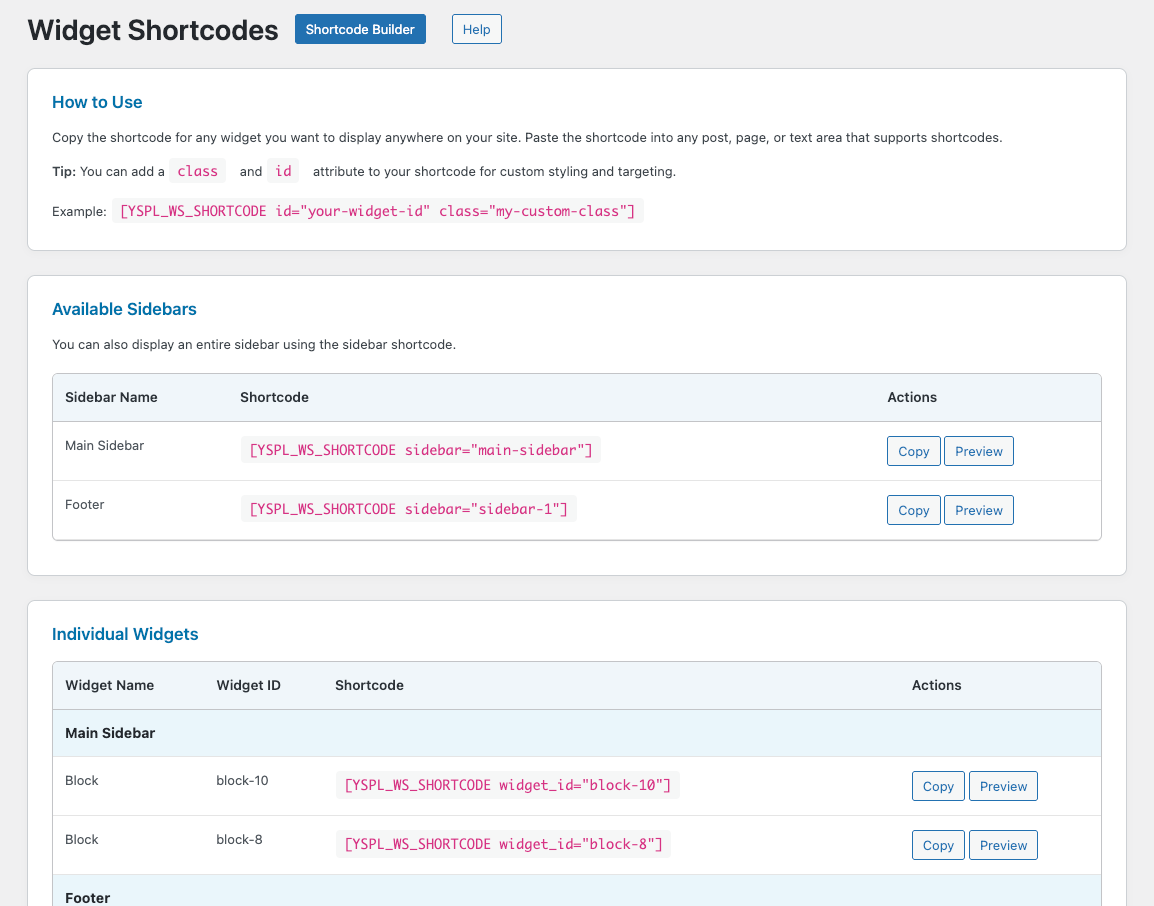
Dedicated admin page listing all widget shortcodes for easy copy-paste!
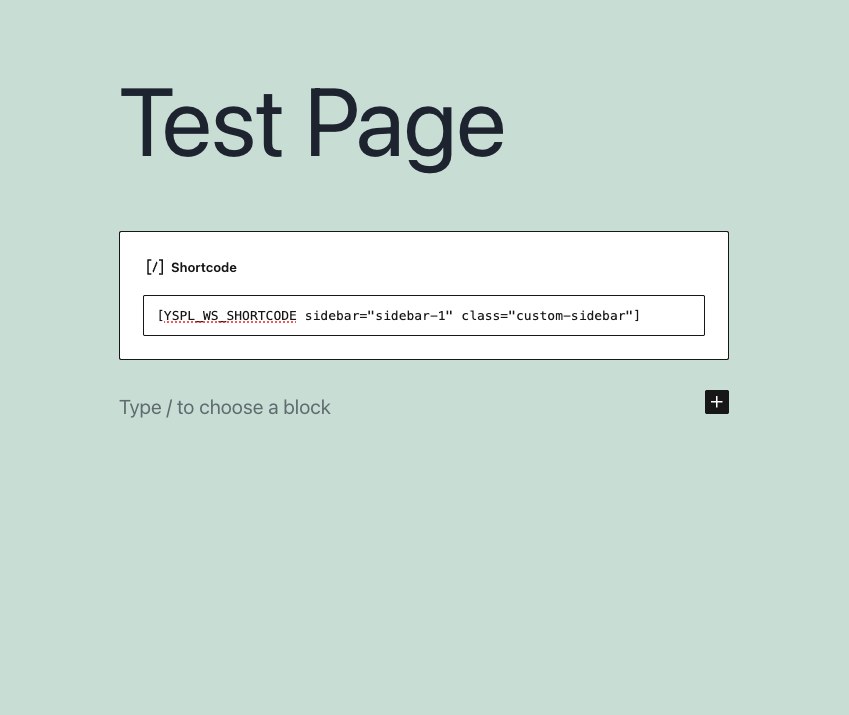
Shortcode placement on page!
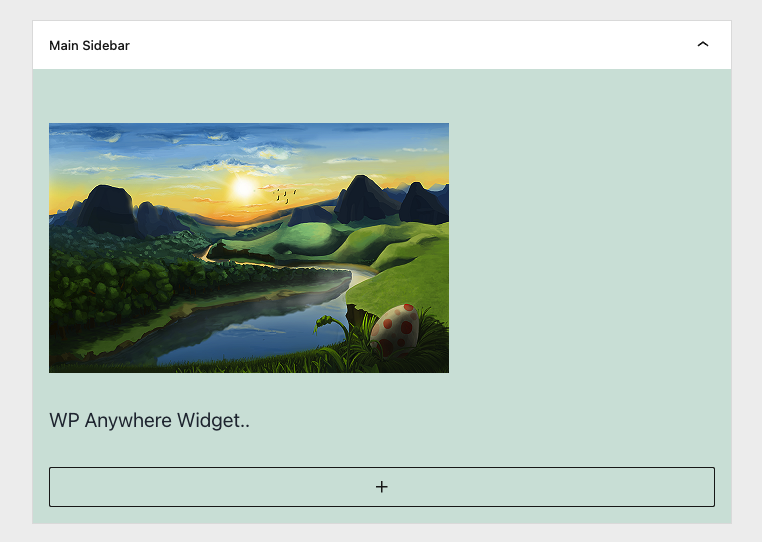
Block Widget
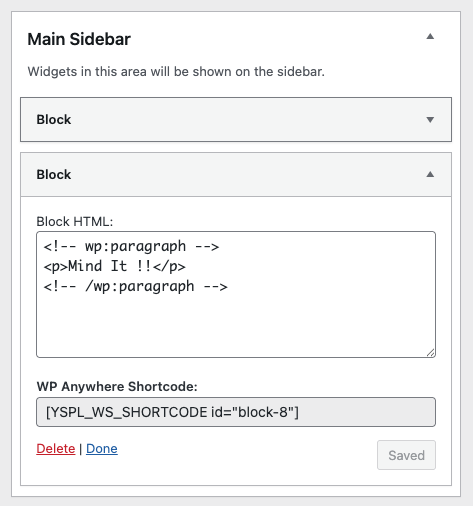
Classic Widget
Changelog
4.0
- Block Editor Support: Now fully compatible with Gutenberg (Block Widgets Editor).
- Classic Widgets Compatibility retained for backward support.
- New Admin Shortcode Page: Easily view and copy all widget shortcodes from one place.
- UI improvements and minor bug fixes.
- Enhanced shortcode usability inside posts, pages, and widget areas.