

WP Delete User Accounts
Allow your users (except for administrators) to manually delete their own accounts.
Plugin info
Maintenance & Compatibility
Maintenance score
Possibly abandoned • Last updated 370 days ago • Support resolved 0% • 7 reviews
Is WP Delete User Accounts abandoned?
Possibly abandoned (last update 370 days ago).
Compatibility
Developers
Similar & Alternatives
Explore plugins with similar tags, and compare key metrics like downloads, ratings, updates, support, and WP/PHP compatibility.
Description
Allow your users (except for administrators) to manually delete their own accounts. It uses the Sweet Alert jQuery plugin for slick-looking alerts and prompts.
By default, this plugin adds a button to a user’s profile page in the wp-admin. You can also add a delete button to any page or post using the [wp_delete_user_accounts] shortcode.
NOTE: Delete buttons are not displayed when logged in as an administrator. This is done to protect against locking yourself out of your site. To see the delete button, you’ll need to log in with an account that does not have the administrator role.
For more technical info, including available hooks (actions and filters), please see the plugin’s readme file on Github.
Installation
Automatically
- Search for WP Delete User Accounts in the Add New Plugin section of the WordPress admin.
- Install and activate.
Manually
- Download the zip file, decompress the file and upload the main plugin folder to the
/wp-content/plugins/directory. - Activate the plugin.
Frequently Asked Questions
Review feed
Funciona perfecto, imprescindible para el RGPD
Screenshots

"Delete My Account" button is shown on the edit-profile page, and can be displayed on the front-end via a shortcode.
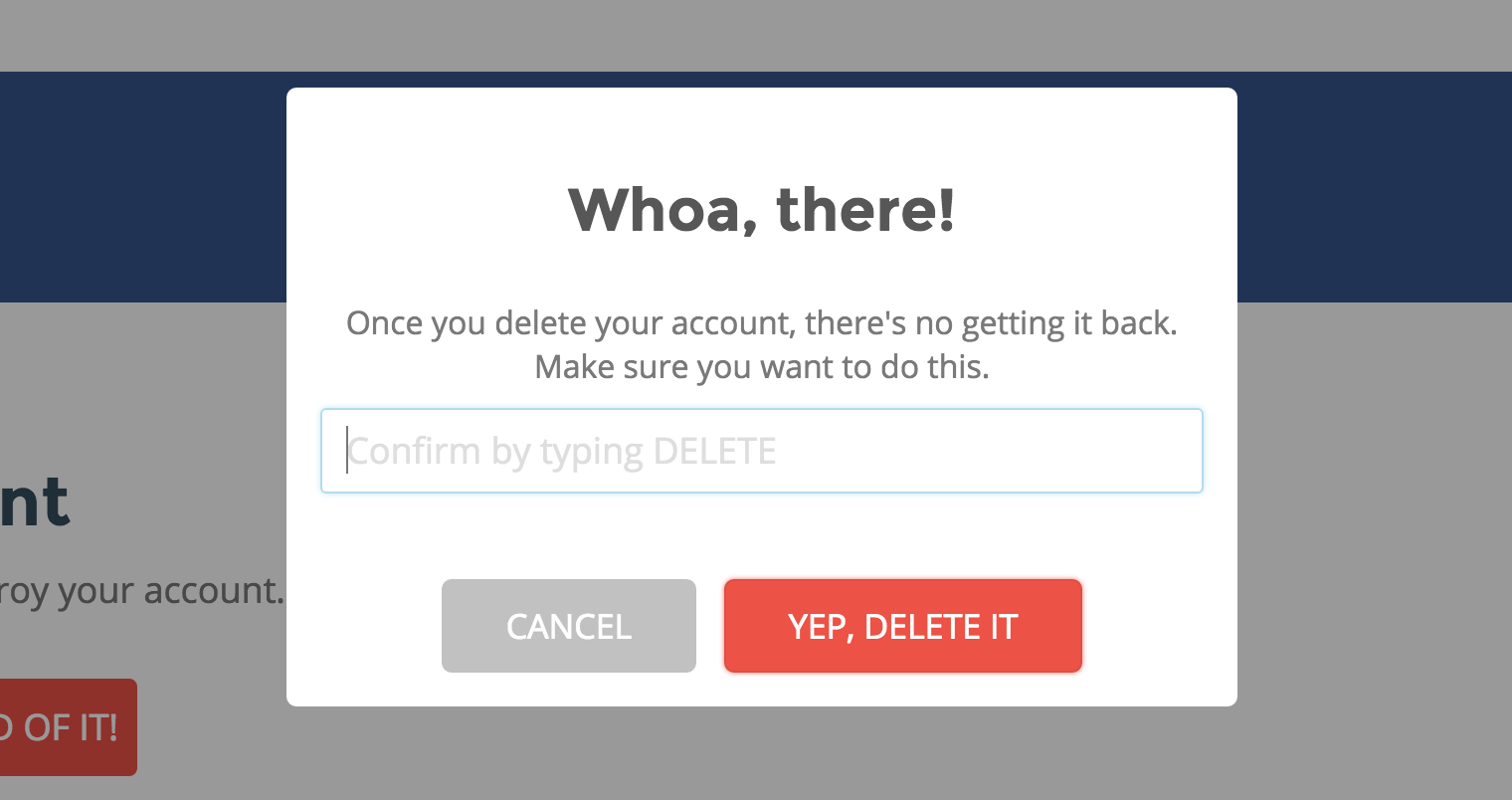
Confirm account deletion prompt.

Processing account deletion.
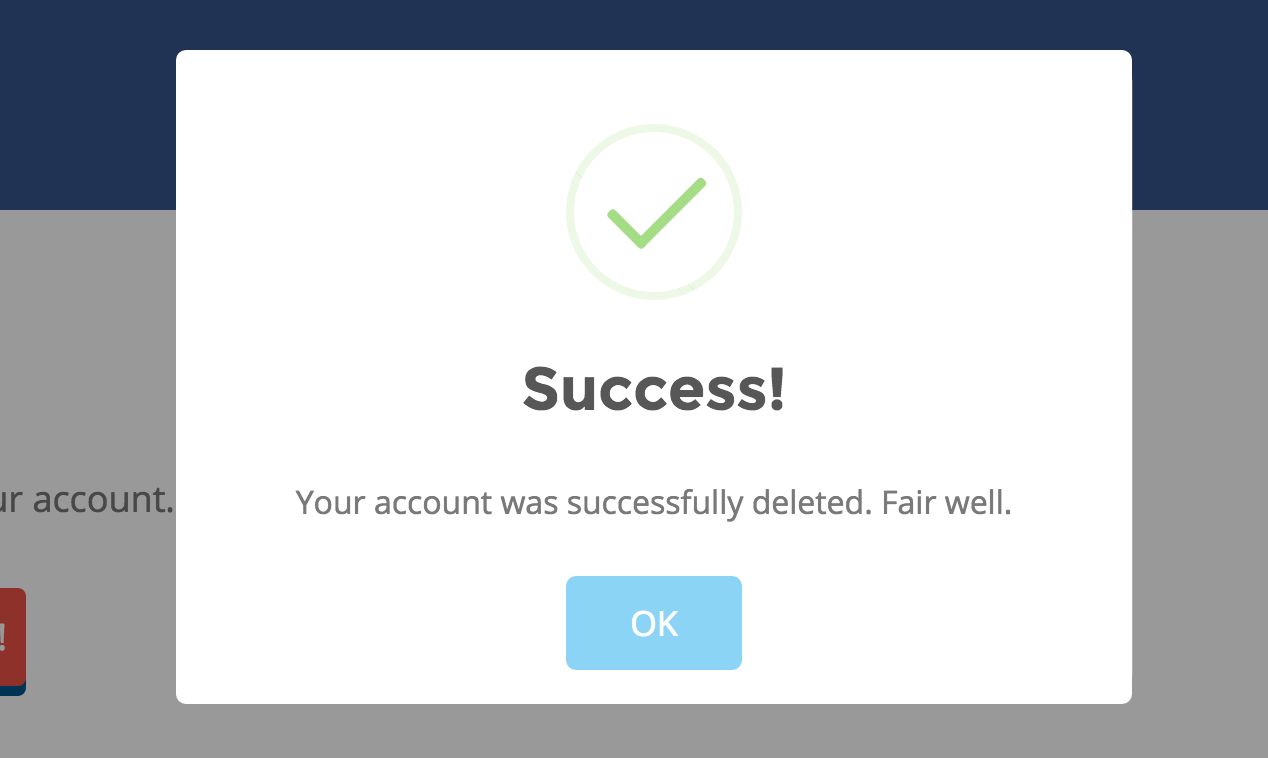
Account deleted successfully.
Changelog
1.2.4
- Fixed unescaped shortcode label
- WP Tested Up To 6.7
1.2.3
- WP Tested Up To 6.0
1.2.2
- Remove wp_logout(), which was causing processing to get stuck
- Use
$.ajax()instead of$.post()
1.2.1
- Made the DELETE text (for confirming account deletion) translatable
1.2
- Added filter for modifying script localization variables (e.g. the redirect URL)
1.1.1
- Updated translatable strings
1.1
- Added filter for loading CSS and JS assets anywhere on the frontend (e.g. within WooCommerce templates).
1.0.3
- Changed plugin text domain to dirname instead of basename to remove .php extension from path
1.0.2
- Add POT file for translations
1.0.1
- Fixed dependency array on enqueues
1.0
- Initial version