

WP Editor.md – The Perfect WordPress Markdown Editor
WP Editor.md is a beautiful and practical Markdown document editor.
Plugin info
Maintenance & Compatibility
Maintenance score
Possibly abandoned • Last updated 1231 days ago • 19 reviews
Is WP Editor.md – The Perfect WordPress Markdown Editor abandoned?
Possibly abandoned (last update 1231 days ago).
Compatibility
Similar & Alternatives
Explore plugins with similar tags, and compare key metrics like downloads, ratings, updates, support, and WP/PHP compatibility.
Description
WP Editor.md is a beautiful and practical Markdown document editor.
Build support for the WordPress using Editor.md.
The plugin uses the Markdown module from WordPress Jetpack for parsing and saving content.Thank for Jetpack modules.
Installation
- Upload the plugin files to the
/wp-content/plugins/plugin-namedirectory, or install the plugin through the WordPress plugins screen directly. - Activate the plugin through the ‘Plugins’ screen in WordPress
- Use the Settings->Editor.MD screen to configure the plugin
- (Make your instructions match the desired user flow for activating and installing your plugin. Include any steps that might be needed for explanatory purposes)
Frequently Asked Questions
This is where you open the Emoji option, the page needs to load some emoji picture resources if you are not sure you can turn off the Emoji option.
prism.js
prism.css
emojify.js
emojify.css
emoji-cheat-sheet
We recommend that you enable plugins in a clean environment (please disable other plugins and use default themes).
Review feed
Great!
Awesome plugin
Screenshots

Editor.md Interface - Edit Mode
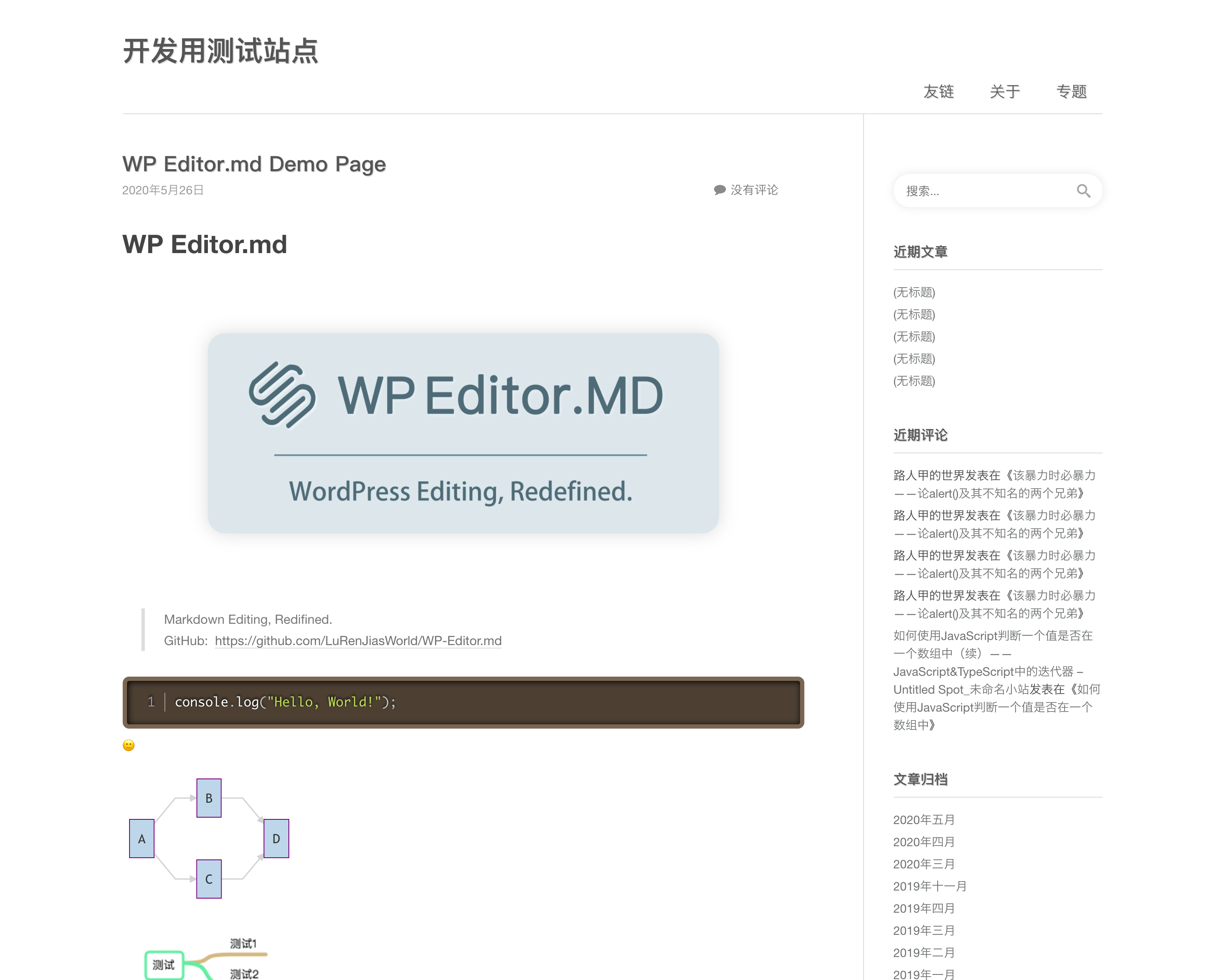
Editor.md Interface - Page Display
Changelog
10.2.1
- 参考 https://github.com/LuRenJiasWorld/WP-Editor.md/blob/master/CHANGELOG.md
- Please see https://github.com/LuRenJiasWorld/WP-Editor.md/blob/master/CHANGELOG.md
- 參照 https://github.com/LuRenJiasWorld/WP-Editor.md/blob/master/CHANGELOG.md
注意:如果使用插件请不要使用Gutenberg编辑器,会出现文章数据丢失的问题。
More changlog please see the Github CHANGELOG.md