

WP Featherlight – A Simple jQuery Lightbox
An ultra lightweight jQuery lightbox for WordPress images and galleries.
Plugin info
Maintenance & Compatibility
Maintenance score
Possibly abandoned • Last updated 1941 days ago • Support resolved 0% • 95 reviews
Is WP Featherlight – A Simple jQuery Lightbox abandoned?
Possibly abandoned (last update 1941 days ago).
Compatibility
Similar & Alternatives
Explore plugins with similar tags, and compare key metrics like downloads, ratings, updates, support, and WP/PHP compatibility.
Description
WP Featherlight is a WordPress lightbox plugin for adding a minimal, high-performance, responsive jQuery lightbox to your WordPress website. At its core, WP Featherlight is a WordPress plugin wrapper for the Featherlight jQuery lightbox plugin. When installed, the plugin will automatically display all standard WordPress images and galleries in a simple, minimalistic lightbox popup.
In order for WordPress images and galleries to be lightboxed, you need to select the “Media File” option when choosing where the thumbnails should link. You can also select the “Custom Link” option if you make sure to link directly to an image file. This should work for any image file, even if it’s hosted on another website.
It’s also possible to lightbox videos, iframes, and ajax content with WP Featherlight by adding data attributes to your content. For more details on custom content loading, check out the featherlight documentation.
There are no settings for WP Featherlight, so you should be able to install it without needing to configure anything. In the event you don’t want a lightbox on certain pages or posts, there is an option to disable it from within the post editor screen.
If you find a display problem, it may be related to your theme but please open an support request about it so we can look into it. For more information about the Featherlight script itself, check out their GitHub plugin page.
Developer Notes
While there are no options in the plugin, there are some handy filters to modify the default behavior. As of 0.3.0 all images which use the default WordPress captions will also include a caption when the image is lightboxed. To disable this behavior, filter wp_featherlight_captions to false.
You can also disable inclusion of the CSS and JavaScript conditionally using filters which can be found in the /includes/class-scripts.php file. If you have questions about how any part of the plugin works, please don’t hesitate to open an issue on GitHub.
Contributing
If you’d like to submit code patches or contribute in any other way, please fork the plugin on GitHub.
Installation
Frequently Asked Questions
Review feed
If you care for pagespeed … this is for you!
First lightbox plugin to work out of the box
Simple and light
Super light, no bloat, tip to extend caption in lightbox
Screenshots
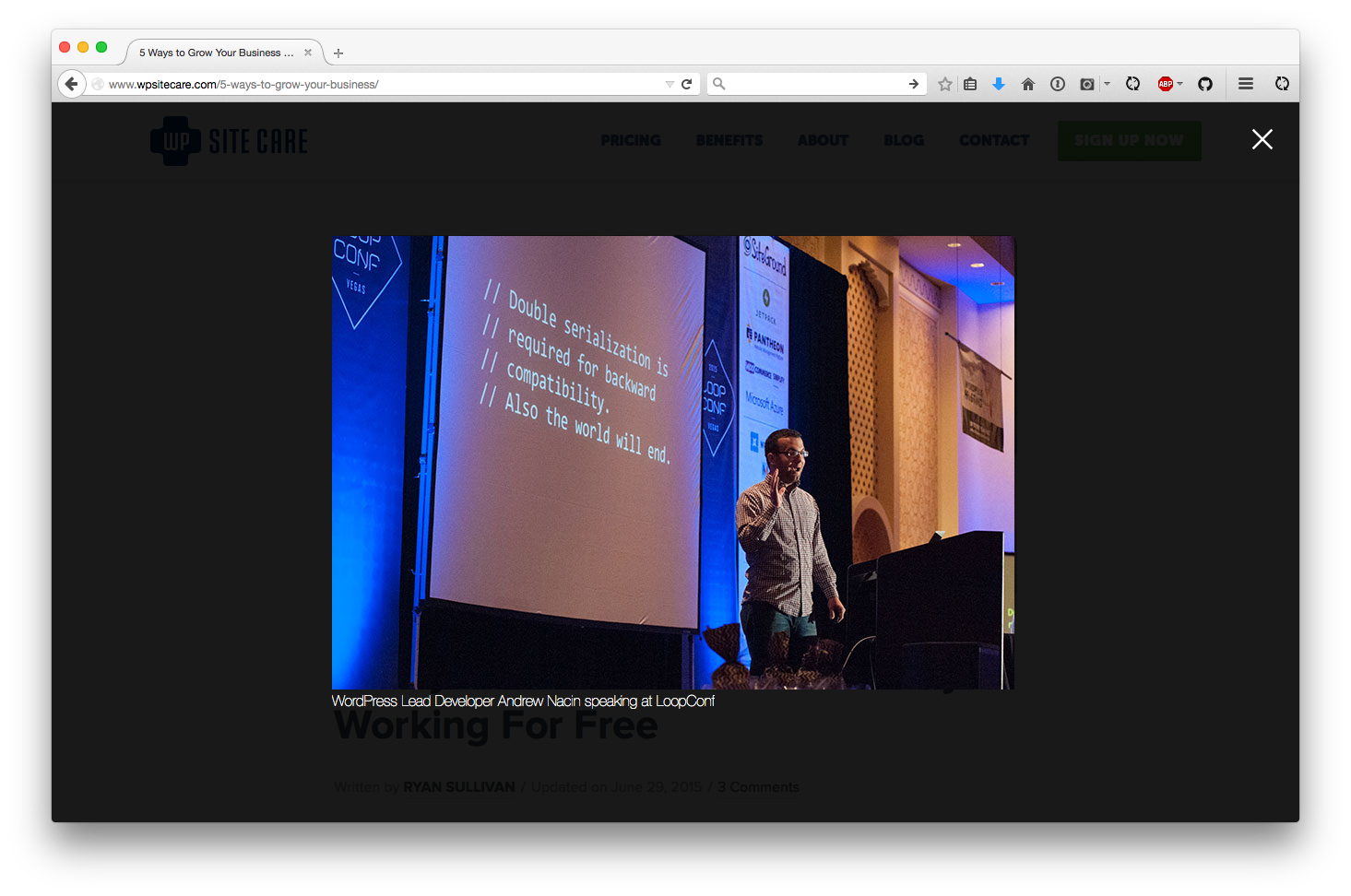
A view of the jQuery lightbox in action.
Changelog
1.3.3
This is primarily a maintenance release, but one tweak was made.
- Tweak: Changed name of meta box title
1.3.2
Release to downgrade Featherlight verison until all bugs are worked out.
- Dev: Updated Featherlight to
1.7.13
1.3.1
This is primarily a maintenance release, but one new feature has been added. Display the option to disable the lightbox in Gutenberg!
Here’s a full list of what’s changed since the last release:
- Feature: Add back metabox in sidebar
- Dev: Updated Featherlight to
1.7.14
1.3.0
While primarily a maintenance release, one new feature has been added. WP Featherlight now supports Gutenberg galleries.
Here’s a full list of what’s changed since the last release:
- Feature: Gutenberg support
- Tweak: General code cleanup in plugin
- Dev: Updated Featherlight to
1.7.13 - Change of ownership
1.2.0
This is primarily a maintenance release, but one new feature has been added. HTML in captions is now supported!
Here’s a full list of what’s changed since the last release:
- Feature: Allowed HTML to be displayed in lightbox image captions
- Dev: Updated Featherlight to
1.7.9 - Dev: Updated jQuery Detect Swipe to
2.1.4
1.1.0
Thanks to some changes implemented in the core featherlight script, the accessibility of WP Featherlight is now significantly improved. Lightboxed elements now have more appropriate focus management for screen readers and the close button is more accessible.
This update also fixes a potential plugin compatibly problem in the WordPress admin. In version 1.0, it was possible under unusual circumstances for the plugin to throw a fatal error when attempting to add the disable checkbox to the publish metabox.
- Tweak: Improved accessibility (accessible close button, better focus management)
- Fix: Prevented a fatal error that could happen when another plugin unsets the WP_Post object on the publish metabox.
- Dev: Updated Featherlight to
1.7.0
1.0.0
Even though this is a major version change, this is primarily a maintenance release. The reason for the jump to 1.0.0 is because we’ve changed some code which could break backwards compatibility with custom extensions and integrations.
If you’re just using the plugin on your site and haven’t customized it or paid anyone to customize it for you, you should be able to update without any issues.
If you’re a developer and have written custom code extending the PHP side of WP Featherlight, be sure to test your code before updating.
Under the hood, we’ve deprecated some internal methods which could potentially break custom code which extends WP Featherlight. The changes are primarily limited to class initialization, so unless you were doing something specific to that, it’s unlikely that you’ll run into issues.
- Tweak: Improved transition between images within galleries
- Tweak: Moved our disable lightbox checkbox into the publish meta box to streamline the admin
- Tweak: Made styles more aggressive to ensure elements look consistent across different themes by default
- Fix: Reduced false positives for URLs that use image extensions but don’t actually link to an image
- Dev: Updated Featherlight to
1.5.1 - Dev: Updated jQuery Detect Swipe to
2.1.3 - Dev: Deprecated some internal methods
- Dev: Reorganized how classes are instantiated and plugin actions are fired