

Album And Photo Gallery For Flickr – Album Flickr Widget
Flickr Gallery plugin displays Flickr Albums, Photostream, Widgets, Profiles, and Feeds on your site.
Plugin info
Maintenance & Compatibility
Maintenance score
Maintained • Last updated 134 days ago • 21 reviews
Is Album And Photo Gallery For Flickr – Album Flickr Widget abandoned?
Likely maintained (last update 134 days ago).
Compatibility
Languages
Similar & Alternatives
Explore plugins with similar tags, and compare key metrics like downloads, ratings, updates, support, and WP/PHP compatibility.
Description
The Flickr gallery WordPress plugin is based on PHP API and build using bootstrap responsive CSS.
With plugin you can show your Flickr account albums and photostream.
The best plugin for any site like gallery WordPress plugin has many configurations settings to show your profile on your website.
Use built-in Widget in theme sidebar area, paste the shortcode in the text widget.
Just put your User ID and API Key into API Setting page and start creating galleries.
Note: As per Flickr’s guidelines, API key creation is currently disabled for free accounts. API key creation is only available to all Flickr PRO subscribers.
The plugin very easy in use for new and old users of WordPress.
How to use plugin?
Premium Plugin Demo
Get Premium Version With More Features
- Responsive Profile Header
- Photostream, Albums and Profiles
- Photostream Gallery Shortcode
- Support for fetching private photos
- Pagination Settings
- Videos from Flickr photostream
- Justified gallery layout
- Album Gallery Shortcode
- Photo Limit Max 500
- Image Sizing Settings
- Thumbnails Into Light Box
- Gallery Title Settings
- Multiple Columns Layout large desktops, desktops ,tablets, mobiles
- Infinitely customizable with custom CSS field
- Insert multiple gallery on same page with slideshow
- Multiple Page / Post / Widget & Footer Gallery
- 30+ Hover Effects For Album & Photostream
- Responsive Lightbox
- Create multiple galleries
- Different Lightbox Image Sizing
- LightBox Transition Effects
- Lightcase slide Effect
- Lightbox Title And Icon Unlimited Colors
- Gallery Thumbnail Image Sizing
- Multiple galleries with lightbox
Upgrade To Premium Plugin – Click Here
Check Premium Plugin Demo – Click Here
Installation
Install plugin either via the WordPress.org plugin directory or by uploading the files to your server.
After activating the plugin, go to plugin;s menu.
Login into WordPress admin dashboard. Go to menu: Flickr Gallery –> API Settings
Add Your User ID & API Key
Also Go to menu: Flickr Gallery –> Add Flickr Gallery
Create gallery & configure settings and save.
Copy shortcode and paste shortcode into any Page / Post / Widget & Footer. And view page for gallery output.
That’s it. You’re ready to go!
Frequently Asked Questions
Have any queries?
Please post your question on plugin support forum
https://wordpress.org/support/plugin/wp-flickr-gallery/
Review feed
Screenshots
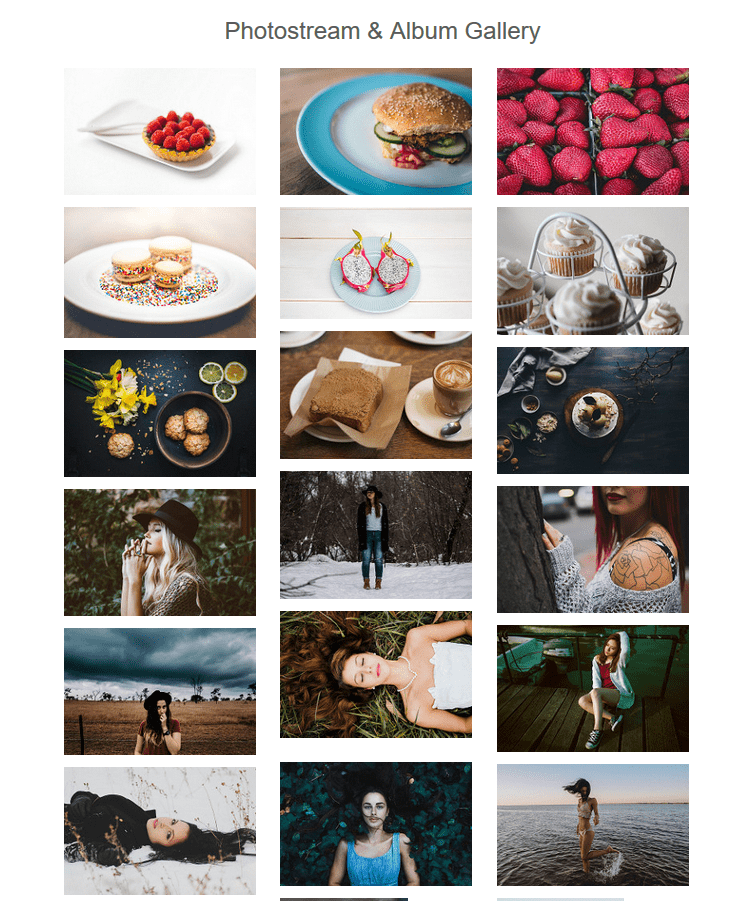
Flickr Photostream and Album gallery
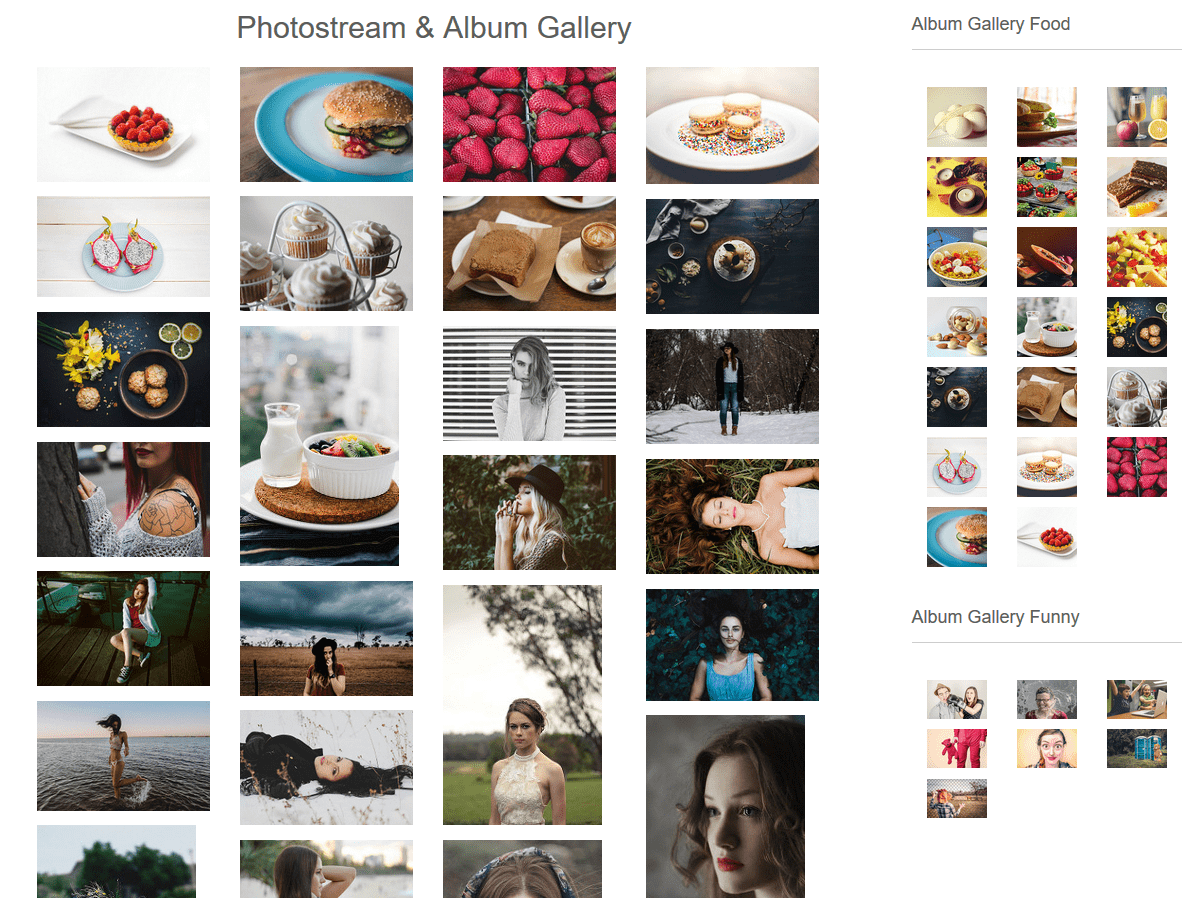
Photostream Gallery & Multiple Album Gallery into Widgets
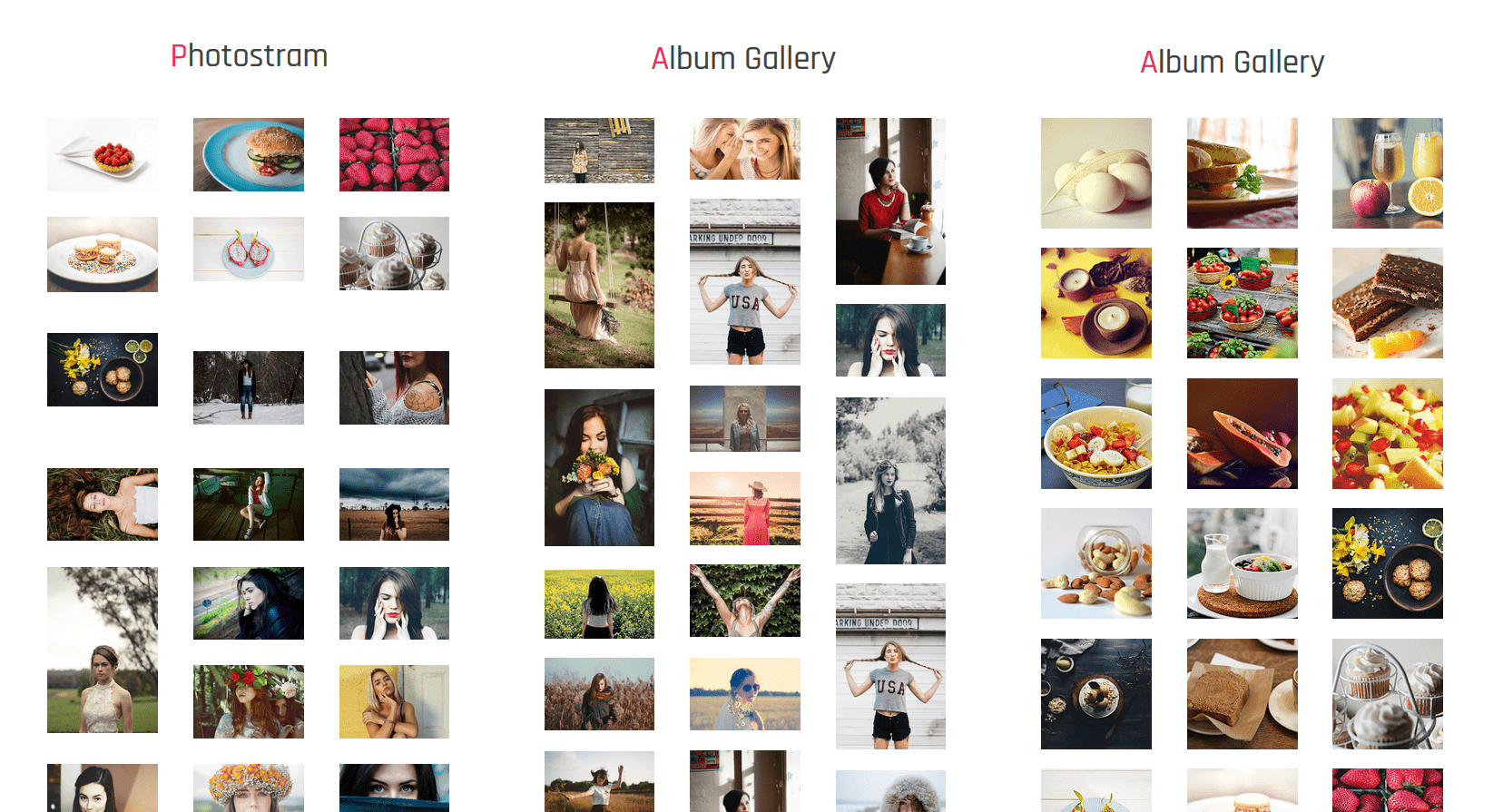
Multiple Gallery Into Footer
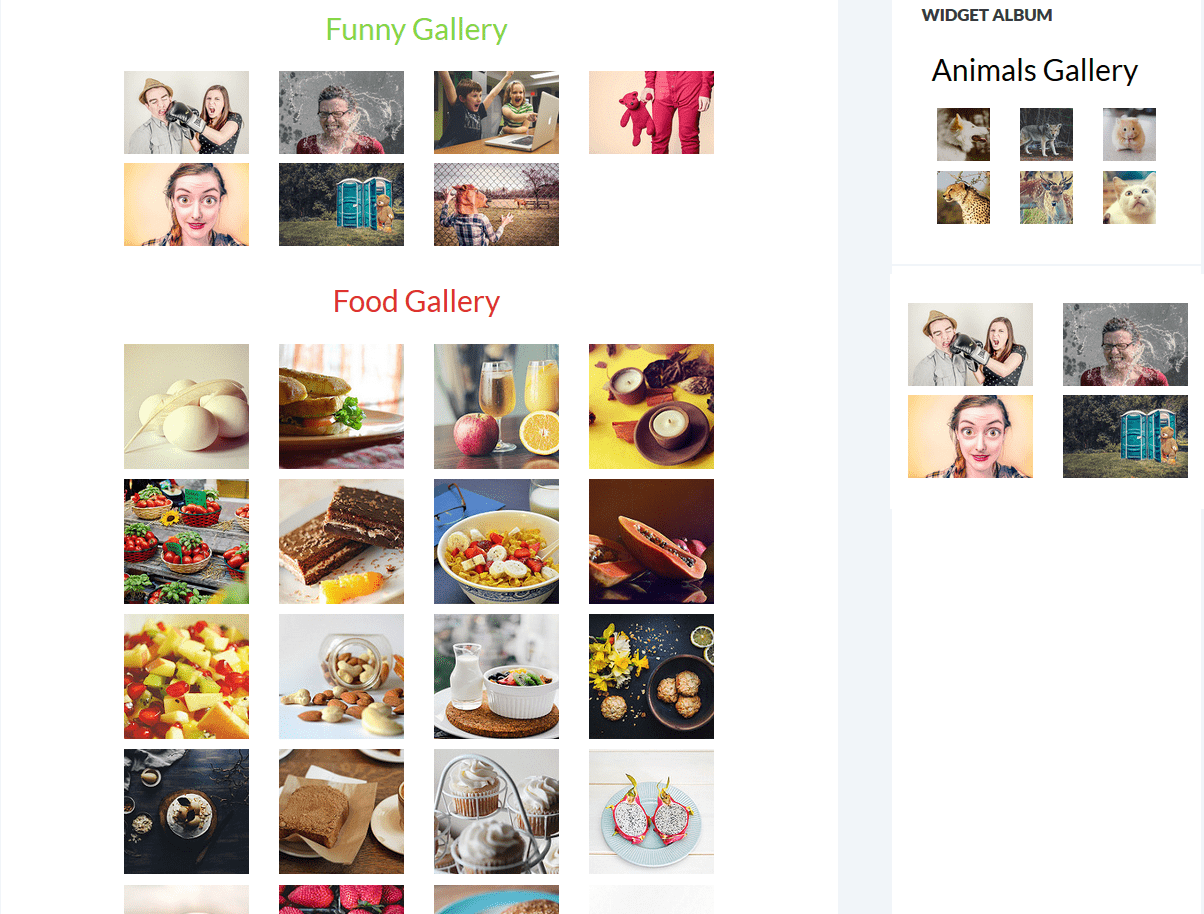
Multiple Album Gallery Into Page
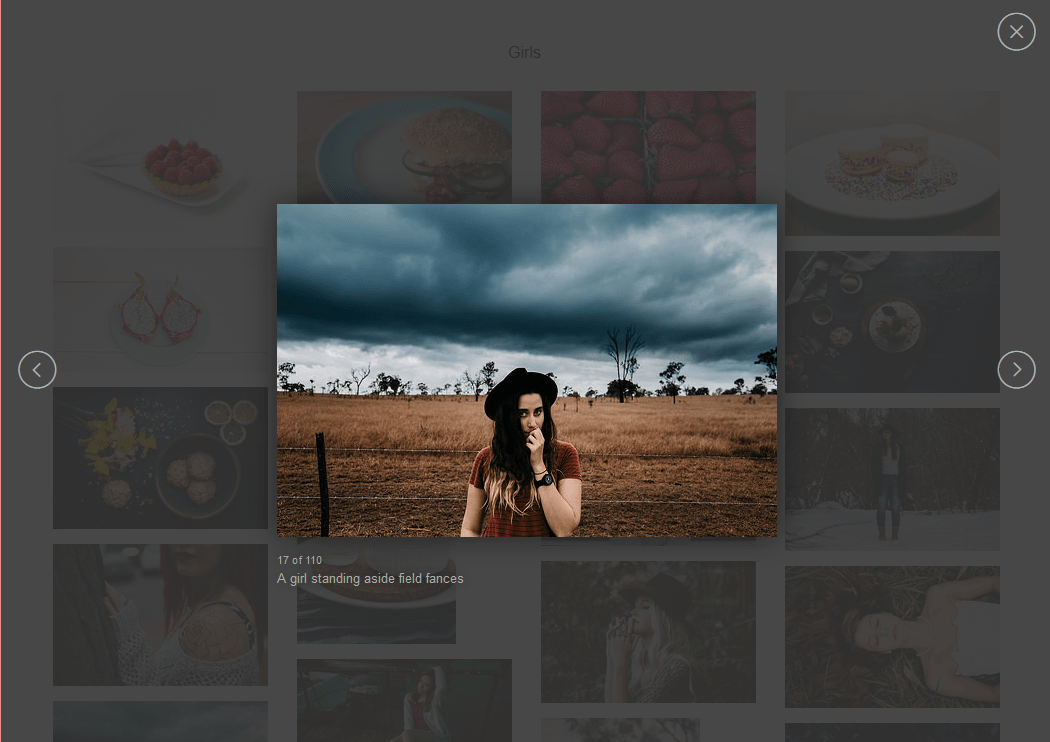
large desktop lightbox Preview
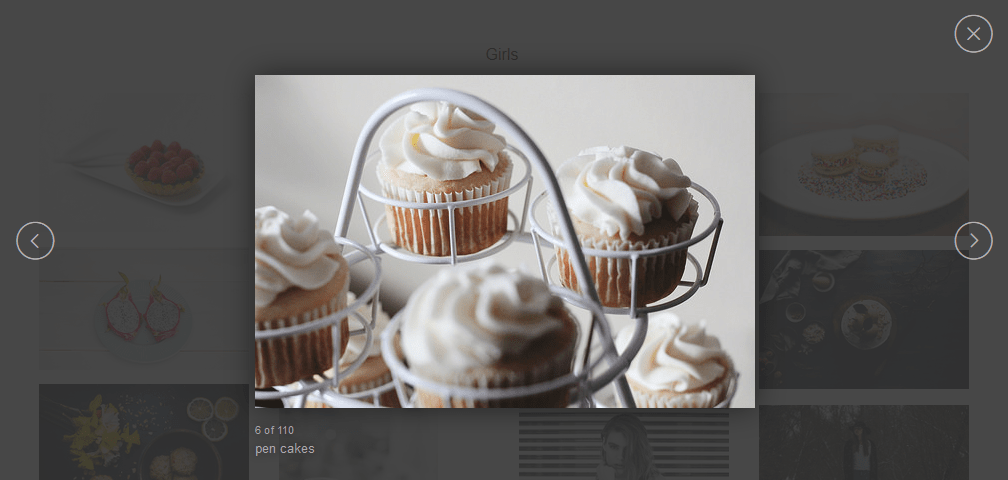
lightcase lightbox Preview
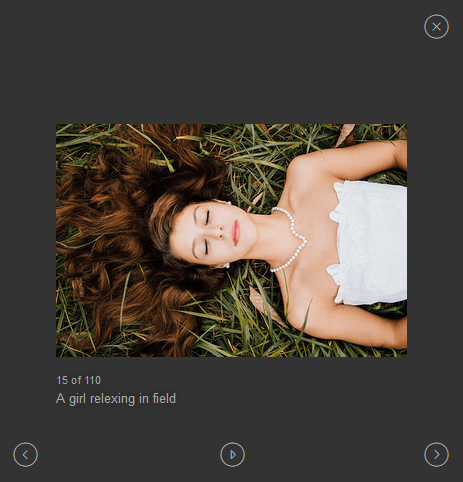
lightbox for mobile phones

Buy Premium Plugin To get This Type of Profile & Follow Button settings
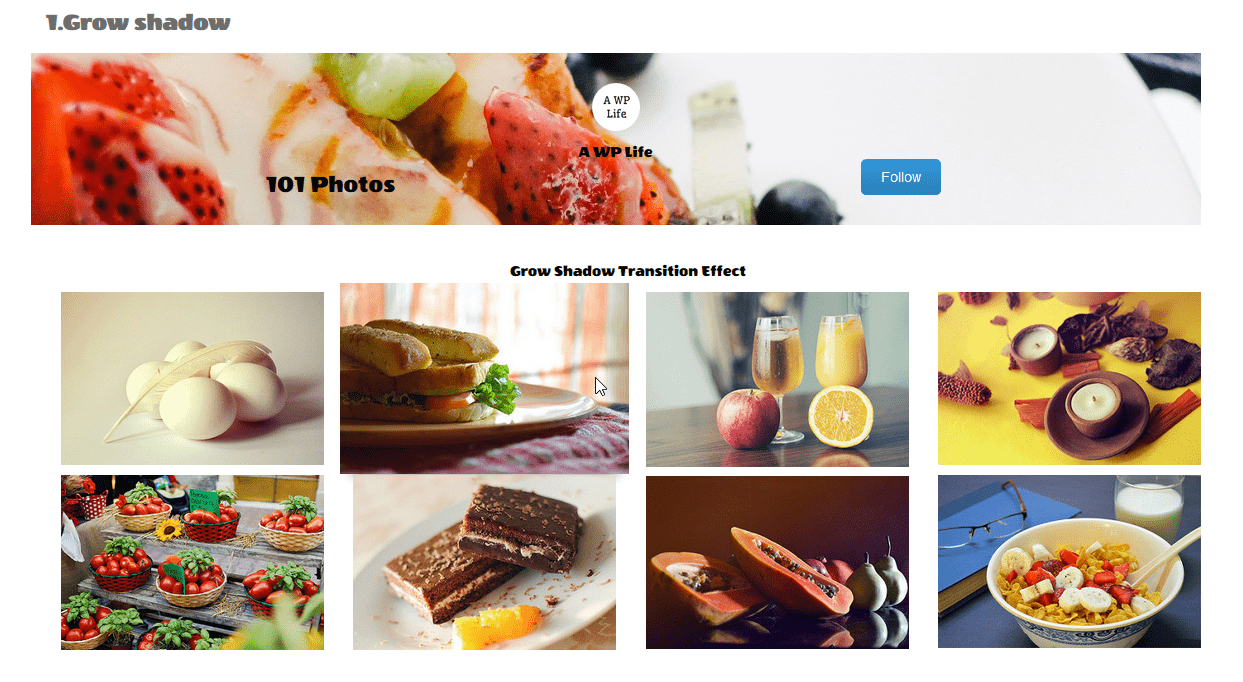
Buy Premium Plugin To get Hover Effects
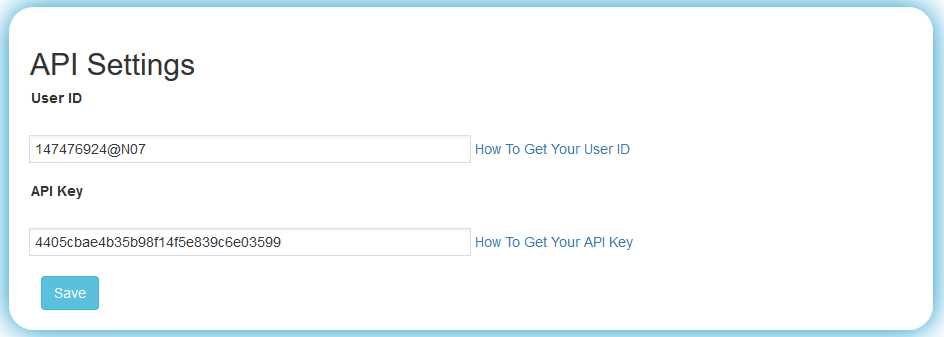
User Id & API Key Settings
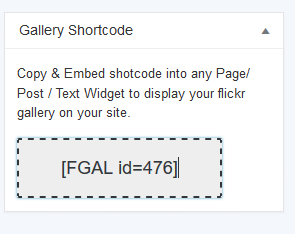
Shortcode
Changelog
1.5.0
- Testing plugin for wordpress 6.8.3
- Bug Fix: Fixed.
1.4.9
- Testing plugin for wordpress 6.8
- Bug Fix: Fixed.
1.4.8
- Testing plugin for wordpress 6.7.2
- Bug Fix: Fixed
1.4.7
- twenty twenty-five conflict issue fixed
- Testing plugin for wordpress 6.7.1
- Bug Fix: Fixed.
1.4.6
- Testing plugin for wordpress 6.7.1
- Bug Fix: Fixed.
1.4.5
- Testing plugin for wordpress 6.6.2
- Bug Fix: Fixed.
- Additional changes: None.
1.4.4
- Testing plugin for wordpress 6.6.2
1.4.3
- Testing plugin for wordpress 6.6.1
1.4.2
- Testing plugin for wordpress 6.5.4
1.4.1
- Bug Fix: Fixed.
- Additional changes: None.
- Testing plugin for wordpress 6.5.2
1.4.0
- Bug Fix: Fixed.
- Additional changes: None.
- Testing plugin for wordpress 6.4.3
1.3.9
- Bug Fix: Fixed.
- Additional changes: None.
- Testing plugin for wordpress 6.4.2
1.3.8
- Bug Fix: Fixed.
- Additional changes: None.
- Testing plugin for wordpress 6.4.2
1.3.7
- Enhancements: tested for WordPress 6.3.2
1.3.6
- Enhancements: tested for WordPress 6.3.1
1.3.5
- Enhancements: tested for WordPress 6.2.2
1.3.4
- Enhancements: tested for WordPress 6.2.1
1.3.3
- Enhancements: tested for WordPress 6.1.1
- Premium feature update
1.3.2
- Enhancements: tested for WordPress 6.1.1
1.3.0
- Tested for wordPress 6.0.3.
- fixed codding bugs.
1.3.0
- wordpress security issues fixed.
1.2.9
- Enhancements: tested for WordPress 6.0.1
1.2.8
- Enhancements: tested for WordPress 5.9.3
1.2.7
- Enhancements: tested for WordPress 5.9
1.2.6
- Enhancements: tested for WordPress 5.8.2
- default Flickr Api Key Update
1.2.5
- Enhancements: tested for WordPress 5.8.1
- wordpress security issues fixed
1.2.4
- Enhancements: tested for WordPress 5.8.1
- Bug: Miner Issue Fixed.
1.2.3
- Enhancements: Yes, code minimize.
- Bug: Miner Issue Fixed.
1.2.2
- Enhancements: tested for WordPress 5.7.2
1.2.1
- Enhancements: tested for WordPress 5.7.1
1.2.0
- Enhancements: tested for WordPress 5.7
1.1.10
- Enhancements: tested for WordPress 5.6.2
1.1.9
- Enhancements: tested for WordPress 5.6
1.1.8
- Enhancements: tested for WordPress 5.5.3
- Bug: Miner Issue Fixed.
1.1.7
- Enhancements: tested for WordPress 5.5.3
1.1.5
- Enhancements: tested for WordPress 5.5.1
1.1.4
- Enhancements: tested for WordPress 5.5
- Bug: Miner Issue Fixed.
1.1.3
- Enhancements: tested for WordPress 5.4.2
1.1.2
- Enhancements: tested for WordPress 5.4.1
- Bug: Lightbox Preview (Large – 1024×768 Size) Fixed
1.1.1
- Enhancements: tested for WordPress 5.3.2
1.1.0
- Enhancements: tested for WordPress 5.3.2
1.0.14
- Enhancements: tested for WordPress 5.2.2
- Bug Fix: Fixed.
- Additional changes: None
1.0.13
- Enhancements: tested for WordPress 5.2.2
- Bug Fix: Fixed.
- Additional changes: None
1.0.12
- Enhancements: tested for WordPress 5.2.2
- Bug Fix: Fixed.
- Additional changes: None
1.0.11
- Enhancements: tested for WordPress 5.2.2
- Bug Fix: Fixed.
- Additional changes: None
1.0.10
- Enhancements: All brand violation things are fixed
- Bug Fix: None
- Additional changes: None
1.0.9
- Enhancements: All brand violation things are fixed
- Bug Fix: None
- Additional changes: brand logo, images, icon removed from assets and screenshots
1.0.8
- Enhancements: tested for WordPress 5.2.2
- Bug Fix: Fixed
- Additional changes: None
1.0.7
- Enhancements: tested for WordPress 5.2.2
- Bug Fix: Fixed
- Additional changes: None
1.0.6
- Enhancements: tested for WordPress 5.2.2
- Bug Fix: Fixed
- Additional changes: None
1.0.5
- Enhancements: tested for WordPress 5.2.1
- Bug Fix: Fixed
- Additional changes: None
1.0.4
- Enhancements: tested for WordPress 5.2.1
- Bug Fix: Fixed
- Additional changes: None
1.0.3
- Enhancements: tested for WordPress 5.1.1
- Bug Fix: Fixed
- Additional changes: None
1.0.2
- Enhancements: tested for WordPress 5.1.1
- Bug Fix: Fixed
- Additional changes: None
1.0.1
- Enhancements: tested for WordPress 5.0.3
- Bug Fix: Fixed
- Additional changes: None
1.0.0
- Enhancements: tested for WordPress 5.0.3
- Bug Fix: Fixed
- Additional changes: None
0.1.5
- Enhancements: tested for WordPress 5.0.3
- Bug Fix: Fixed
- Additional changes: None
0.1.4
- Enhancements: tested for WordPress 5.0.2
- Bug Fix: Fixed
- Additional changes: None
0.1.3
- Enhancements: tested for WordPress 5.0.2
- Bug Fix: No
- Additional changes: fixed
0.1.2
- Enhancements: tested for WordPress 5.0.1
- Bug Fix: No
- Additional changes: fixed
0.1.1
- Enhancements: none
- Bug Fix: Html Bug fixed.
- Additional changes: custom copy shortcode function added.
0.0.21
- Enhancements: none
- Bug Fix: Html Bug fixed.
- Additional changes: none
0.0.21
- Enhancements: none
- Bug Fix: image responsive, image center, image border added
- Additional changes: none
0.0.20
- Enhancements: tested for WordPress 4.9.8
- Bug Fix: No
- Additional changes: some label and typos fixed
0.0.19
- Enhancements: tested for WordPress 4.9.8
- Bug Fix: No
- Additional changes: update links
0.0.18
- Enhancements: tested for WordPress 4.9.8
- Bug Fix: Yes
- Additional changes: No
0.0.17
- Enhancements: Translation ready – Hindi
- Bug Fix: None
- Additional changes: No
0.0.16
- Enhancements: tested for WordPress 4.9
- Bug Fix: None
- Additional changes: yes, Added theme menu Added Featured Page.