

WP Image Markers – Easy Hotspot Solution
Easy way to add markers to an image and drag to reposition them.
Maintenance 22/1002948d since update
Active installs
800
Downloads
15,411
Reviews
5
Age
8.2y
Plugin info
Total downloads: 15,411
Active installs: 800
Total reviews: 5
Average rating: 2.8
Support threads opened: 0
Support threads resolved: 0 (0%)
Available in: 1 language(s)
Contributors: 4
Last updated: 3/8/2018 (2948 days ago)
Added to WordPress: 2/7/2018 (8 years old)
Minimum WordPress version: 4.5
Tested up to WordPress version: 4.9.28
Minimum PHP version: f
Maintenance & Compatibility
Maintenance score
Possibly abandoned • Last updated 2948 days ago • 5 reviews
22/100
Is WP Image Markers – Easy Hotspot Solution abandoned?
Possibly abandoned (last update 2948 days ago).
Compatibility
Requires WordPress: 4.5
Tested up to: 4.9.28
Requires PHP: f
Languages
Similar & Alternatives
Explore plugins with similar tags, and compare key metrics like downloads, ratings, updates, support, and WP/PHP compatibility.
No similar plugins found yet.
Description
WP Image Markers is a marker builder that helps you add multiple markers (with customize tooltips) and drag them anywhere in background.
Amazing and powerful admin with lightweight and smooth front-end display.
You can check plugin document here.
Features
- Eye-catching and friendly
- Drag drop markers
- Easy to clone, edit, remove a marker
- Use image icon, font icon or text
- Optional markers color
- MCE editor in tooltip, it can also connect to post, page, product or any post types
- Two events to show tooltip (Hover and Click)
- Many effect for tooltip and markers to show
- Optional tooltip position (top, right, bottom, left)
- Build for performance
- Use css3 animation
Video tutorial
Installation
- Simply install as a normal WordPress plugin and activate.
- Go to Image Markers in Admin sidebar menu
Frequently Asked Questions
Installation Instructions
- Simply install as a normal WordPress plugin and activate.
- Go to Image Markers in Admin sidebar menu
Can i use image icon, font icon or any text in marker?
Yes, you can do it easily.
Can i drag icon?
Yes, you can add and drag it to any where in image.
Review feed
No reviews available
Screenshots
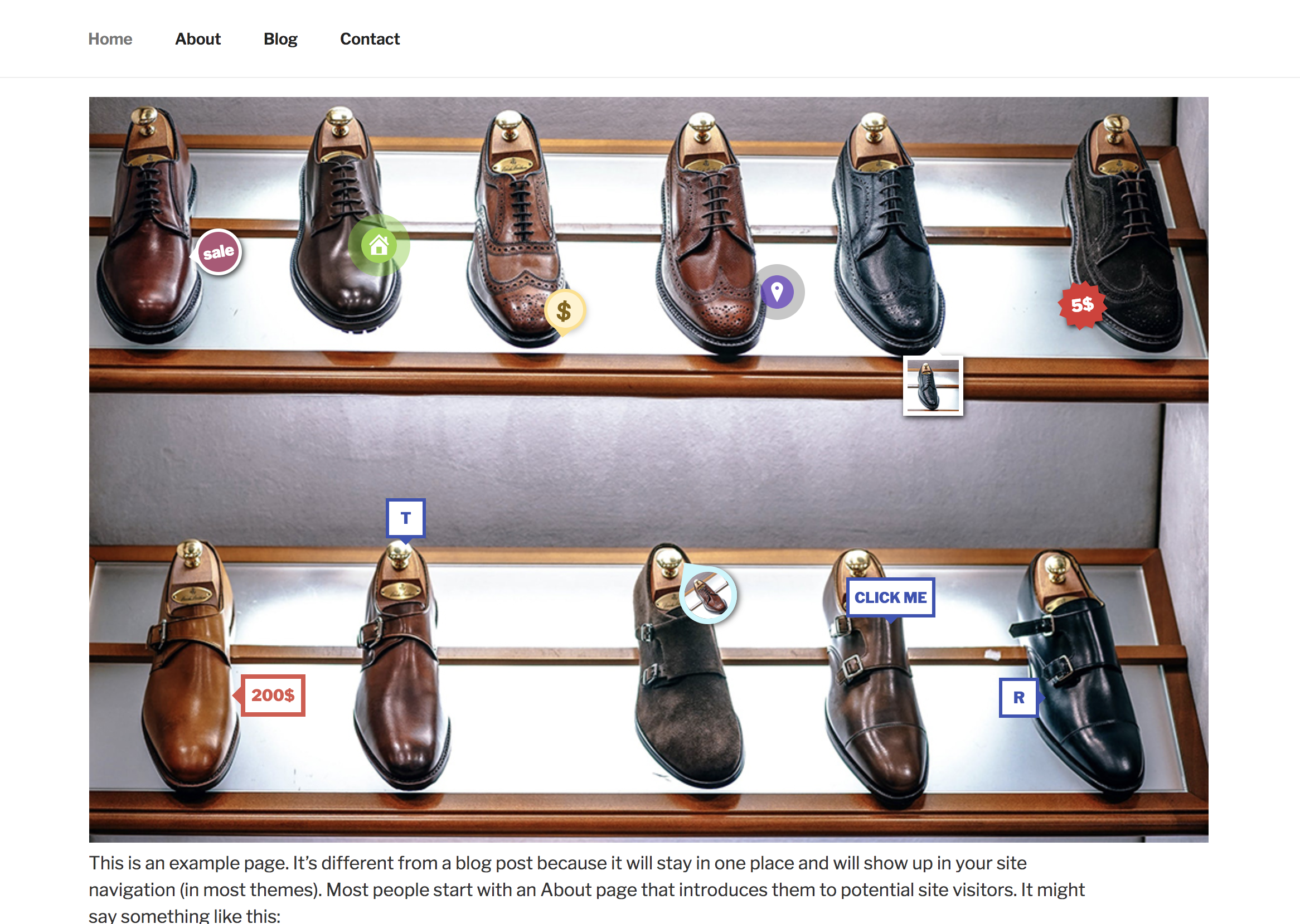
Markers in front-end
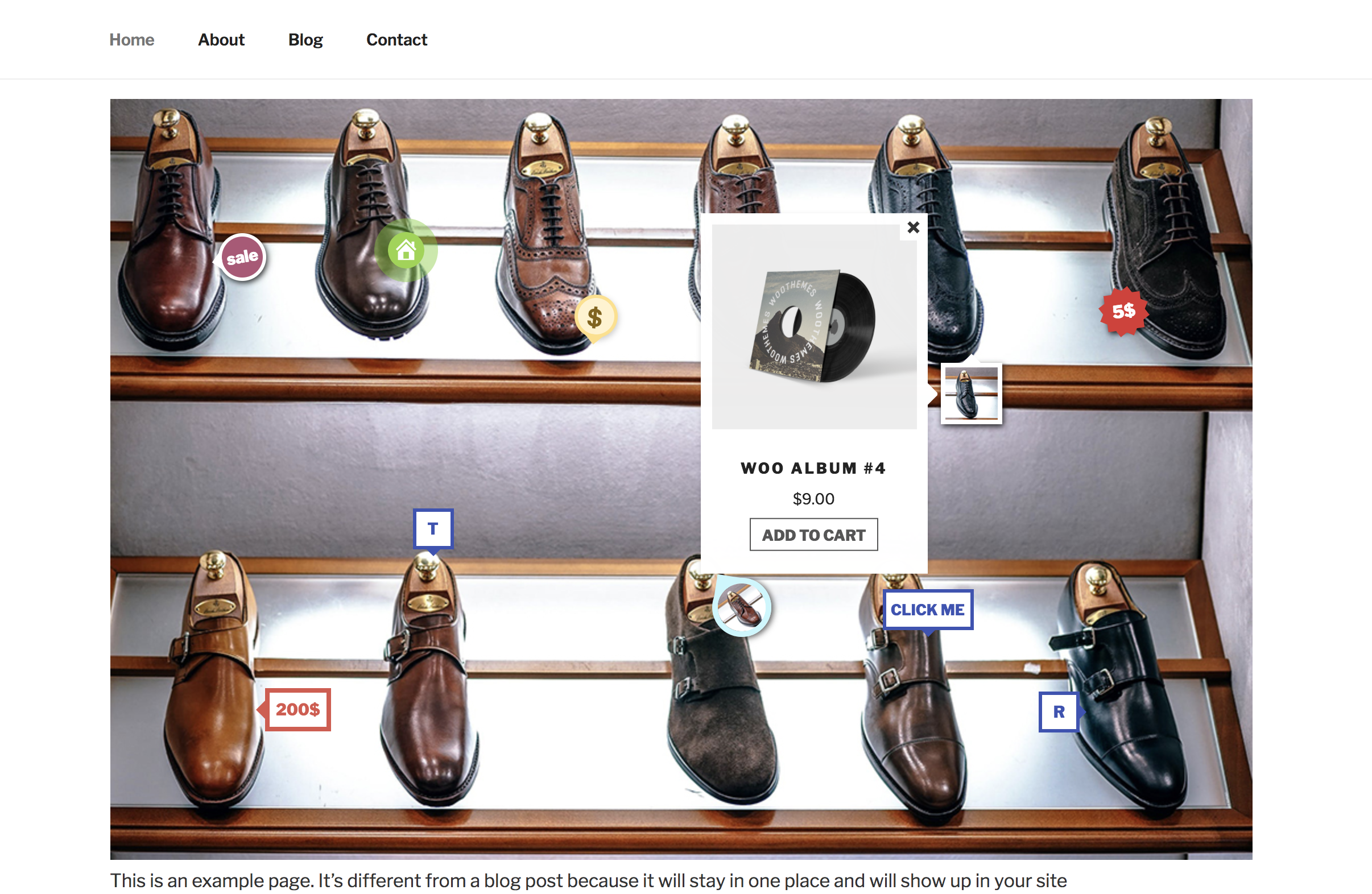
Show info window

Edit a marker
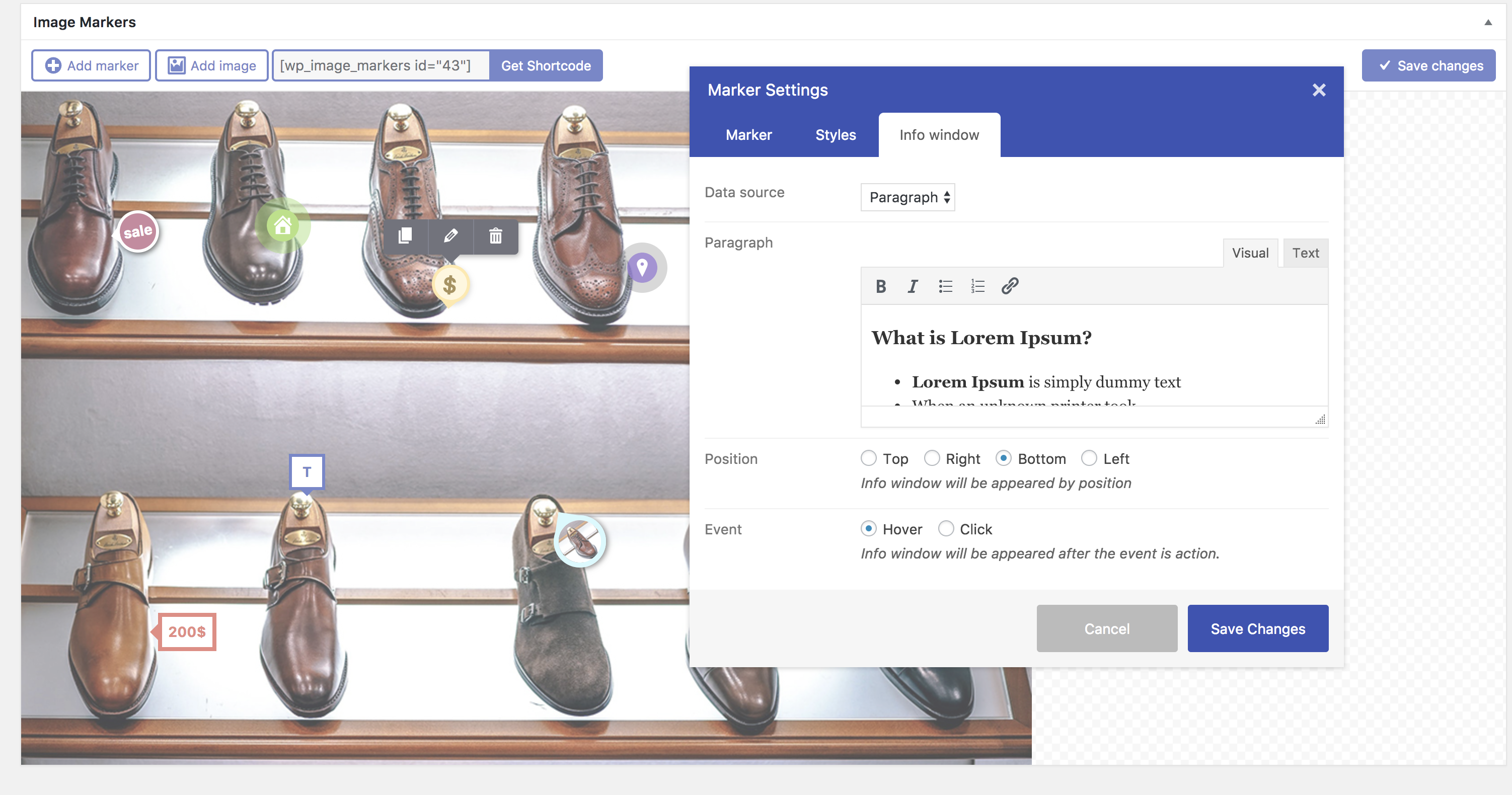
Edit info window with paragraph
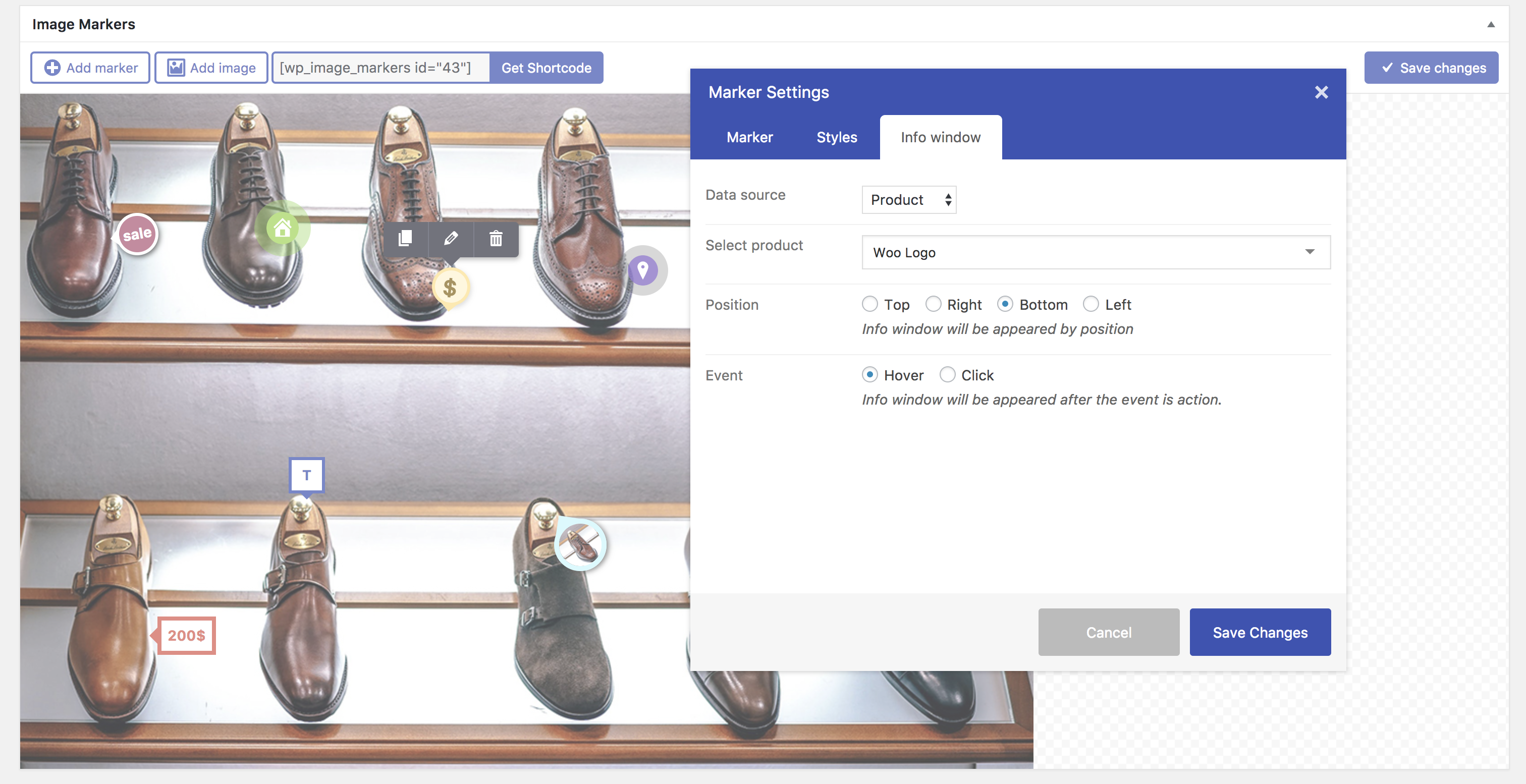
Edit info window with product

Edit marker styles
Changelog
1.0.0 (February 5, 2017):
- Initial Public Release