
WP Image Mask
This plugin adds the ability to set a mask to Gutenberg's image block or via shortcode [wp-image-mask].
Plugin info
Maintenance & Compatibility
Maintenance score
Stale • Last updated 328 days ago • 1 reviews
Is WP Image Mask abandoned?
Likely maintained (last update 328 days ago).
Compatibility
Similar & Alternatives
Explore plugins with similar tags, and compare key metrics like downloads, ratings, updates, support, and WP/PHP compatibility.
Description
Select a custom mask for your Gutenberg image’s block or add a masked image anywhere via shortcode [wp-image-mask].
Shortcode attributes:
src– URL of the image;mask– URL of the mask;fit– how the mask should fit into the image.cover,contain(defaultcontain);alt– alt text for the image.
Installation
Upload the WP Image Mask plugin to your site, activate it and start using.
Frequently Asked Questions
No, this plugin attaches to the native Gutenberg image block, so no need to replace your existing images.
Sure! You can select a custom image mask file or paste SVG code of your image mask.
Yes! You can use shortcode [wp-image-mask src="https://url_of_your_image" mask="https://url_of_your_mask_image"].
Review feed
Screenshots
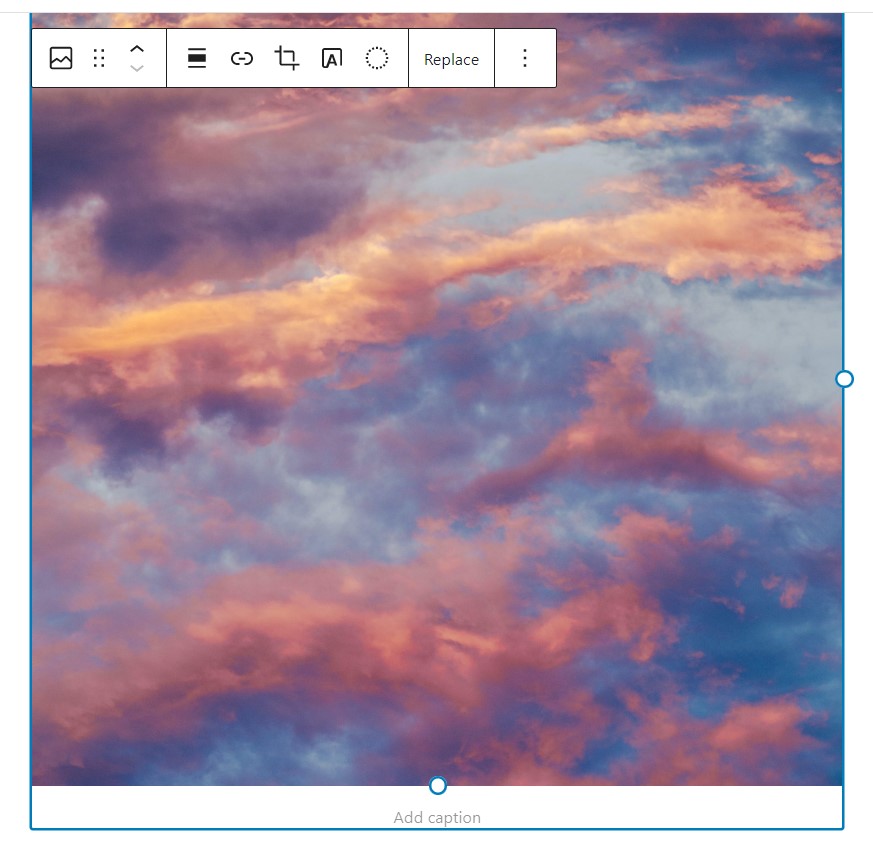
Select your image (or add a new one from Gutenberg blocks).

Select the type of image mask from the block's settings.

If you choose a custom image - click on the Choose mask image button to upload your custom mask.
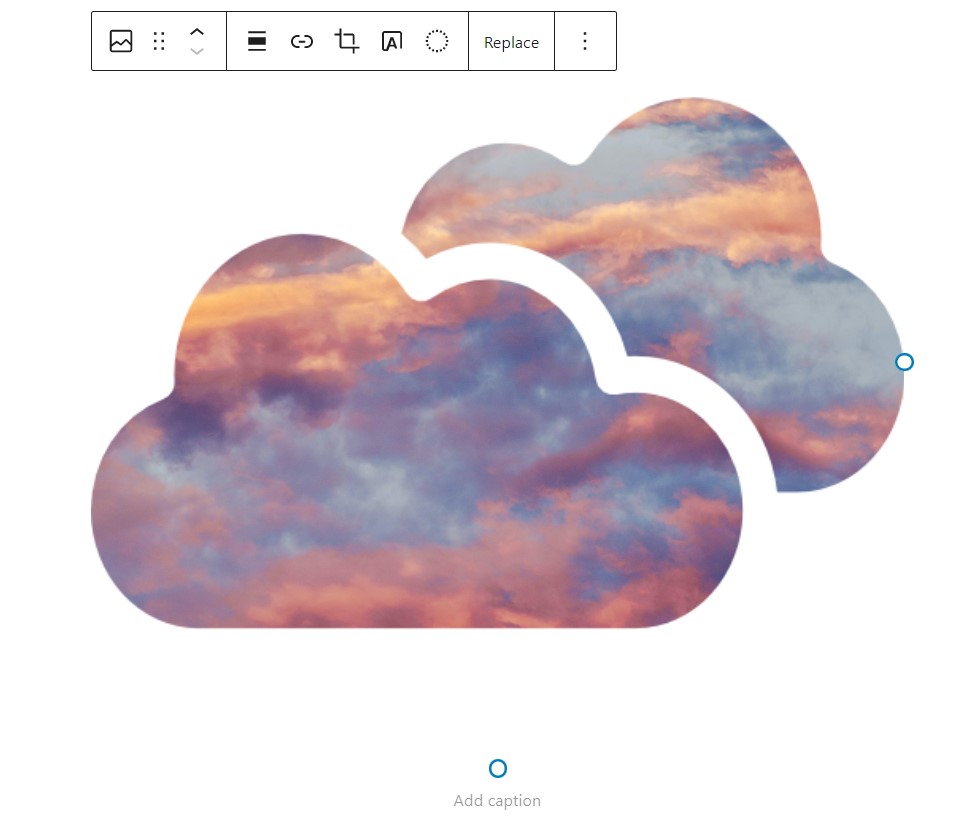
Once you have selected the mask - it will apply to your image.

If you choose SVG code - paste your SVG code in the textarea field.

Once you have pasted the code - it will apply to your image.

You can also apply image masks to gallery's images.
Changelog
3.1.3
- Fixed security vulnerability
3.1.2
- Removed inline tags, applied image mask as inline css
- Fixed Gutenberg view for custom image mask
- Migrate to @wordpress/create-block
3.1.1
- Removed unnecessary wp-image-mask – CGB Block
3.1
- Add the ability to select mask fit in the Gutenberg block
3.0
- Stable release.
- Add a shortcode to apply image mask.
2.0
- Stable release.
- Fixed issues with applying custom masks to images.
- Add the ability to paste SVG code for image masks.
1.0
- First release.