

Social Media Feed – Display Your Social Gallery on WordPress
Display a responsive and customizable Instagram feed gallery on your WordPress site using access token authentication. Supports shortcode, lightbox, l …
Plugin info
Maintenance & Compatibility
Maintenance score
Maintained • Last updated 119 days ago • 5 reviews
Is Social Media Feed – Display Your Social Gallery on WordPress abandoned?
Likely maintained (last update 119 days ago).
Compatibility
Languages
Similar & Alternatives
Explore plugins with similar tags, and compare key metrics like downloads, ratings, updates, support, and WP/PHP compatibility.
Description
Social Media Feed is a simple yet powerful plugin that enables you to display images from social platforms like Instagram via access tokens. It creates a fully responsive photo gallery layout using Bootstrap grid columns, with customization options for layout, image count, spacing, captions, hover effects, and more.
The plugin is beginner-friendly, easy to configure, and compatible across desktop, tablet, and mobile devices. It also supports shortcodes, making it easy to embed galleries anywhere on your site — pages, posts, widgets, or templates.
The Pro version unlocks more advanced layout templates, like masonry and carousel views, along with additional features like like counts, comment counts, profile details, “Load More” button, and much more.
💡 Key Free Features:
- Access Token support
- 1 gallery layout template
- Control gallery row and column settings
- Limit images shown (up to 50)
- Spacing between grid images
- Captions on hover
- Social platform image links
- Image lightbox with controls
- Shortcode generator
- Bootstrap 4.x styling
🌟 Premium Features Include:
- 5 gallery layout templates
- Grid, Masonry, Mosaic, Carousel, and Post-style layouts
- Display up to 200+ images
- Album and profile display support
- Load More button functionality
- Like and comment count visibility
- Sidebar and no-spacing layout modes
- Custom link settings
- Social sharing icons
- Enhanced lightbox controls
- Premium support
🔗 Helpful Links:
- Premium Plugin Demo
- How to Get an Access Token (Video)
- How to Use Plugin (Video Guide)
- Upgrade to Pro
Plugin Support
If you need help configuring the plugin or want to report a bug, please visit the support forum or contact us via our website.
Installation
- Upload the plugin files to the
/wp-content/plugins/social-media-feed/directory or install via the WordPress Plugins screen. - Activate the plugin through the “Plugins” menu in WordPress.
- Navigate to the “Social Feed” menu in the admin dashboard.
- Generate a gallery and insert the shortcode into your page, post, or widget area.
Frequently Asked Questions
After generating your access token, create a gallery and paste the generated shortcode into any page or post.
A full video tutorial is available here: https://www.youtube.com/watch?v=IEXDGIeIq_8
The free version allows up to 50 images. The Pro version increases this limit to 200+ images.
No, your previously created galleries will remain intact. You may regenerate shortcodes to use new layout features.
Please post questions in the WordPress support forum.
Review feed
Screenshots
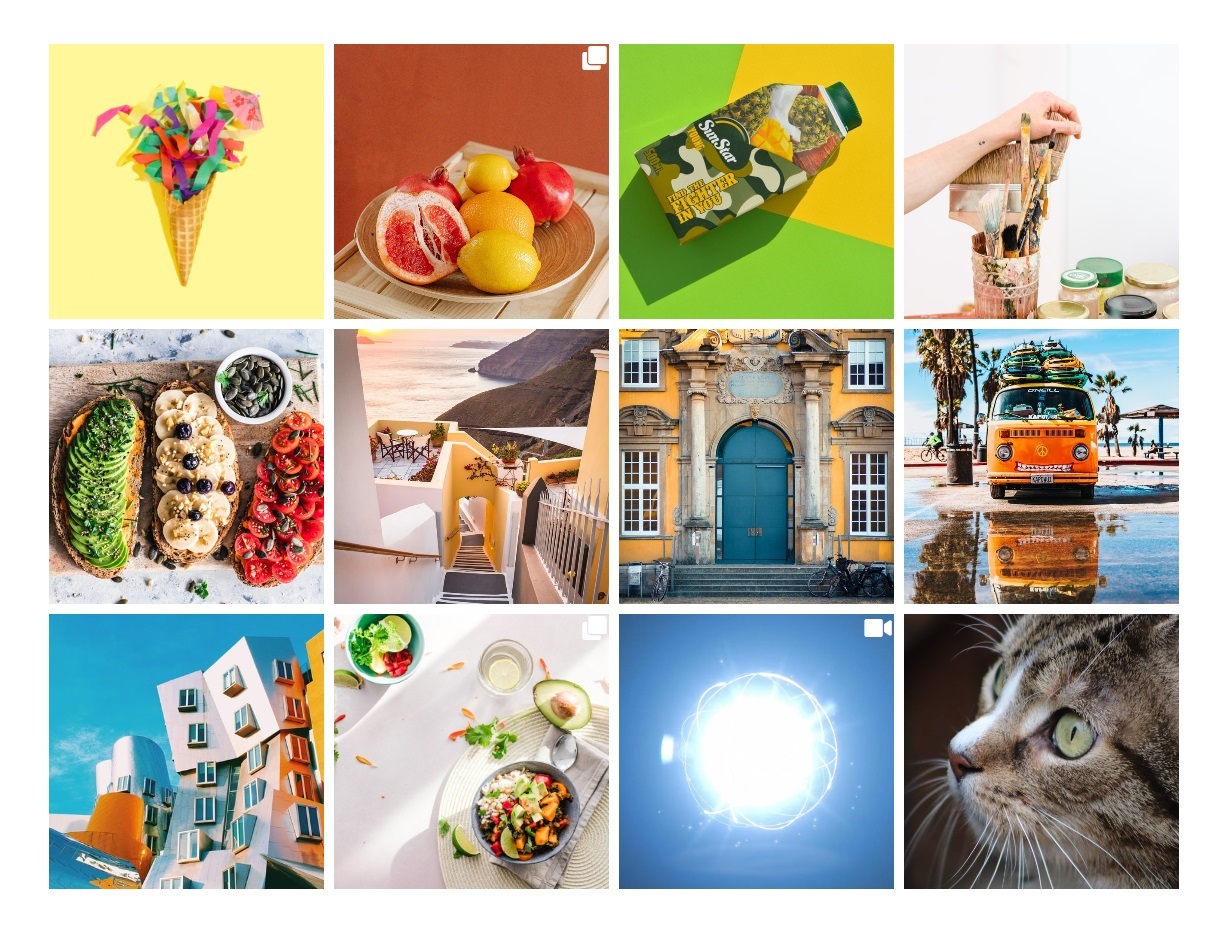
Grid Layout Preview
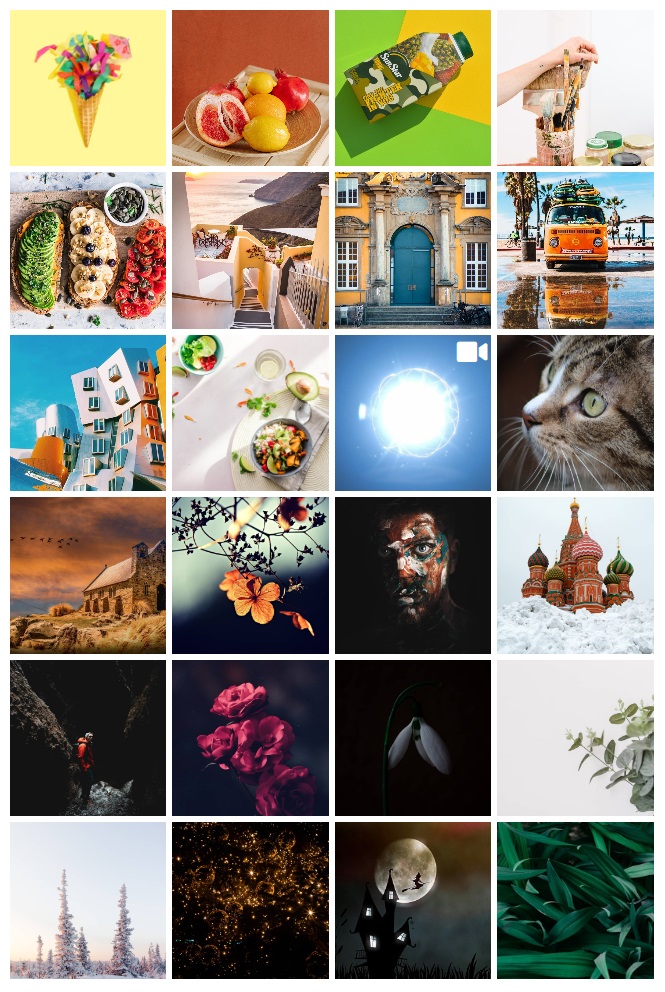
4 Column Gallery

3 Column Gallery
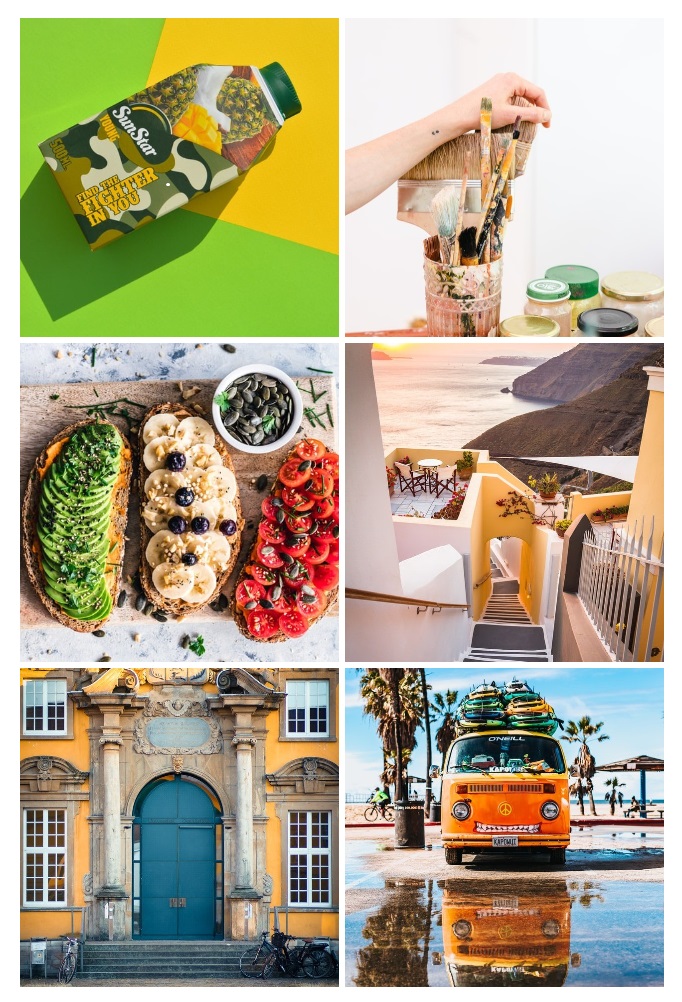
2 Column Gallery
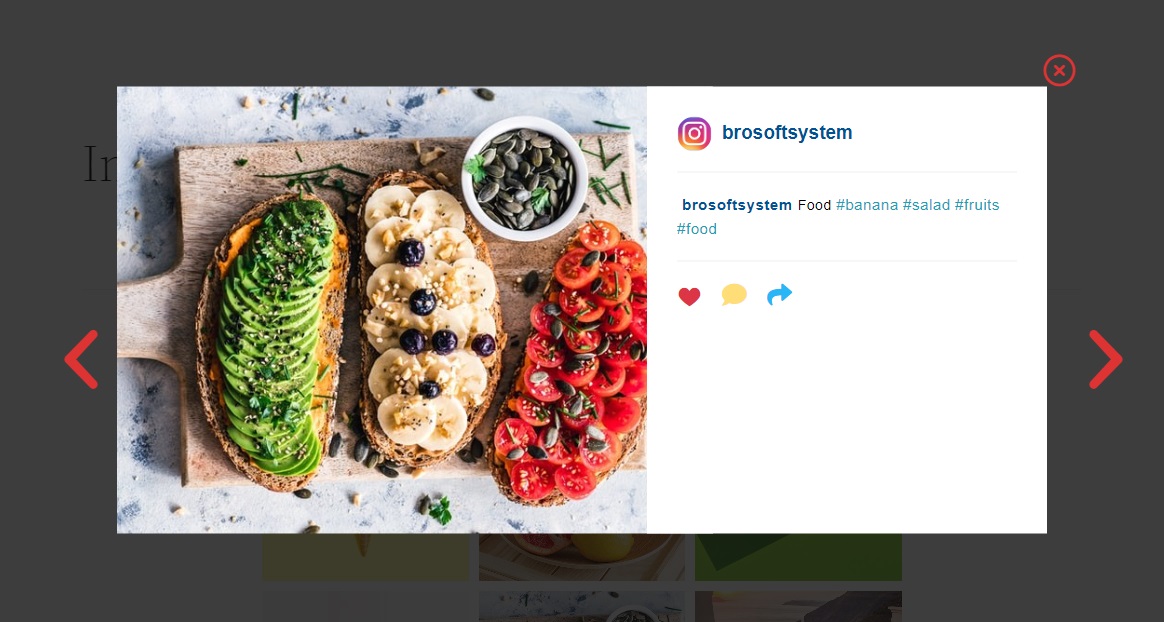
Lightbox Preview
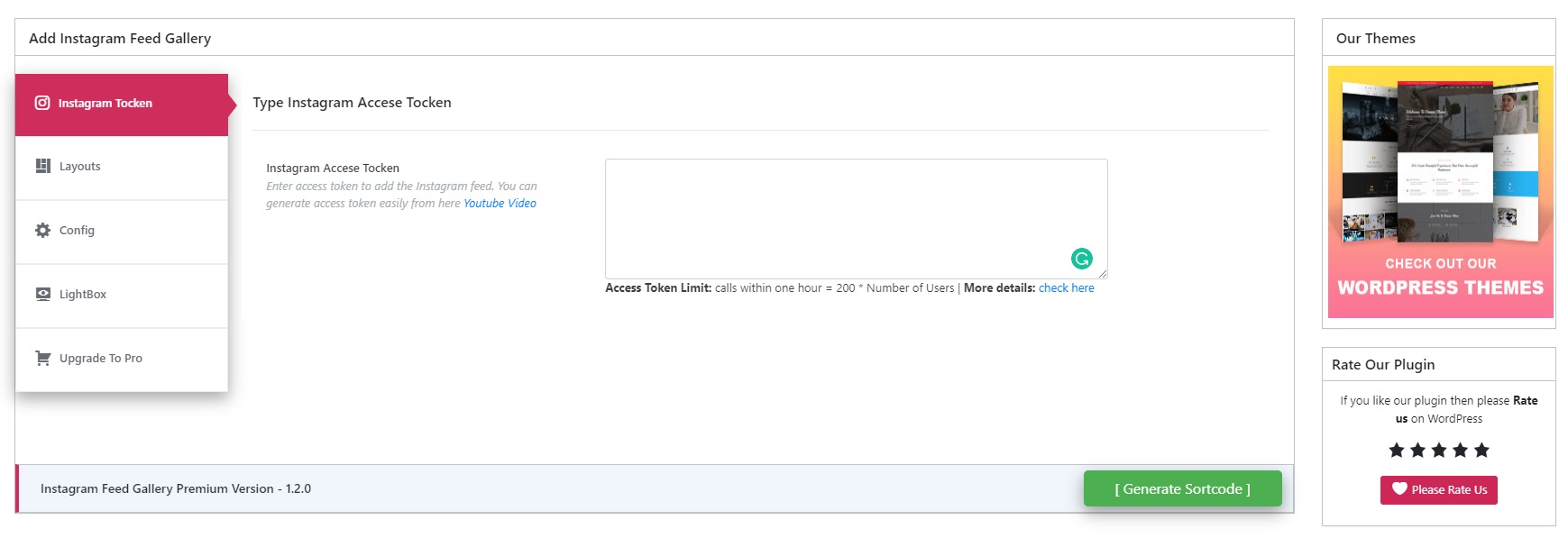
Access Token Settings
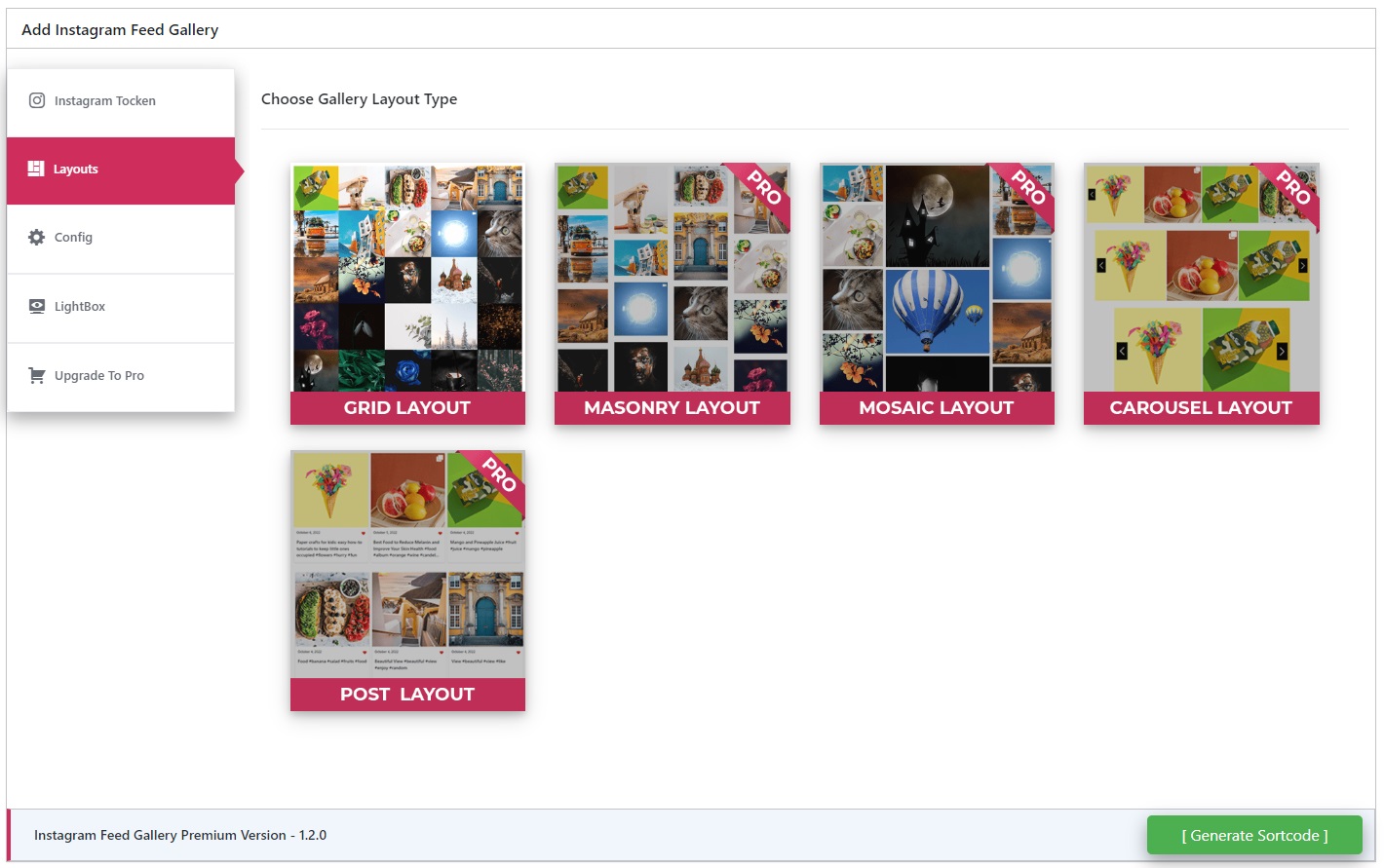
Layout Selection Dashboard
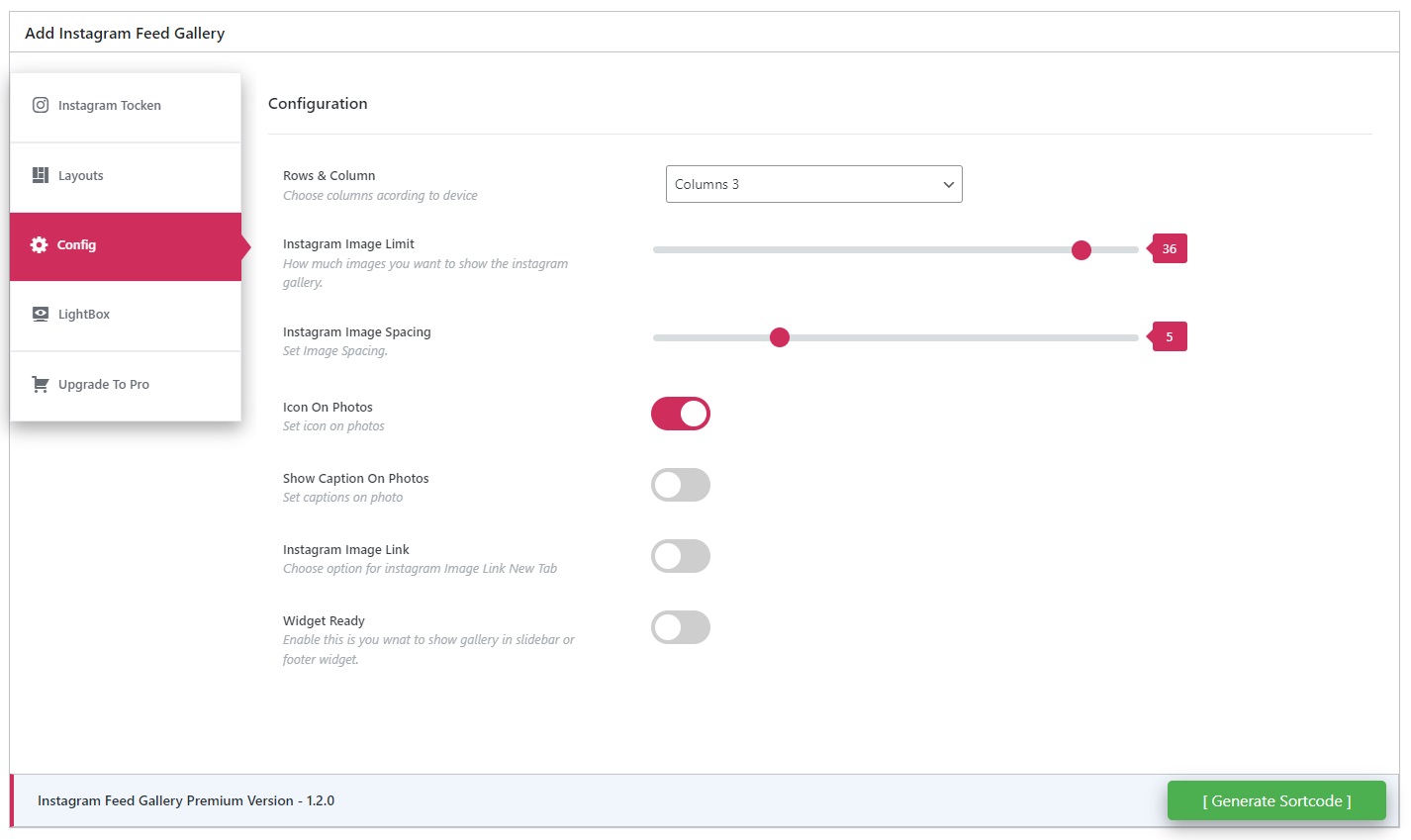
Gallery Settings Panel
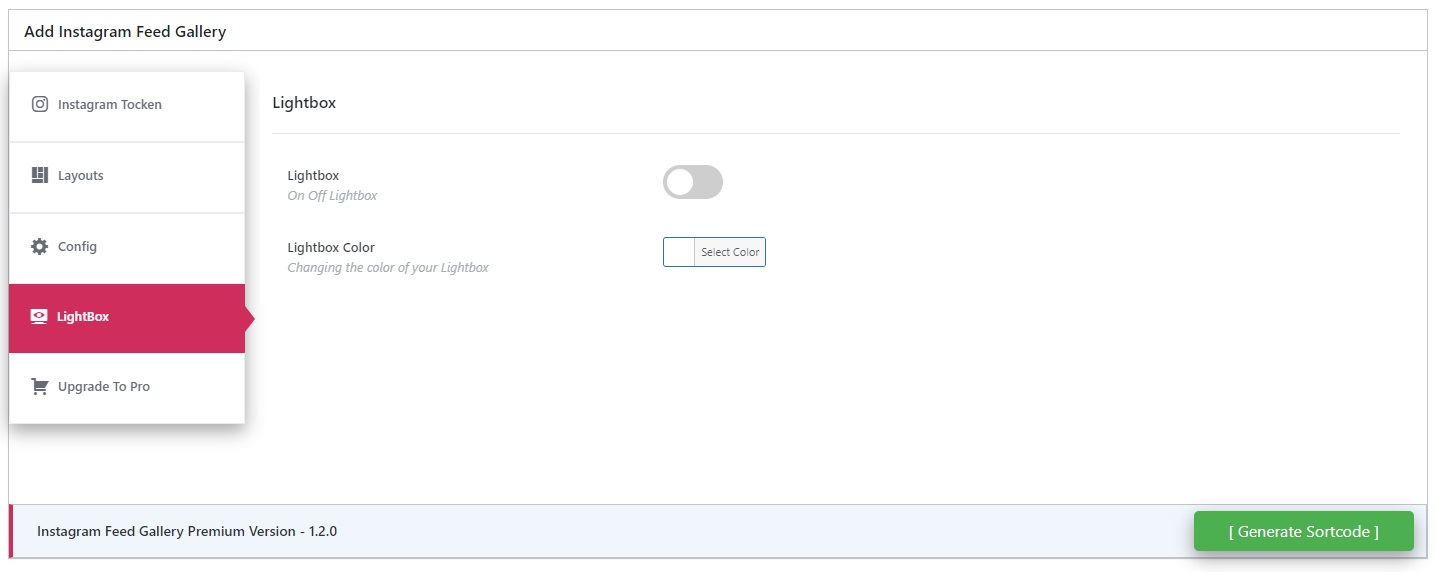
Lightbox Color Customization
Changelog
1.4.8
- Tested with WordPress 6.9
1.4.7
- Lightbox css update
1.4.6
- Tested with WordPress 6.8.3
1.4.5
- Renamed plugin to comply with trademark policy
- Updated readme and assets
- Tested with WordPress 6.8.1
1.4.4
- Bug fix: Minor fixes for compatibility
- Security patches applied
- Minor bug fixes and code cleanup
- Tested with WordPress 6.8.1
1.4.3
- Bug fix: Minor fixes for compatibility
- Tested with WordPress 6.7.2
1.4.2
- Bug fix: Fixed API error handling
- New video guide for Access Token (2024)
1.4.1
- Bug fix: Styling adjustments
- Tested with WordPress 6.6.2
1.4.0
- Compatibility with WordPress 6.6.2
1.3.9
- Compatibility update for WordPress 6.6.1
…
[Full changelog preserved as-is from your original content. No issues found.]