

Logo Slider and Showcase
Logo Slider and Showcase plugin is fully Responsive and Mobile Friendly to display your partner logo in slider and grid views.
Plugin info
Maintenance & Compatibility
Maintenance score
Stale • Last updated 233 days ago • 16 reviews
Is Logo Slider and Showcase abandoned?
Likely maintained (last update 233 days ago).
Compatibility
Similar & Alternatives
Explore plugins with similar tags, and compare key metrics like downloads, ratings, updates, support, and WP/PHP compatibility.
Description
Logo Slider and Showcase is fully Responsive Plugin to display your logos, clients and partners with different ways like Grid, Slider and Isotope Filtering by category wise.
🏆 Features
- Fully Responsive
- 2 Different Layouts(Grid and Carousel layout)
- Carousel Slider with multiple features.
- Custom Logo Re-sizing.
- Unlimited Shortcode Generator.
- Custom URL
- Field selection.
- RTL Supported.
- Multi-Language available.
- Widget Ready.
How to use?
From the Editor The Post Grid icon you can easily add into your page or post.
For any bug or suggestion please mail [email protected]
🏆 PRO Features
- Filtering layout (Isotope)
- Carousel Slider with multiple features.
- Custom Logo Re-sizing with hard crop.
- Unlimited Shortcode Generator.
- Drag & Drop Layout builder.
- Drag & Drop Logo ordering.
- Custom Link for each Logo.
- Category wise Isotope Filtering.
- Tooltip Enable/ Disable option.
- Box Highlight Enable/ Disable.
- Center Mode available.
👉 Get The PRO PRO Version Demo
Need Any Help?
- For any bug, support or suggestion please submit your ticket here.
Liked RadiusTheme
- Join our Facebook Group.
- Learn from our tutorials on YouTube Channel.
🔥 WHAT’S NEXT
If you like The Post Grid Plugin, then consider checking out our other WordPress Plugins:
-
The Post Grid – Shortcode, Gutenberg Blocks and Elementor Addon for Post Grid.
-
Classified Lisitng – Best Classified ads and Directory WordPress Plugin
-
ShopBuilder – Elementor WooCommerce Builder Addons with 84+ widgets and 10+ modules.
-
Variation Swatches – Woocommerce Variation Swatches plugin converts the product variation select fields into radio, images, colors, and labels.
-
Variation Gallery – Woocommerce Variation Gallery plugin allows to add UNLIMITED additional images for each variation of product.
Installation
Using The WordPress Dashboard
- Navigate to the ‘Add New’ in the plugins dashboard
- Search for ‘WP Logo Showcase’
- Click ‘Install Now’
- Activate the plugin on the Plugin dashboard
Uploading in WordPress Dashboard
- Navigate to the ‘Add New’ in the plugins dashboard
- Navigate to the ‘Upload’ area
- Select
wp-logo-showcase.zipfrom your computer - Click ‘Install Now’
- Activate the plugin in the Plugin dashboard
Using FTP
- Download
wp-logo-showcase.zip - Extract the
wp-logo-showcasedirectory to your computer - Upload the
wp-logo-showcasedirectory to the/wp-content/plugins/directory - Activate the plugin in the Plugin dashboard
Frequently Asked Questions
- Go to
Logo Showcase > Add New Logo - Go to
Logo Showcase > Shortcode Generatorcreate new shortcode - Go to page or post editor click Logo Showcase Shortcode button and select a shortcode from dropdown list and insert shortcode.
- Please mail us at
[email protected] - We provide
15 hours live support
Review feed
It just works
Screenshots
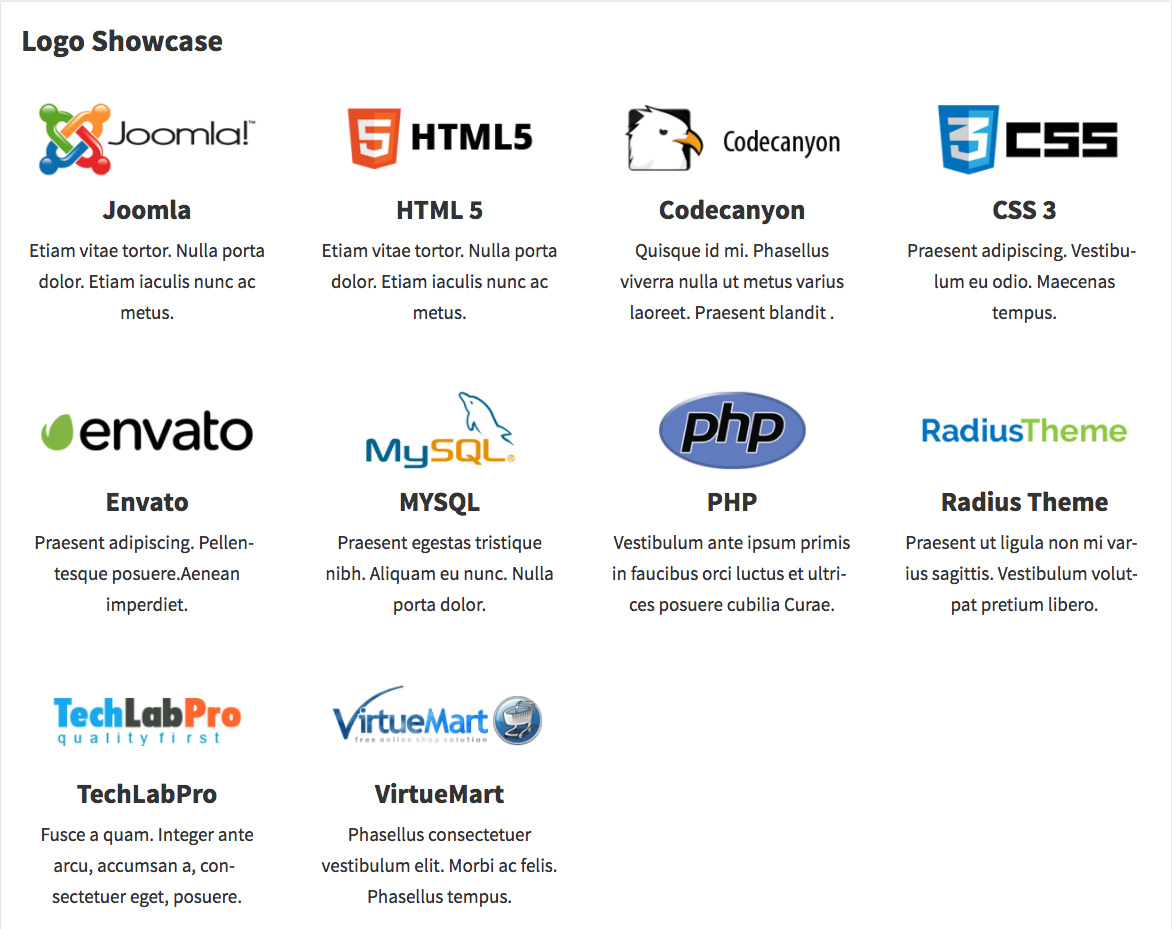
Grid layout with Title and description

Grid layout

Slider layout with title and description

Slider layout
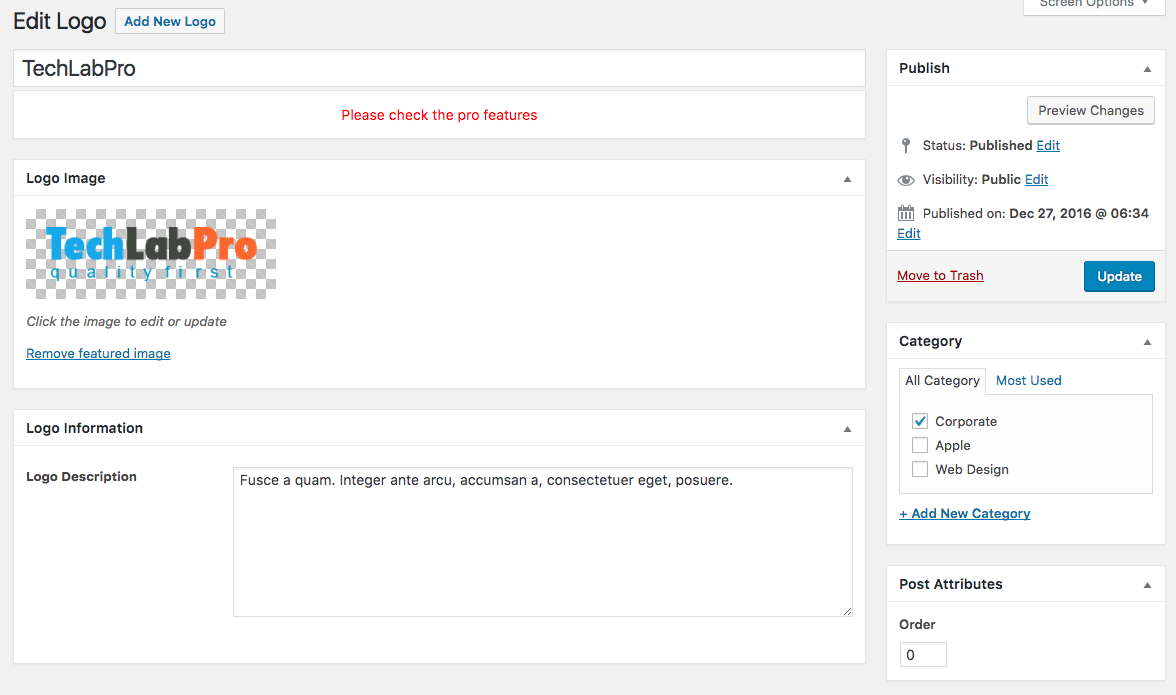
Add/Edit logo
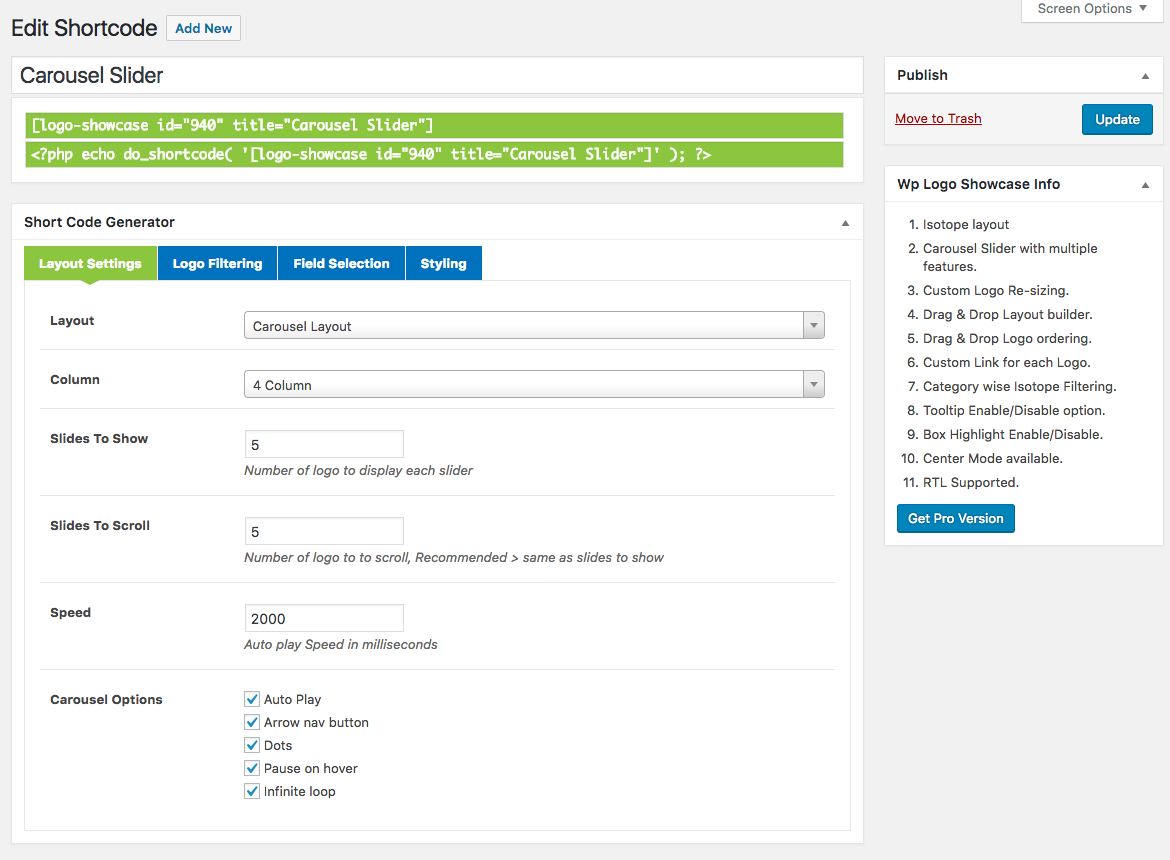
Shortcode Options

Settings
Changelog
1.5.0 ( August 12, 2025)
- Fixed: Settings input fields security issue.
1.4.5 ( April 18, 2024)
- Updated: Proper sanitization and escaping for all files.
- Fixed: Some security bugs.
1.4.3 (April 18, 2023)
- Fixed: Responsive Css issue.
1.4.2 (January 11, 2023)
- Fixed: Compatibility with the latest version of Elementor.
1.4.1 (November 28, 2022)
- Fixed: Some errors with PHP 8.0 environment.
1.4.0 (August 8, 2022)
- Updated: Proper sanitization and escaping for all files.
- Updated: All vendor libraries.
1.3.39 (February 16, 2022)
- Add support to WordPress 5.9
1.3.38 (October 19, 2021)
- Add new Settings
1.3.37
- Security update
1.3.36
- Fixed image height issue
1.3.34
- Fixed Settings image size issue
1.3.33
- Compatible with latest WP
1.3.31
- Elementor and GUtenburg Support
1.3.3
- Add title color
1.3.2
- Carousel Slider RTL option is added
1.3.1
- Add Logo alt text
1.3
- Client URL field is added.
1.2
- Extend column 5 to a row
- Update some jQuery code
- WPML Support
1.0
- Initial release