

Plugin info
Maintenance & Compatibility
Maintenance score
Stale • Last updated 281 days ago • Support resolved 0% • 98 reviews
Is WP Maintenance abandoned?
Likely maintained (last update 281 days ago).
Compatibility
Developers
Languages
Similar & Alternatives
Explore plugins with similar tags, and compare key metrics like downloads, ratings, updates, support, and WP/PHP compatibility.
Description
The WP Maintenance plugin allows you to put your website on the waiting time for you to do maintenance or launch your website. Personalize this page, pictures and countdown with:
Features
- Choice texts colors and fonts
- Upload logo picture
- Upload background picture or pattern
- Countdown
- Custom Code Header for Analytics ready
- Social Networks ready
- Customize CSS
- Insert for shorcode (Newletter or Contact form)
- Enable “503 Service temporarily unavailable”
- Choose access by Roles and Capabilities
- Choose access by ID Pages
- Choose access by IP addresses
wp-maintenance.pot file available
Installation
- Upload the full directory into your ‘/wp-content/plugins’ directory
- Activate the plugin at the plugin administration page
You will find ‘WP Maintenance’ menu in your WordPress admin panel
Frequently Asked Questions
It is hard to continue development and support for this free plugin without contributions from users like you. If you enjoy using WP Maintenance and find it useful, please consider making a donation. Your donation will help encourage and support the plugin’s continued development and better user support.
This is normal because you are logged in as an administrator. Try a different browser or use the preview link. If you have registered as a wordpress user, you see the site in normal mode.
You have a cache plugin ? Try to purge it and try again.
You can use your administrator access or create new user in wordpress dashboard
https://yousite.com/wp-admin/
Yes. Thank you for submitting your changes to update the plugin.
You can translate WP Maintenance on translate.wordpress.org.
Review feed
Screenshots
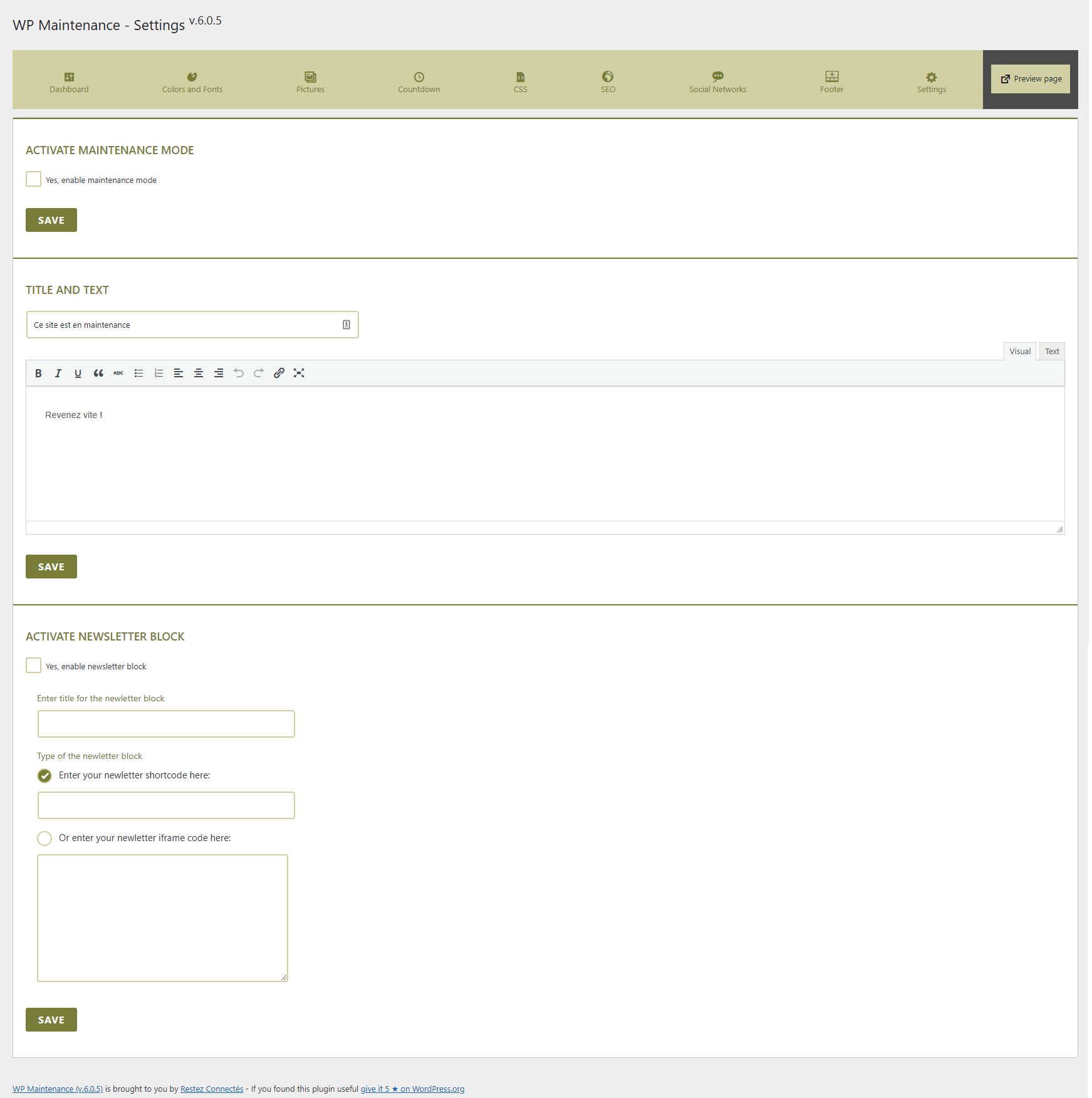
General view
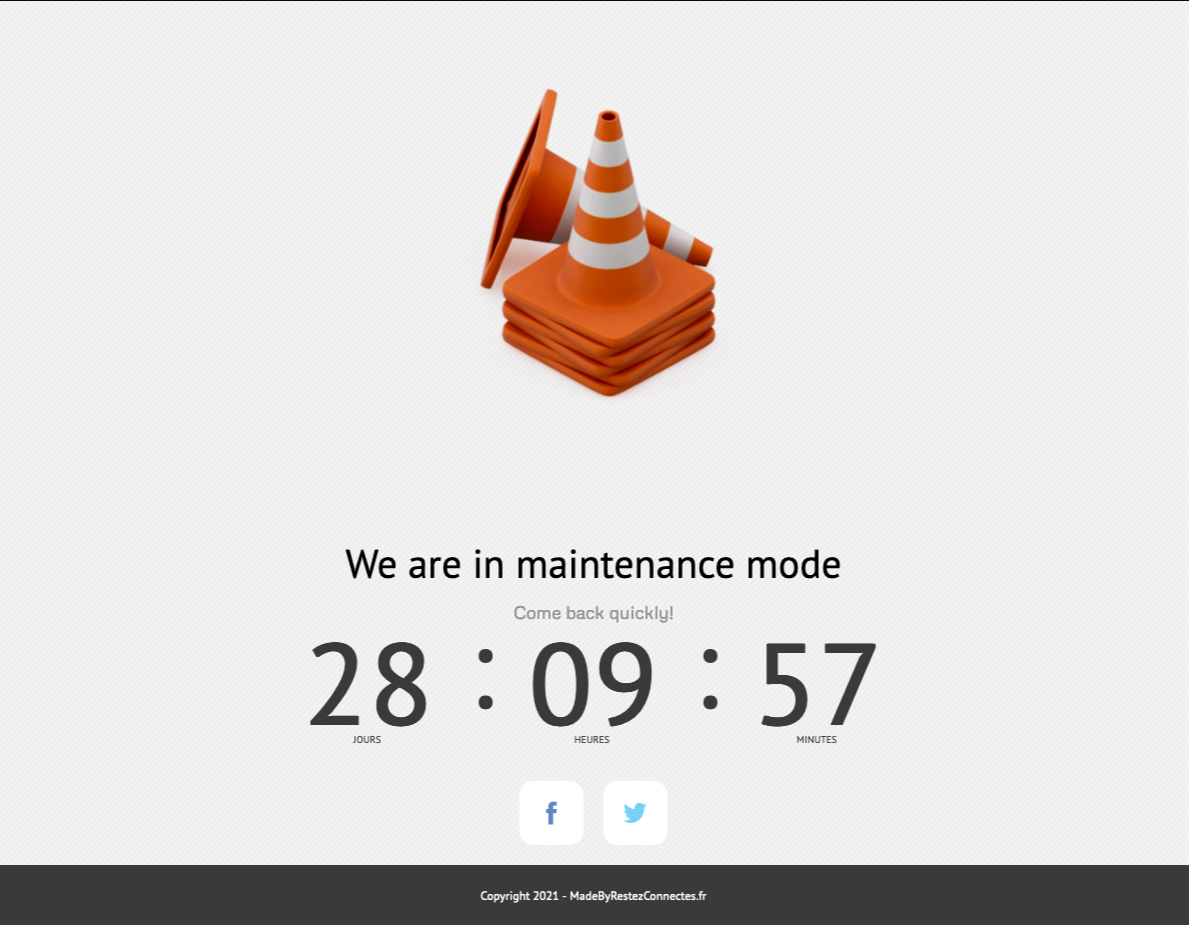
View by visitors to your site
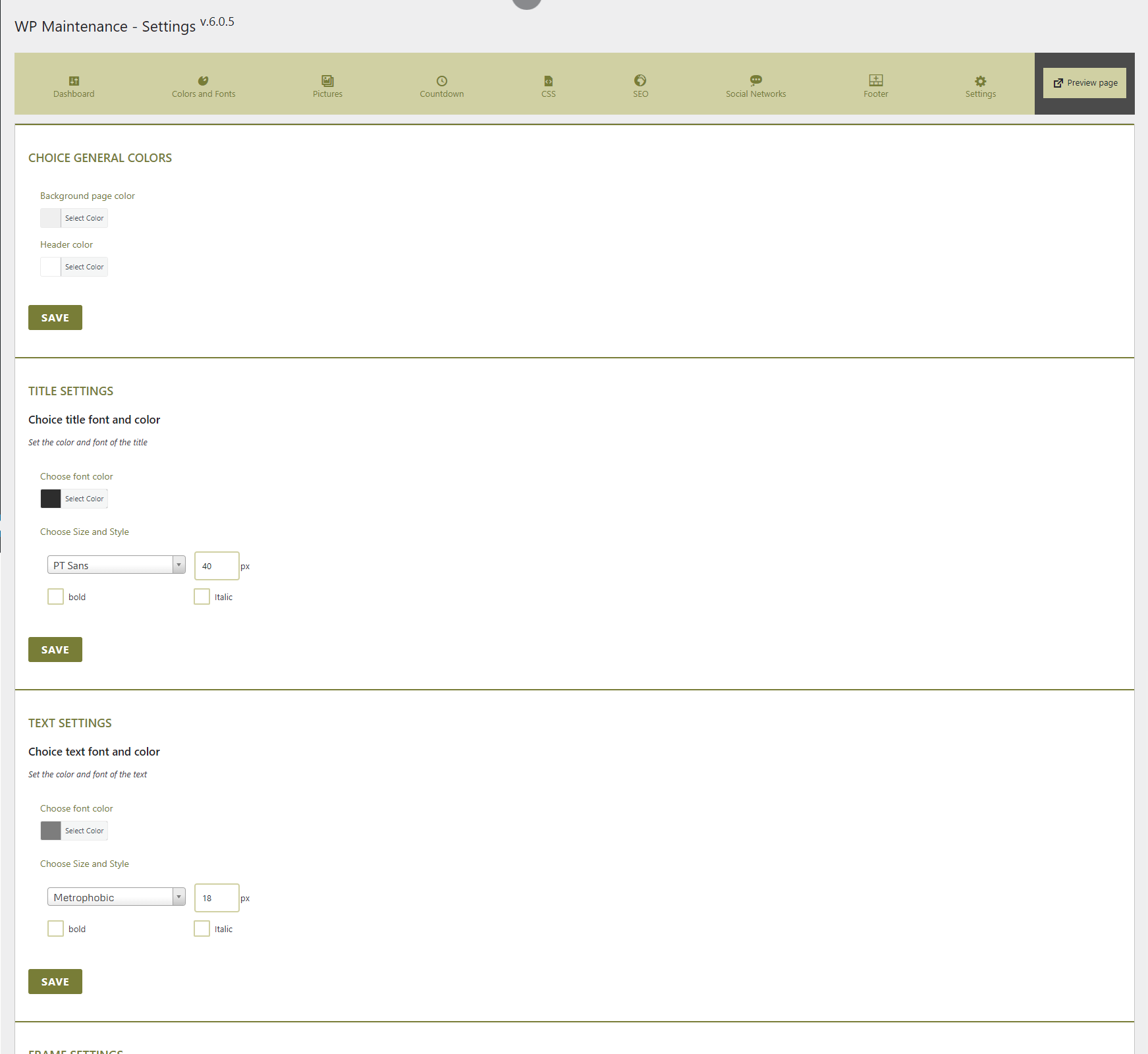
Colors and fonts settings

Upload a personal header, background and slides picture
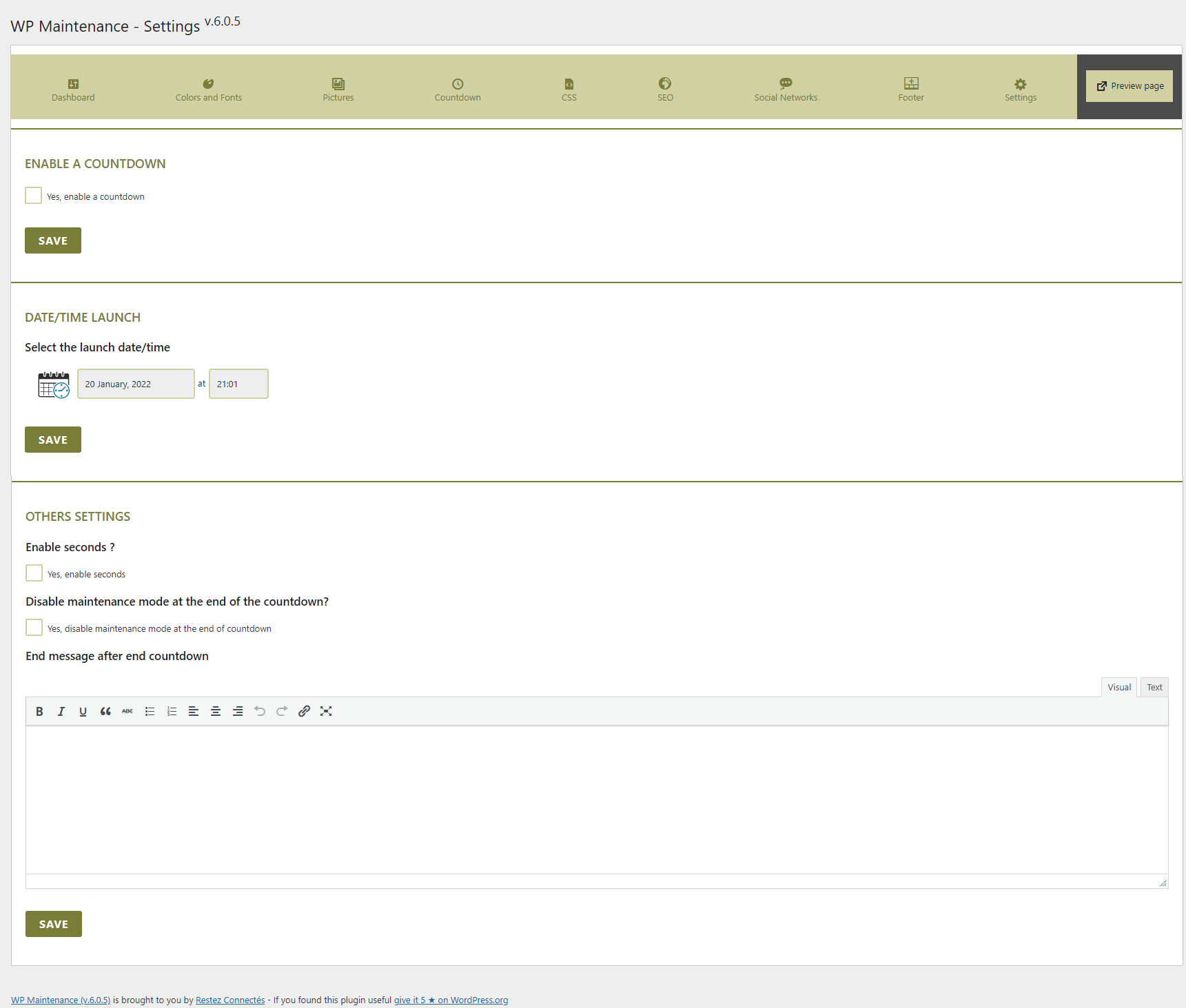
Countdown settings
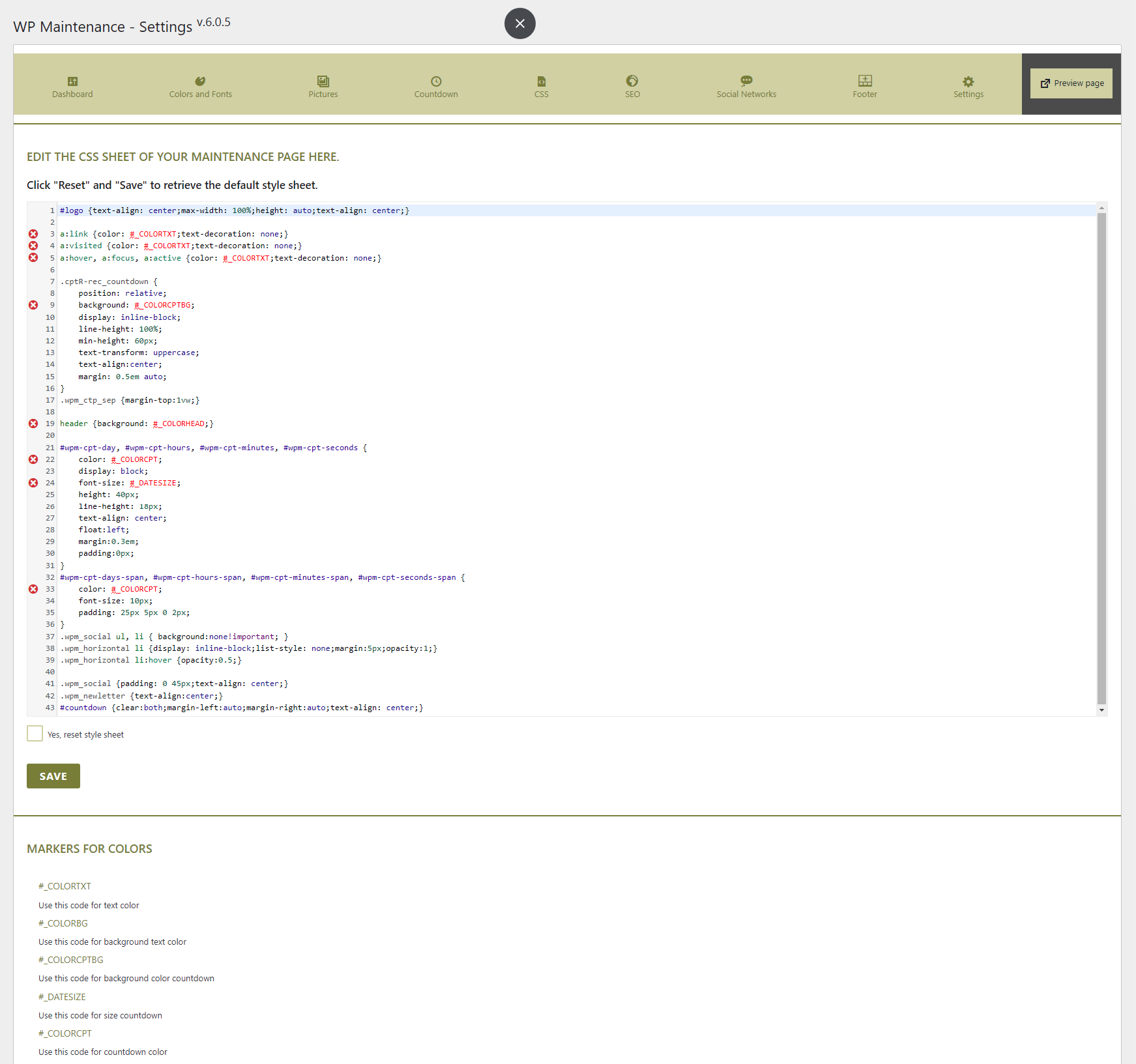
CSS settings
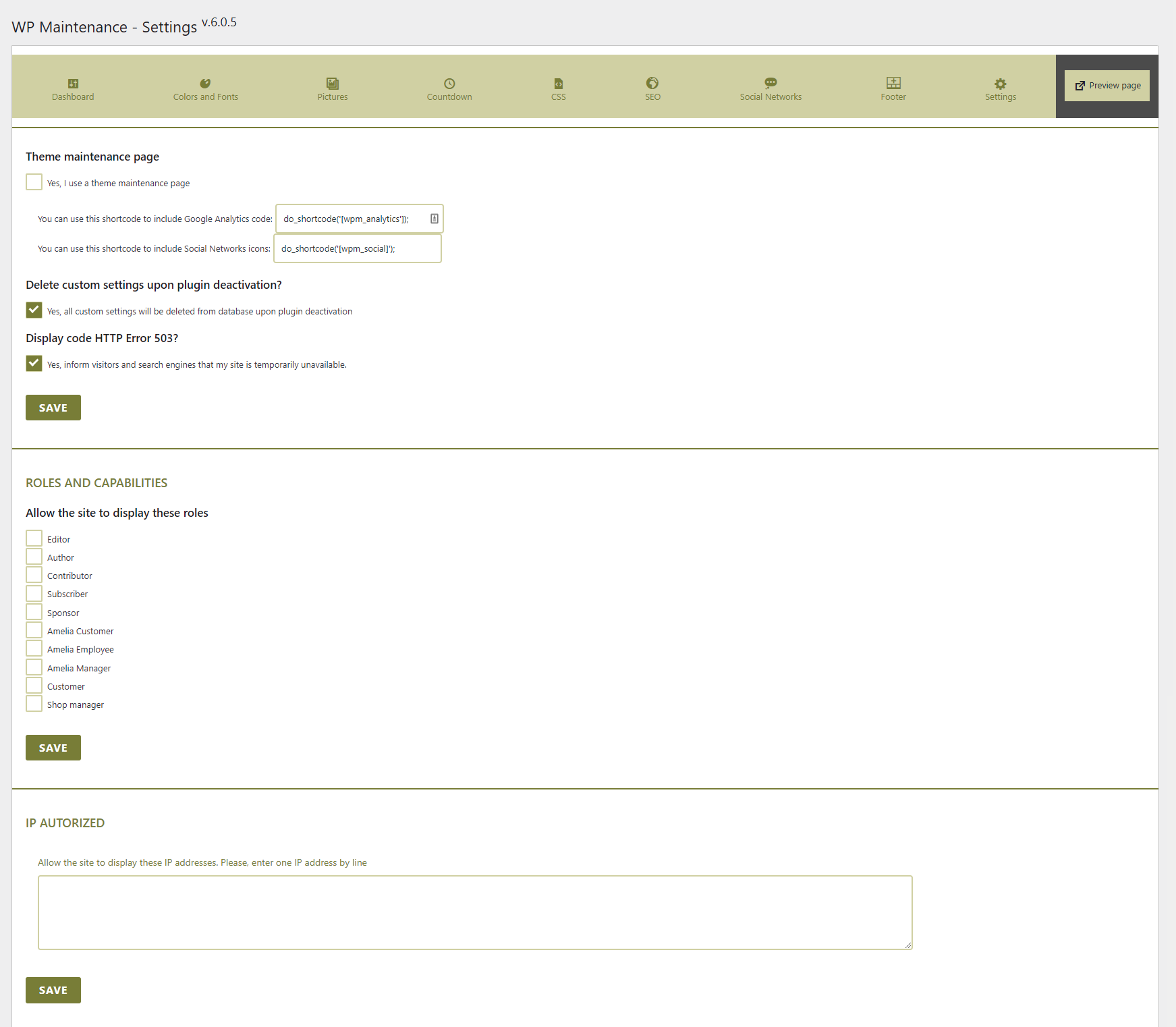
Others settings
Changelog
6.1.10.0
- Fixed bug pattern
6.1.9.9
- Fixed security problem: integrate import/export option
- Fixed security & vulnerability XSS problems
6.1.9.8
- Fixed security problem: remove import/export option
6.1.9.7
- Fixed bug update socials networks
6.1.9.6
- Fixed bug pattern
- Fixed bug Header Code
- Fixed bug Import Settings
6.1.9.5
- Bug fixed sortable socials networks
- Adding Tiktok icon
6.1.9.4
- Adding hidden countdown option
- Change Twitter icon to X
6.1.9.3
- Fixed security issue
6.1.9.2
- Fixed bug Google Fonts
6.1.9.1
- Fixed bug Roles and Capabilities
6.1.9
- Fixed security issue
6.1.8
- Bug fixed for Disable REST API if not logged and maintenance no actived
6.1.7
- Adding for disabled for display admin bar option
- Disable REST API if not logged
6.1.6
- Optimized function for Google Fonts in stylesheet
6.1.5
- Reintroducing IP address option. Tested and sanitize IP addresses
- ID pages option. Tested ID pages if exist and sanitize it
6.1.4
- Remove IP address option for security
6.1.3
- Bug checkbox fixed
- Bug Social Networks
6.1.2
- Adding remove Google Fonts option
6.1.1
- Bug Header Code fixed
6.1.0
- Bug User Role autorized fixed
- Change Ip Addresses settings
6.0.9
- Bug IP autorized fixed
6.0.8
- Several security patches brought
- WARNING : somes parameters will be reinitilized, please check all
6.0.7
- Remove Slider option
- Several security patches brought
6.0.6
- Cross-Site Scripting (XSS) vulnerability fixed
- Bug fixed Social Icons
- Bugs minors resolved
6.0.5
- Changing theme
- Using native CodeMirror
6.0.4
- Adding Width and Height for image
6.0.3
- Bug fixed Error Notice
- Bugs minors resolved
6.0.2
- Bug fixed IP authorized
6.0.1
- Bug fixed Code Analytics
6.0.0
- New design
- This version is a major version and somes settings are changed. Check your settings after update.