

WP Meta and Date Remover
Remove meta author and date information from posts and pages. Hide from Humans and Search engines.SEO friendly and most advance plugin.
Plugin info
Maintenance & Compatibility
Maintenance score
Stale • Last updated 287 days ago • 70 reviews
Is WP Meta and Date Remover abandoned?
Likely maintained (last update 287 days ago).
Compatibility
Languages
Similar & Alternatives
Explore plugins with similar tags, and compare key metrics like downloads, ratings, updates, support, and WP/PHP compatibility.
Description
Remove Meta,Author and Date in click. Install. Activate. And Done!
How to remove Author Meta and Date from posts and pages?
- Install WP Meta and Date remover.
- Activate Plugin.
- Choose whether to hide from Backend(Page Source) or Frontend or Both
- Save settings
- And you done!
Two way removal
This plugin uses two methods to erase your meta
Removal using CSS file
Plugin register custom CSS which hides any information contained by meda data class.
CSS file provided with this plugin works great. You also can edit that n file in plugin editor.
For more support Buy premium support
Removal using php
Plugin filters results of functions like get_date(),get_time() etc.
In some cases CSS file doesn’t work, thats why there is removal using php code.
Plugin removes Meta data from source code. Which means even search engines can’t see it.
Visual Remover
This is part of Pro plugin. This lets you remove/hide content from your WordPress pages with
simple visual editor Hassle free Meta and Date removal in minutes.
Works on any theme, including custom theme
Custom removal using little coding [Deprecated]
Plugin provide custom snippet of code that can be managed from settings.
You can wrap any code in theme html arround custom function provided by plugin.
You can control behavior of that function from plugin settings
Pro plugin features
Custom Post Types
Exclude categories
Individual post control
Remove date from only older posts best for SEO
YoastSEO schema remove datePublished dateModified
Upcoming features
We are planning to add way to create meta data for any type of post.
Mail us for any special feature request
Contact me
Installation
Use built in automatic installer or,
- Copy the plugin folder into /wp-content/plugins
- Activate plugin via the plugins page in the WordPress admin
- Go to Settings to configure.
Frequently Asked Questions
- Meta data is still present even after activation.
Find meta data css class in your theme css and edit css code in settings. You can even main me on [email protected] - Search engine showing Meta data even after plugin activation.
Search engines doesn’t react to changes instantaly. Search engines will take some time. Resubmit your sitemap in webmaster tools.
Review feed
Screenshots
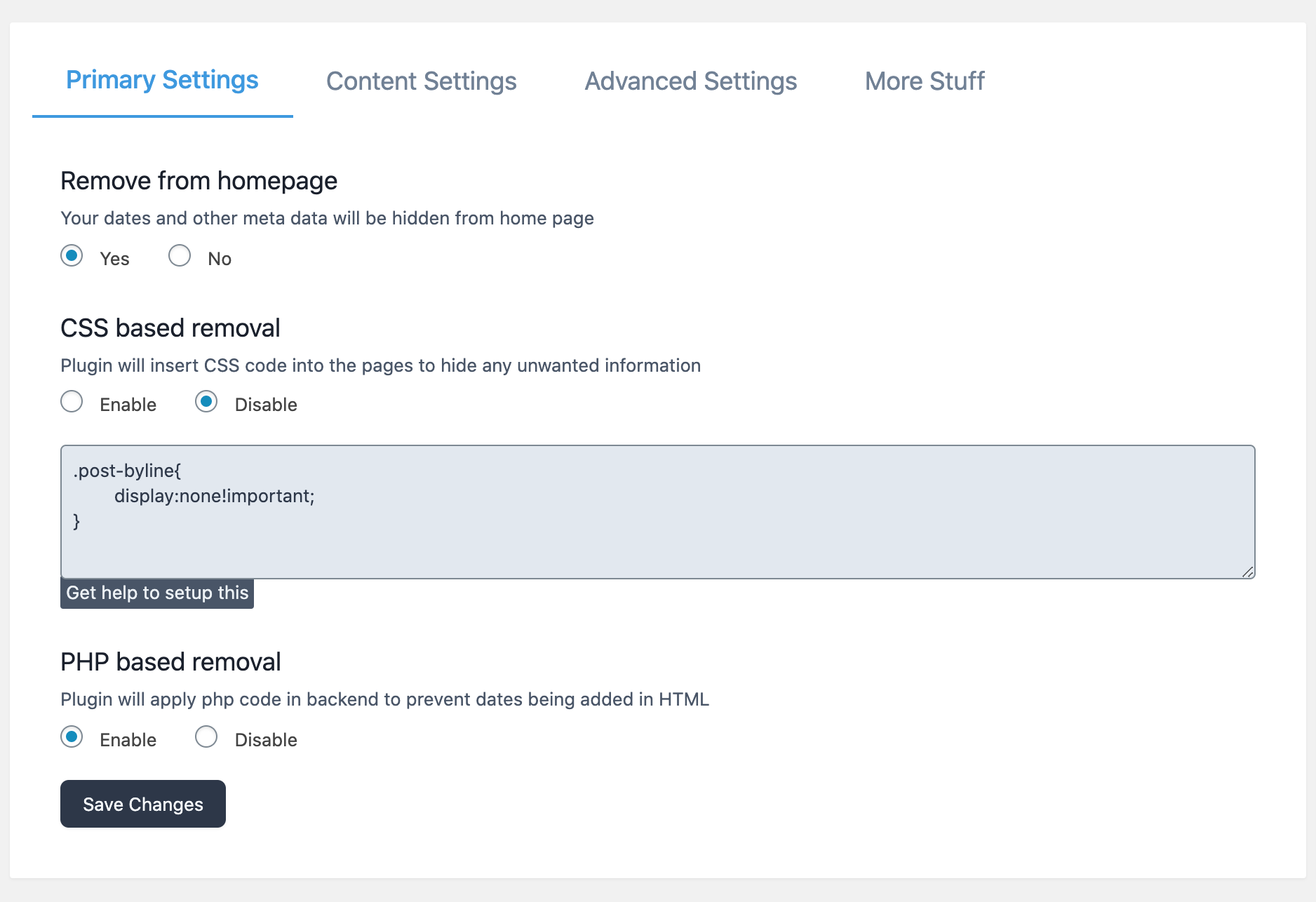
Two way removal
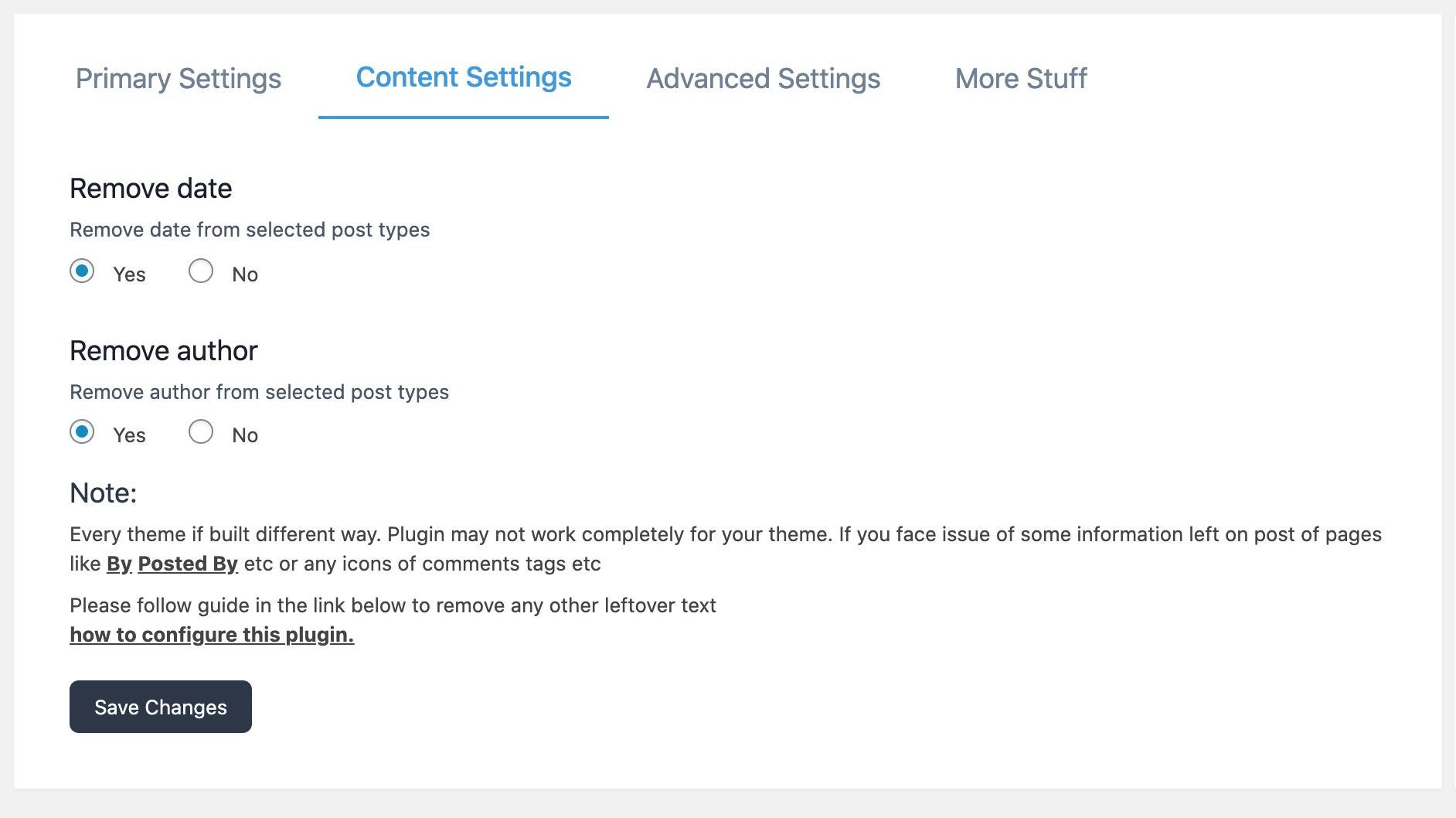
Choose what to remove

After activation
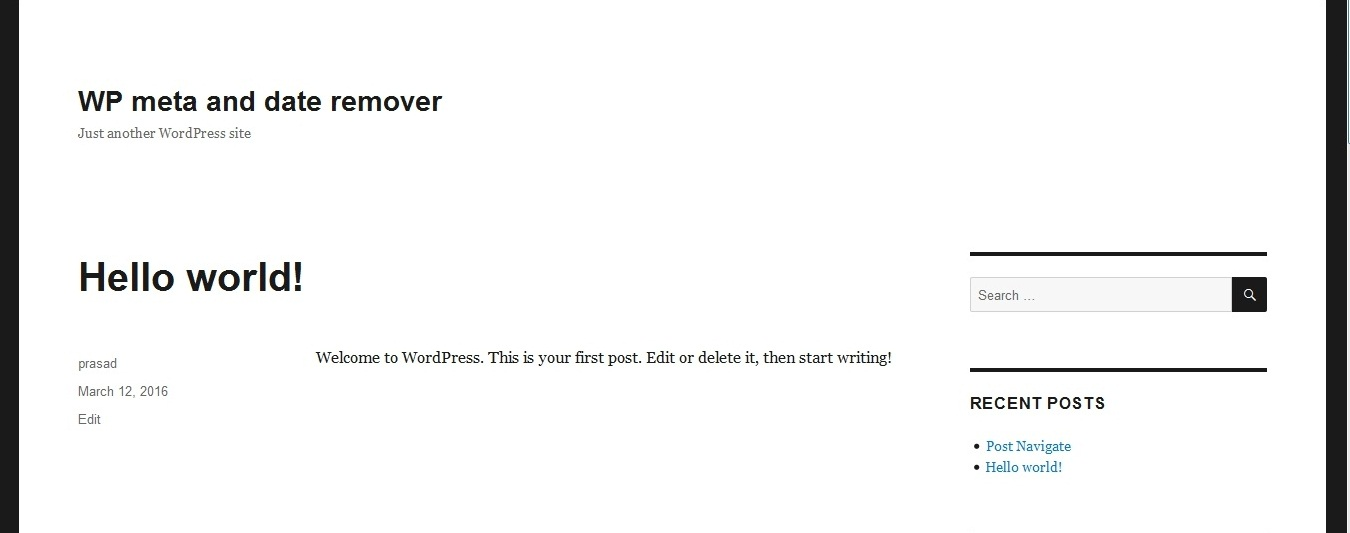
Before activation
Changelog
2.3.6
Added support for Rank Math SEO
2.3.5
Warning fix
2.3.4
Security updates
2.3.3
Mutlipage support fix for visual remover
2.3.2
Bug fix in visual remover
2.3.1
Improved security
2.0.0
Visual Remover added
Plugin redesign
1.9.9
CSS changes
1.9.8
Library update
1.9.7
Library fix
1.9.6
Added dashboard css to hide date in yoast snippet
1.9.3
Added custom function for removing any kind of data from theme.
1.9.1
You can now choose to hide date or author or both
Remove date from YoastSEO schema – Premium version
1.8.6
Affiliate program
1.8.5
Target post according to their publish date
1.8.2
Premium features
1.7.9
CSS issue fixed
1.7.8
Bug Fixes
1.7.5
Bug Fixes
1.6
You can choose to not use individual post option.
1.5
* Improved User Interface
1.4.0
* You can now choose to show Date and Meta on indivisual posts.
1.3.0
* Added option to choose whether to hide from home page or not.
1.2.2
* Minor Improvments
1.2.1
* Minor Improvments.
1.2.0
- Improved both CSS and PHP removal
- Added admin menu page for manual configuration.
1.1.0
- Improved previous css code.
- Added new php based method to filter meta information.
1.0.0
- Initial release with css based meta removal.