

Plugin info
Maintenance & Compatibility
Maintenance score
Possibly abandoned • Last updated 2188 days ago
Is WP PLC Tag abandoned?
Possibly abandoned (last update 2188 days ago).
Compatibility
Similar & Alternatives
Explore plugins with similar tags, and compare key metrics like downloads, ratings, updates, support, and WP/PHP compatibility.
Description
If you have a onePlace with active Tag Module, this Plugin is for you!
Use your onePlace Tags in WordPress and Elementor
- Is working with any onePlace Tag
It comes with some basic shortcodes and elementor widgets
- Tag List Widget
OnePlace Connect Plugin is required !
Feedback and support
I would be happy to receive your feedback to improve this plugin.
Please let me know through support forums if you like it.
Also you can contact me on my personal page Verein onePlace or even visit Github of WP PLC Tag where you can find all the development code of this plugin.
I hope it is useful for you and look forward to reading your reviews! 😉 Thanks!
Installation
- Upload plugin to the
/wp-content/plugins/directory. - Activate the plugin through the ‘Plugins’ menu in WordPress.
- Enable the settings you want in “WP PLC Tag” in the OnePlace Menu in Settings Panel
Frequently Asked Questions
What can I do with this plugin?
Use your onePlace Tags like Categories in WordPress.
How do I setup this plugin?
Just install and activate. no setup or configuration yet.
Review feed
Screenshots
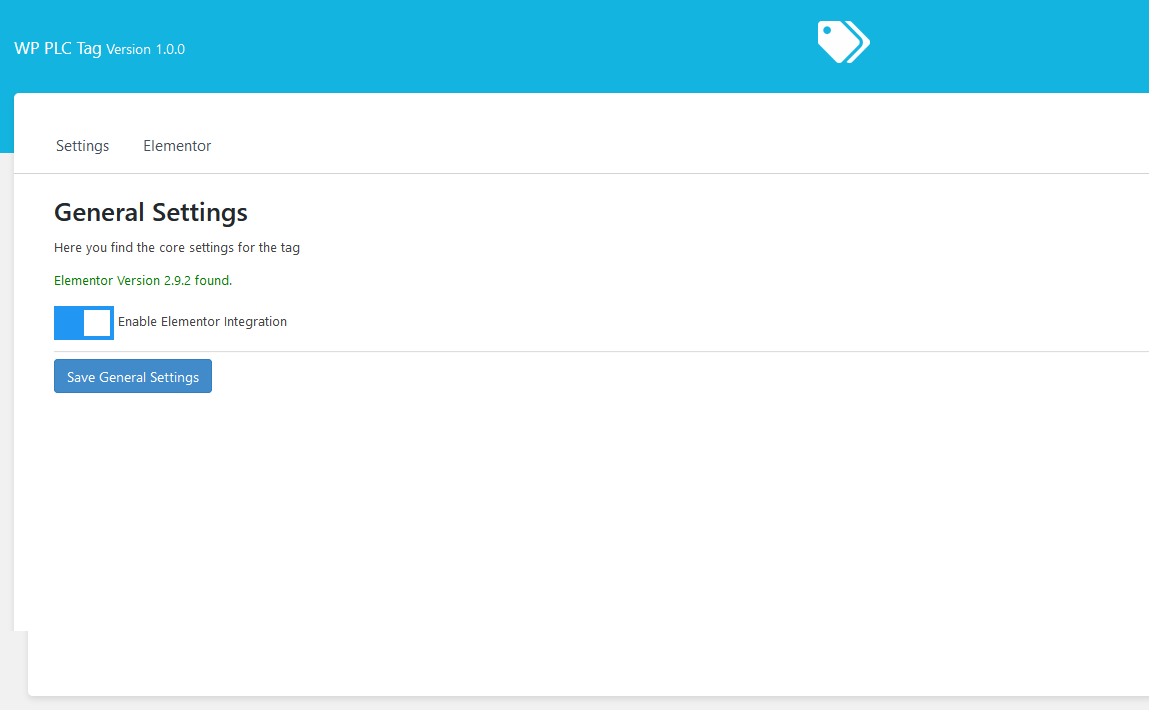
The new Settings Panel. Choose every single setting you want.
Changelog
1.0.1
- Update to latest onePlace Connect
1.0.0
- first public stable