

WP Reroute Email
This plugin reroutes all outgoing emails from a WordPress site (sent using the wp_mail() function) to a predefined configurable email address.
Plugin info
Maintenance & Compatibility
Maintenance score
Stale • Last updated 270 days ago • 8 reviews
Is WP Reroute Email abandoned?
Likely maintained (last update 270 days ago).
Compatibility
Similar & Alternatives
Explore plugins with similar tags, and compare key metrics like downloads, ratings, updates, support, and WP/PHP compatibility.
Description
This plugin intercepts all outgoing emails from a WordPress site, sent using the wp_mail() function, and reroutes them to a predefined configurable email address. This is useful in case where you do not want email sent from a WordPress site to reach the users. For an example, to resolve an issue you downloaded production database to your development site and you want no email is sent to production users when testing. You may enable this plugin in development server and reroute emails to your given email address.
WP Reroute Email provides options for adding your own text or the recipients address at the bottom of the mail.
You may also save a copy of the email to database and view them from the interface.
Now, you will be able to disable rerouting based on the subject texts.
Installation
- Upload “wp-reroute-email” folder to the plugins directory (“/wp-content/plugins/”).
- Activate the plugin through the “Plugins” menu in WordPress.
- Go to WP Reroute Email settings page and modify the settings.
Frequently Asked Questions
Review feed
Great plugin!
Screenshots
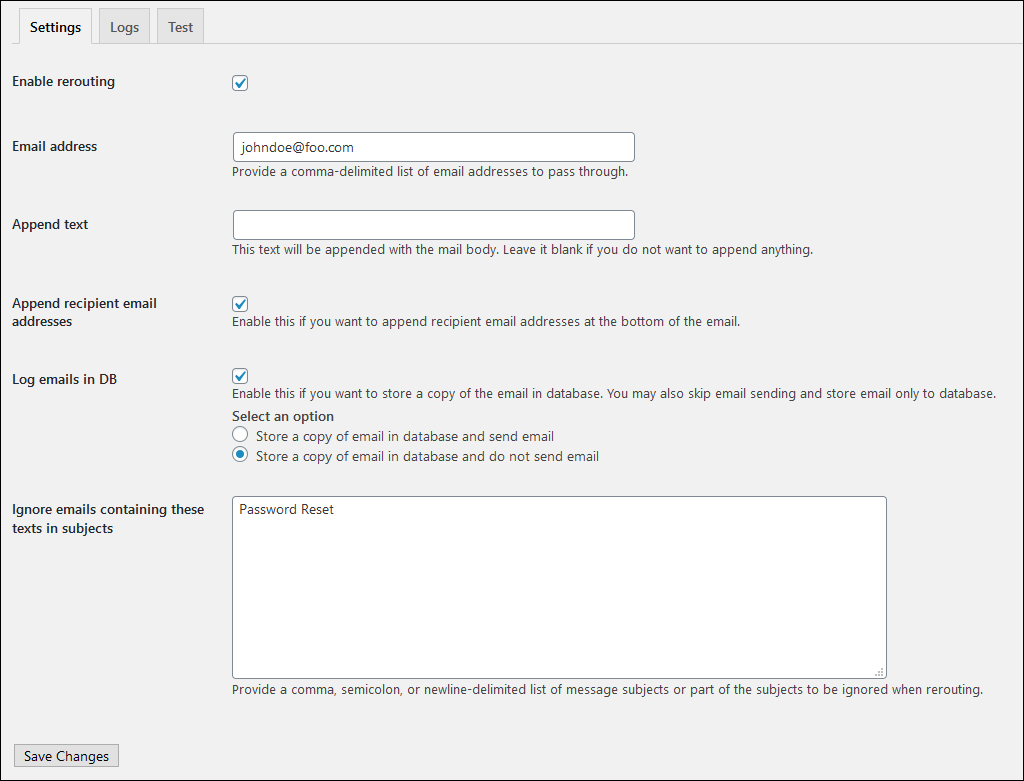
Settings page
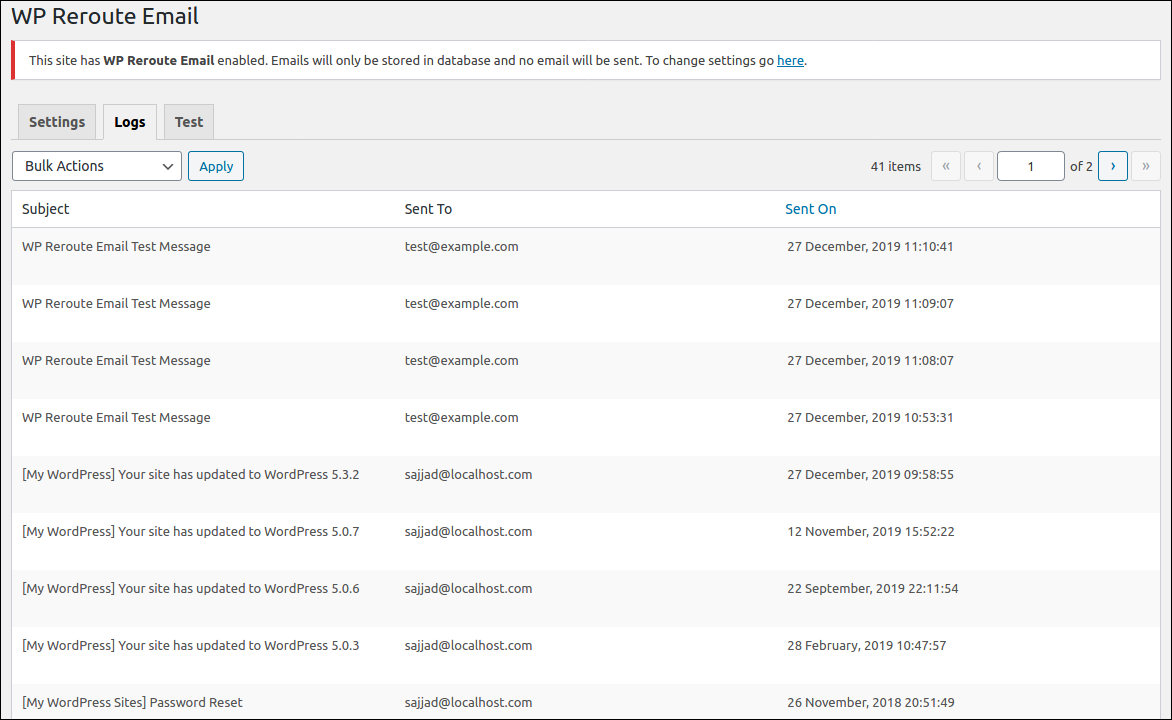
List for stored email in database
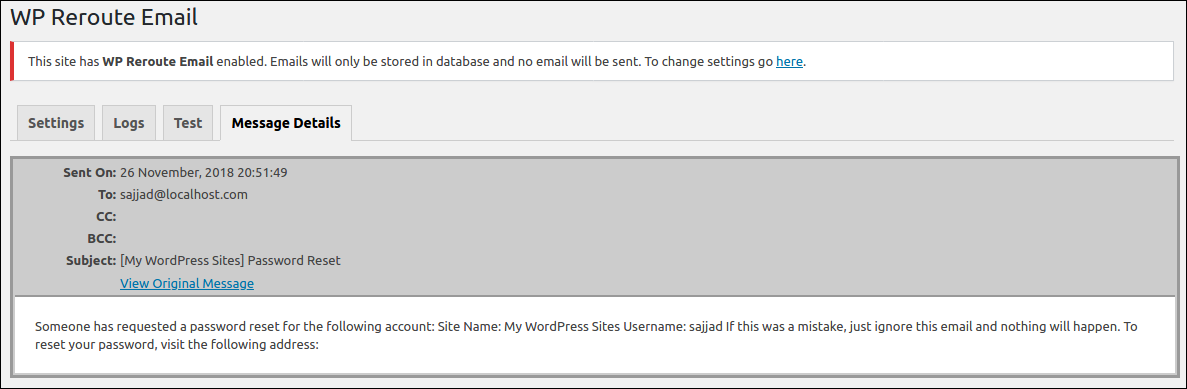
Details of the email
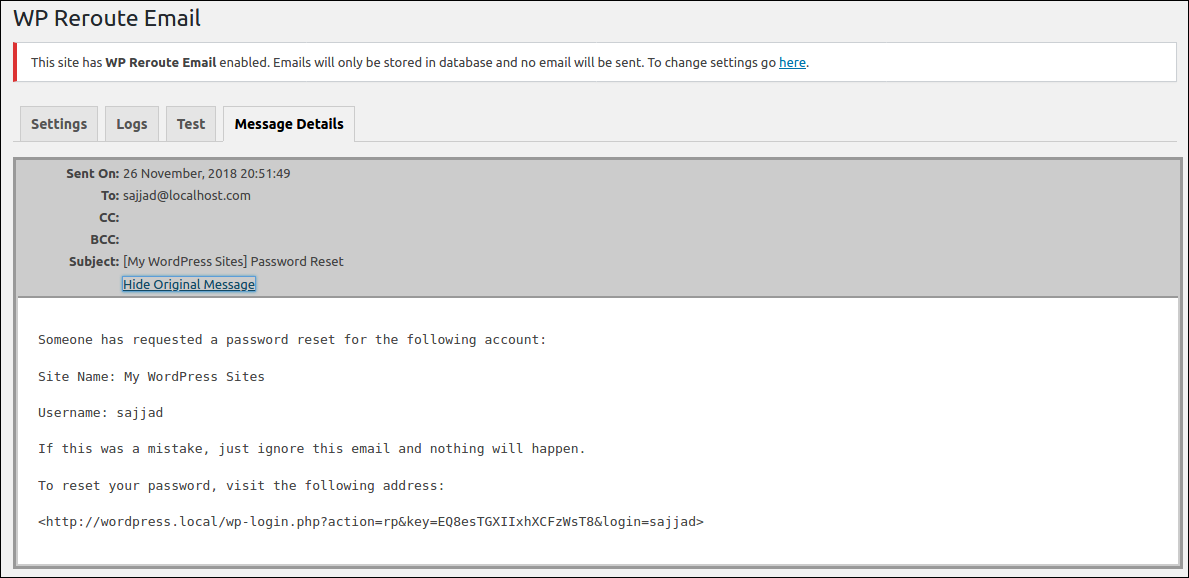
Original email view
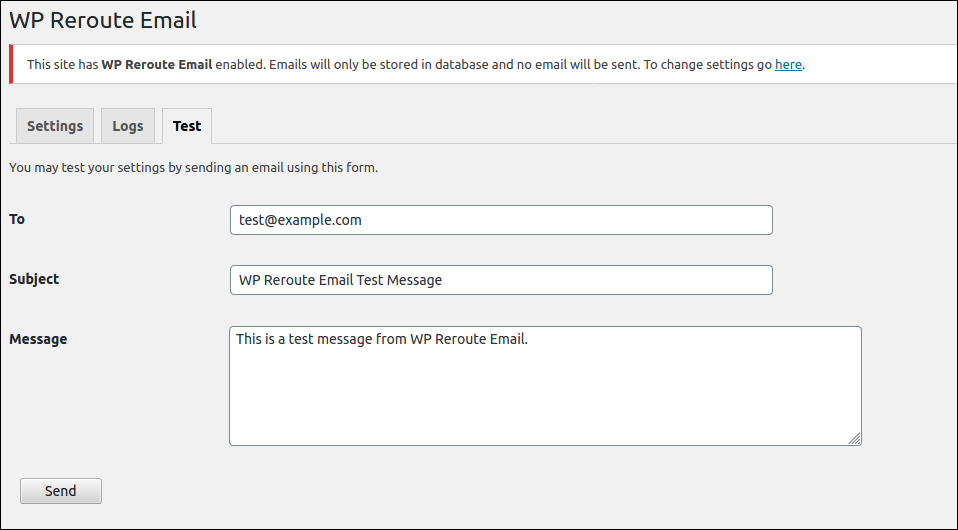
Email test form
Changelog
1.5.2
- Added new options for bulk message delete.
- Compatibility checked.
1.5.1
- Updated language setup and files.
- Compatibility checked.
- Fixed message delete issue.
1.5.0
- Fixed the vulnerability – Unauthenticated Stored Cross-Site Scripting via Email Subject.
1.4.9
- Security fixes.
- Compatibility check.
1.4.6
- Security fixes.
- Compatibility check.
1.4.5
- Added options to disable rerouting based on email subjects.
- Compatibility check.
1.4.1
- Removed fancy UI to resolve JS issue.
- Tested compatibility with 5.5.
- Fixed issue with Spanish translation.
1.4.0
- Made compatible with upcoming PHPMailer location change
1.3.9
- Fixed issue with email log bulk delete.
- Tested compatibility.
1.3.8
- UI improvements.
- Improved message details page.
- Added test form for sending emails for testing.
- WordPress compatibility test.
1.3.5
- Fixed DB log table create failed issue.
- Store sent on date-time in GMT and show based on blog’s timezone.
- Formatted message view.
1.3.4
- Fixed issue with email logging to database in multisite setup.
1.3.3
- Added Indonesian translation. Thanks to Jordan Silaen of ChameleonJohn.com.
1.3.2
- Corrected the log page path in the settings page.
- Modified URL in admin notice.
1.3.1
- Modified the message shown when rerouting is enabled.
- Added WP Reroute Email in main admin menu.
1.3
- Added options for saving emails to database.
- Fixed bug: If the plugin is enabled but the routing is not enabled, Append text was appended with email body.
- Modified user interface.
- Added admin notice if reroute is enabled.
1.2.5
- Added Serbo-Croatian translation. Thanks to Andrijana Nikolic of WebHostingGeeks Support (http://webhostinggeeks.com/).
1.2.4
- Sanitized inputs in settings page.
1.2.3
- Bug fixed: WP_DEBUG error caused by accessing static property as non-static.
1.2.2
- Added Spanish language support. Thanks to Andrew Kurtis of WebHostingHub (http://www.webhostinghub.com/).
1.2.1
- Added language support.
1.2.0
- Added option for appending recipient address at the bottom of the mail.
1.1.0
- Added option for appending text with message.
1.0.1
- Changed permission of the settings menu.