

WP Super Minify • Minify, Compress and Cache HTML, CSS & JavaScript
A lightweight plugin that automatically minifies, compresses, and caches HTML, CSS, and JavaScript on demand to improve your website’s load speed.
Plugin info
Maintenance & Compatibility
Maintenance score
Stale • Last updated 342 days ago • Support resolved 100% • 68 reviews
Is WP Super Minify • Minify, Compress and Cache HTML, CSS & JavaScript abandoned?
Likely maintained (last update 342 days ago).
Compatibility
Similar & Alternatives
Explore plugins with similar tags, and compare key metrics like downloads, ratings, updates, support, and WP/PHP compatibility.
Description
WP Super Minify automatically minifies, compresses, and caches HTML, CSS & JavaScript files (inline and individual) on demand to enhance website’s load speed.
Once activated, the plugin seamlessly compresses HTML, inline CSS, and JavaScript, reducing file sizes for faster page loading. This optimisation helps improve your site’s Google PageSpeed Insights and GTmetrix performance scores.
Additionally, WP Super Minify minifies individual JavaScript and CSS files, ensuring they load correctly and are automatically updated whenever the original files are modified or added — no manual settings needed!
Optimise your website effortlessly and deliver a faster, smoother experience to your visitors.
To check whether this plugin works properly, simply view your site source or press Ctrl + U from your keyboard. In the end of the source, you should see message something like:
*** Total size saved: 11.341% | Size before compression: 27104 bytes | Size after compression: 24030 bytes. ***
Like this plugin? You’ll love my other plugin: WP Performance Score Booster
Development & Support
Follow the development of this plugin on GitHub.
P.S. It is always the best policy to open a support thread first before posting any negative review.
Credits
A big shoutout to Steve Clay and Matthias Mullie for sharing their Minify libraries on GitHub. While these libraries are no longer actively maintained, their work has been invaluable, and I sincerely thank them.
Installation
Automatic Installation (Recommended)
- Go to your WordPress Dashboard Plugins Add New.
- Search for
WP Super Minify. - Click Install Now, then Activate the plugin.
- The plugin is now ready to use!
Manual Installation (Upload via WordPress Dashboard)
- Download the latest version of the plugin (.zip file).
- In your WordPress Dashboard, go to Plugins Add New Upload Plugin.
- Click Choose File, select the downloaded .zip file, and click Install Now.
- Once installed, click Activate Plugin.
Manual Installation (FTP/SFTP Method)
- Download and extract the plugin .zip file.
- Connect to your server via FTP/SFTP.
- Upload the extracted folder to /wp-content/plugins/.
- In your WordPress Dashboard, go to Plugins and activate
WP Super Minify.
Frequently Asked Questions
This plugin automatically minifies, compresses, and caches HTML, CSS & JavaScript files (inline and individual) to enhance website’s load speed.
No — you don’t need to do anything. This plugin automatically updates the minified and compressed version of the file whenever the original is modified.
No.
Review feed
Screenshots
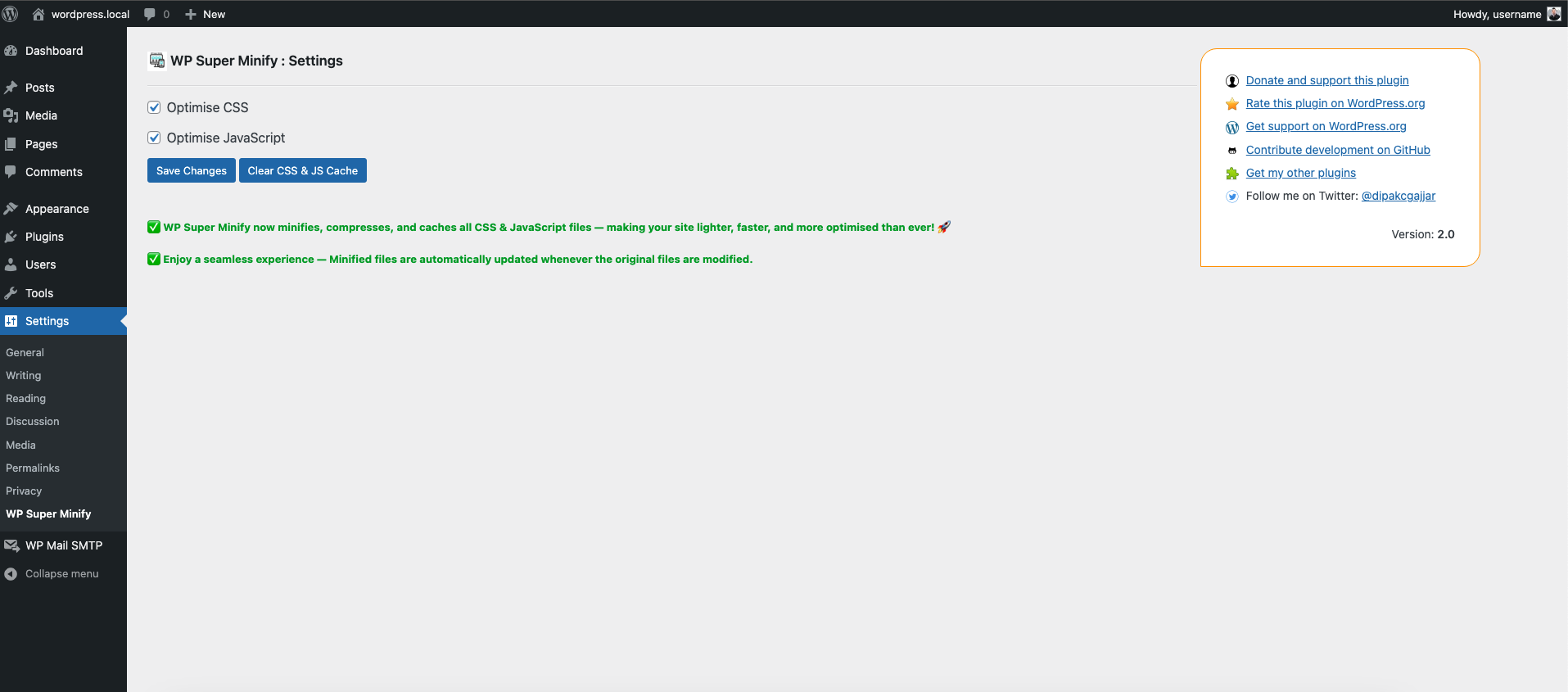
Admin Settings
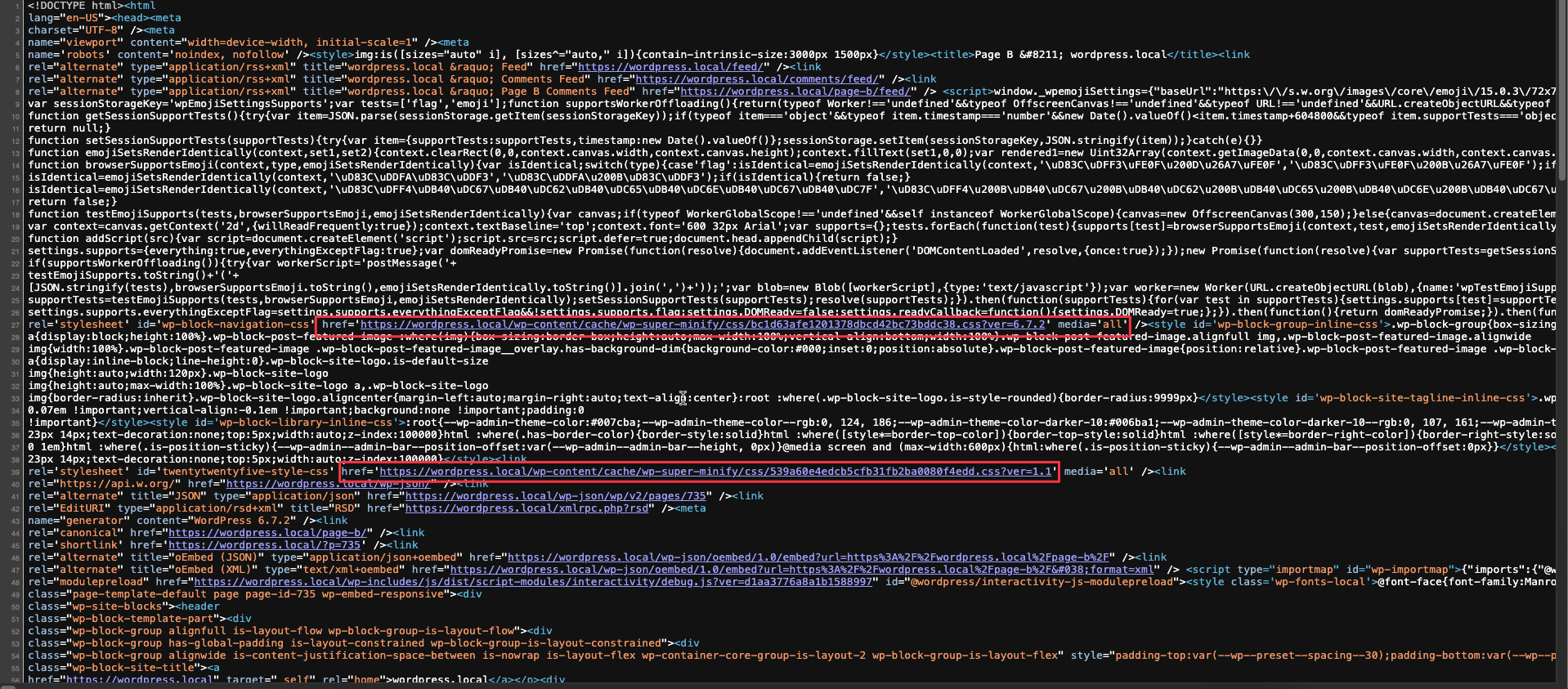
Serves minified CSS & JS files instead of the original during page load
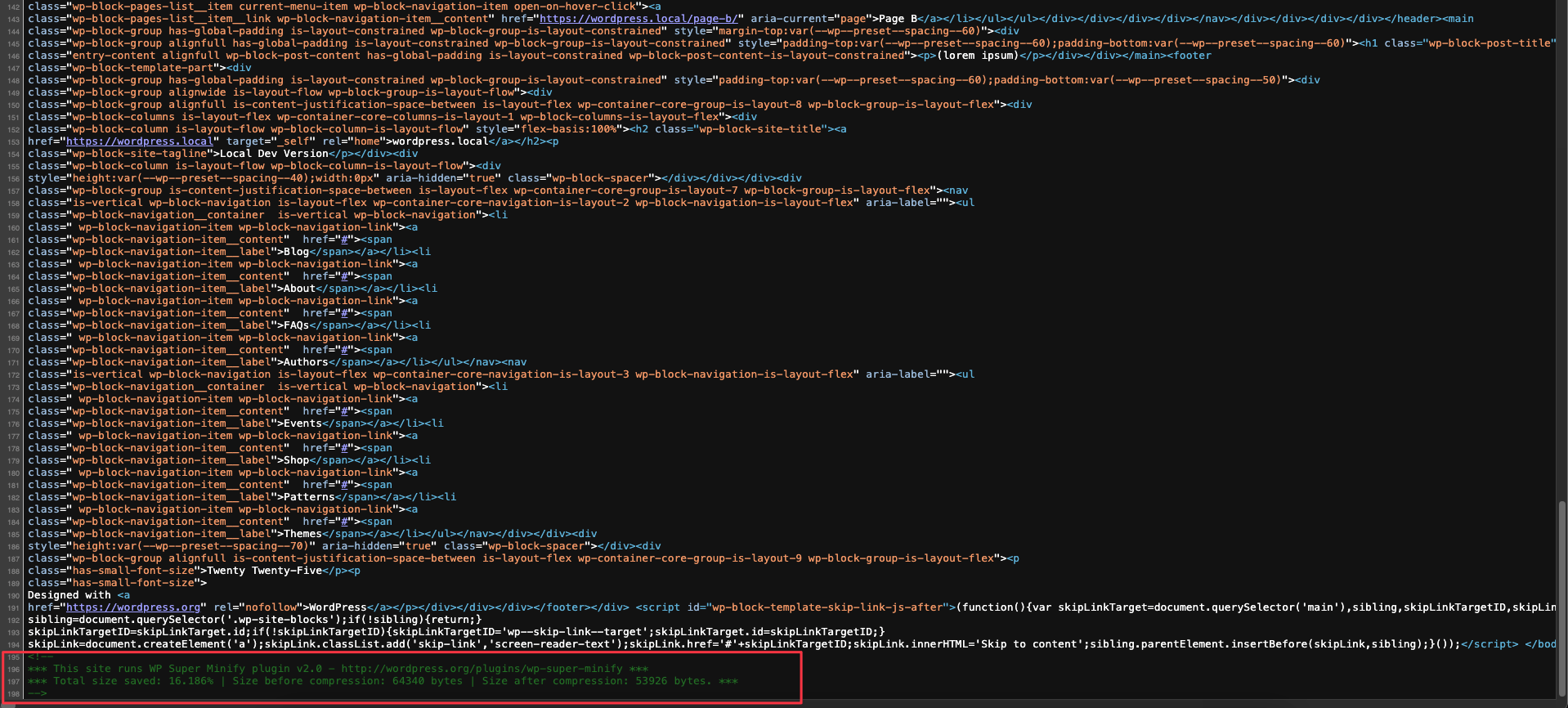
Reduced HTML source size after compression

Performance impact of minified CSS & JS
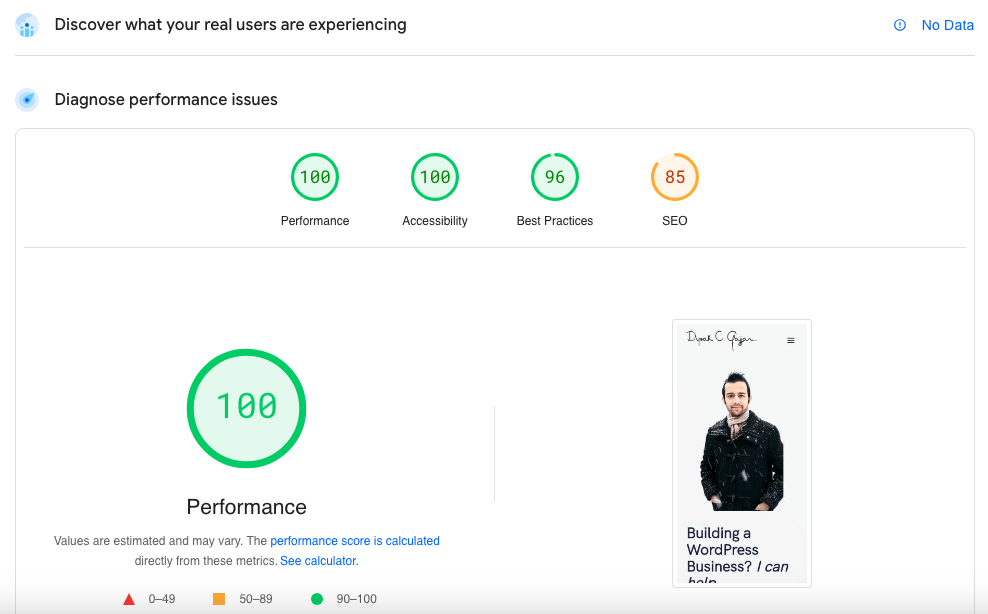
Google PageSpeed Insights Performance Results
Changelog
2.0.1, February 22, 2025
- Improved: Minor code enhancements, including plugin update checks
- Improved: Enhanced user experience for plugin review notice
2.0, February 16, 2025
- Fully rebuilt with a new, optimized codebase.
- Improved performance, efficiency, and compatibility.
- Enhanced minification, compression, and caching logic.
- Automatic updates for minified files when originals change.
- Bug fixes and stability improvements.
1.6, September 02, 2023
- Improved: Security — CSRF Check
- Improvde: Data Sanitization / Escaping
- Improved: Removed Promos, News and Updates, and recommendations area completely to make options page more clean
1.5.1, March 21, 2017
- Improved Promos, News and Updates, and recommendations area.
1.5, December 30, 2016
- Updated min library to it’s latest version
1.4, October 1, 2016
- Fixed css conflict with WP Performance Score Booster.
- Improved Settings page.
- Added hosting recommendations (referrals).
1.3.2, May 24, 2016
- Added Settings option (link) under Plugins page
- Moved plugin options (settings) from sidebar to under Settings
- Updated settings page
1.3.1, March 17, 2015
- Reverted support for combine external javascript and css files into a single file due to conflict with other plugins
1.3, March 12, 2015
- Added support for combine external javascript and css files into a single file
1.2, Feb 28, 2015
- Added News and Updates section in admin options
1.1, Jan 03, 2015
- Fixed compression related issues
- Replaced manual compression functions with the latest version of Minify PHP Framework
1.0, Oct 04, 2014
- Initial release