

WPB Widgets Accordion for WooCommerce
WPB Widgets Accordion for WooCommerce will allow you to show your widgets in an accordion.
Plugin info
Maintenance & Compatibility
Maintenance score
Stale • Last updated 181 days ago • 2 reviews
Is WPB Widgets Accordion for WooCommerce abandoned?
Likely maintained (last update 181 days ago).
Compatibility
Similar & Alternatives
Explore plugins with similar tags, and compare key metrics like downloads, ratings, updates, support, and WP/PHP compatibility.
Description
You may have so many widgets on your shop page and you want to show all the widgets in a clean accordion. So that your shop page looks more professional and clean. In that situation, our WPB Widgets Accordion for WooCommerce plugin comes handy.
This Widgets Accordion Plugin can turn your widgets to a collapsible accordion. So that you can add more widgets with more contents than your theme default widgets. Our Widgets Accordion Plugin will work like a charm.
You can check our WPB Widgets Accordion for WooCommerce plugin live demo and if you have any questions or any feature request, please open a support ticket on our forum.
👋 Need expert WordPress & WooCommerce development help?
I’m currently available for hire — WordPress and WooCommerce development, custom features, bug fixing, speed optimization, performance tuning, full site development, and more.
With over 10 years of experience building high-quality WordPress solutions, I can help you take your website to the next level.
Contact me here
Plugin Features:
- Two different styles for the accordion.
- Very simple and easy to use with shortcode.
- Work with any WordPress theme.
- Modern responsive clean design.
- Easy ShortCode system.
- All Modern Browser Support.
- Translation & RTL Language ready.
- Very Lightweight & many More
Installation
- Install it as a regular WordPress plugin
- Add your widgets in this plugin widget area.
- Add this plugin shortcode where you want to show the accordion.
Frequently Asked Questions
Go to your site admin > Appearance > Widgets. Here add your widgets under the WPB Widgets Accordion area.
You can show the widgets accordion by using our shortcode. – http://docs.wpbean.com/docs/wpb-woocommerce-widgets-accordion/how-to-show-the-widgets-accordion/
Review feed
Screenshots

Widgets Accordion Style 1.
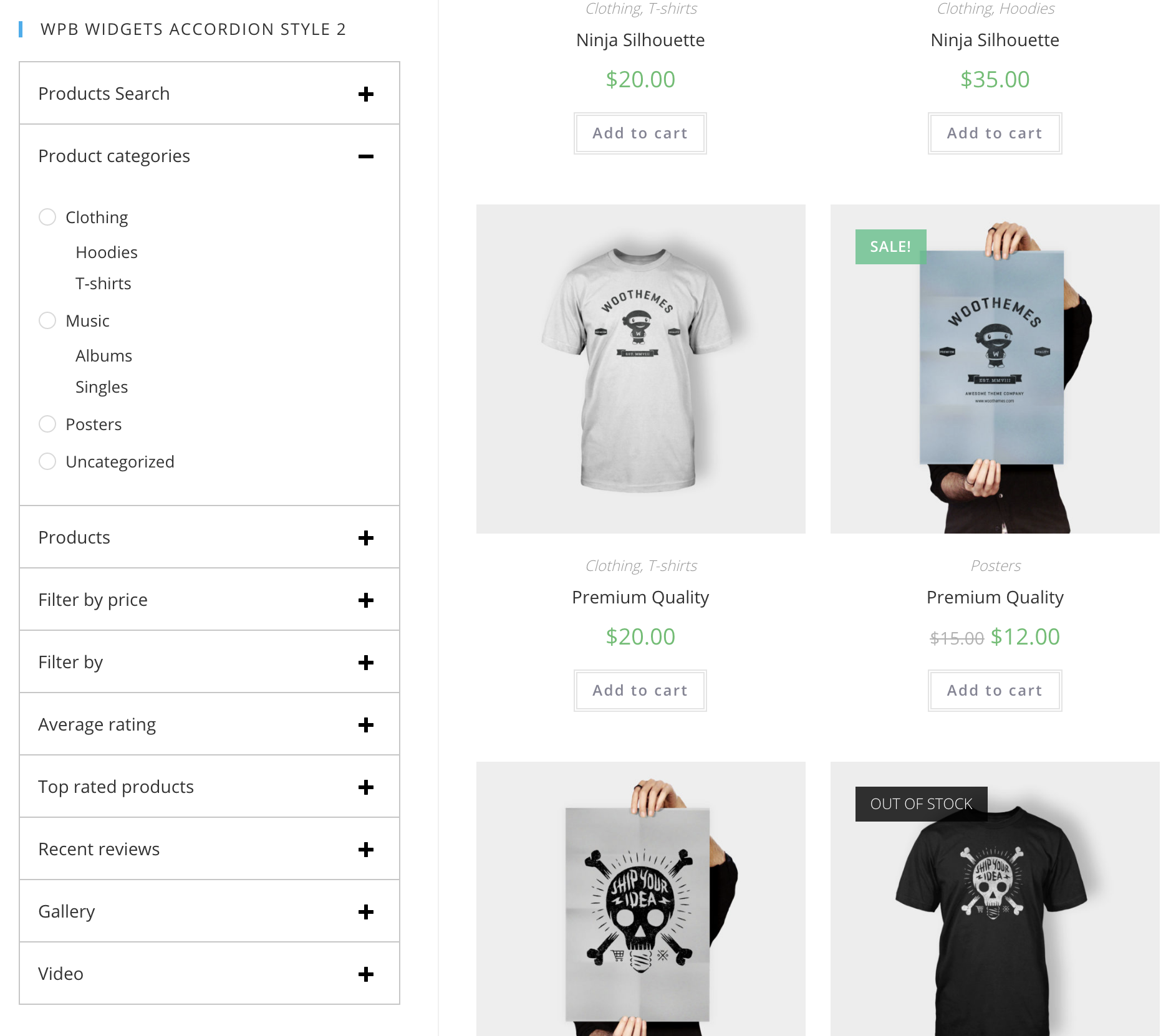
Widgets Accordion Style 2.

Adding widgets for accordion.

Accordion shortcode.
Changelog
version 1.0
- Initial release
version 1.0.1
- Added WordPress 5.2.1 and WooCommerce 3.6.4 support
version 1.0.2
- Added WordPress 5.2.4 and WooCommerce 3.7.1 support.
version 1.0.3
- Added WordPress 5.3 and WooCommerce 3.8.1 support.
version 1.0.4
- Added WordPress 5.6.1 and WooCommerce 5.0.0 support.