

WPMarathi
Type in Marathi inside WordPress. Hello -> हॅलो. WPMarathi helps you save time by letting you type inside Classic Editor and Gutenberg in Marathi.
Plugin info
Maintenance & Compatibility
Maintenance score
Possibly abandoned • Last updated 2387 days ago
Is WPMarathi abandoned?
Possibly abandoned (last update 2387 days ago).
Compatibility
Similar & Alternatives
Explore plugins with similar tags, and compare key metrics like downloads, ratings, updates, support, and WP/PHP compatibility.
Description
WPMarathi is a beautiful solution that lets you write in Marathi inside your WordPress editor. It changes the script of the text which means when you type ‘Hello’ it becomes ‘हॅलो’. You can easily type in Marathi and when you want to switch language, you can do that with the click of a button. Learn more at Zozuk.com
Type effortlessly
Tired of using third party tools outside WordPress and then copy pasting content? WPMarathi solves this problem by giving you the ability to type in Marathi inside your WordPress editor.
Flexible to use
WPMarathi supports both Classic as well as Gutenberg editors.
* Classic Editor : Just install the plugin and you can start using it.
* Gutenberg Editor : WPMarathi provides you its own block in the new Gutenberg editor. Select the block and start using it.
Installation
Installing the plugin is extremely simple.
* Download the plugin from the WordPress repository
* Upload the ‘.zip’ file using WordPress’s plugin uploader and activate it to start using it.
* Use Enable/Disable button inside WordPress editor to enable or disable Marathi typing inside WordPress.
Frequently Asked Questions
How do I switch between languages?
Use the ‘Disable WPMarathi’ to Disable and ‘Enable WPMarathi’ button to enable the plugin functionality. This button is found on the post & page editor screen.
Can I use this plugin in Classic editor?
Yes. WPMarathi fully supports Classic editor. You can type in Marathi inside the Classic WordPress Editor.
Can I use this plugin in Block editor?
Yes. WPMarathi fully supports the new Block/Gutenberg editor. You can type in Marathi inside the Gutenberg Editor.
Review feed
Screenshots
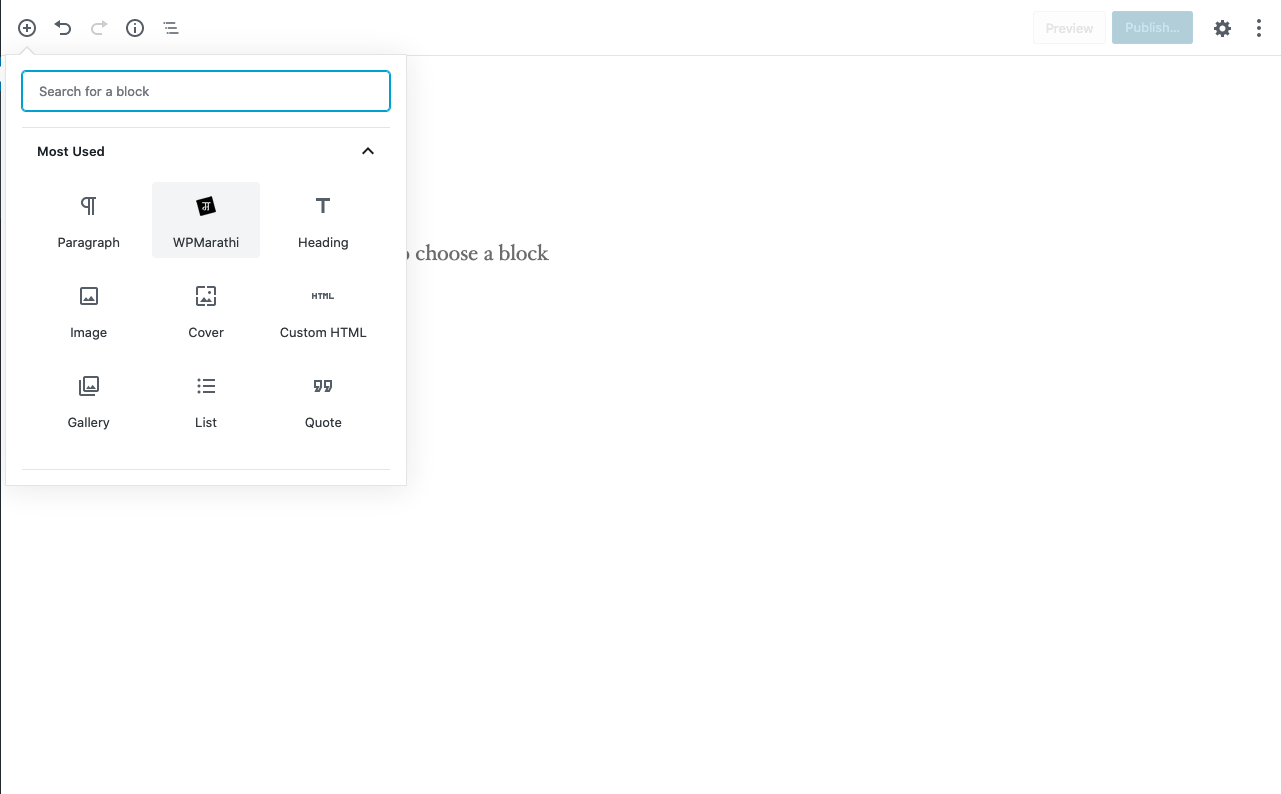
Gutenberg block.
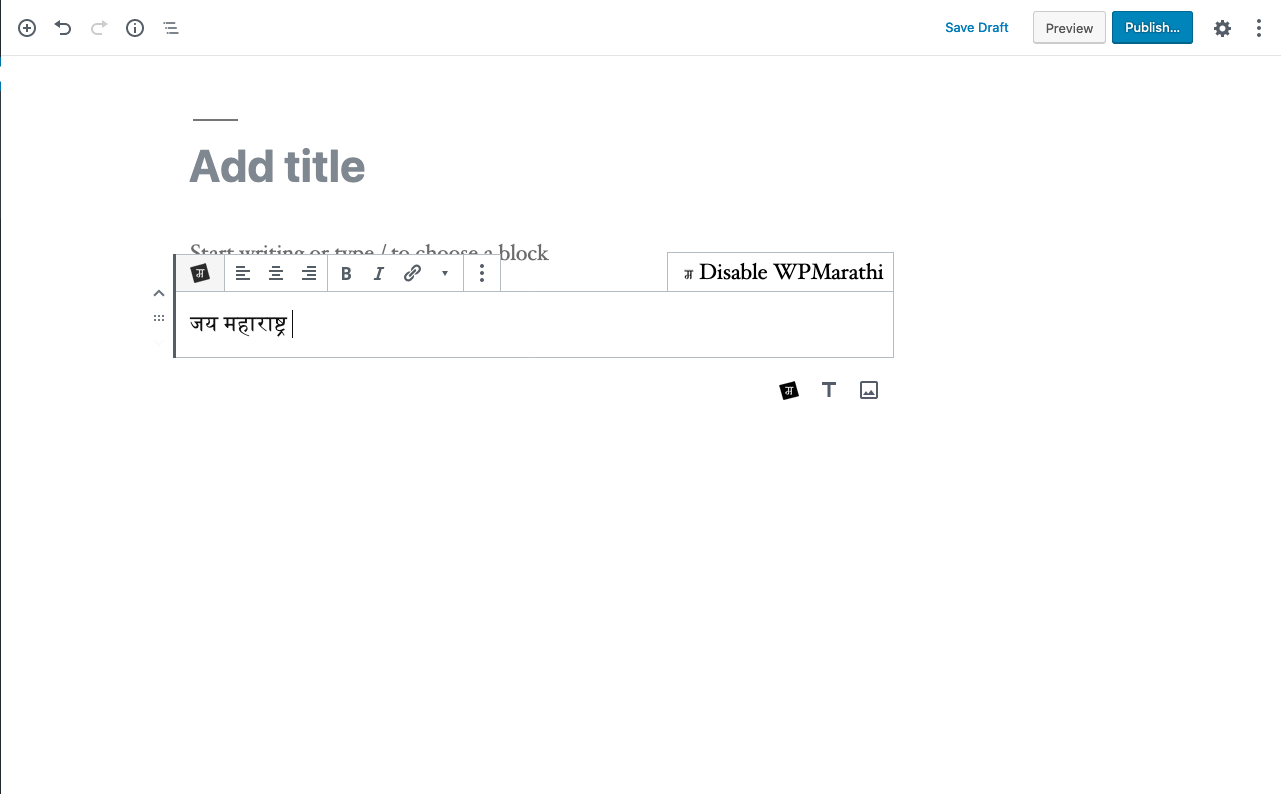
Editing in Gutenberg.
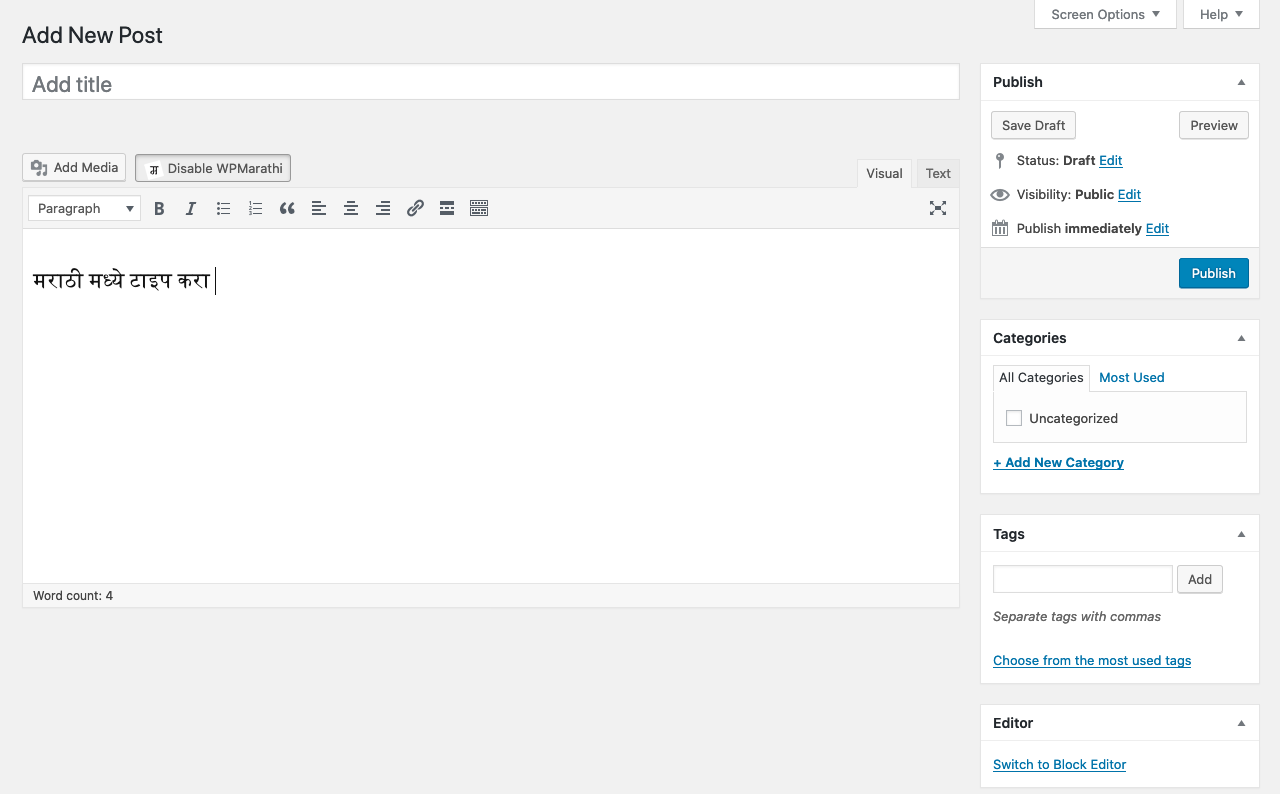
Editing in Classic editor
Changelog
1.0.0
- Official plugin release.