

CBX Next Previous Article
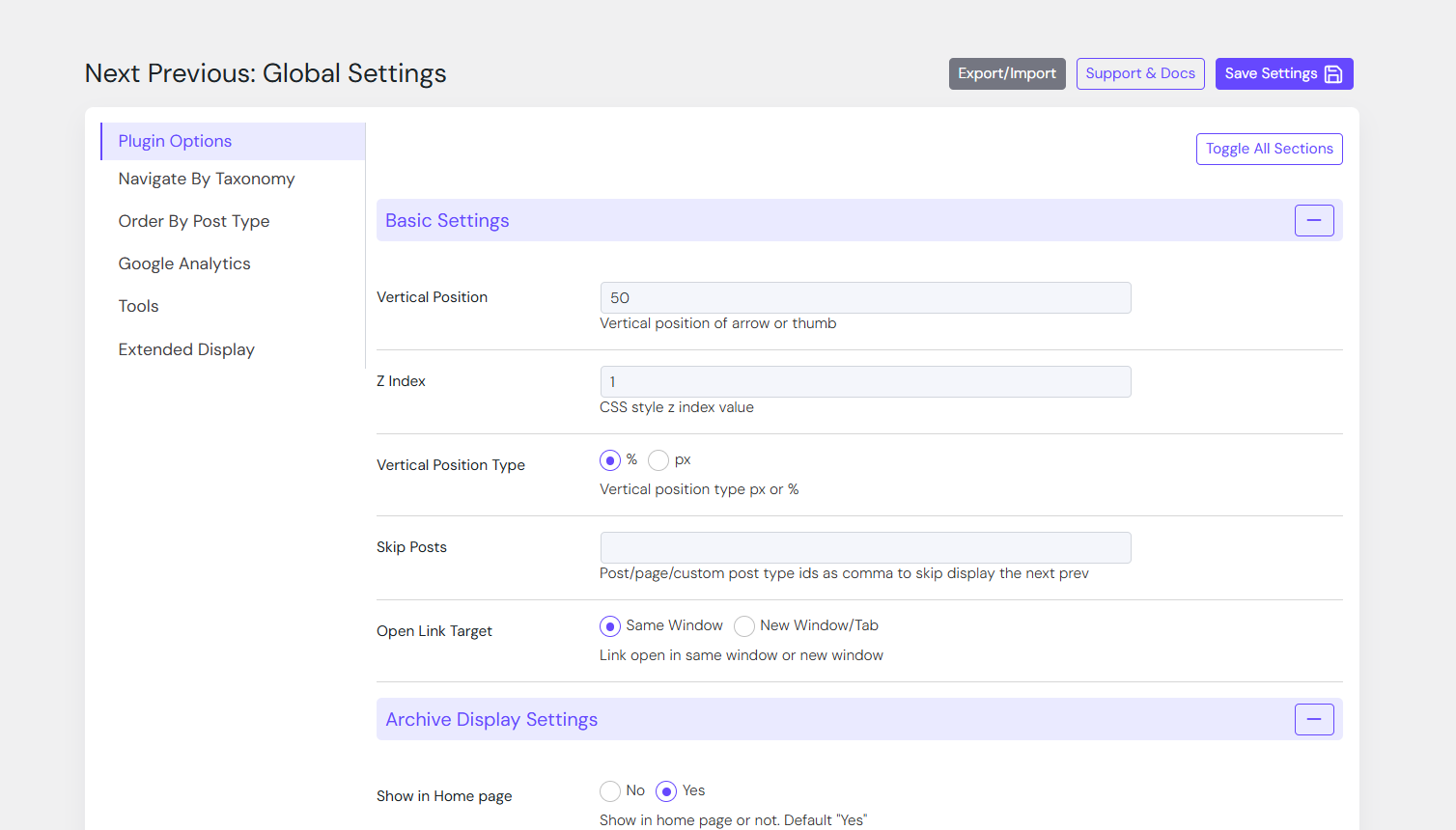
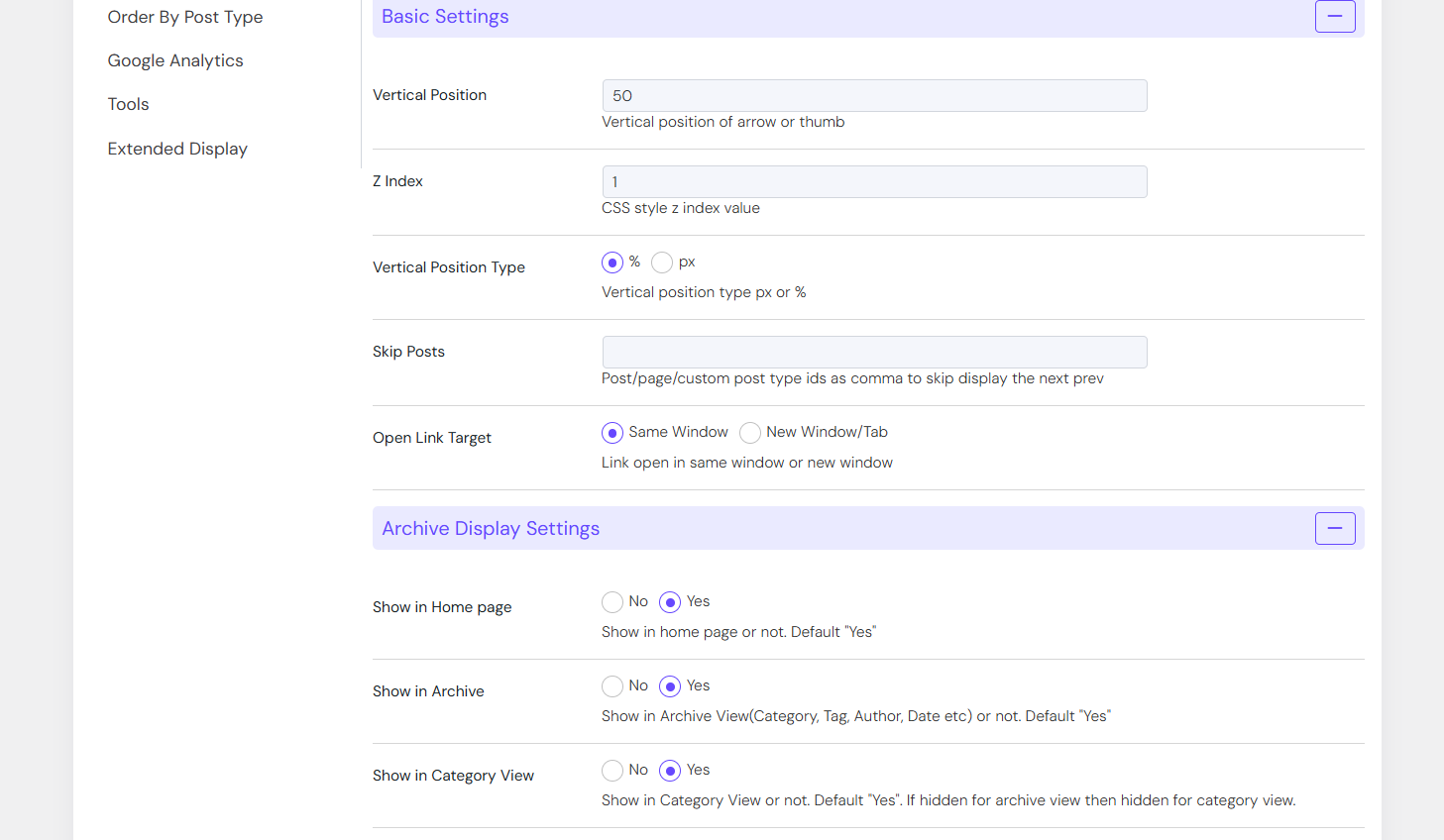
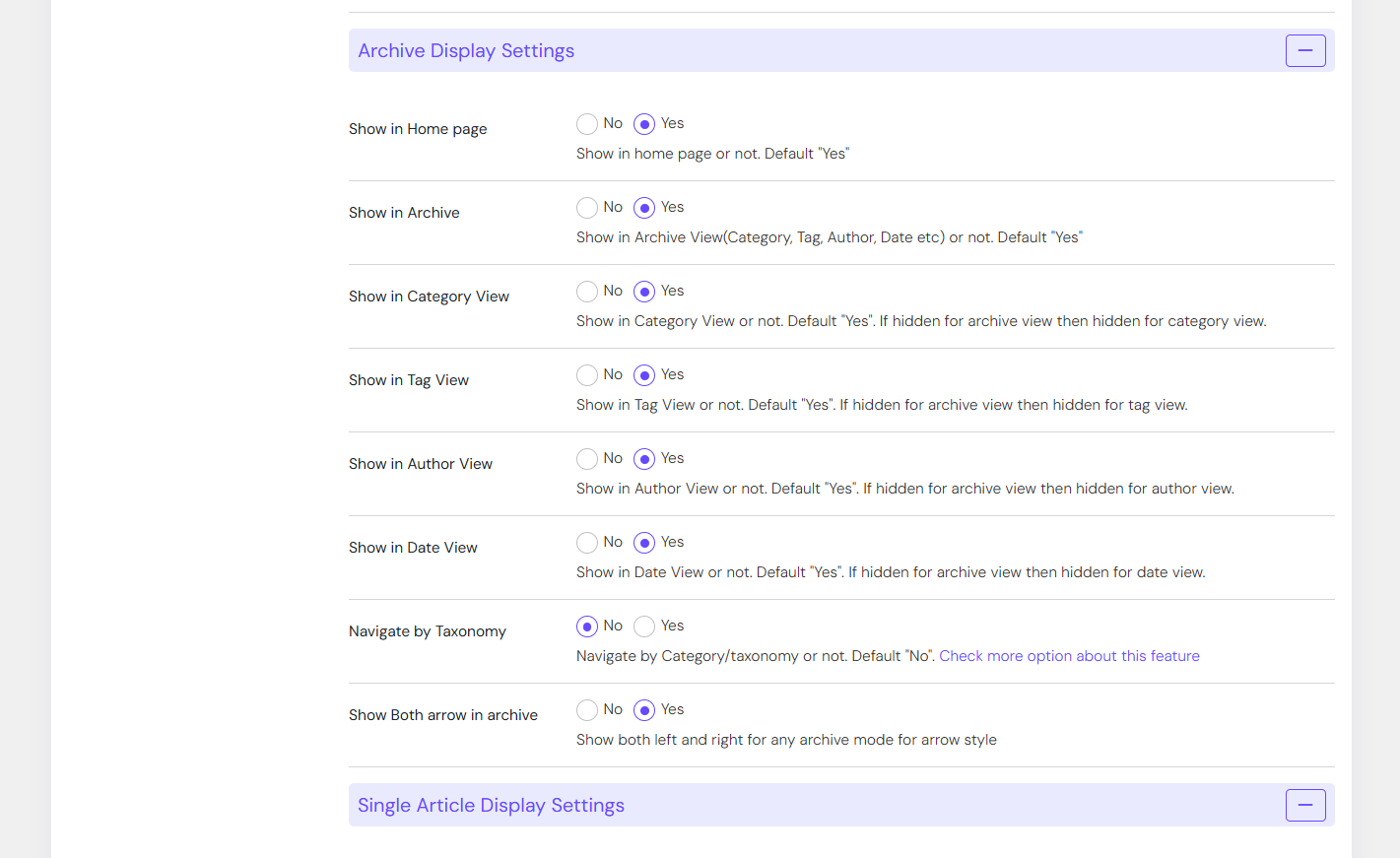
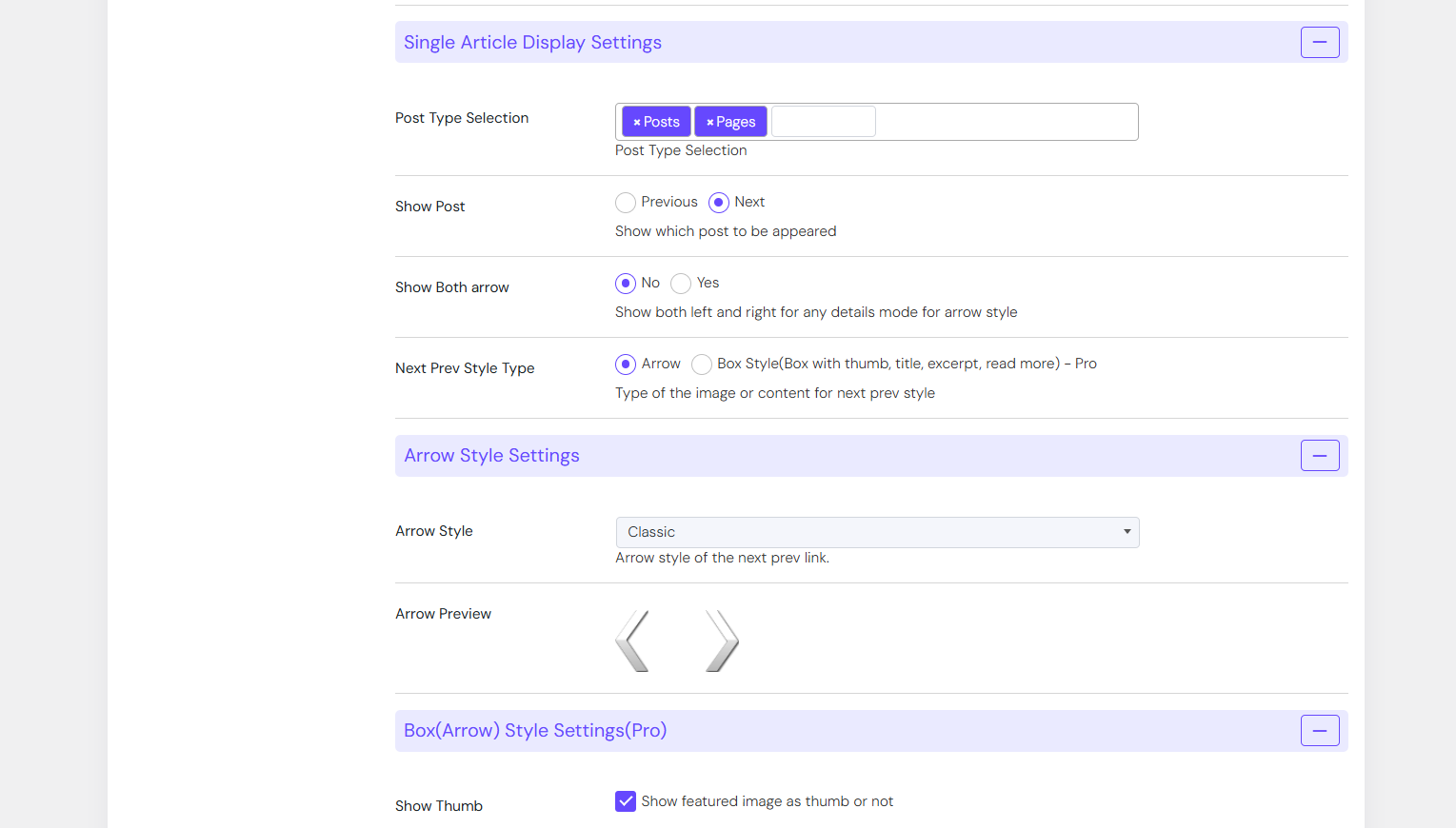
Shows next previous page or article link using arrow icon or box style, have setting to configure as need.
Plugin info
Maintenance & Compatibility
Maintenance score
Stale • Last updated 352 days ago • 19 reviews
Is CBX Next Previous Article abandoned?
Likely maintained (last update 352 days ago).
Compatibility
Similar & Alternatives
Explore plugins with similar tags, and compare key metrics like downloads, ratings, updates, support, and WP/PHP compatibility.
Description
Keeping visitors active on a website and engaged in reading more articles is a significant challenge. The CBX Next Previous Article plugin helps engage users by providing easy navigation for the next and previous articles or pages. The plugin offers many configurable parameters to show, hide, and customize the presentation.
CBX Next Previous Article by Codeboxr
📋 Documentation | 🌟 Upgrade to PRO | 👨💻 Free Support | 🤴 Pro Support | 📱 Contact
If you think any necessary feature is missing contact with us, we will add in new release. Best way to check the feature is to install the free core version in any dev site and explore
🛄 Core Plugin Features
- Simple and Fast Article Navigation for single article(Details mode of any post type)
- Next Previous Page navigation for archive pages
- Comes with 4 Pre-styled Next/ Previous Buttons
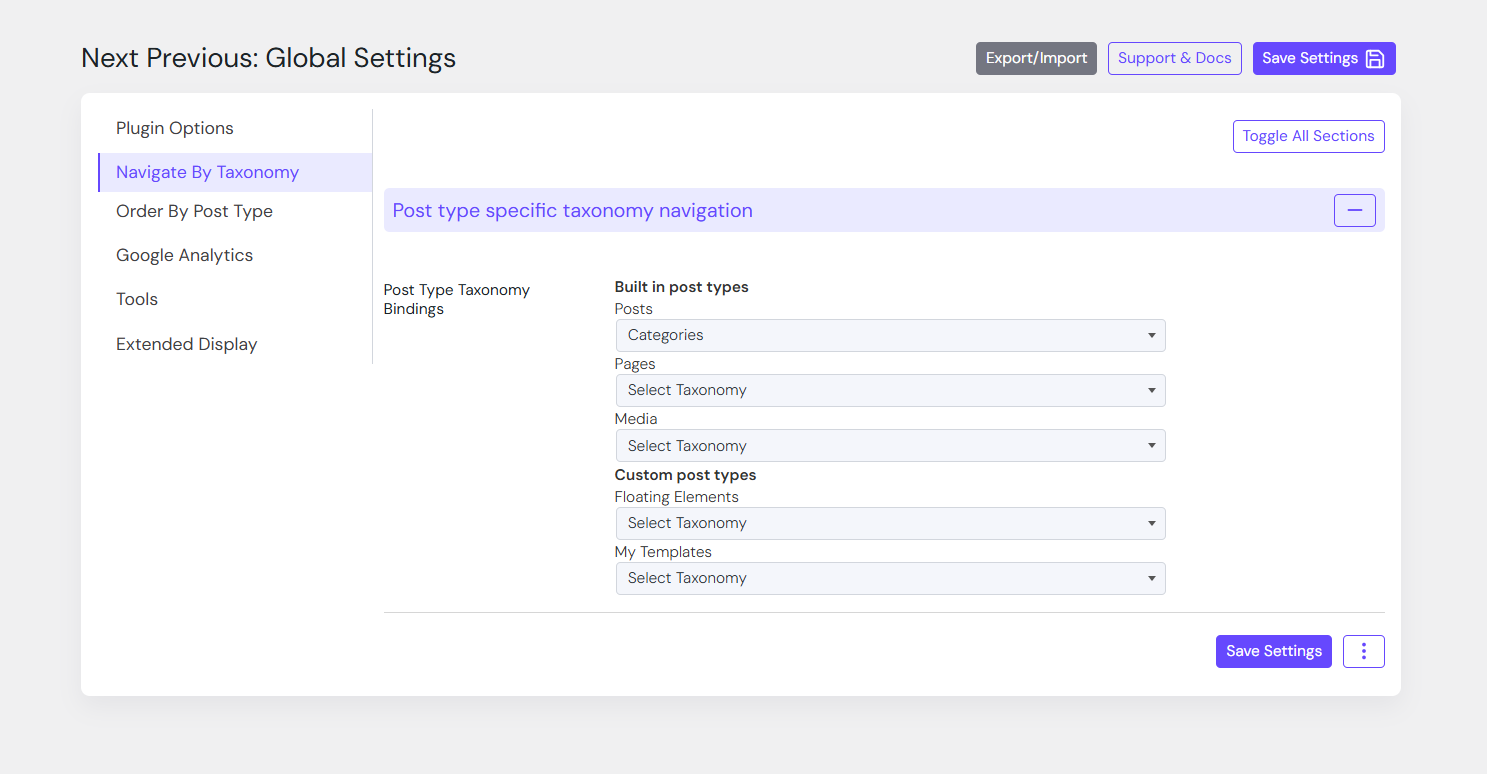
- Built-in post type(s) support(Pro Addon support custom post types)*
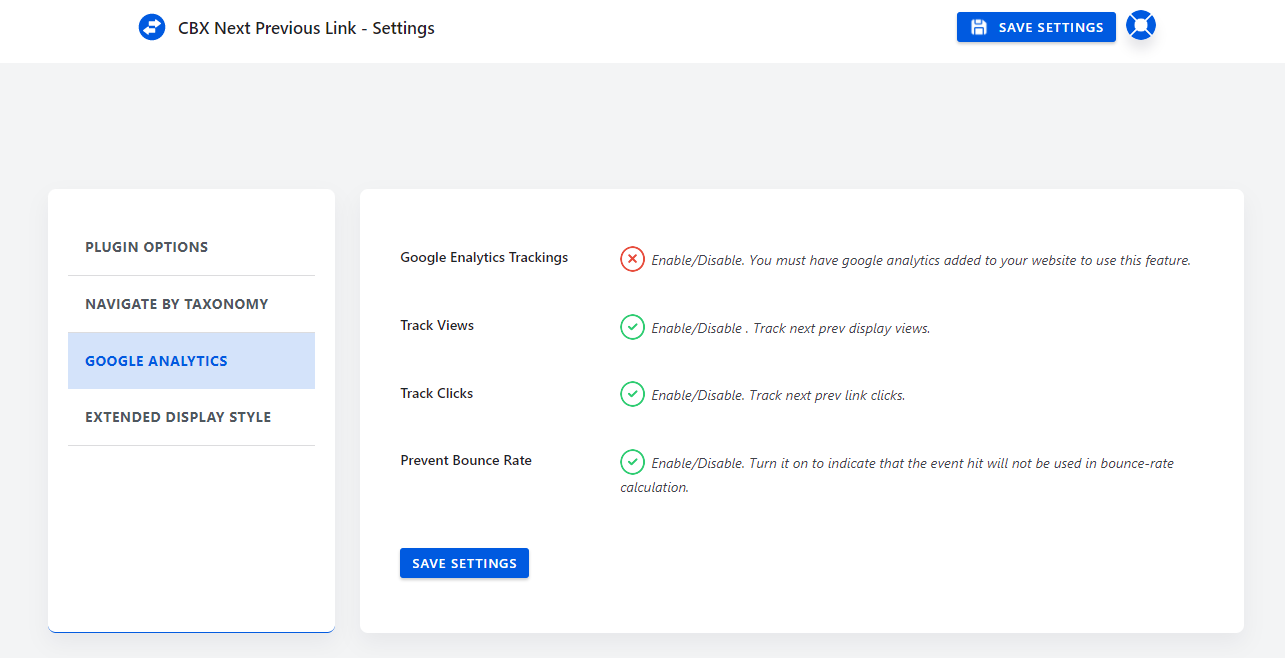
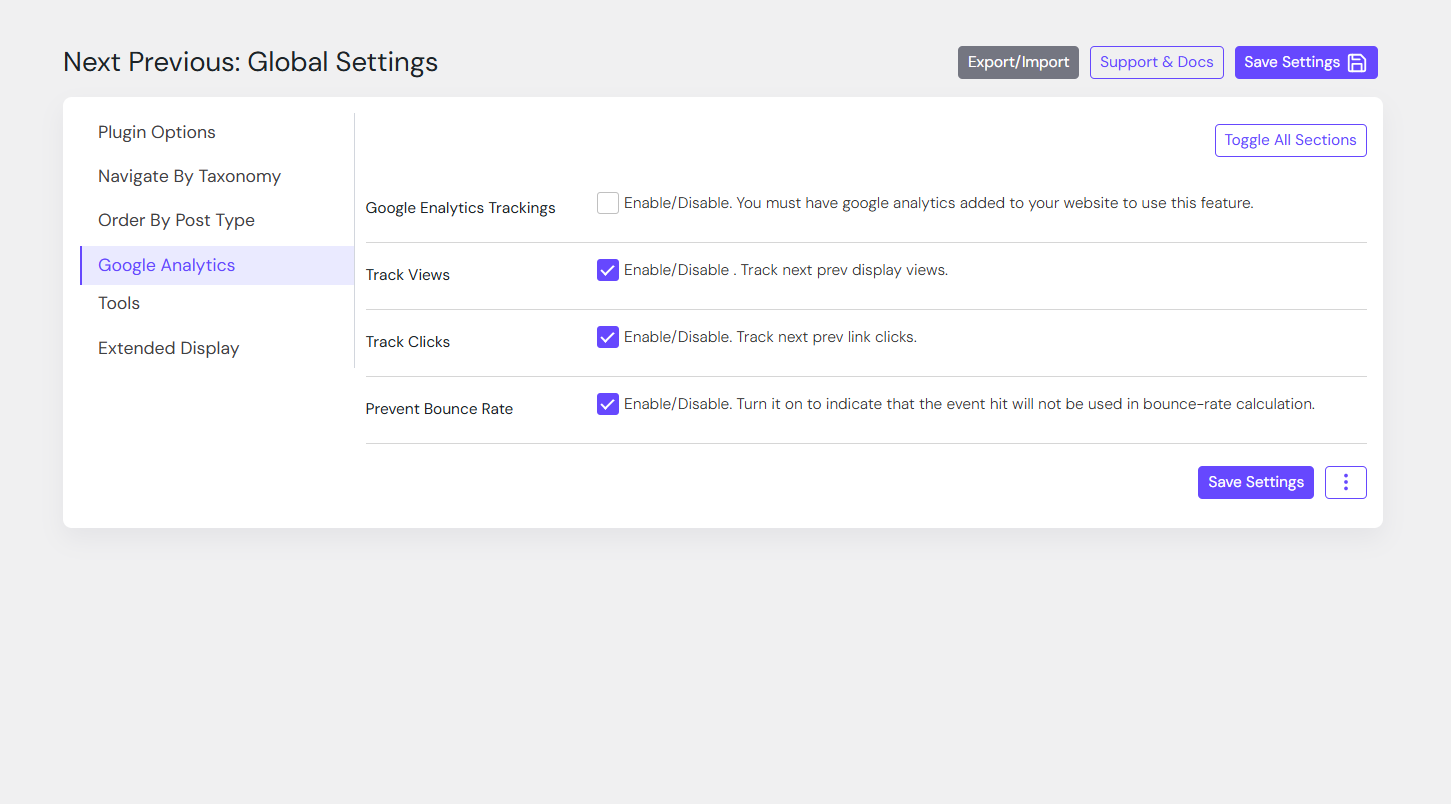
- Google Analytics tracking for display views and clicks
💎 Pro Addon: Core feature enhancement
- Custom Post Type(s) support
- Custom image as next previous icon
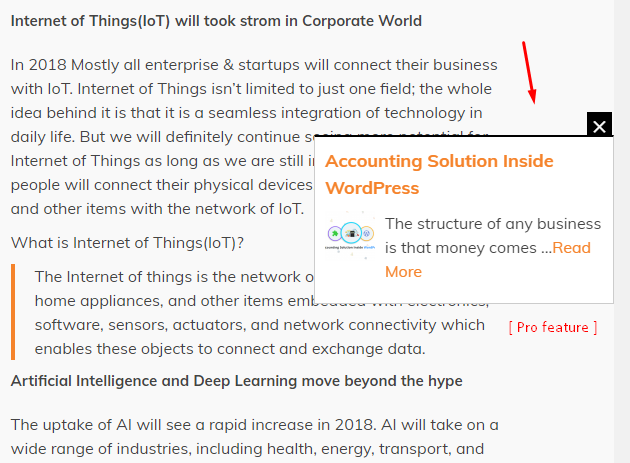
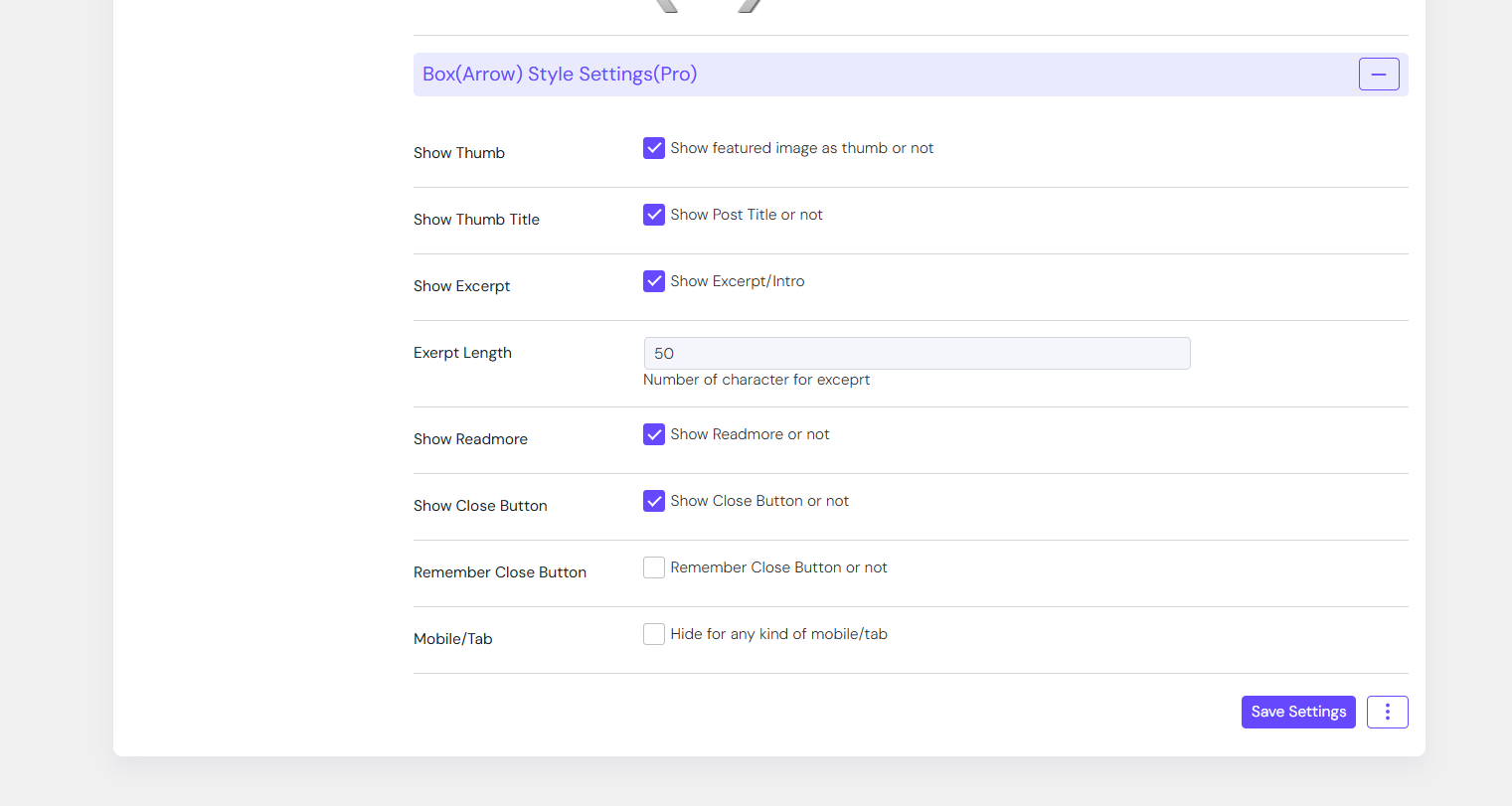
- Thumb based display as replacement for arrow feature in archive or details page
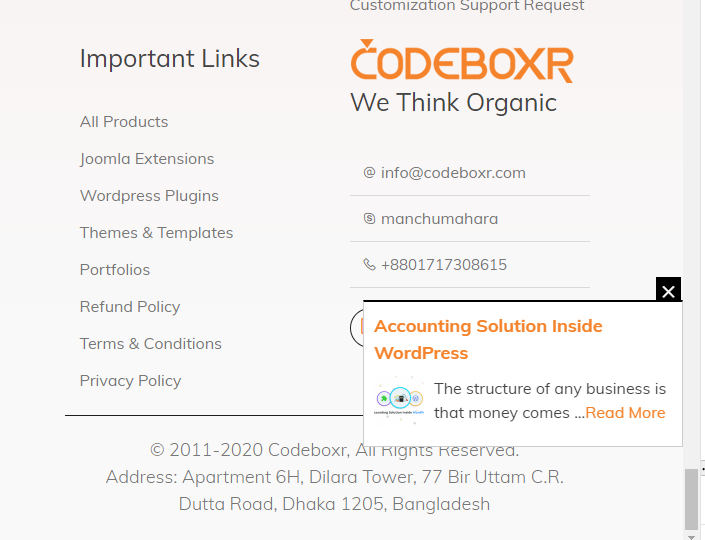
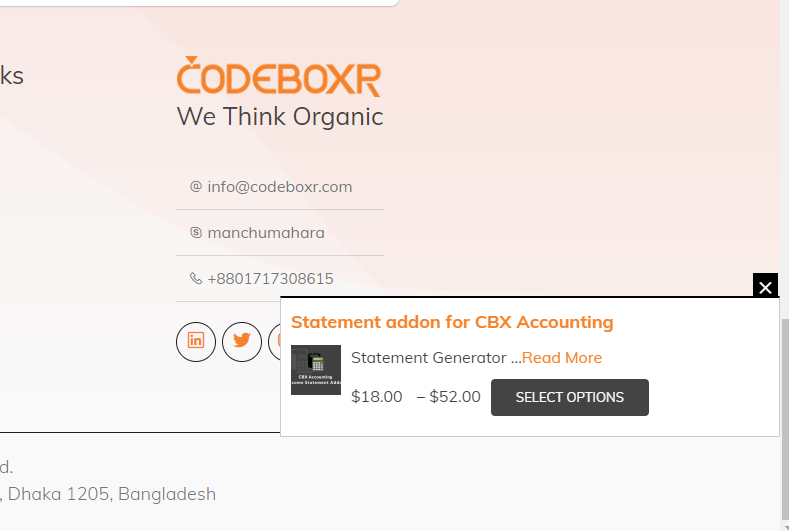
- Advance navigation display using – Slide in/out, fadein/out or modal display in details article page
- Special support for WooCommerce and Easy digital download plugin
Tips:
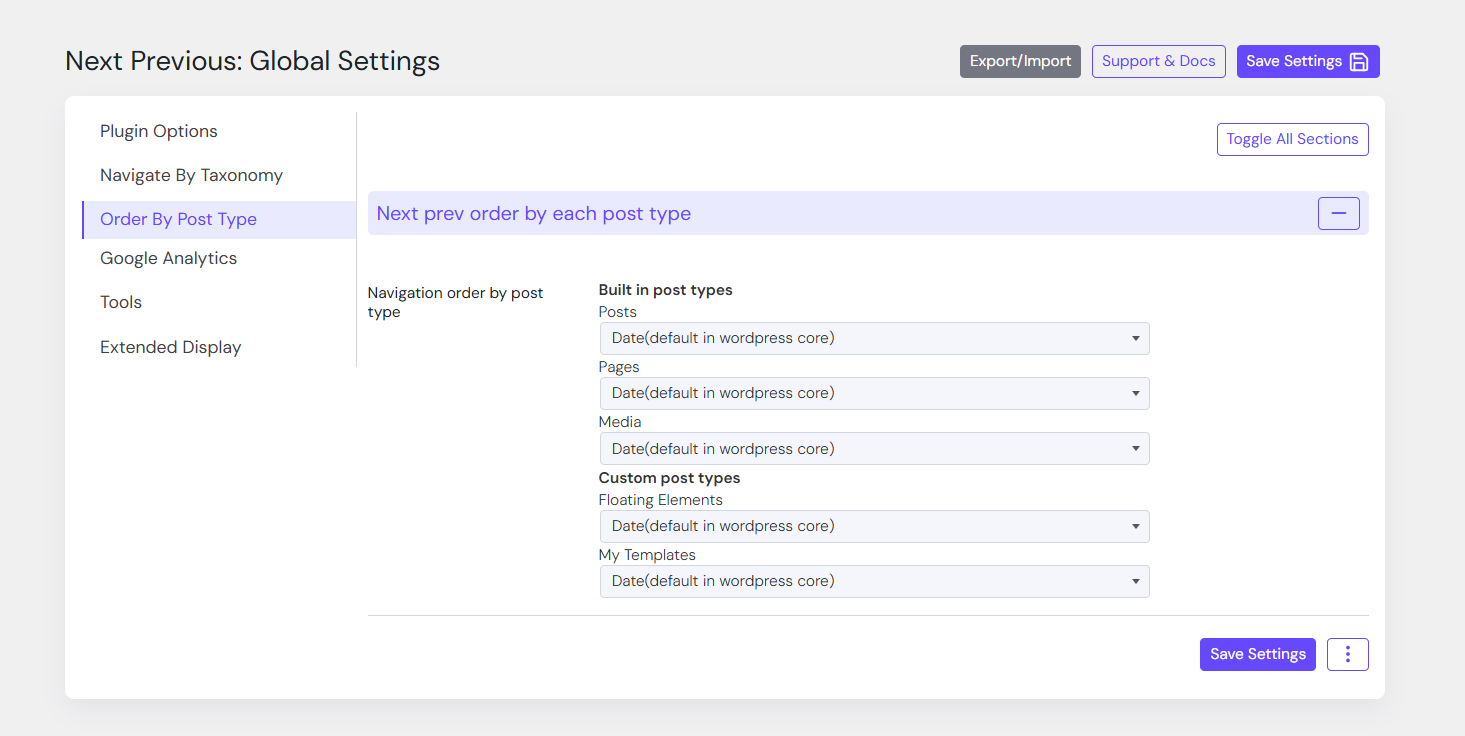
To hook the adjacent next previous post sort order sql here is code sample
Installation
This section describes how to install the plugin and get it working.
e.g.
- Upload folder
wpnextpreviouslinkto the/wp-content/plugins/directory - Activate the plugin through the ‘Plugins’ menu in WordPress
- Check setting from the setting menu from admin panel
Frequently Asked Questions
Review feed
Fantastic!
Screenshots


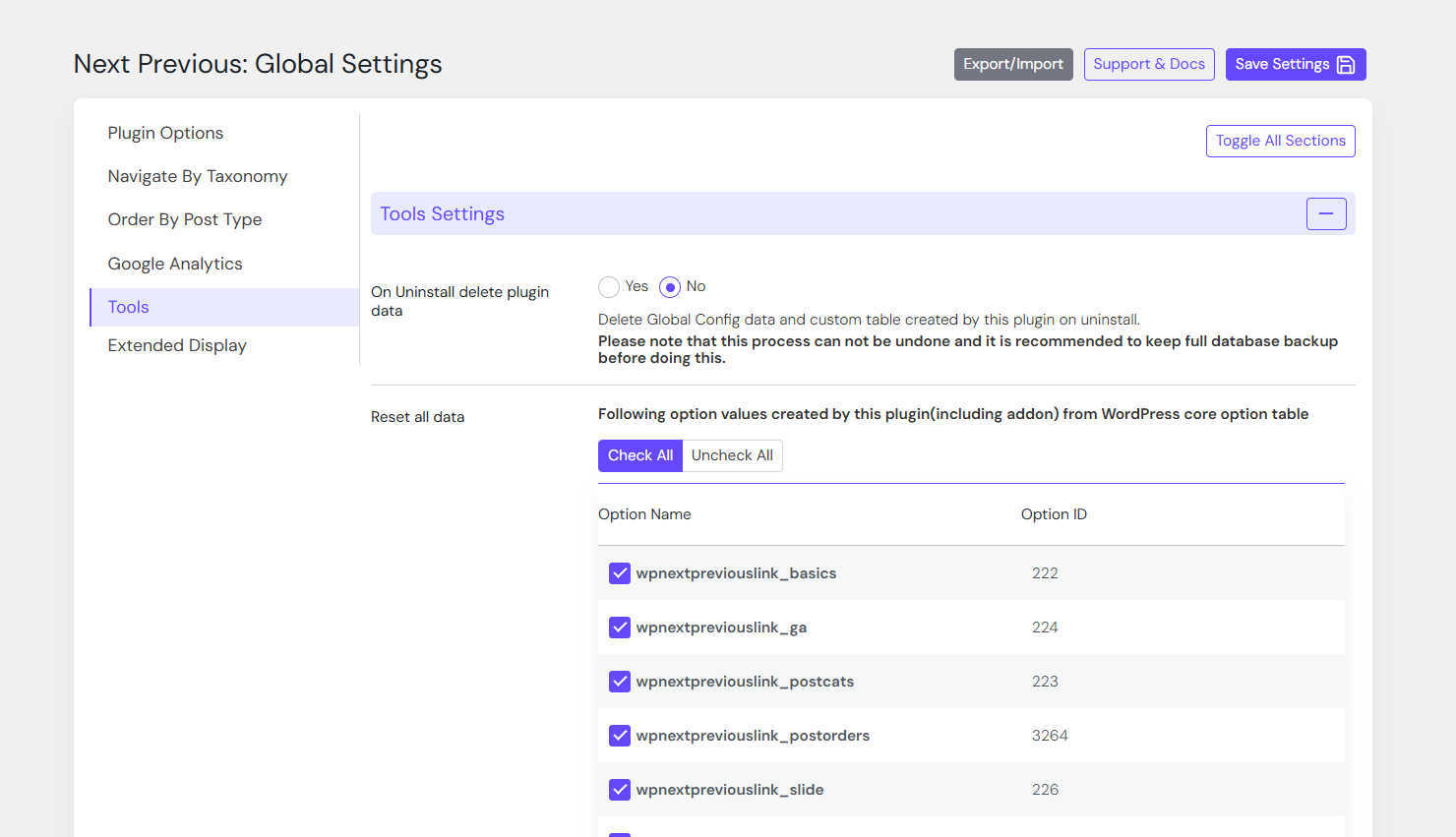
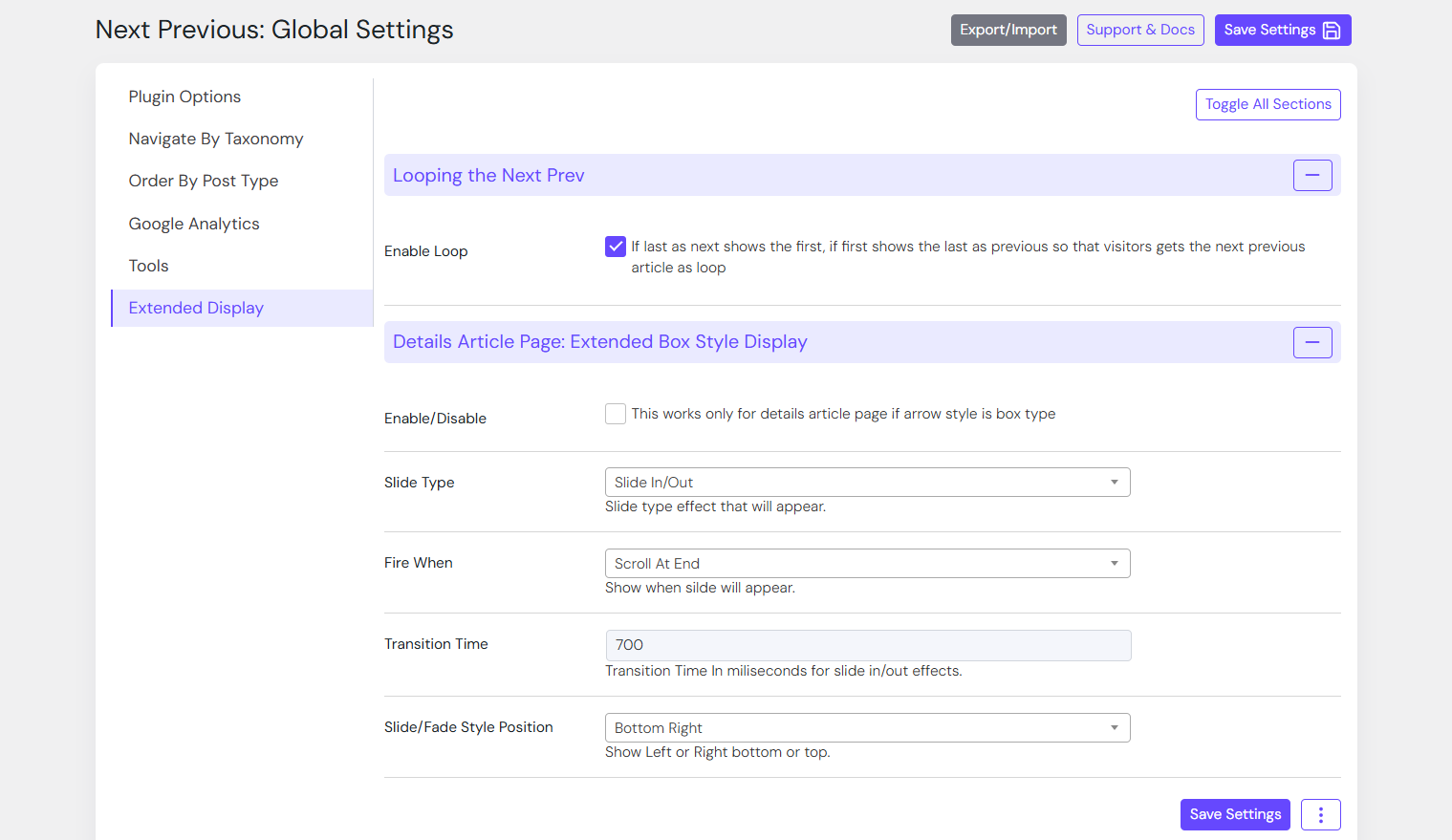
Changelog
2.7.6
- [updated] Style improve for setting page
2.7.5
- [updated] Code revamped
- [updated] Compatible with WordPress 6.8
- [updated] Compatible with Pro Addon Plugin 2.0.9
2.7.4
- [added] Added some new helper functions and minor improvements
2.7.3
- [new] Plugin check version V1.3.1 compatible
- [updated] WordPress core V6.7.1 compatible
- [updated] Dashboard style improvement
- [new] SVG icon added everywhere
- [updated] Pro Addon V2.0.7 released
2.7.2
- [new] Skip next prev for specific post/page id(s) – Request in wp.org support https://wordpress.org/support/topic/hide-on-few-pages/
- [new] Post ‘order by’ per post basis (in core only date)
- [new] Plugin check plugin used to check standard errors and warnings and fixed