

WPScreens
The friendliest free digital signage system for WordPress, enabling easy screen management for shops, waiting rooms, and more.
Plugin info
Maintenance & Compatibility
Maintenance score
Actively maintained • Last updated 78 days ago • 7 reviews
Is WPScreens abandoned?
Likely maintained (last update 78 days ago).
Compatibility
Developers
Similar & Alternatives
Explore plugins with similar tags, and compare key metrics like downloads, ratings, updates, support, and WP/PHP compatibility.
Description
Free and user-friendly
WPScreens turns your favorite slider into a Digital Signage system.
The simple way to create your own narrowcasting channel on your remote screen.
WPScreens has been developed with everyone in mind. You don’t need to be a technician or designer to create excellent screen presentations. Do you have a WordPress website? Then use WPScreens. The sliders you create for your narrowcasting can also be used on your website. So no more double work!
Manage your media and other website content from one location.
The advantages of WPScreens
- User-friendly and easy to manage environment: you don’t need to be a programmer or designer.
- Manage your media and other website content from one location.
- Linked to your WordPress website.
- Download one of the four sliders (free or paid-for)! You will not be tied to or restricted by the limitations of a slider with a fixed format.
Requirements
- WordPress 5.2 or later version.
- (TV) screen which can run the Google Chrome browser or which you can cast to via Google Chrome cast.
- Smart Slider, Revolution Slider, WP Layer slider, or Depicter (Free) Slider.
All the plugin details are also on the product detail page: Website
Demos
Installation
- Upload files to the WordPress plugin directory.
- Turn on the plugin in the WordPress Admin Panel.
- Set up the settings in “Settings” -> “WPScreens”.
Frequently Asked Questions
Review feed
Great plugin with great functionalities
Screenshots
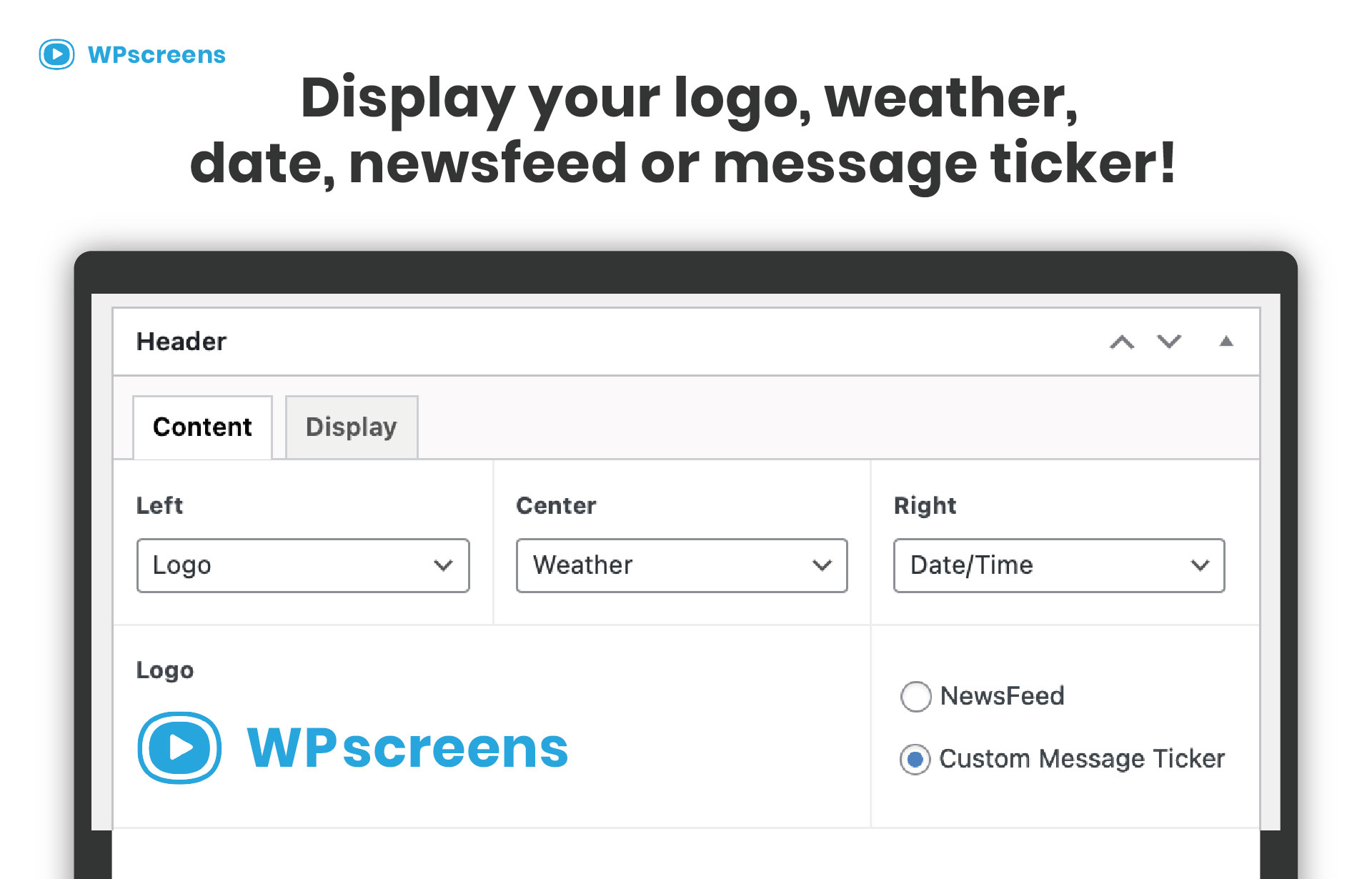
Try the free version now.

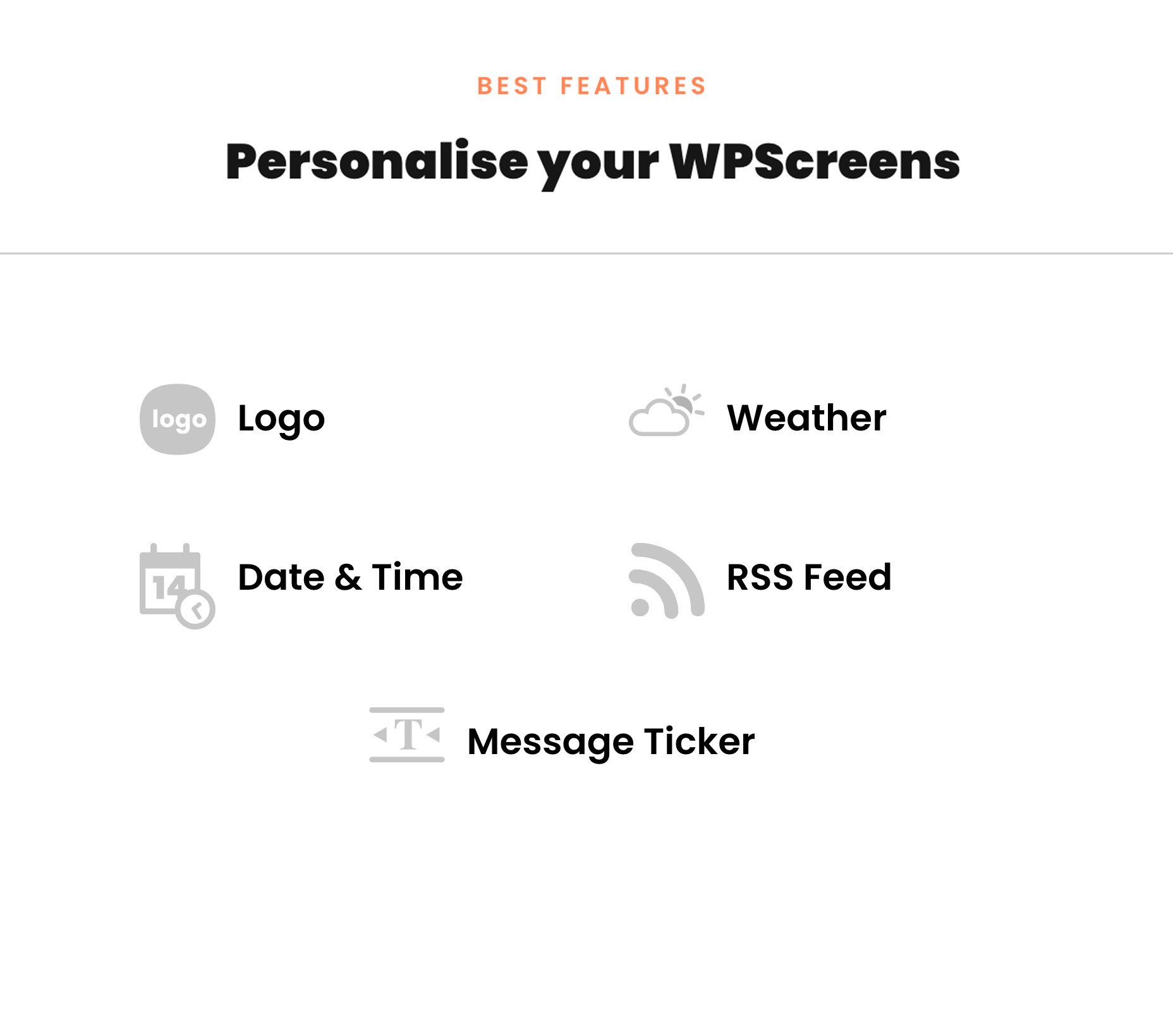
Easily switch between sliders.



Changelog
2.5.4
- Tested for WordPress 6.9
- Added new function: Fixed slider options
2.5.2
- Tested for WordPress 6.6.3
- Added new function: Addon functionality
2.1
- Tested for WordPress 6.5
- Added new function: Splitscreens
2.0
- Tested for WordPress 6.2
- Added new function: Message ticker
1.5
- Tested for WordPress 6.1.1
- Added languages for Date and Time
1.4
- Tested for WordPress 6.0
- Removed (broken) Master Slider WP compatibility
- Added Free Depicter slider compatibility
1.3
- Fixed issue with ACF
- Scrollbar removed from displays
1.2
- Increased amount of display to 10 for Pro version
1.1
- Password protection
1.0
- Initial release