
Plugin info
Maintenance & Compatibility
Maintenance score
Maintained • Last updated 127 days ago • 14 reviews
Is WPTerm abandoned?
Likely maintained (last update 127 days ago).
Compatibility
Similar & Alternatives
Explore plugins with similar tags, and compare key metrics like downloads, ratings, updates, support, and WP/PHP compatibility.
Description
An xterm-like plugin to run non-interactive shell commands.
WPTerm is an xterm-like plugin. It can be used to run non-interactive shell commands from the WordPress admin dashboard.
Just like a terminal, WPTerm lets you do almost everything you want (e.g., changing file permissions, viewing network connections or current processes etc). That’s great, but if you aren’t familiar with Unix shell commands, you can also damage your blog. Therefore, each time you use WPTerm, please follow this rule of thumb: if you don’t know what you’re doing, don’t do it!
Compatibility
WPTerm is not compatible with Microsoft Windows; it works on Unix-like servers only.
Because it makes use of PHP program execution functions such as exec or shell_exec, it may not be compatible with some shared hosts that have disabled these functions. To make sure your server is compatible, follow these steps:
- Download this script.
- Rename it to “wpterm-check.php”.
- Upload it inside your website root folder.
- Go to http://YOUR WEBSITE/wpterm-check.php
- Delete it afterwards.
Password Protection
You can (and probably should!) password protect the access to WPTerm. Consult the contextual help, or type help at the terminal prompt to get more details about how to enable this feature.
Features
- Selectable PHP program execution function to run commands.
- Custom fonts family, size and color.
- Custom background color.
- History and scrollback buffer.
- Terminal bell (audible / visible).
- Optional password protection.
- Contextual help.
- Multisite compatible (only accessible to the SuperAdmin).
Supported Languages
- English
- French
Requirements
- WordPress 3.3+
- PHP 5.3+
- Unix-like OS (Linux, *BSD etc) only. WPTerm is NOT compatible with Microsoft Windows.
Installation
- Upload
wptermfolder to the/wp-content/plugins/directory. - Activate the plugin through the ‘Plugins’ page in WordPress.
- Plugin settings are located in the ‘Tools > WPTerm’ sub-menu.
Frequently Asked Questions
WPTerm works on Unix-like servers only.
Review feed
I use this plugin 100 times a day
Perfect!
Great achievement for WordPress
A very useful plugin
Wonderful
Screenshots
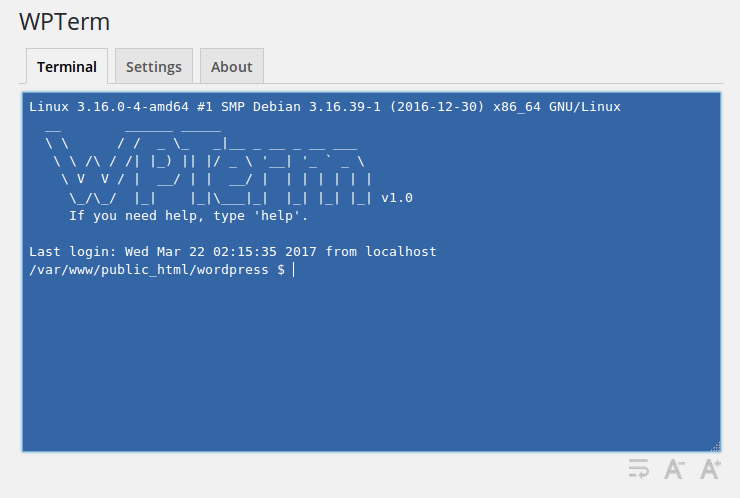
Terminal (default colors and welcome message).
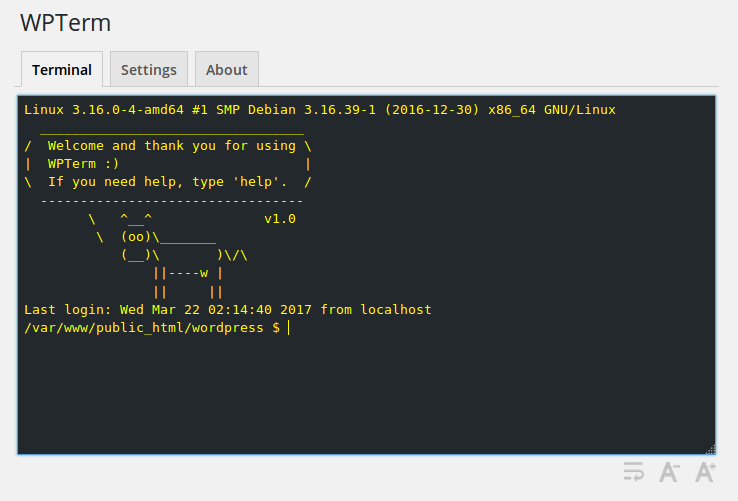
Terminal (custom colors and welcome message).
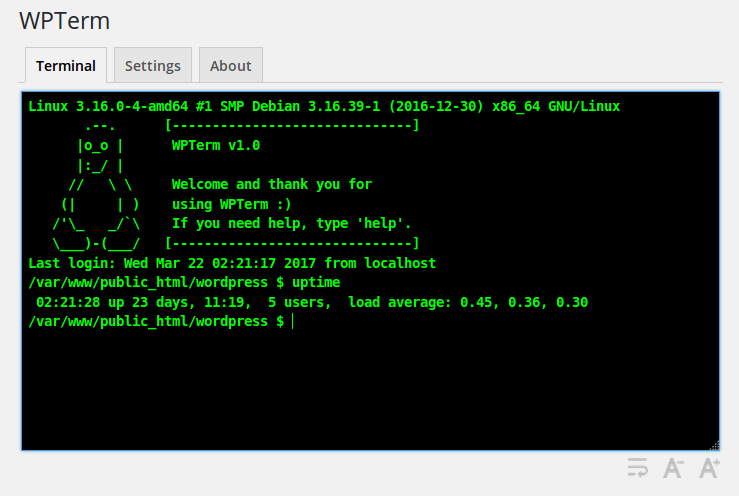
Terminal (custom colors and welcome message).
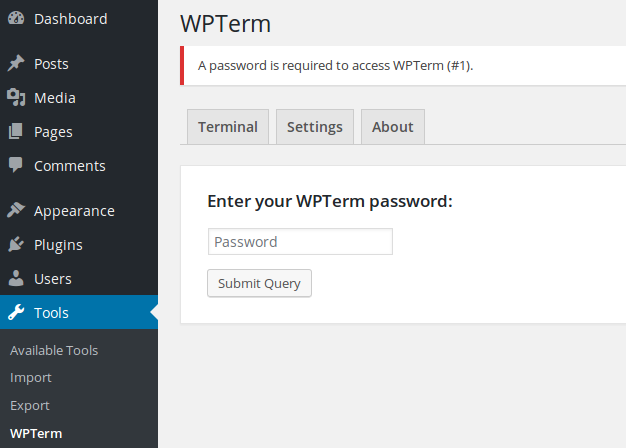
Password protection.
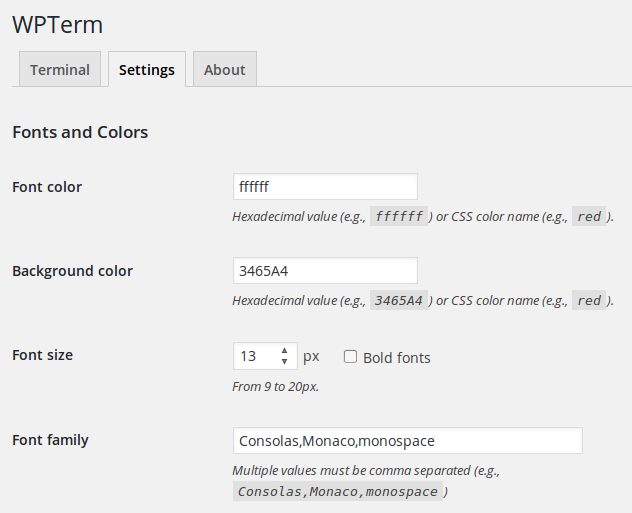
Settings (fonts and colors).
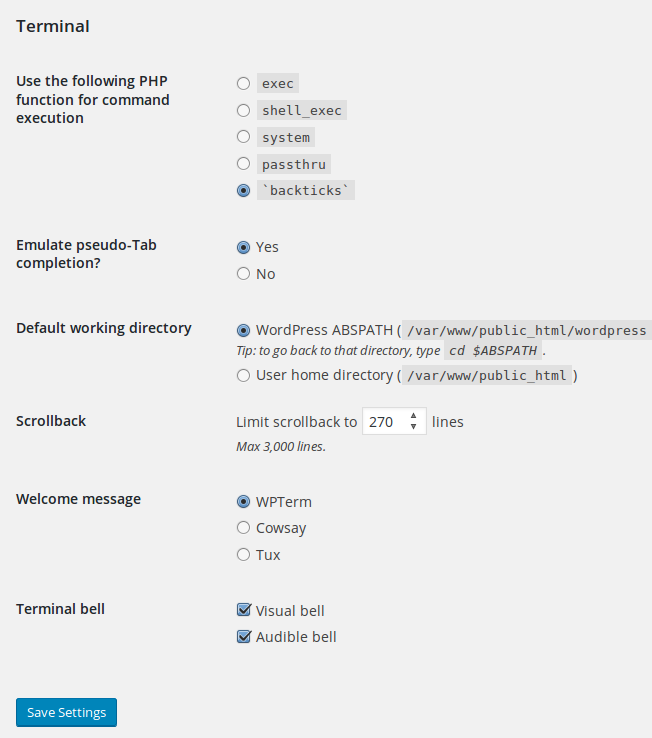
Settings (terminal).
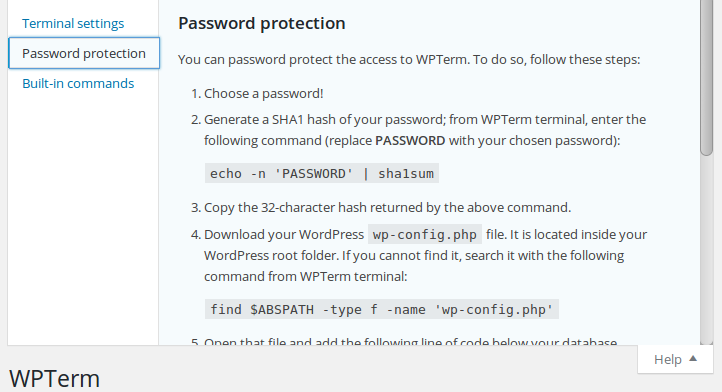
Contextual help.
Changelog
1.2
- Communication between the terminal and the plugin will be base64-encoded to prevent security applications such as ModSecurity to block the AJAX request.
- Fixed a PHP “Function _load_textdomain_just_in_time was called incorrectly” notice.
- Ensure compatibility with WordPress 6.8
1.1.9
- Compatibility with WordPress 5.9.
1.1.8
- Fixed the “Your site could not complete a loopback request” error message in Site Health due to the PHP session when WPTerm’s password protection was enabled.
- On multisite installations the plugin is now accessible from the main site only. Since there’s just one physical WordPress install, there’s no need to use it on other sites.
1.1.7
- Added right to left language support to the terminal (compatible wit Firefox, Chrome, Opera and Safari browsers).
1.1.6
- Fixed an issue where the PHP session required by WPTerm’s password protection was always started, even when a non-admin user visited the site.
1.1.5
- Added
popento the list of PHP functions that you can select to run commands (see “Settings > Terminal > Use the following PHP function for command execution”).
1.1.4
- WordPress 4.9 compatibility.