

WriterX
WriterX integrates your WordPress site with the WriterX.ai service, enabling automatic content generation and publication at scale.
Plugin info
Maintenance & Compatibility
Maintenance score
Possibly abandoned • Last updated 458 days ago
Is WriterX abandoned?
Possibly abandoned (last update 458 days ago).
Compatibility
Similar & Alternatives
Explore plugins with similar tags, and compare key metrics like downloads, ratings, updates, support, and WP/PHP compatibility.
Description
WriterX is a powerful plugin designed to integrate your WordPress site seamlessly with the WriterX.ai service. With this plugin, you can effortlessly connect to your WriterX.ai account via API, enabling the automatic generation and publication of high-quality content at scale. Whether you’re managing a small blog or a large website, WriterX allows you to automate your content creation process, saving you time and resources.
It allows you to retrieve comprehensive data from your website, ensuring that you have all the information you need for effective content management and strategy.
Perfect for marketers, content creators, and businesses looking to streamline their content production, WriterX offers a reliable and scalable solution to keep your website updated with minimal effort.
License
This plugin is licensed under the GPLv2 or later. You are free to modify and distribute it under the same license.
Installation
- Upload the
writerxfolder to the/wp-content/plugins/directory or install the plugin directly through the WordPress plugins screen. - Activate the plugin through the ‘Plugins’ screen in WordPress.
- Navigate to the ‘WriterX’ settings page.
- Copy the API key displayed on the plugin page.
- In your WriterX.ai account, add a new WordPress site.
- When prompted, paste the API key on site settings screen in your WriterX dashboard.
Frequently Asked Questions
Yes, you need an active WriterX account to use this plugin.
The plugin requires at least WordPress 5.0.
Review feed
Screenshots
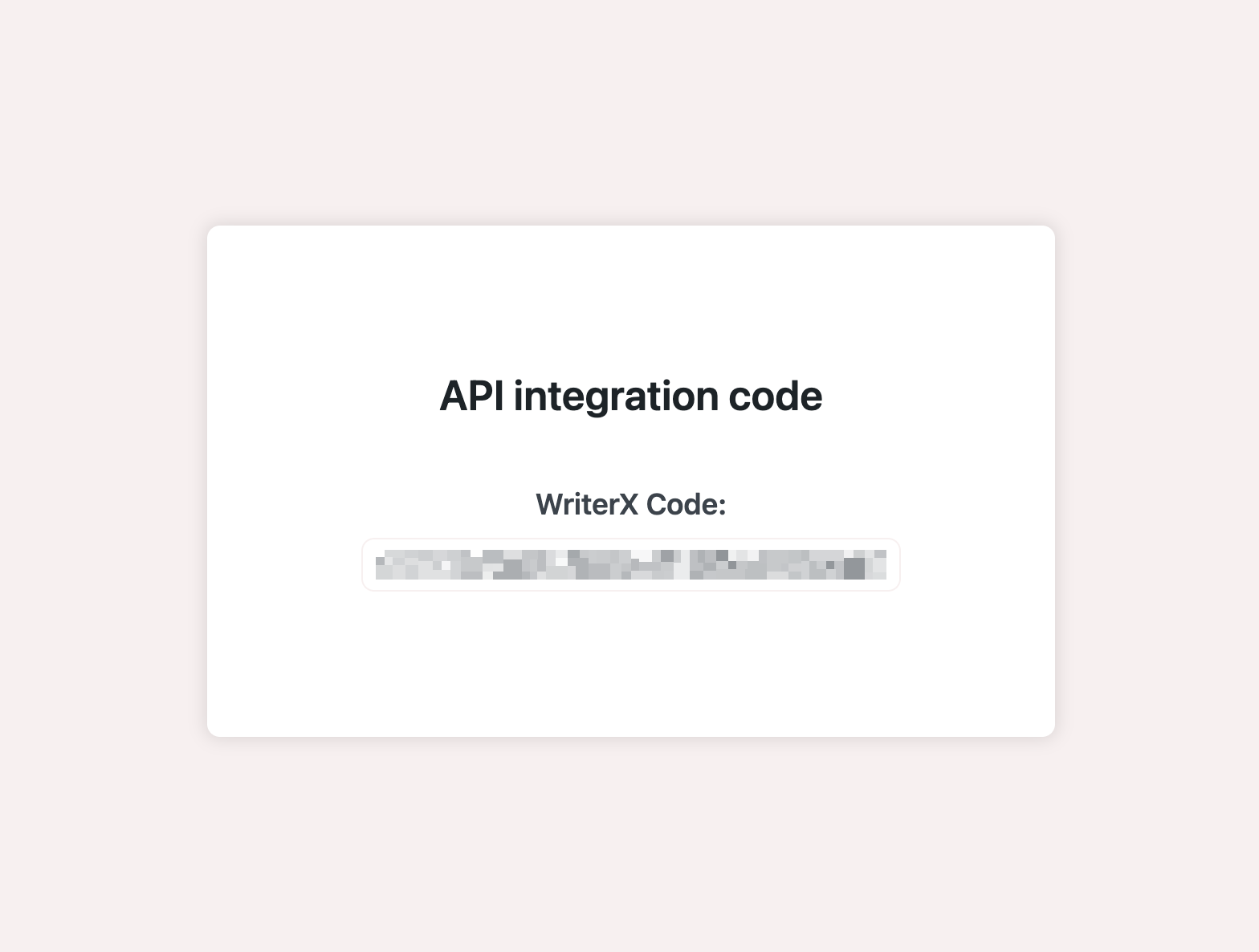
Plugin Settings Page.
Changelog
1.3.12
- Added missing files.
1.3.11
- Added consideration of the site’s time zone when publishing delayed posts.
1.3.10
- Added the ability to create authors.
1.3.9
- Improved interaction with SEO plugins.
1.3.8
- Added description of the image uploaded to the post.
1.3.7
- Minor fixes and improvements.
1.3.6
- Added the ability to pass metadata for the Yoast SEO and All in One SEO plugins when creating a post.
1.3.4
- Use more universal functions for getting urls.
1.3.3
- Improved security of communication between WriterX and WP plugin.
1.3.1
- Improved connection stability with the WriterX API.
1.3
- Enhanced user interface for content generation.
1.2
- Fixed bugs related to API connection.
- Added options for content customization.
1.1
- Initial release with basic content generation features.