XLTab – Accordions and Tabs for Elementor Page Builder
The XLTab plugin you install after Elementor! and enjoy ultimate tab accordion.
Plugin info
Maintenance & Compatibility
Maintenance score
Possibly abandoned • Last updated 483 days ago • 4 reviews
Is XLTab – Accordions and Tabs for Elementor Page Builder abandoned?
Possibly abandoned (last update 483 days ago).
Compatibility
Similar & Alternatives
Explore plugins with similar tags, and compare key metrics like downloads, ratings, updates, support, and WP/PHP compatibility.
Description
Enhance your Elementor page building experience with custom tab, accordion.
Demo
Buy Premium Version
🔥 WHAT’S NEXT
If you like Icon Element, then consider checking out our other WordPress Plugins:
🔔 The Pack Addon – Best elementor addon including 110 widgets, 130 sections and cloud templates
🔔 Xl Tab – Best elementor tab & accordion plugin
Installation
Note : This plugin works with Elementor. Make sure you have Elementor installed.
- Upload the plugin folder to the
/wp-content/plugins/directory, or install the plugin through the WordPress plugins screen directly. - Activate the plugin through the ‘Plugins’ screen in WordPress
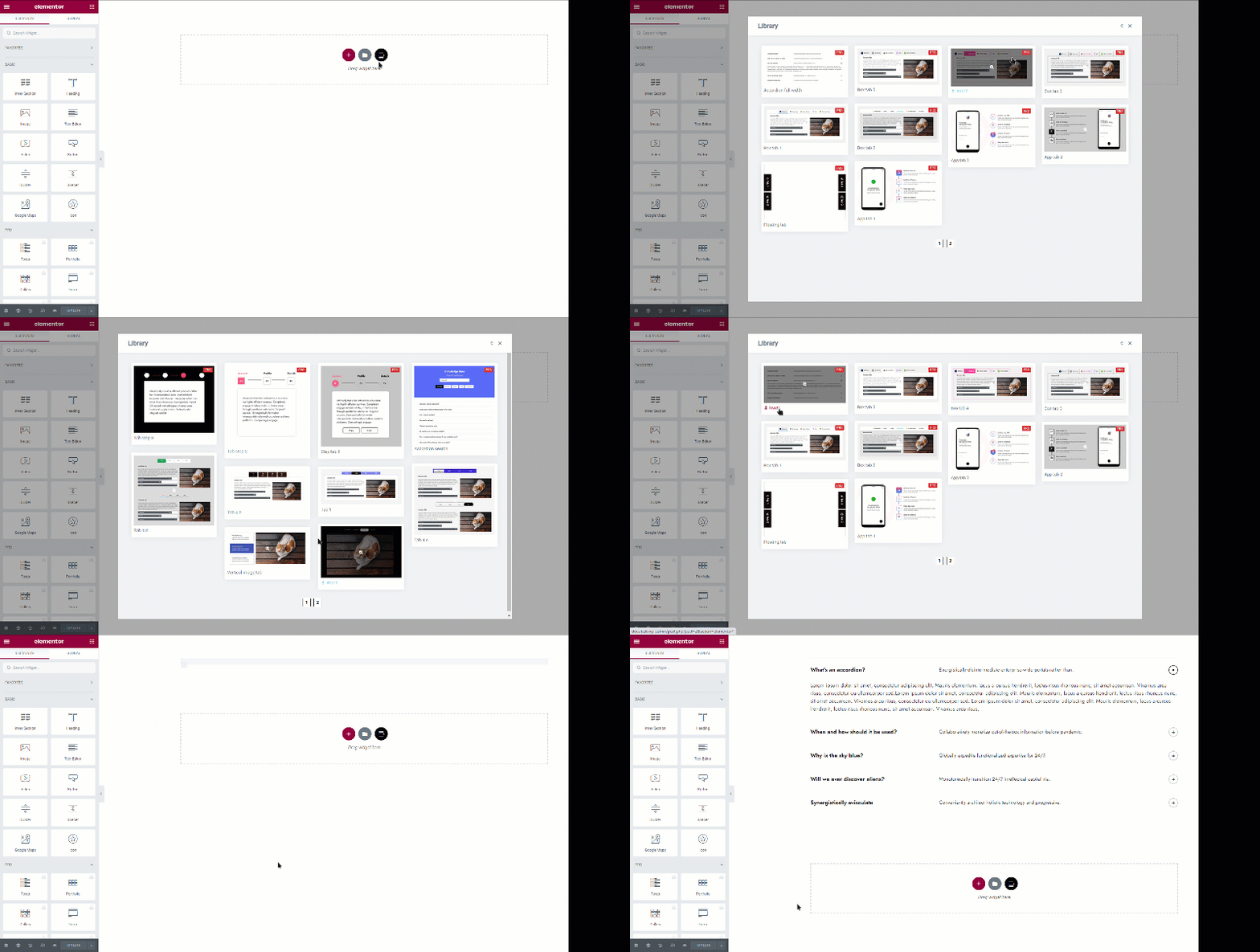
- You can type “XLTab” on your element tabs within Elementor editor and all the avialable elements will appear.
Frequently Asked Questions
No. You cannot use without Elementor since it’s an addon for Elementor.
Absolutely! It will work with any theme where Elementor works.
Your existing elements/content will work with premium version. So you won’t lose your developed contents.