

YT Player – Embed and Customize Video Players
A modern, accessible, fully customizable & user-friendly YouTube Video Player for WordPress.
Plugin info
Maintenance & Compatibility
Maintenance score
Maintained • Last updated 129 days ago • 12 reviews
Is YT Player – Embed and Customize Video Players abandoned?
Likely maintained (last update 129 days ago).
Compatibility
Languages
Similar & Alternatives
Explore plugins with similar tags, and compare key metrics like downloads, ratings, updates, support, and WP/PHP compatibility.
Description
YT Player | Documentation | Pricing | Support | Demo
YT Player is a modern, lightweight, and fully customizable YouTube video player built for WordPress. Whether you’re adding a single video or creating a video-rich experience across posts, pages, or widget areas, this plugin makes it easy to embed YouTube videos with a sleek, accessible interface powered by HTML5 and the Plyr framework.
Use a simple shortcode to embed YouTube videos without needing iframe codes. Ideal for bloggers, marketers, educators, and anyone looking to add YouTube video to WordPress effortlessly.
Key Features – Free Version
- Easy YouTube Embed with Shortcode – Paste your YouTube URL inside [ytp]…[/ytp] and place it anywhere — posts, pages, sidebars, or custom templates. No embed code needed.
- Works with YouTube Video ID or URL – Just add the full YouTube link to start playing — no extra setup required.
- Fully Responsive Layout – The player adjusts automatically to fit any screen size — desktop, tablet, or mobile.
- Fullscreen Support – Viewers can switch to full-screen mode, with support for both native and fallback options.
- Fast & Lightweight – Optimized for speed — the player loads quickly and doesn’t slow down your page.
- Shortcode Anywhere – Use the shortcode in posts, pages, widget areas, or custom post types to display your video wherever you want.
- Toggle Player Controls – Choose which controls to show or hide, like play, pause, volume, or fullscreen — you’re in control.
- Keyboard & Accessibility Support – Built with accessibility in mind, making navigation easier for all users.
- Built with HTML5 and Plyr.js – Uses the modern HTML5 video standard and the Plyr framework for reliable, consistent playback.
YT Player Pro– Unlock Premium Features
The Pro version offers more control over playback and appearance, giving you greater flexibility in how videos are displayed and customized.
- Add a Brand Logo on Videos – Display your logo as an overlay on the video. You can adjust its position, size, and transparency.
- Upload Custom Thumbnails – Replace the default YouTube preview with your own image to better match your content or branding.
- Auto-Repeat Playback – Let your video loop automatically after it ends — ideal for promos or background video.
- Show Thumbnail When Paused – When the video is paused, a thumbnail image appears instead of a blank screen.
- Hide Controls on Pause – Create a cleaner look by hiding all controls when the video isn’t playing.
- Floating Mini Player While Scrolling – Keep the video visible in a small corner player as visitors scroll down the page.
- Muted – Starts video playback with audio turned off by default.
- Auto Play – Automatically starts video playback when the page loads.
- Seek Time – Defines the time interval (in seconds) to skip forward or backward during video playback.
- Hide YouTube UI – Removes default YouTube player controls and branding for a cleaner, distraction-free viewing experience.
- Save Preset Design – Allows users to save customized settings and styles as a preset for quick reuse across multiple layout.
- Customize the Player’s Look – Fine-tune the player’s appearance — colors, controls, and layout — to match your website style.
Try the Pro Version – Unlock all premium features today!
How to Use YT Player – Quick Start Guide
Getting started is easy!
This plugin is ideal for
- Video bloggers and vloggers
- Online courses and educators
- Marketing landing pages
- Portfolio sites
- News & magazine layouts
- Anyone who wants a custom YouTube embed player
Check out our other WordPress Plugins
-
HTML5 Audio Player – Best audio player plugin for WordPress.
-
PDF Poster – A fully-featured PDF Viewer Plugin for WordPress.
-
StreamCast – A fully-featured Radio Player Plugin for WordPress.
-
3D Viewer – Display interactive 3D models on the webs.
Installation
This section describes how to install the plugin and get it working.
E.g
- Upload
plugin-directoryto the/wp-content/plugins/directory - Activate the plugin through the ‘Plugins’ menu in WordPress
- Use shortcode in page, post or in widgets.
- If you want video in your theme php file, Place
<?php echo do_shortcode('YOUR_SHORTCODE'); ?>in your templates
Frequently Asked Questions
You can install as others regular wordpress plugin. No different way. Please see on installation tab.
You can play any YouTube video.
You can publish unlimited video with YT player Plugin
Please report security bugs found in the source code of the Video Player for YouTube plugin through the Patchstack Vulnerability Disclosure Program. The Patchstack team will assist you with verification, CVE assignment, and notify the developers of this plugin.
Review feed
Screenshots
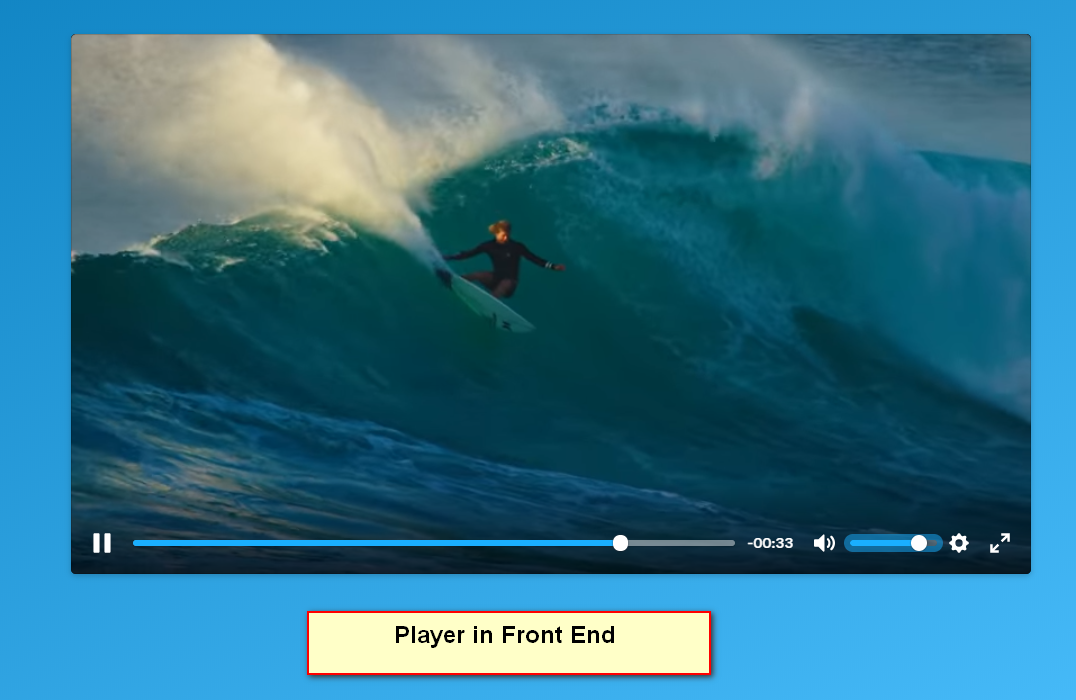
The player in frontend
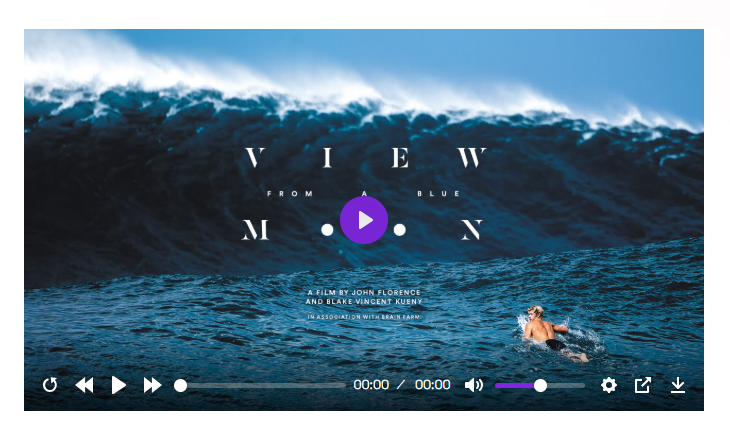
The player with all controls

The player without controls
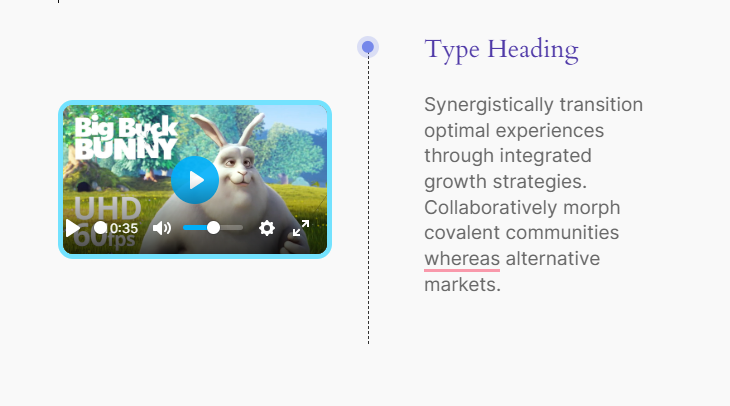
Player with Timeline
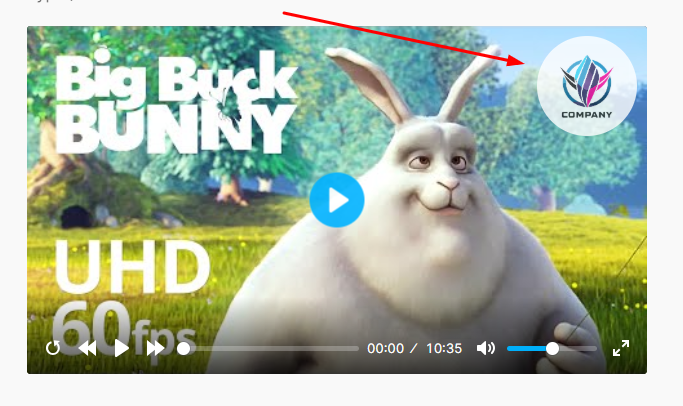
Player with brand logo
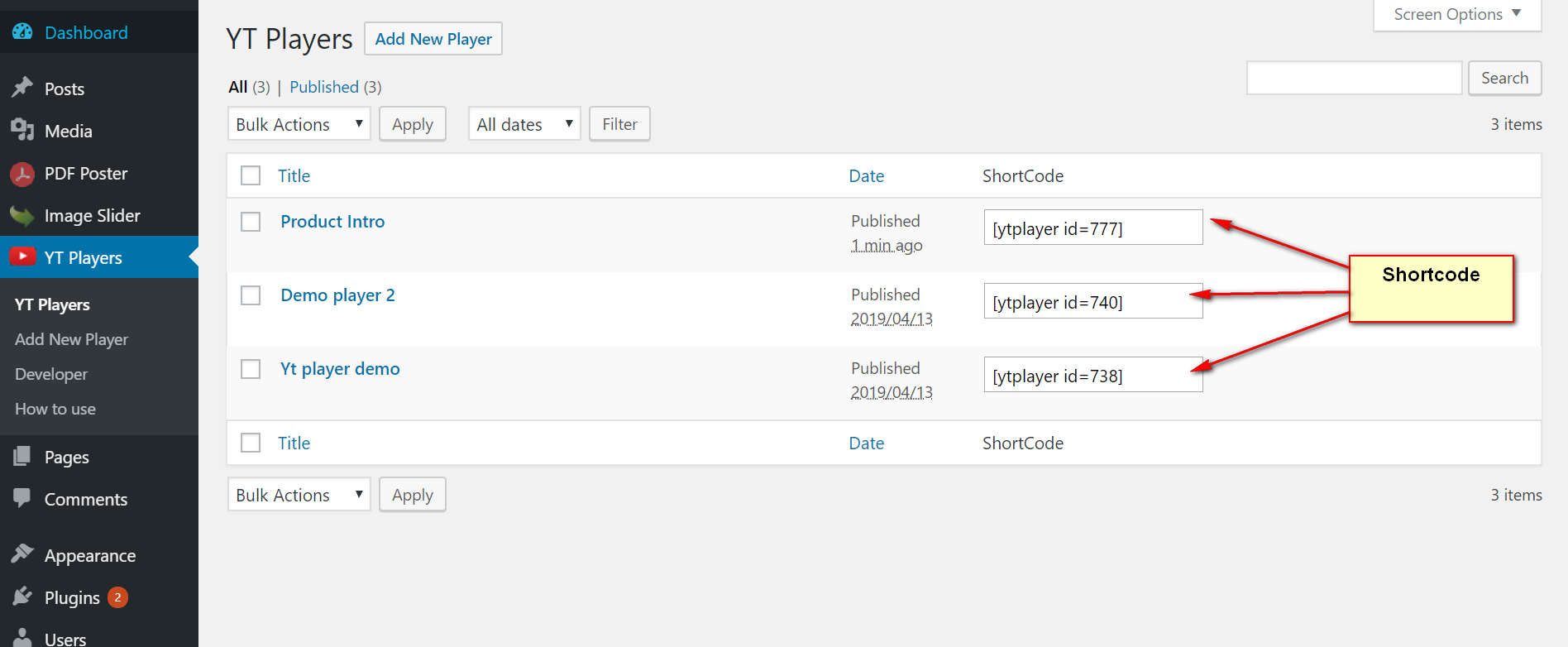
Shortcode
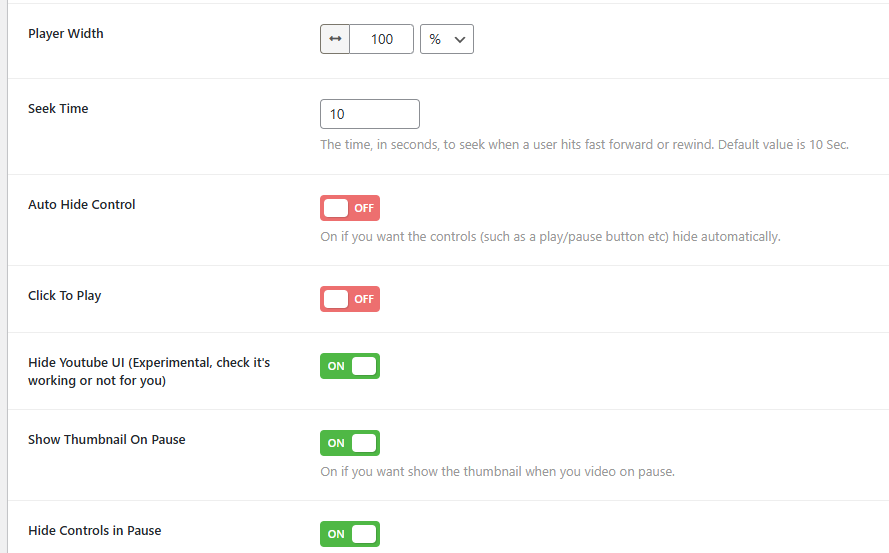
Control settings
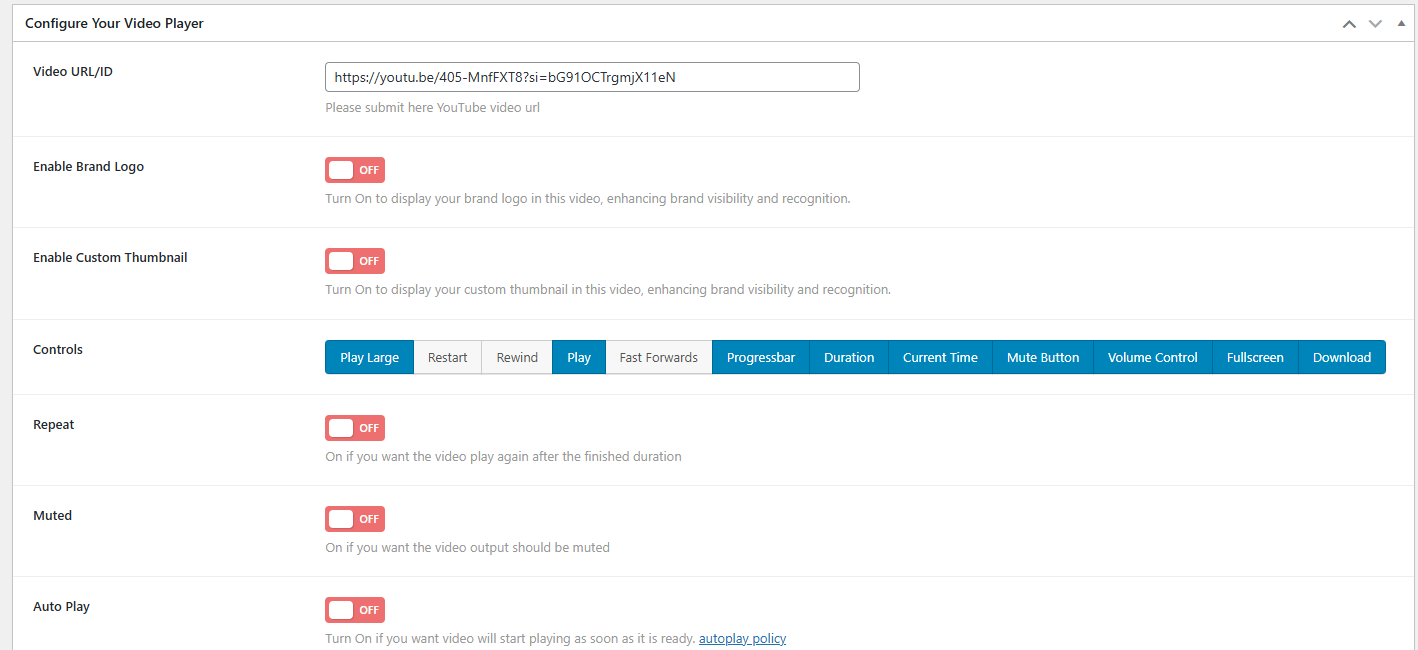
Control settings
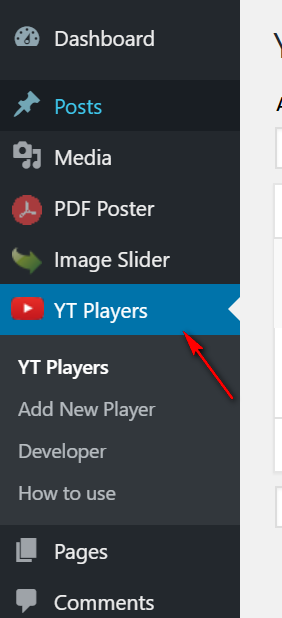
SideBar Menu
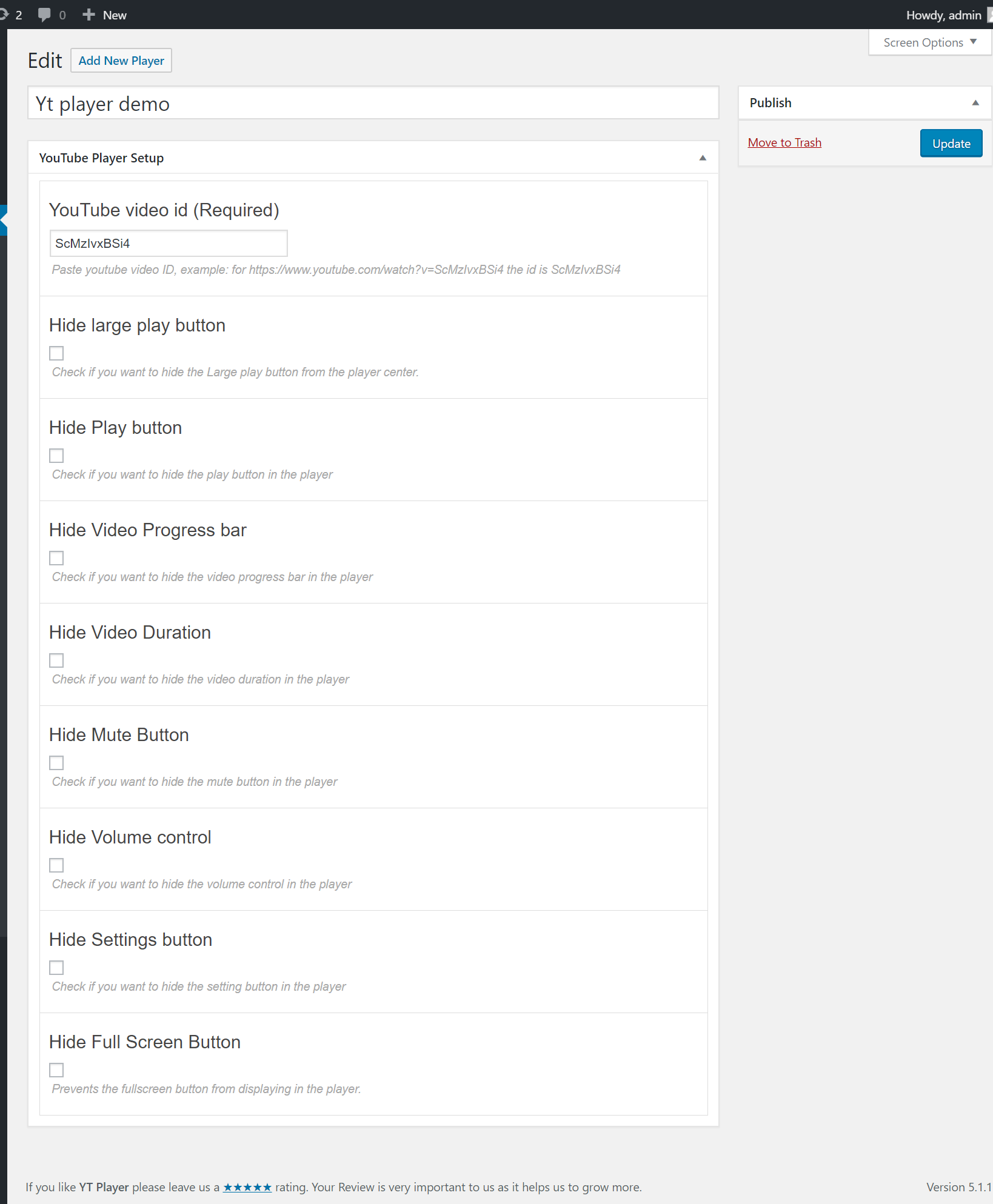
Player Setup

Preview
Changelog
2.0.4 – 6 Nov, 2025
- Video input field working both, ID or URL.
2.0.3 – 28 Oct, 2025
- Update: Update Freemius WordPress SDK
- Added a New Features
2.0.2 – 27 Aug, 2025
- Update: Yt Player Admin Bug Fixed
2.0.1 – 18 Aug, 2025
- Update: Dashboard preview tabbed description
- Update: Added upgrade button on dashboard
2.0.0 – 25 july, 2025
- More New Featured Added
- Update: Freemius WordPress SDK
1.6.2 – 28 Jan, 2025
- Feature: Set Ratio
- Update: Freemius WordPress SDK
1.6.1 – 2 July 2024
- Updated: Player library
1.6.0 – 2 Jan 2024
- Added: ‘Video Player for youtube’ Block in free version
v1.5.6 (Aug 28, 2023)
- Added 2 Gutenberg Block in Premium version (video, Timeline)
1.5.1
- Improved Code Quality
1.3
- Bug Fix – iOs:Full screen video cut
- Improved Performance.
1.2
- Added Quick ShortCode [ytp]YouTube Video URL[/ytp] for Post/page/widget/Guten Block.
- Fix Minor Bug
1.1
- Review request as Admin notice removed.
- Imporved performance
1.0
- Initial Release