

Zonify – Earn Amazon affiliate commissions, or start a dropshipping business by importing Amazon products into WooCommerce.
Using Zonify you can dropship products from Amazon or use the Amazon affiliate program to earn amazon affiliate commissions
Plugin info
Maintenance & Compatibility
Maintenance score
Stale • Last updated 359 days ago • 2 reviews
Is Zonify – Earn Amazon affiliate commissions, or start a dropshipping business by importing Amazon products into WooCommerce. abandoned?
Likely maintained (last update 359 days ago).
Compatibility
Similar & Alternatives
Explore plugins with similar tags, and compare key metrics like downloads, ratings, updates, support, and WP/PHP compatibility.
Description
Zonify was developed for WooCommerce store owners who want to Dropship products from Amazon or use the Amazon affiliate program and earn amazon affiliate commissions by referring the visitors to complete the purchase on Amazon.
►How does it work?
-
Import any product from Amazon to your WooCommerce store in one click.
-
Sign up for the Amazon Affiliate Program (track your orders and commissions on the Amazon dashboard)
-
Decide whether you want to dropship or earn Amazon affiliate commissions.
►HOW TO USE ZONIFY?
Zonify Dropshipping – let your visitors purchase the product on WooCommerce (You earn profit margins and you need to fulfill the orders)
To import a product using Zonify, visit the Amazon product page, click the “Add” button which will appear on the top left side of your screen, edit the product’s information as you want it to appear in your WooCommerce store, and click the import button.
Amazon affiliate program – Visit the Zonify dashboard and switch to the Amazon affiliate program, this will change the “buy it now” button to “View on Amazon”, and will refer your visitors to complete the purchase on Amazon. (orders get fulfilled by Amazon & Amazon will pay you a commission for each sale)
►WHAT ARE THE SYSTEM REQUIREMENTS?
To use Zonify, you must use the Google Chrome Browser. (In order for the Zonify Google Chrome extension to work)
►HOW DOES THE FREE TRIAL WORKS?
When starting your free trial, you’ll be able to use Zonify immediately. Your billing cycle will start when the trial ends.
►CAN I CANCEL MY ACCOUNT AT ANY TIME?
If you ever decide that this isn’t the right solution for your business, simply cancel your recurring payment.
THE BEST ALTERNATIVE TO SPREADR DROPSHIPPING AND AFFILIATION WITH AMAZON, AMAZONE, CODISTO, IMPORTIFY, OBERLO, DROPIFIED, SPOCKET, AUTODS, CJDROPSHIPPING, DSERS, EPROLO, SYNCEE, MODALYST, TOPDSER, DROPCOMMERCE, AUTOMIZELY.
Installation
Zonify plugin installation is as easy as it gets, it works with both WordPress and WooCommerce on your website.
Instructions:
- Install the plugin through the WordPress plugins screen OR unzip the plugin archive to ‘/wp-content/plugins’
- In the WordPress ‘Plugins’ page, activate the plugin.
- Click on “Zonify” menu item from your admin sidebar.
- Click on “Go To Dashboard”
- From the Zonify dashboard, Install the Zonify chrome extension
- Visit the Amazon website, visit a product page and click on the Add button.
Frequently Asked Questions
No need, after installing the plugin and the chrome extension, you’re good to go!
Zonify offers a 1 day free trial, for more details about our plans please visit our pricing page
You can contact our support by using this form.
Review feed
Screenshots
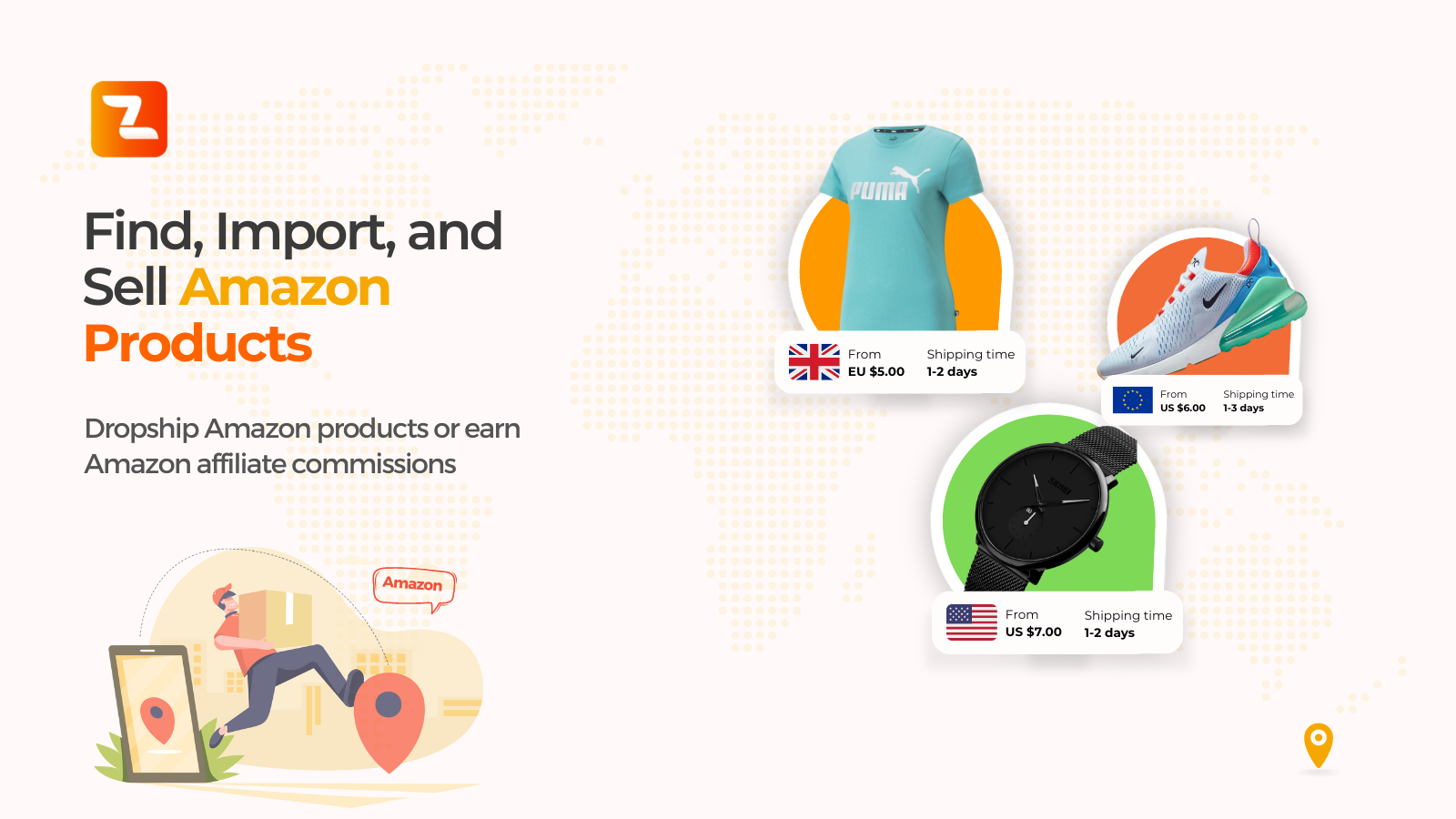
Find, Import & Sell Amazon Products
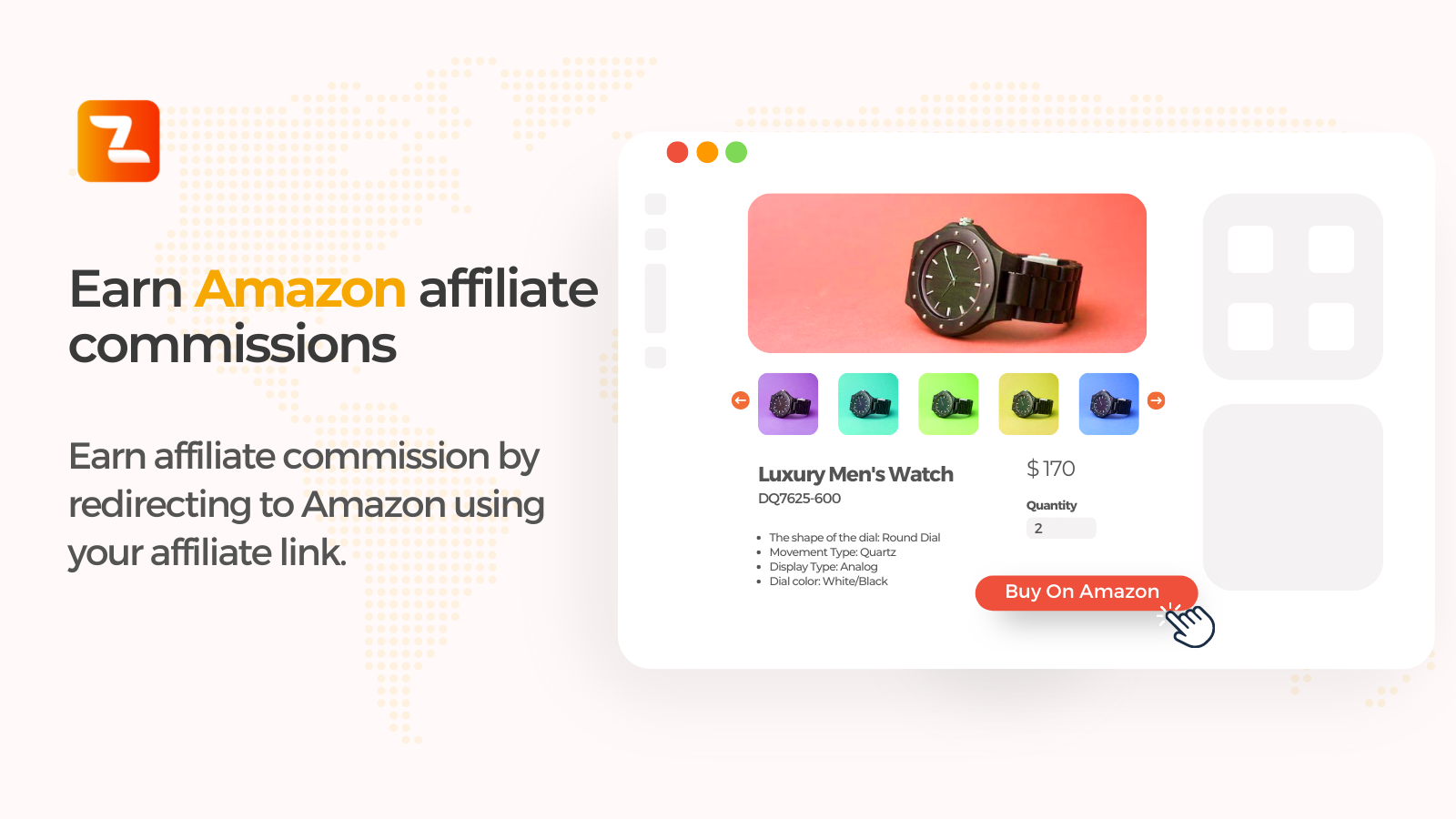
Earn Amazon Affiliate commissions
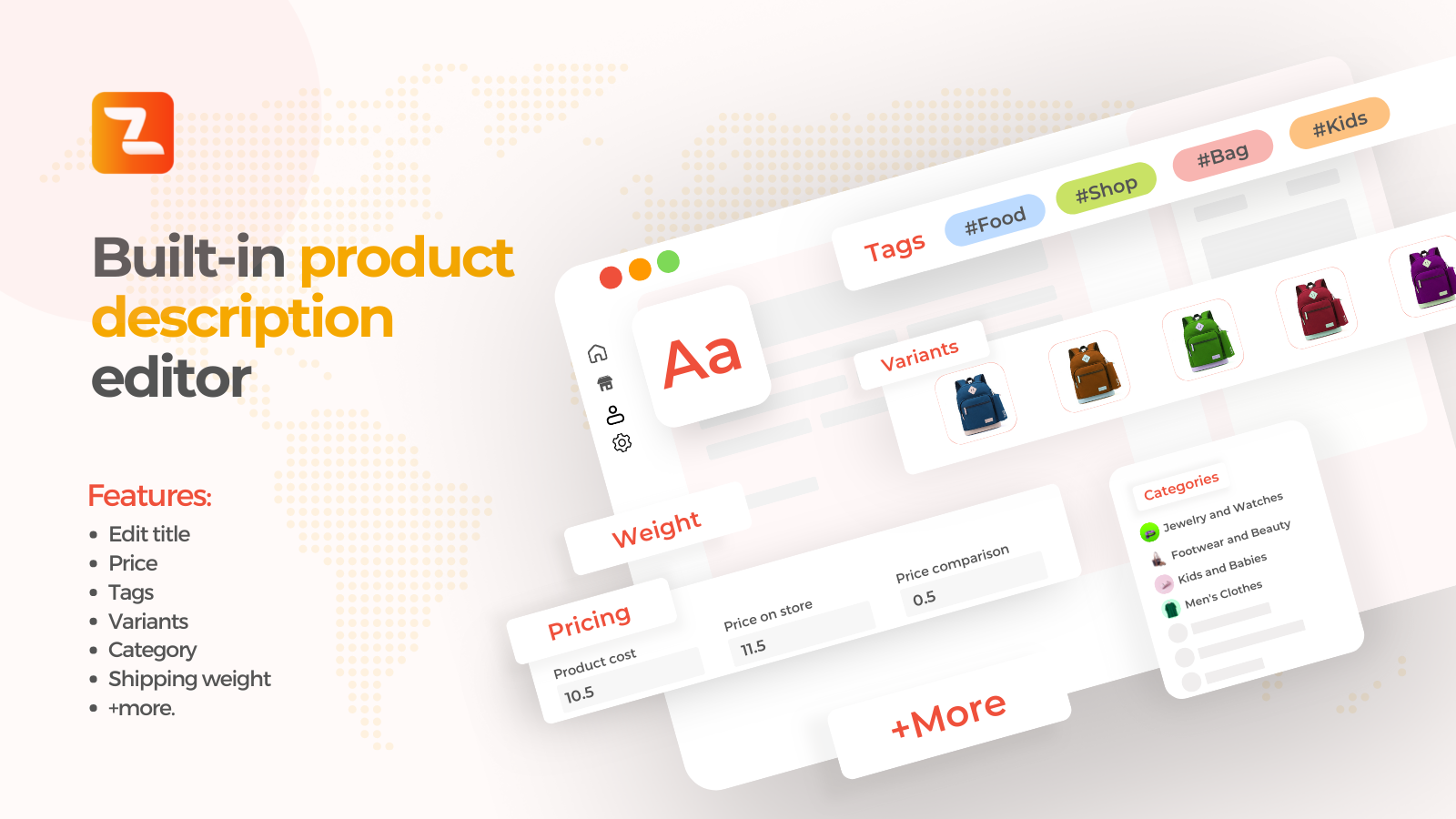
Built-in Editor for product descriptions, title, price, variants, tags, categories, shipping weight& more...
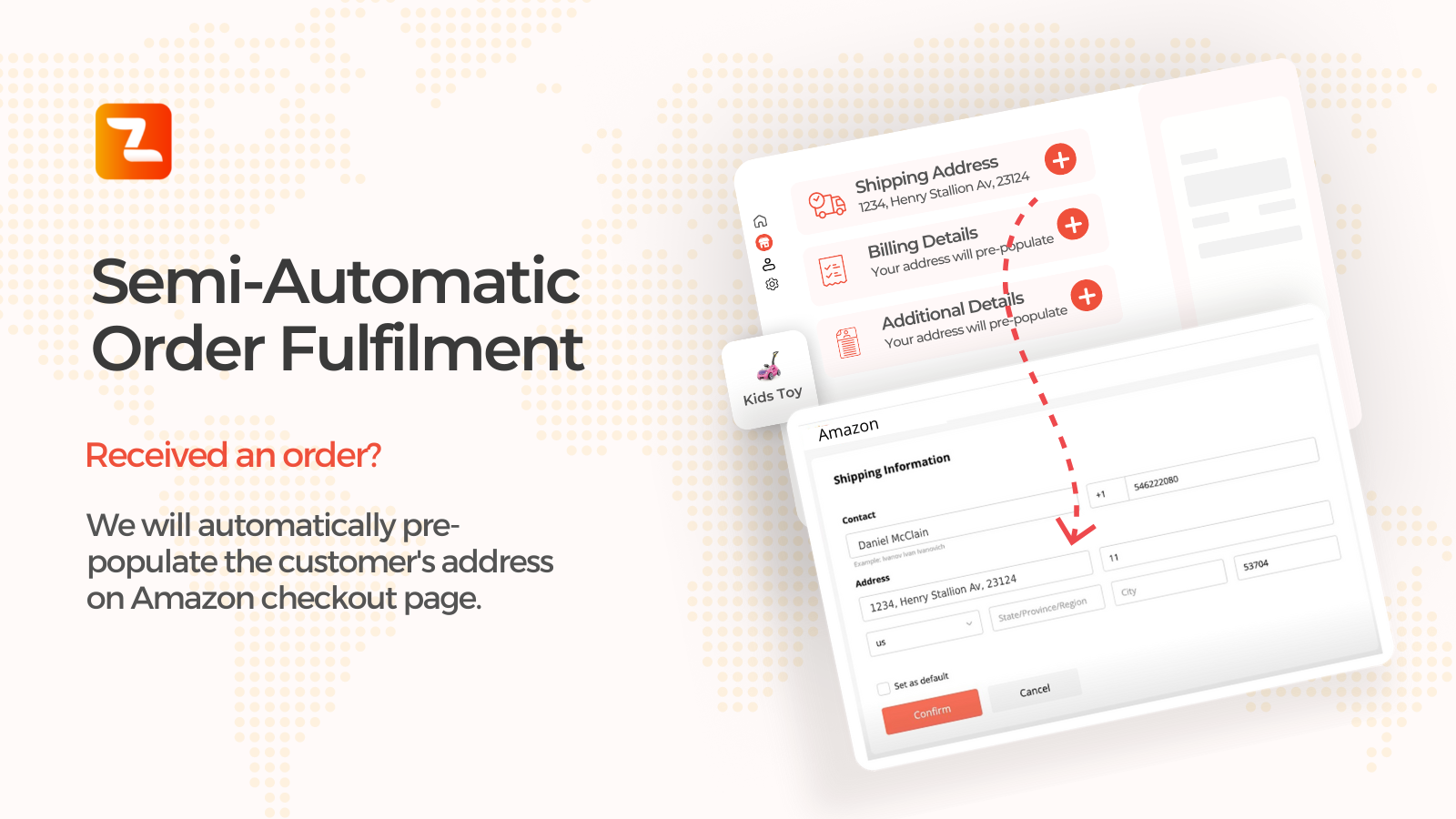
Semi-Automatic Order fulfillment
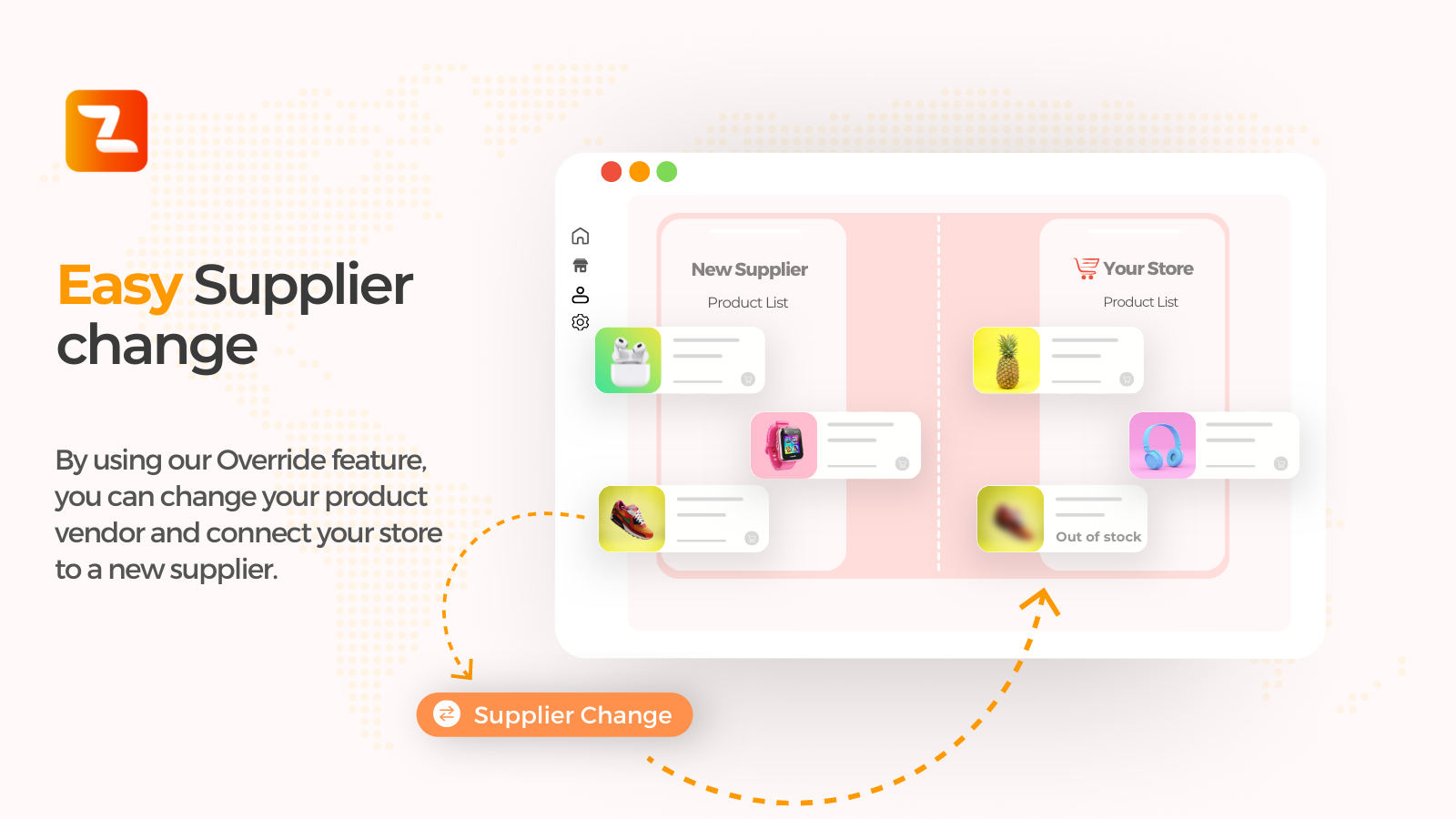
Easy supplier change
Changelog
1.0.0
- Initial release.