

A1AI Chatbot
AI-powered chatbot solution for WordPress powered by OpenAI's language models.
Plugin info
Maintenance & Compatibility
Maintenance score
Maintained • Last updated 134 days ago • 1 reviews
Is A1AI Chatbot abandoned?
Likely maintained (last update 134 days ago).
Compatibility
Similar & Alternatives
Explore plugins with similar tags, and compare key metrics like downloads, ratings, updates, support, and WP/PHP compatibility.
Description
A1AI Chatbot provides a powerful and customizable AI chatbot for your WordPress site using OpenAI’s language models. Engage visitors with intelligent conversations, provide customer support, and enhance user experience.
Key features:
– Multiple chatbot configurations
– Customizable appearance
– Shortcode support for inline chatbots
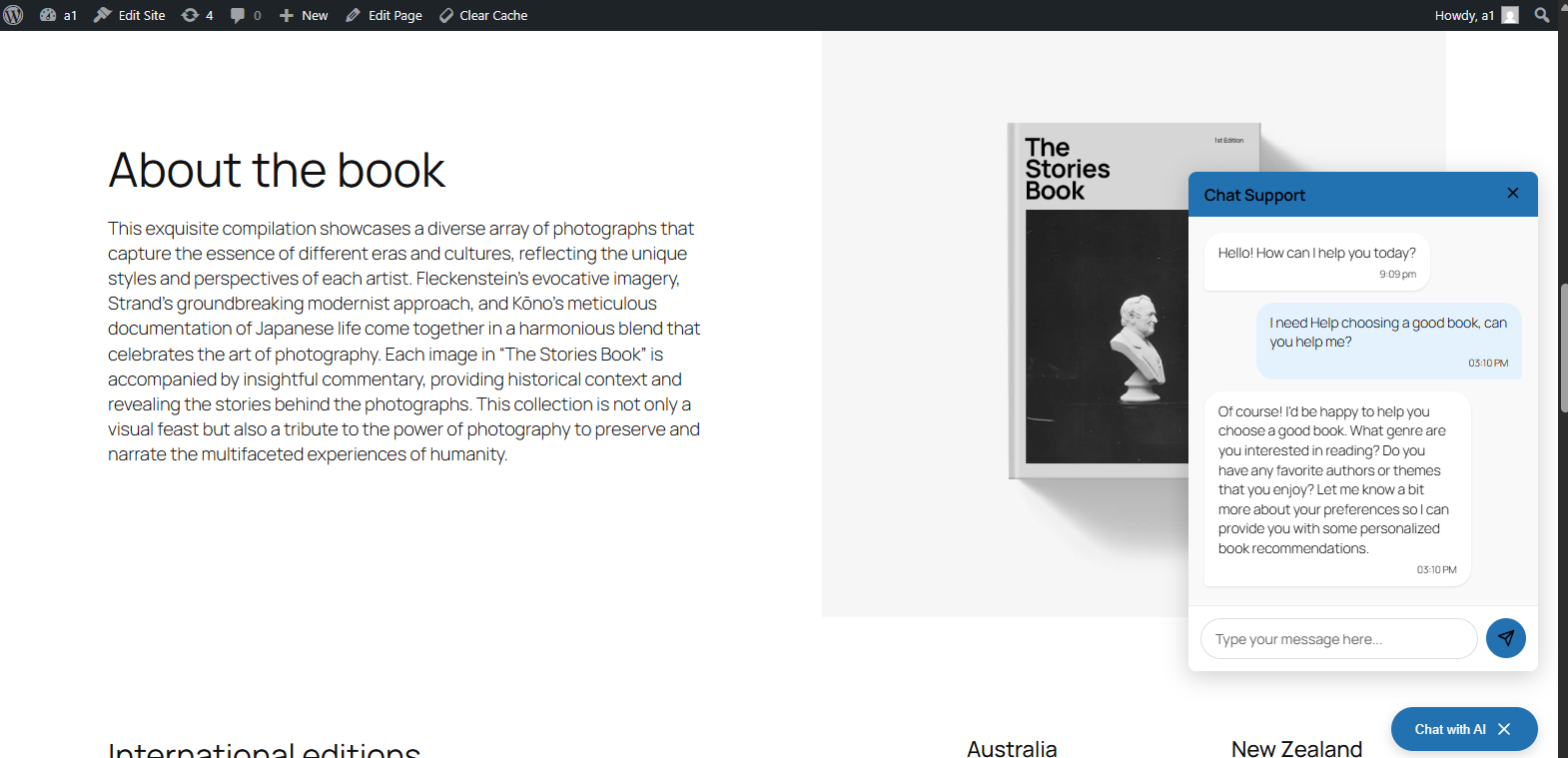
– Global floating chatbot option
– Conversation history and analytics
– Manual adjustments to improve responses
External Services
This plugin connects to OpenAI’s API to generate chatbot responses.
Data sent to OpenAI:
– User chat messages
– Custom instructions configured in chatbot settings
– Previous conversation history for context
– Configuration parameters (model, temperature, etc.)
OpenAI processes this data in accordance with their privacy policy and terms of service:
– Terms of Service: https://openai.com/policies/terms-of-service
– Privacy Policy: https://openai.com/policies/privacy-policy
– API Data Usage Policies: https://openai.com/policies/api-data-usage-policy
No data is stored by OpenAI for API requests made with a customer API key, according to their policy.
Installation
- Upload the plugin files to the
/wp-content/plugins/a1aidirectory, or install the plugin through the WordPress plugins screen. - Activate the plugin through the ‘Plugins’ screen in WordPress.
- Go to A1AI Chatbot Settings to configure your OpenAI API key.
- Create your first chatbot under A1AI Chatbot Chatbots Add New.
Frequently Asked Questions
Yes, you need to create an account at OpenAI and obtain an API key to use this plugin.
Yes, conversation data is stored in your WordPress database to provide conversation history and analytics.
Review feed
Screenshots
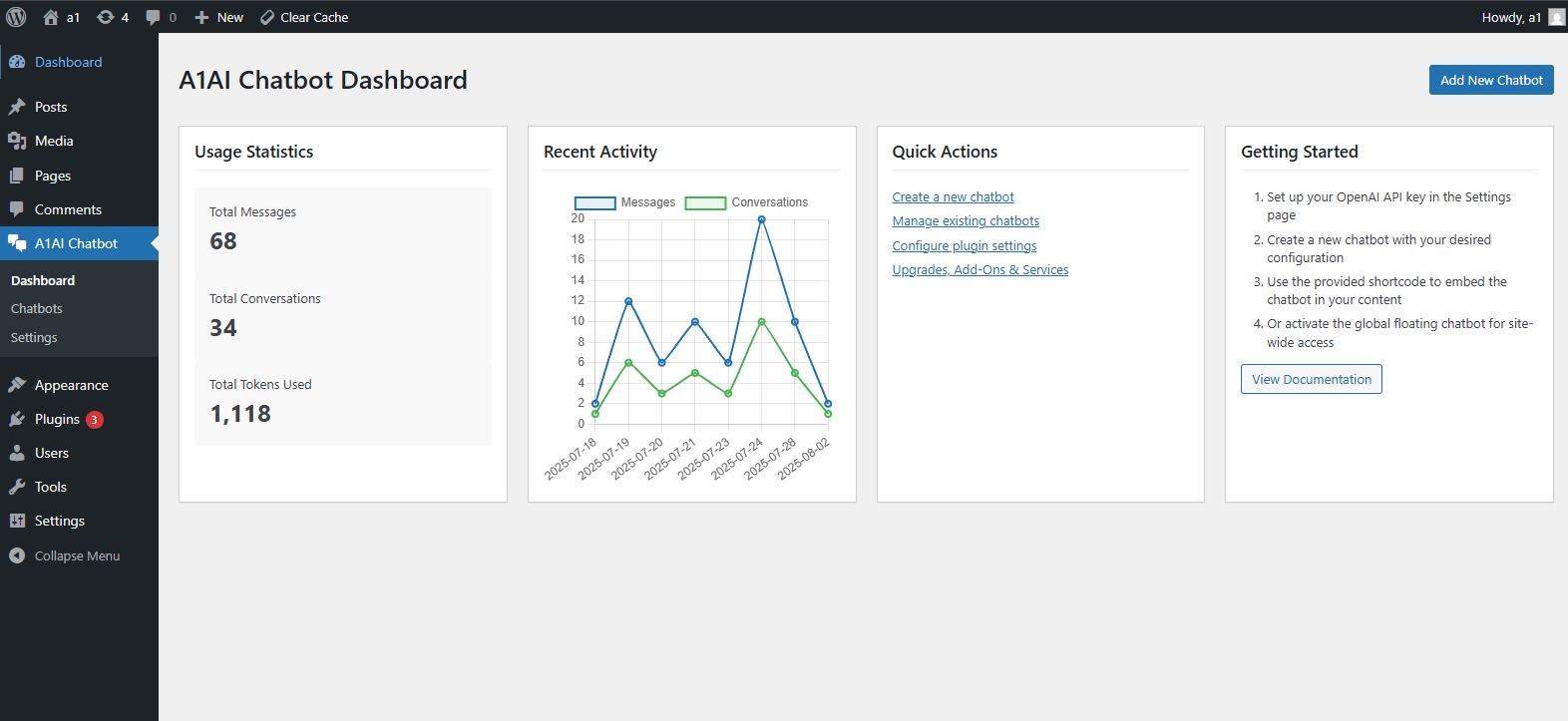
Admin dashboard
Chatbot configuration
Global floating chatbot
Changelog
1.4.0
- Fixed settings page functionality and tab navigation
- Added opt-in checkbox for “Powered By” attribution (defaults to unchecked)
- Fixed text color issues in chatbot interface
- Improved error handling and debugging for admin interface
- Fixed nonce verification warnings
- Enhanced dashboard stability and error reporting
- Fixed duplicate ID conflicts in admin forms
1.3.0
- Added Adjustments feature for fine-tuning AI responses
- Added new database table structure for adjustments
- Added edit functionality for adjustments
- Improved security with proper input validation and sanitization
- Added migration system for database updates
1.0.0
- Initial release