

AI Alt Text Builder
Generate SEO-friendly ALT text for Media Library images in one click, with scoring, bulk generation and language options.
Plugin info
Maintenance & Compatibility
Maintenance score
Maintained • Last updated 125 days ago • 1 reviews
Is AI Alt Text Builder abandoned?
Likely maintained (last update 125 days ago).
Compatibility
Similar & Alternatives
Explore plugins with similar tags, and compare key metrics like downloads, ratings, updates, support, and WP/PHP compatibility.
Description
AI Alt Text Builder generates concise, descriptive ALT text for images in the Media Library using RankPilotAI.
This helps you improve both accessibility and image SEO in a few clicks.
Highlights
- One-click “Generate with AI” button on Media Library items and the attachment edit screen
- Automatically saves to
_wp_attachment_image_alt - Built-in ALT-length score badge (0–100) and a sortable Media Library column
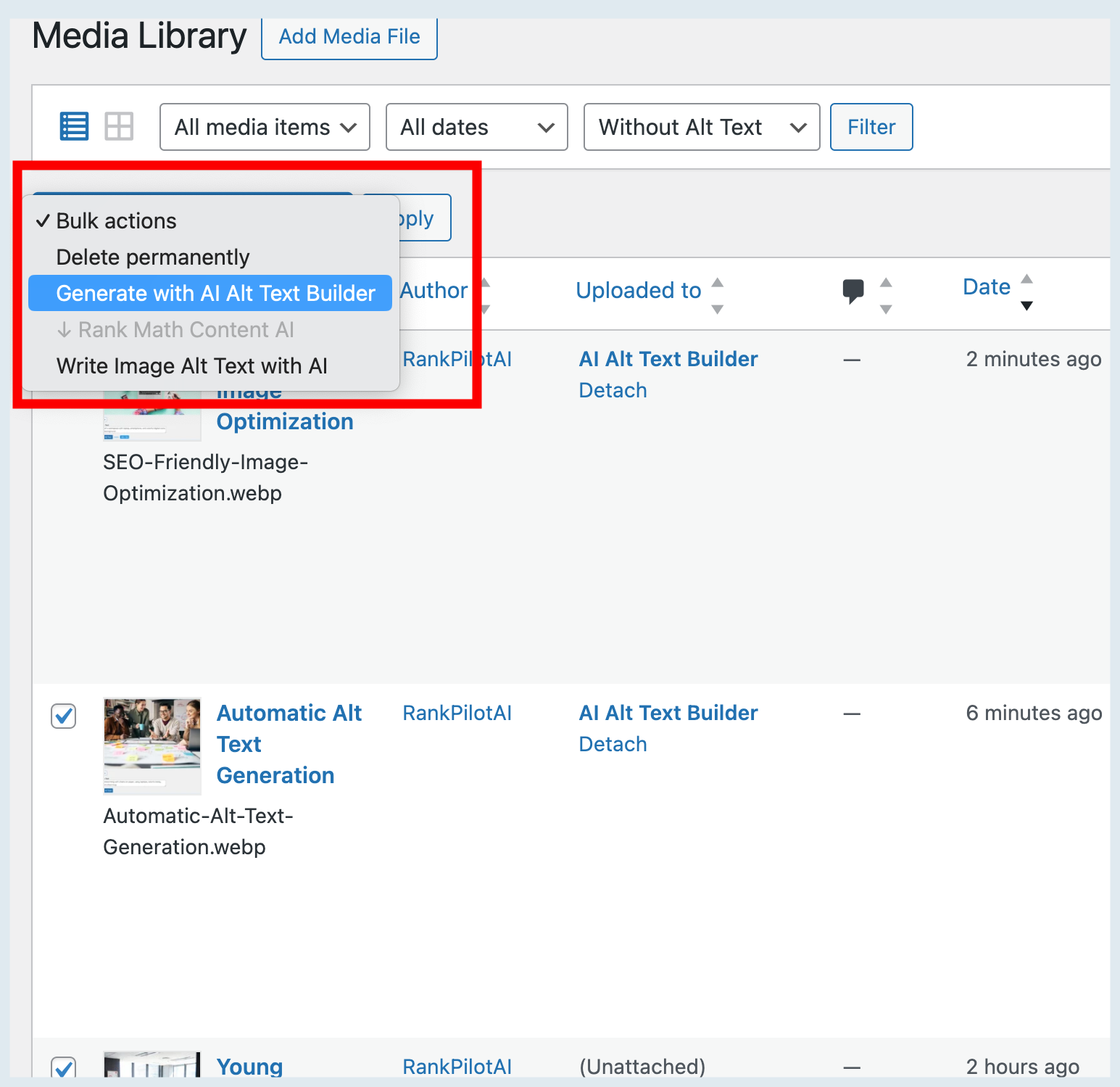
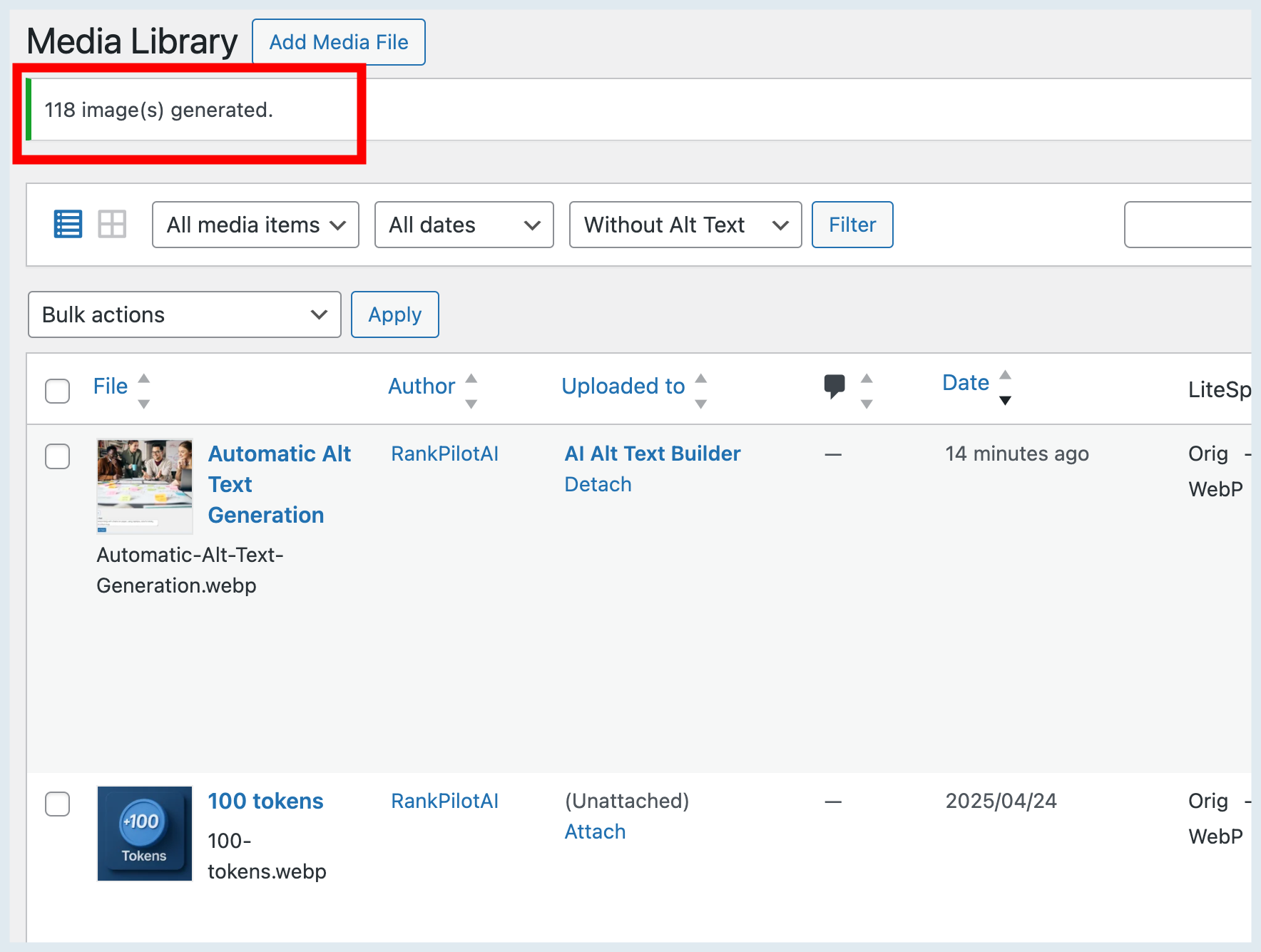
- Bulk generation from the Media screen actions
- Language selector (English, Deutsch, Français, Español, Türkçe, or custom)
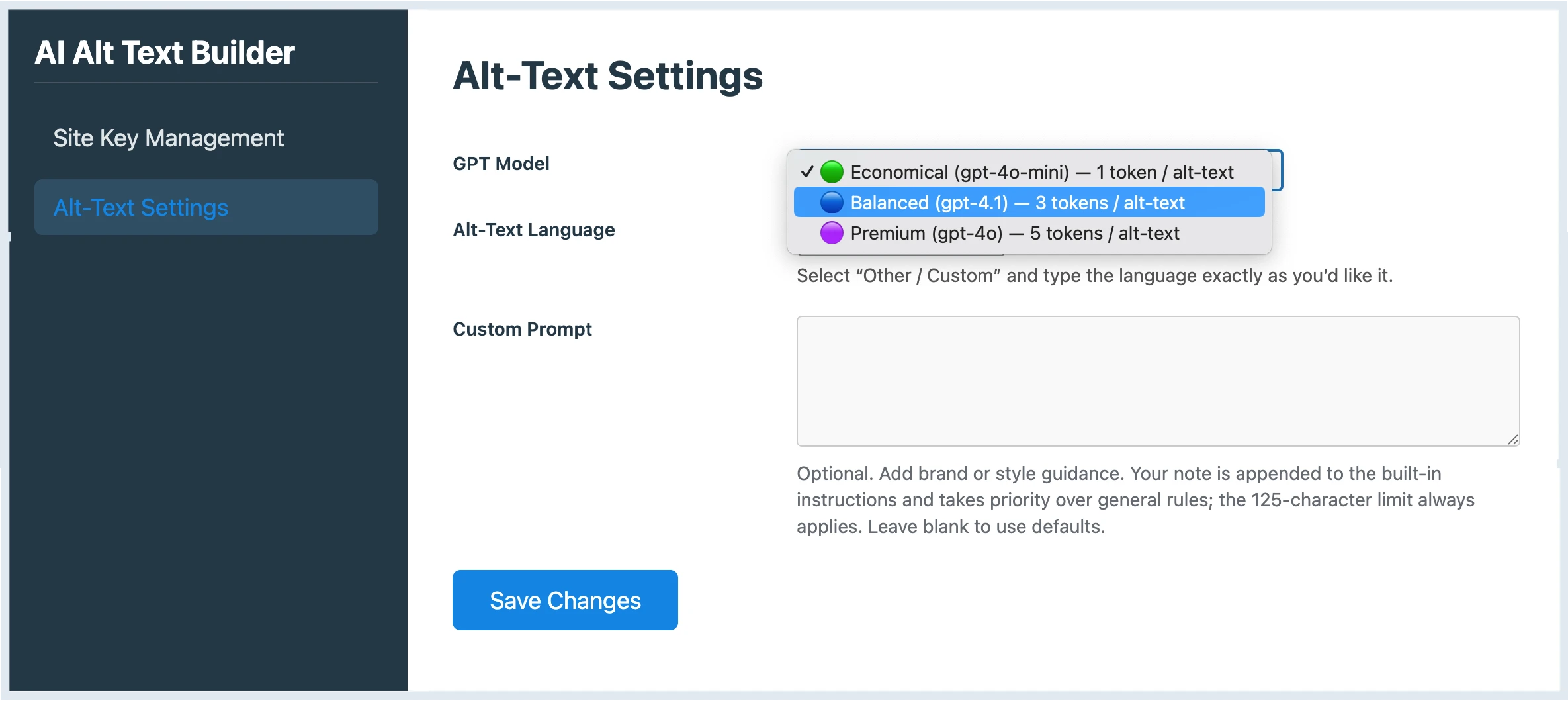
- Model choice (GPT-4o-mini, GPT-4.1, GPT-4o)
- Token-based usage via RankPilotAI (free tier available)
External services
This plugin connects to RankPilotAI’s API to generate ALT text and to fetch token status.
What is sent and when
- On explicit user actions only (Generate button or Bulk): image URL, file name, current ALT (if any), selected model, selected language, site URL and domain, plugin slug, and your Site Token.
- On token-status checks in the settings page: Site Token, site URL and domain, and a minimal request context.
Why it is sent
- To generate the requested ALT text and return it to your Media Library item
- To authorize usage and show your remaining balance
Endpoints
- https://rankpilotai.com/wp-json/rankpilotai/v1/alt-text
- https://rankpilotai.com/wp-json/rankpilotai/v1/alt-batch
- https://rankpilotai.com/wp-json/rankpilotai/v1/token-info
Provider
RankPilotAI (Terms of Service: https://rankpilotai.com/terms-and-conditions, Privacy Policy: https://rankpilotai.com/privacy-policy)
Installation
- Upload and activate the plugin.
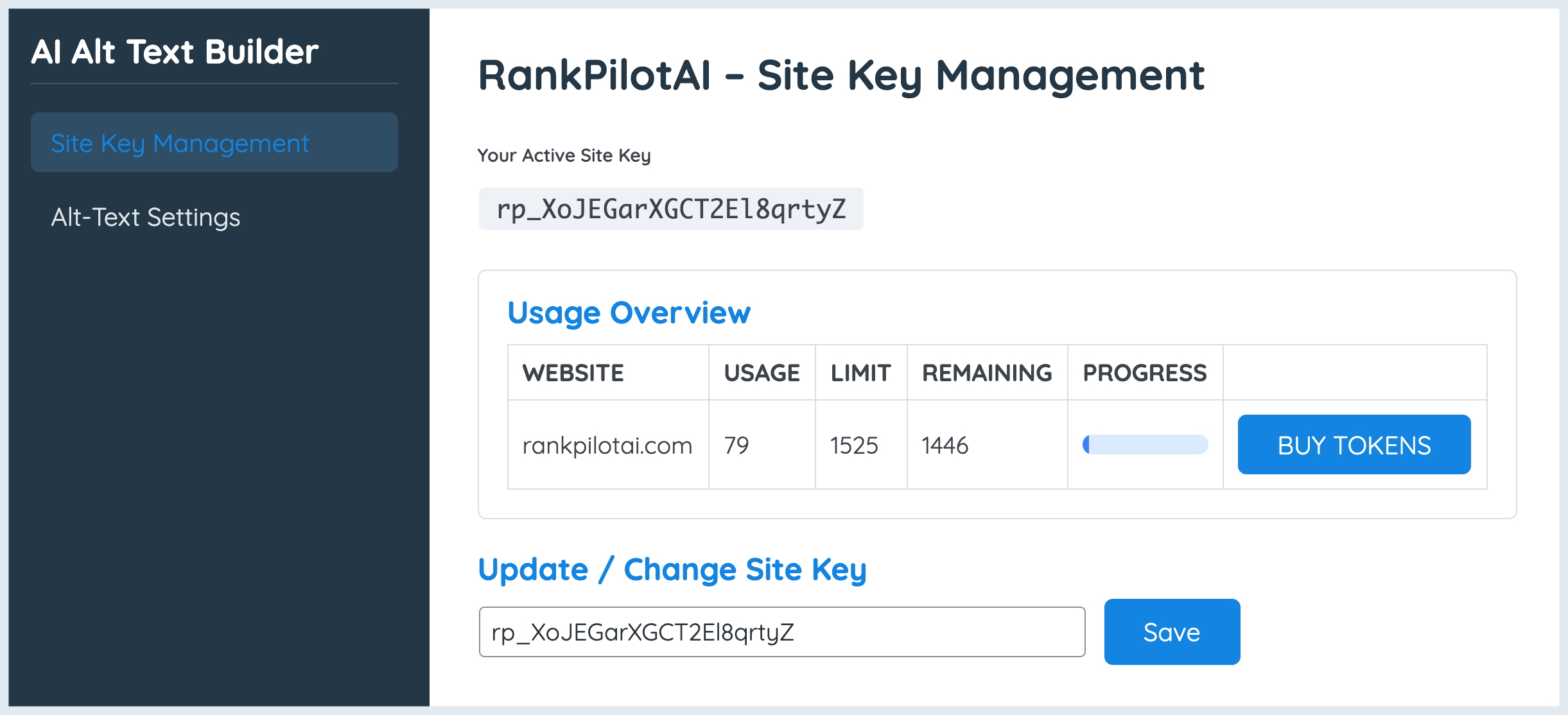
- Go to AI Alt Text Builder Site Key Management and paste your Site Key from RankPilotAI.
- (Optional) Pick your model & language in Alt-Text Settings and save.
- Open Media Library or an attachment and click Generate with AI.
Frequently Asked Questions
Yes. A limited free tier is available. Higher tiers provide more tokens and additional models.
Only when you click Generate for a given image (or run a bulk action). It writes to WordPress’ standard _wp_attachment_image_alt field.
English, German, French, Spanish, Turkish — plus Other/Custom. Enter any language name and we’ll pass it to the generator.
No. It only sets the ALT text and stores a score _aatb_score meta (for the badge/column).
Yes. ALT text is a core WordPress field, so other plugins and themes will read it normally.
Review feed
Screenshots
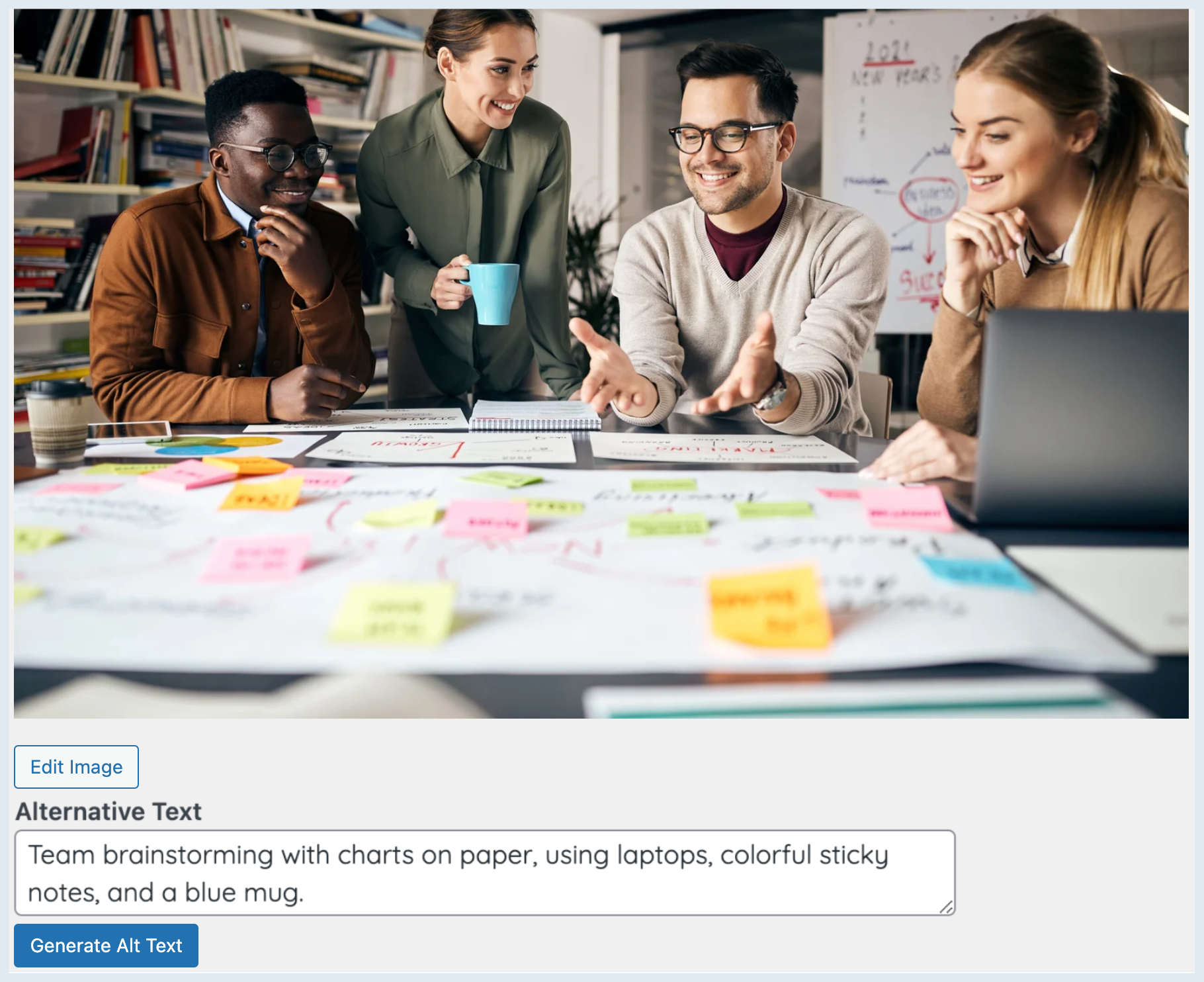
Media modal with Generate with AI
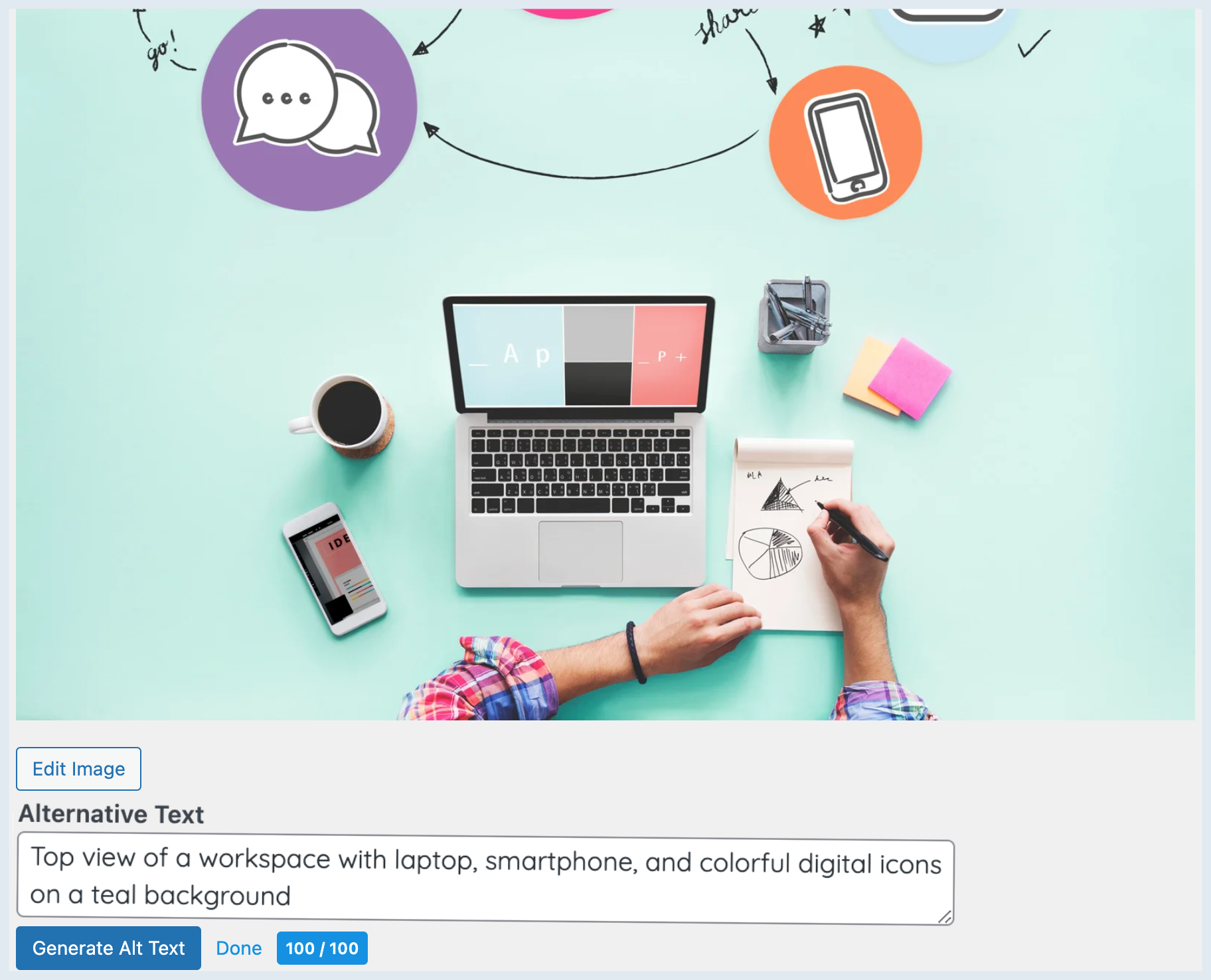
Attachment edit screen — button + score badge
Settings → Site Key & Usage Overview
Settings → Alt-Text Language & Model
Changelog
1.0.3
- New installs start with an empty Site Key field instead of a random generated key.
1.0.2
- Tweak: removed extra “View details” link on the Plugins screen and synced short description. No functional changes.
1.0.1
- Tweak: Updated short description and plugin listing copy. No functional changes.
1.0.0
- Initial public release: one-click ALT generation + “Alt Score” badge.
- Normalized usage overview: Remaining = Plan Limit − Global Usage (matches RankPilotAI account dashboard).
- Language selector and prompt improvements.
- New settings UI, bulk actions polish and sortable “Alt Score” column.
- Stability and compatibility tweaks on admin screens.