

AI Blog Helper with Gemini
Enhance your blog with a smart, Gemini-powered AI chatbot that provides instant article summaries, answers questions, and improves user engagement.
Plugin info
Maintenance & Compatibility
Maintenance score
Maintained • Last updated 150 days ago
Is AI Blog Helper with Gemini abandoned?
Likely maintained (last update 150 days ago).
Compatibility
Similar & Alternatives
Explore plugins with similar tags, and compare key metrics like downloads, ratings, updates, support, and WP/PHP compatibility.
Description
AI Blog Helper with Gemini adds a powerful and interactive AI assistant to your WordPress website. This is not just a simple chatbot; it’s a context-aware content helper designed specifically for bloggers.
Key Features:
- Powered by Google Gemini: Leverages the latest conversational AI technology for intelligent and helpful responses.
- Instant Article Summaries: On any blog post, users can click a button to get a concise, AI-generated summary instantly.
- Context-Aware Q&A: Visitors can ask questions specifically about the article they are reading.
- Easy Contact Form: Includes a simple and reliable contact feature, allowing readers to send you messages directly from the chat window.
- Highly Customizable: Easily change the theme color, bot icon, and welcome message to perfectly match your website’s branding from a simple settings page.
- Reliable Email Delivery: Built-in SMTP configuration to ensure contact form messages are delivered reliably using your Gmail account.
External Services
This plugin connects to the Google Gemini API (https://generativelanguage.googleapis.com) to provide its core AI chatbot functionality, including summaries and answering questions.
To use this plugin, you must provide your own Google Gemini API key. All data sent to the API, such as article content for summarization and user questions, is processed by Google according to their terms.
- Service Used: Google Gemini API
- Data Sent: User chat messages, article content (for summaries/Q&A).
- Google’s Terms of Service: https://ai.google.dev/terms
- Google’s Privacy Policy: https://policies.google.com/privacy
Installation
- Upload the
ai-blog-helperfolder to your/wp-content/plugins/directory, or install the plugin through the WordPress plugins screen directly. - Activate the plugin through the ‘Plugins’ menu in your WordPress dashboard.
- Navigate to the AI Blog Helper menu in your admin sidebar.
- Enter your Google Gemini API key and configure the SMTP and other settings as needed. That’s it!
Frequently Asked Questions
Yes. The core functionality of this plugin requires an API key from Google AI Studio. You can get one for free to start.
Yes. We have included a built-in SMTP configuration feature. By adding your Gmail address and a Google App Password in the settings, you ensure that all messages are authenticated and delivered directly to your inbox, avoiding spam folders.
Review feed
Screenshots
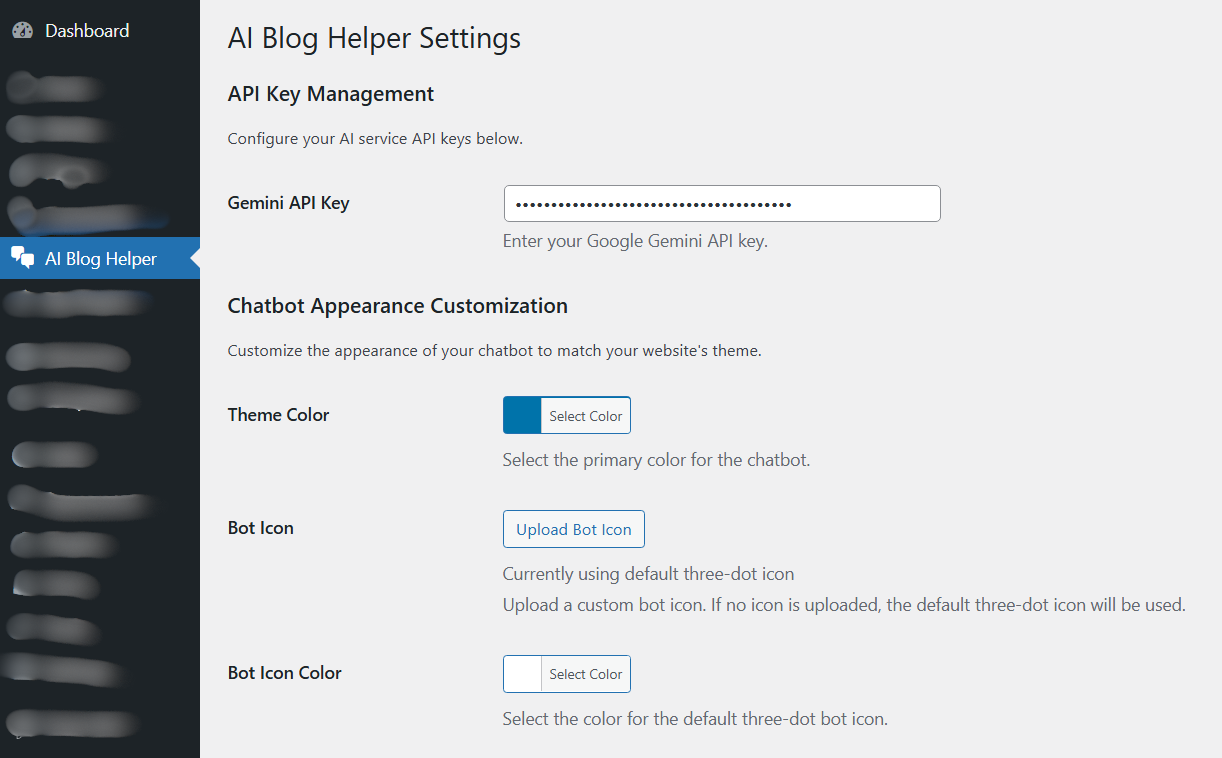
Clear & Simple Settings (Dashboard): Easily manage your Gemini API key, primary theme color, and bot icon settings.

Full Customization: Control everything from one place, including the header logo, welcome message, and the built-in SMTP settings for email.

Multi-Action Chatbot: Give your readers the power to summarize articles, ask specific questions about the post, or send you a direct message.

AI Loading State: The "Thinking..." indicator provides clear feedback to the user while the AI is generating a response.
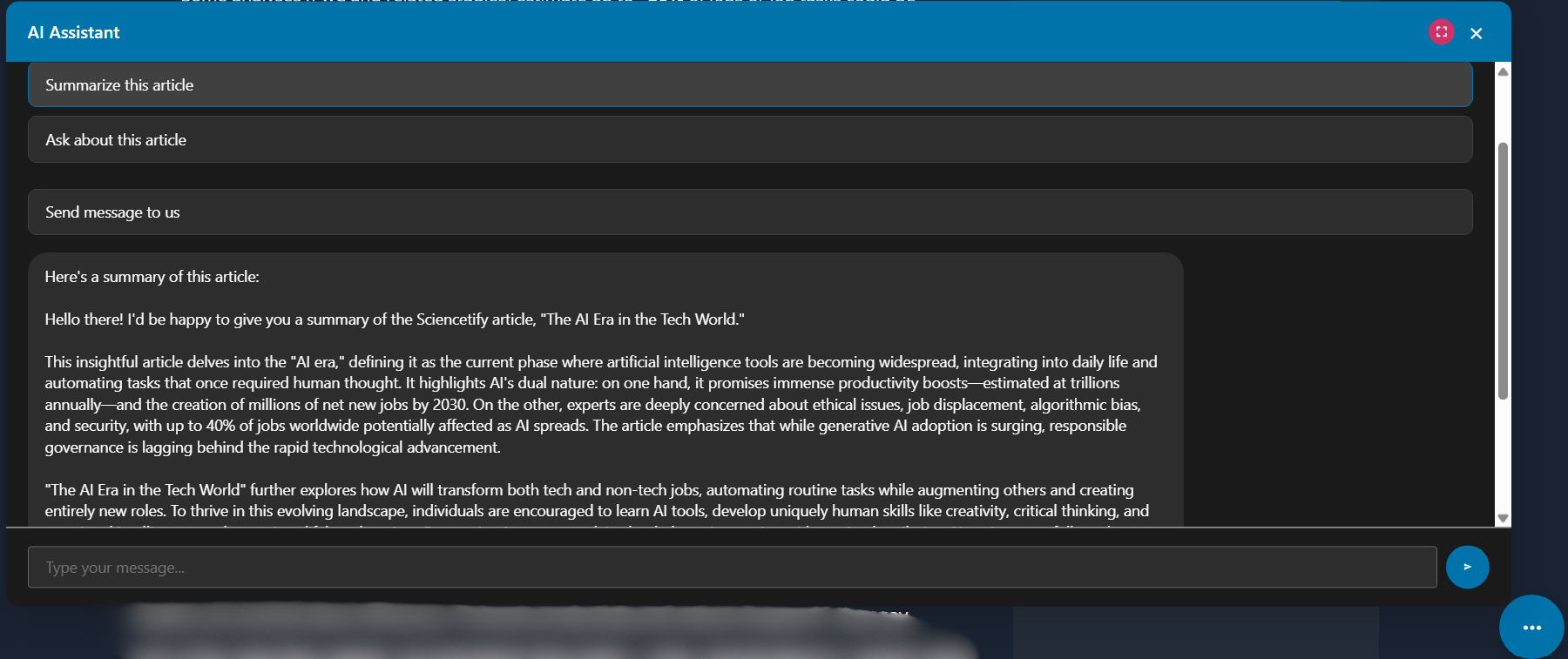
Instant Article Summaries: Get a concise, easy-to-read summary of any long article in seconds.
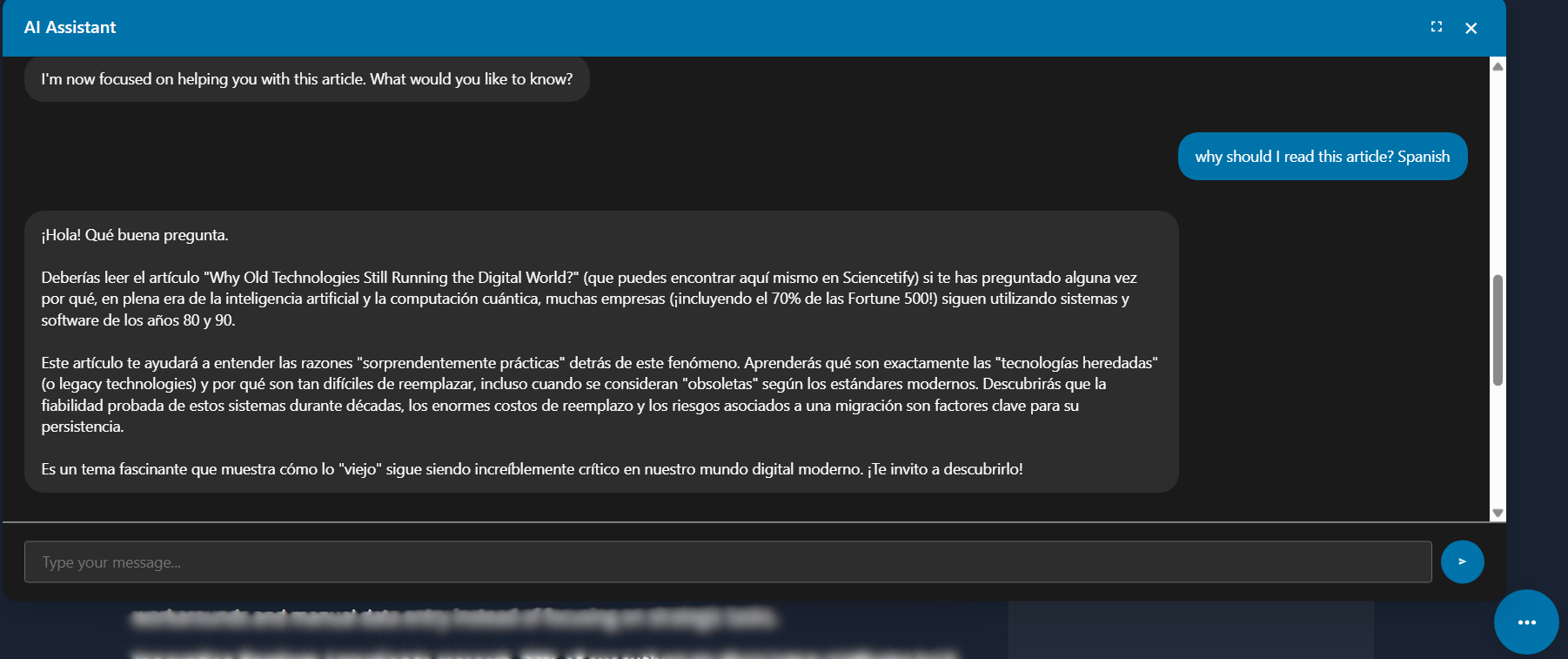
Multi-language Q&A (Spanish Example): The AI assistant can understand and respond to questions in your reader's preferred language, like this example in Spanish.

Native Language Support (Sinhala Example): The AI can even provide in-depth answers about articles in native languages, such as Sinhala.
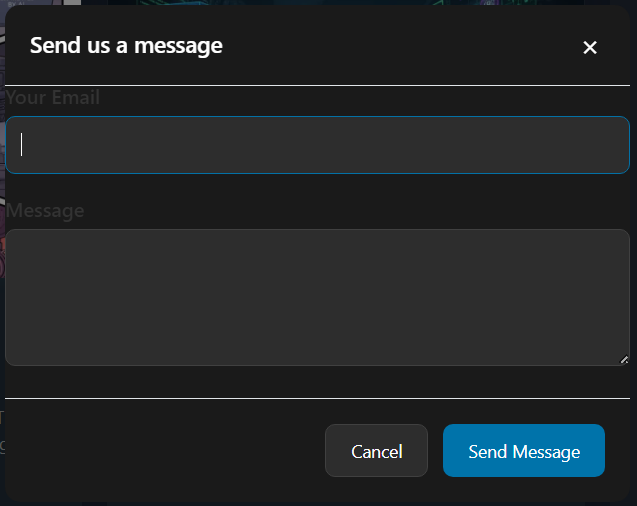
Integrated Contact Form: A clean and simple contact form that allows visitors to send you an email without ever leaving the chat window.
Changelog
1.0.1
- Fix: Corrected a broken HTML link in the admin settings page for the SMTP App Password description.
1.0.0
- Initial public release of the plugin.