

Interactive World, Europe & US Maps – Atlas Maps
Build interactive world, Europe & US maps with clickable regions, tooltips and pins. Responsive map plugin for WordPress, no coding required.
Plugin info
Maintenance & Compatibility
Maintenance score
Actively maintained • Last updated 73 days ago
Is Interactive World, Europe & US Maps – Atlas Maps abandoned?
Likely maintained (last update 73 days ago).
Compatibility
Similar & Alternatives
Explore plugins with similar tags, and compare key metrics like downloads, ratings, updates, support, and WP/PHP compatibility.
Description
Atlas Maps is an interactive SVG map plugin for WordPress. Build responsive world, Europe and US maps with clickable regions, tooltips and pins in just a few minutes. Create interactive world maps, US state maps and Europe maps for navigation, directories, store locators and more — all inside WordPress.
Customize your map colors, tooltips and click actions directly in the WordPress admin with instant visual feedback, then embed your map anywhere using a simple shortcode. No coding required and no Google Maps or external APIs needed.
Features
- Quickly build an interactive world map with clickable countries, a US map with clickable states, or a Europe map with clickable countries for your WordPress site.
- Optionally show or hide Alaska and Hawaii on US maps.
- Create unlimited interactive maps and display them anywhere using shortcodes. No coding required.
- All maps use the correct projection out of the box.
- Maps are fully responsive and mobile-friendly.
- Edit maps in the WordPress admin with instant visual feedback.
- Choose from 3 beautiful built-in themes.
- Use click actions to direct users to any location when they click individual regions.
- Customize tooltips using dynamic fields (region name, country name, state name, etc.).
- Create up to 5 pins at any latitude/longitude location.
- Customize the pin tooltip with the same powerful formatting as region tooltips.
Pro Features
- 198 country maps including 26 territories, and 56 US state maps.
- Rich-text and interactive tooltips (clickable content inside the tooltip).
- Additional themes and a full theme editor to perfectly match your site.
- Per-region hover effects and color customization.
- Unlimited pins with configurable tooltips and shapes.
- See a live demo with all Pro features enabled.
Installation
- In the WordPress admin section, go to Plugins › Installed Plugins and click the “Add Plugin” button at the top of the page.
- Either:
- search for Atlas Maps, find the plugin and click the “Install Now” button, or
- download the plugin from the WordPress plugin repository, click the “Upload Plugin” button, browse for the ZIP file you downloaded and click the “Install Now” button.
- Click the “Activate Plugin” button.
- Click on “Atlas Maps” in the sidebar and create a new map.
Frequently Asked Questions
Create and customize your map in the WordPress admin section, then paste the shortcode into any post, page or block.
Yes. The world map lets you make each country clickable. You can set individual links for each country or use a default link for all countries from Map Settings.
Yes. The US map includes all 50 states (plus DC) and you can make each state clickable. You can also choose whether to show or hide Alaska and Hawaii.
Yes. Atlas Maps is an SVG map plugin and doesn’t use Google Maps at all. There are no external APIs or API keys required.
The free version lets you create up to 5 pins on any map. Each pin can have its own tooltip content and click action.
Yes. All maps are fully responsive and automatically adapt to different screen sizes, including phones and tablets.
Review feed
Screenshots
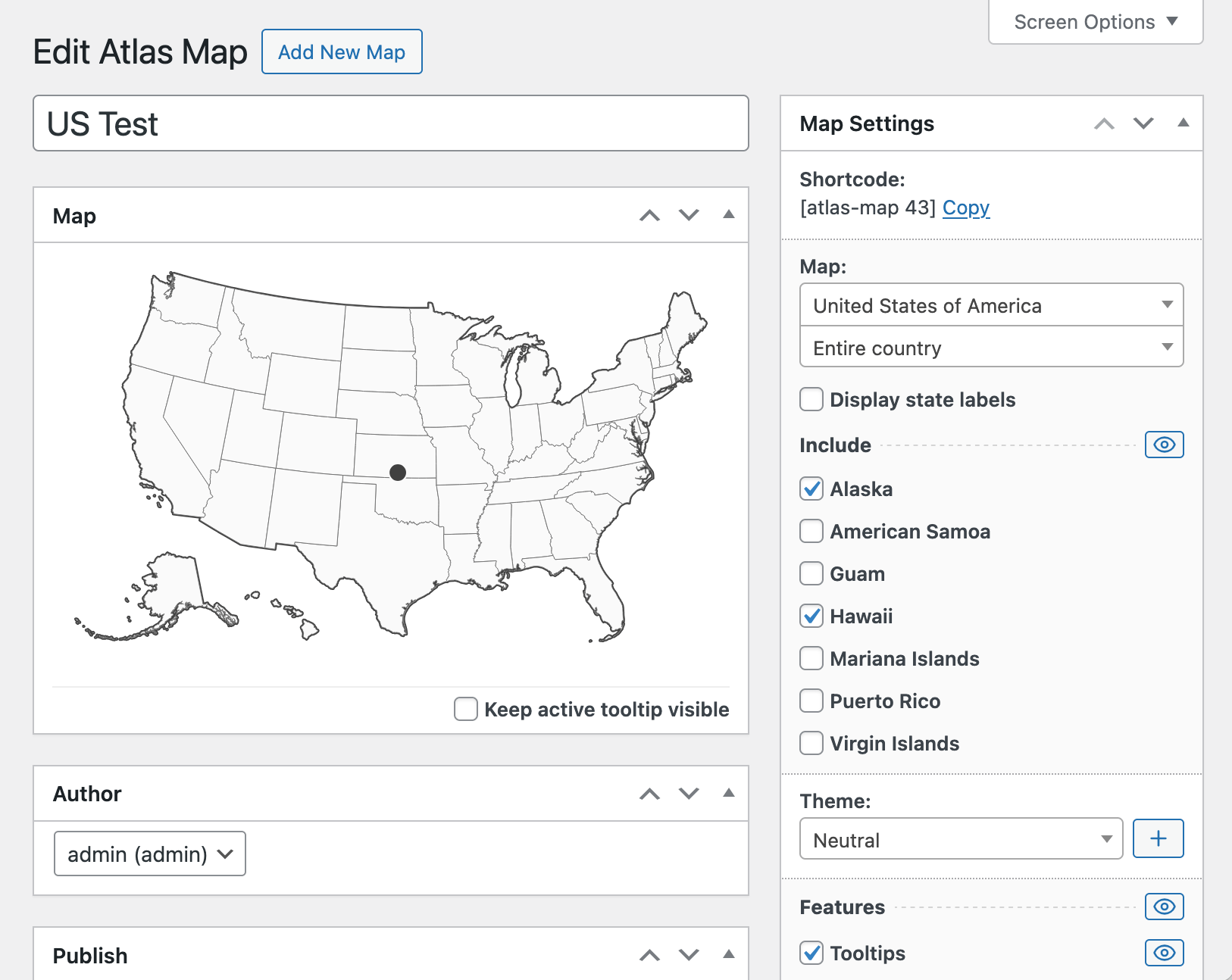
Editing an interactive US map with clickable states in the WordPress admin
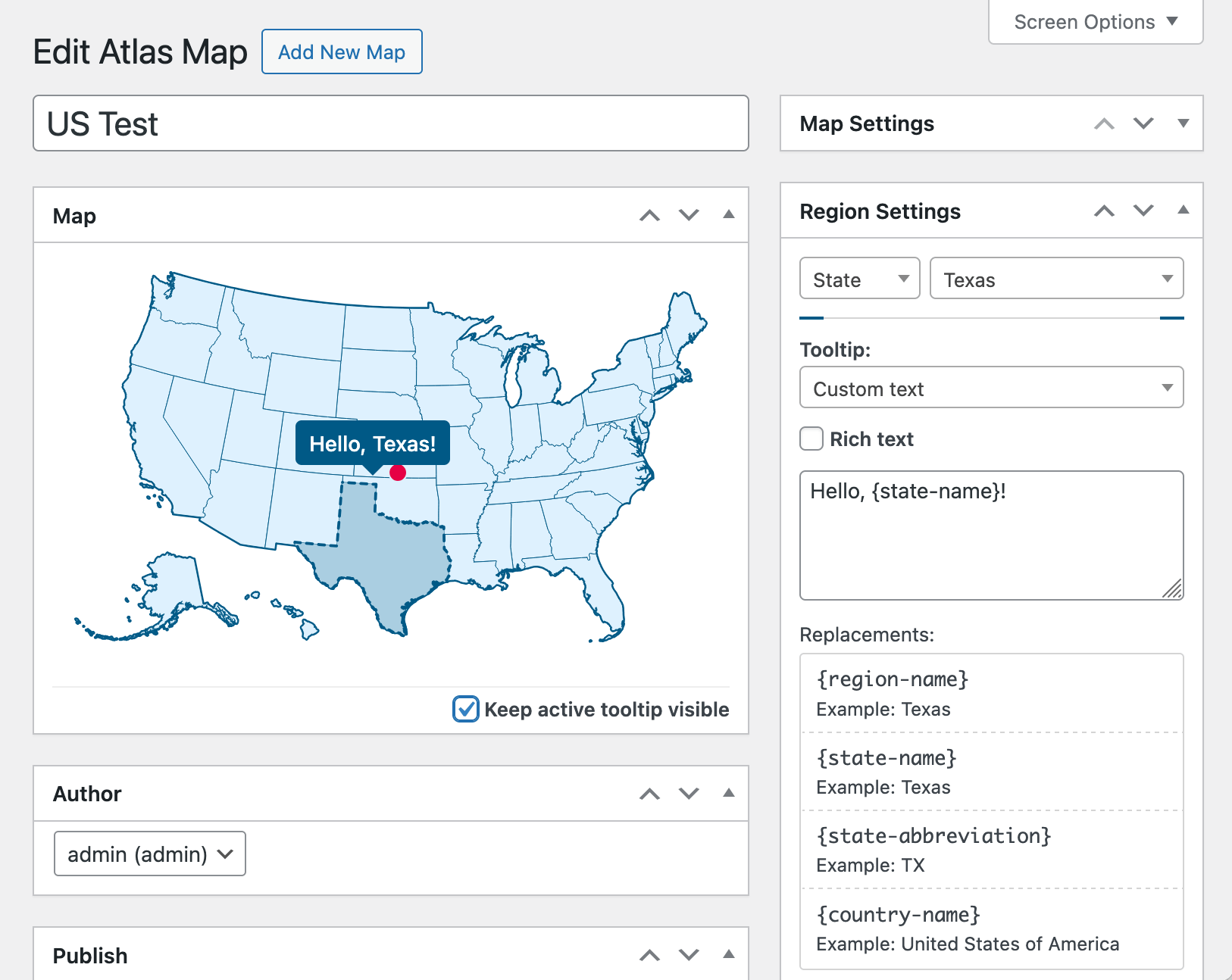
Editing tooltip text for an interactive US map
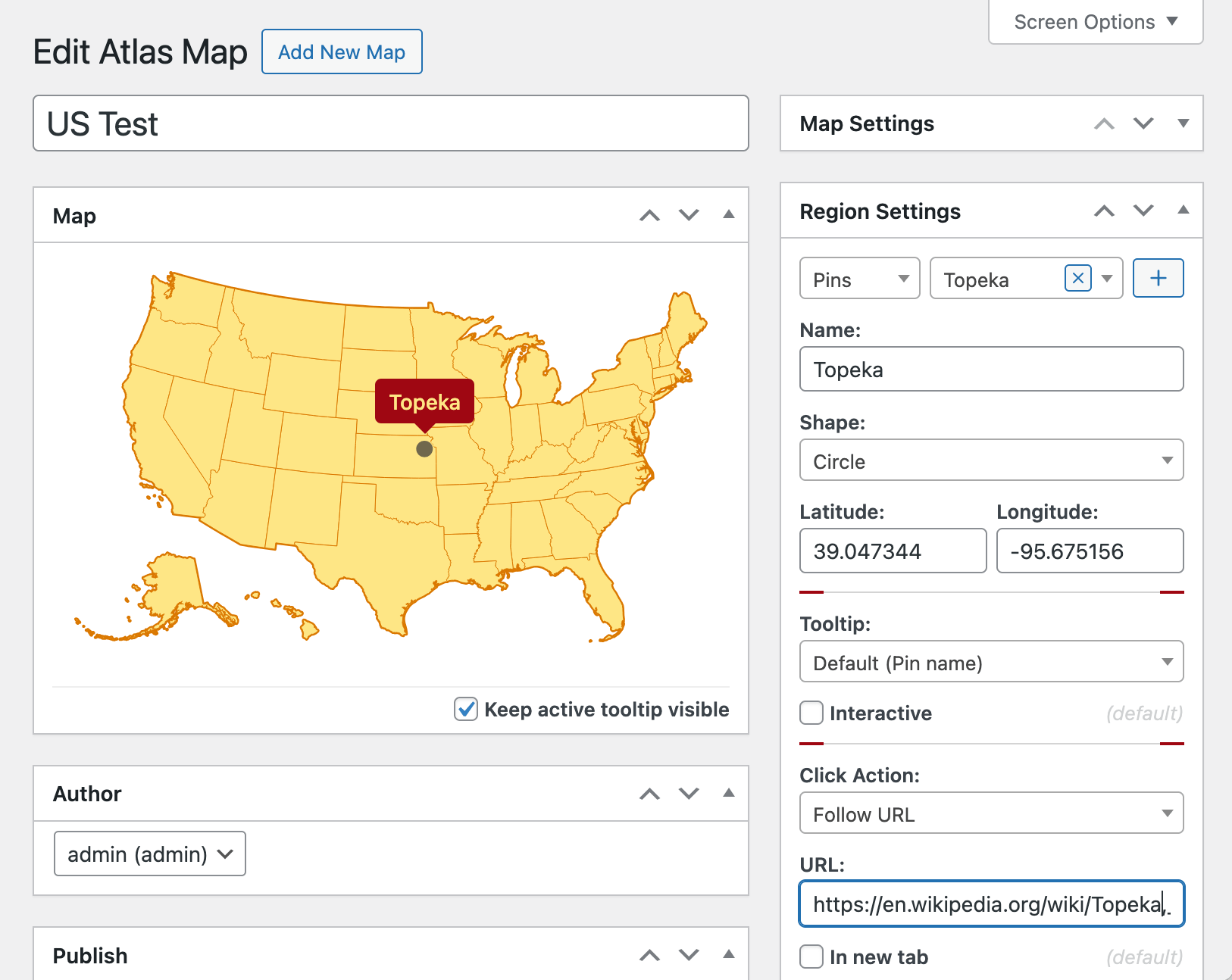
Configuring a pin and click action on a US map
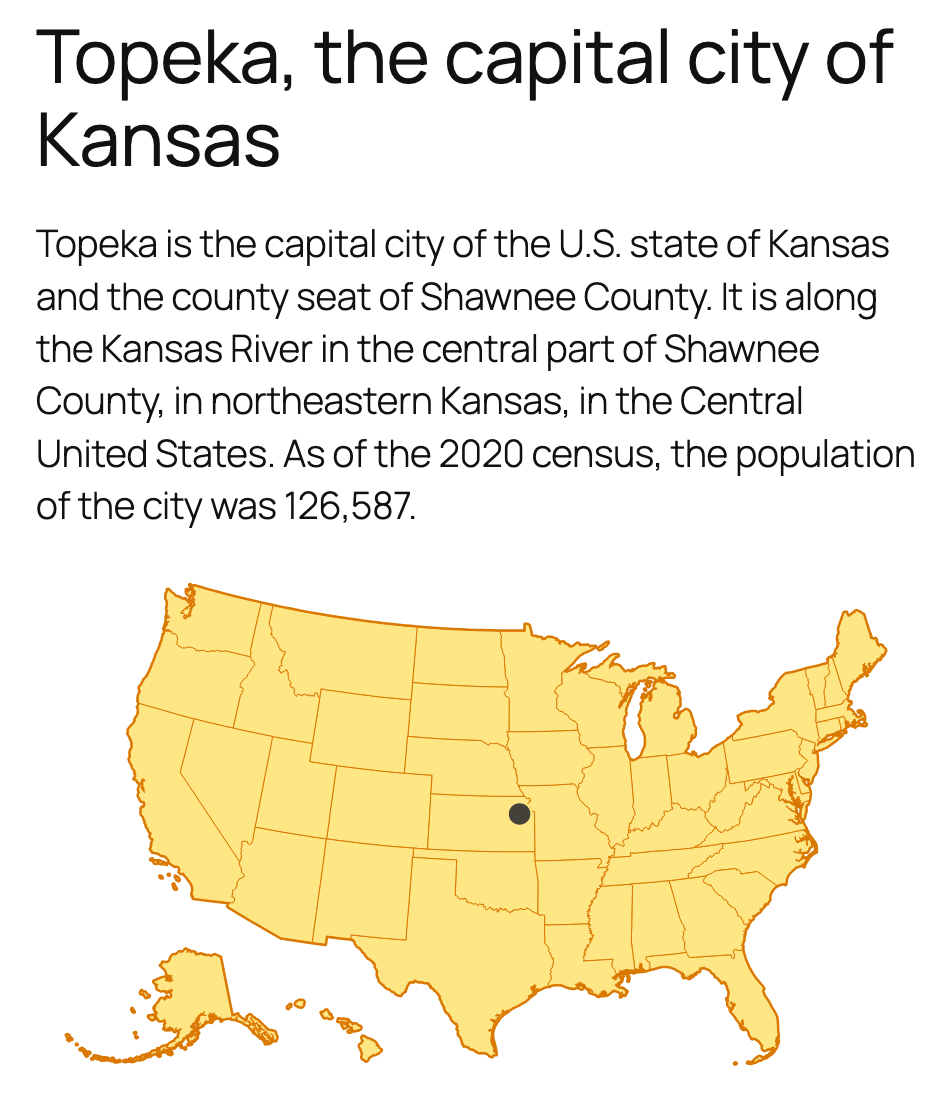
Viewing a responsive interactive map embedded on a WordPress page
Changelog
1.0.3
- Added video tutorial.
1.0.2
- Interactive world, Europe and US maps with clickable regions, tooltips, themes and up to 5 pins.