

Background Music for Elementor
Add customizable background music to your Elementor-powered WordPress website with an elegant player interface.
Plugin info
Maintenance & Compatibility
Maintenance score
Stale • Last updated 353 days ago • Support resolved 0%
Is Background Music for Elementor abandoned?
Likely maintained (last update 353 days ago).
Compatibility
Similar & Alternatives
Explore plugins with similar tags, and compare key metrics like downloads, ratings, updates, support, and WP/PHP compatibility.
Description
Background Music for Elementor allows you to easily add background music to your website. The plugin adds a new widget to Elementor that enables you to upload and play audio files with a beautiful and customizable player interface.
Key Features
- Easy Integration: Seamlessly adds to your Elementor editor
- Customizable Player: Control the look and position of your audio player
- Audio Settings: Options for looping and remembering playback position
- Position Control: Place the player anywhere on your website
- Styling Options: Customize colors, size, and more
- Volume Control: Optional volume slider for user control
- Mobile Friendly: Responsive design works on all devices
How to Use
- Install and activate the plugin
- Edit any page with Elementor
- Find the “Background Music” widget in the widget panel
- Drag and drop it onto your page
- Upload your audio file and configure settings
- Save and preview
Requirements
- WordPress 5.0 or higher
- Elementor 3.0.0 or higher
- PHP 7.0 or higher
Installation
- Upload the plugin files to the
/wp-content/plugins/background-music-elementordirectory, or install the plugin through the WordPress plugins screen directly. - Activate the plugin through the ‘Plugins’ screen in WordPress
- Use the widget in Elementor by searching for “Background Music”
Frequently Asked Questions
Yes, you can add multiple instances of the Background Music widget to your page.
No, due to browser autoplay policies, users will need to click the play button to start the music.
Yes, the plugin offers extensive customization options including colors, size, border, and position.
Yes, the player is fully responsive and works on all devices.
Select “Fixed (Stays in Viewport)” as the Position Type in the widget settings.
Review feed
Screenshots
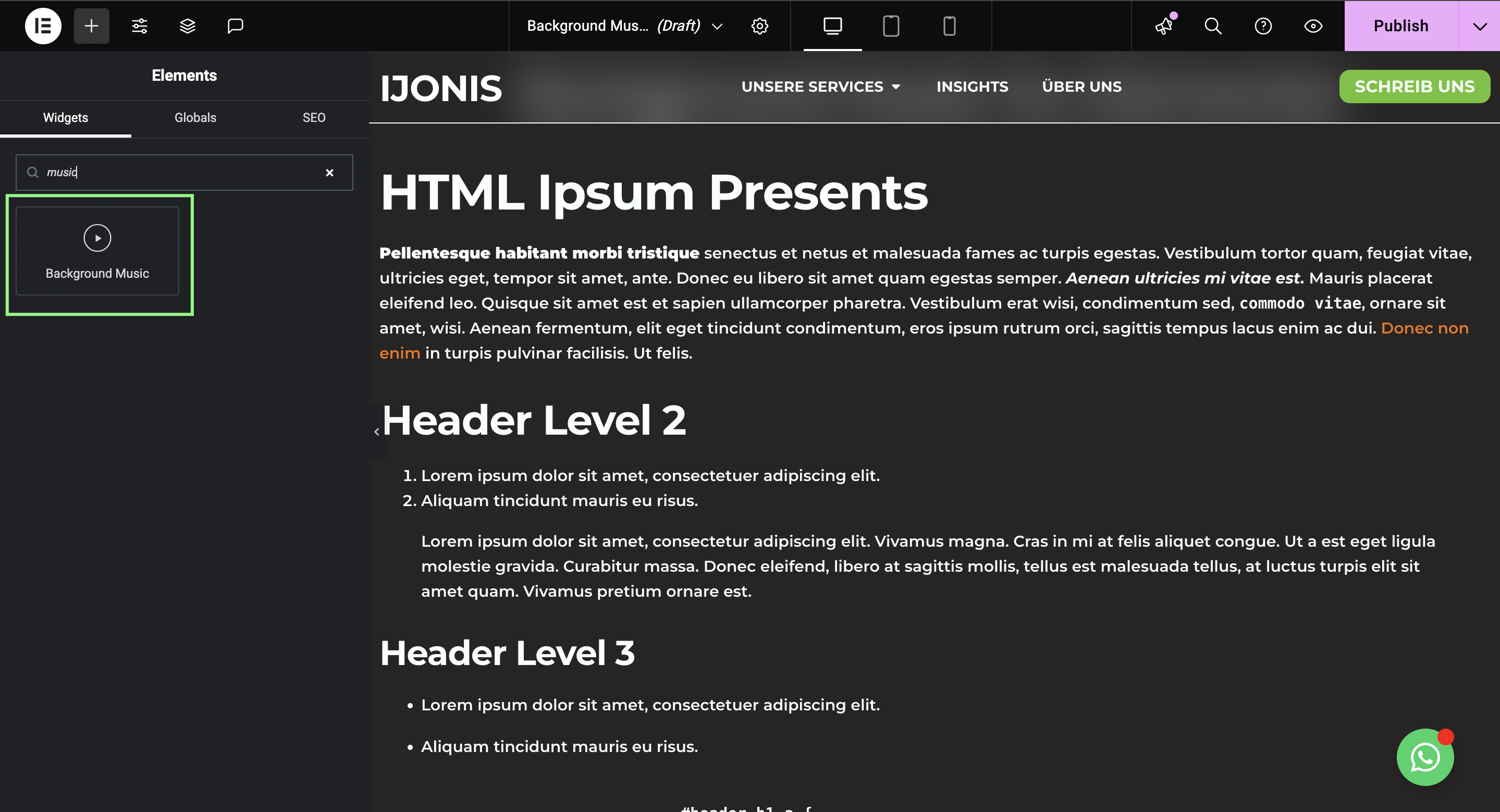
Background Music widget in Elementor editor
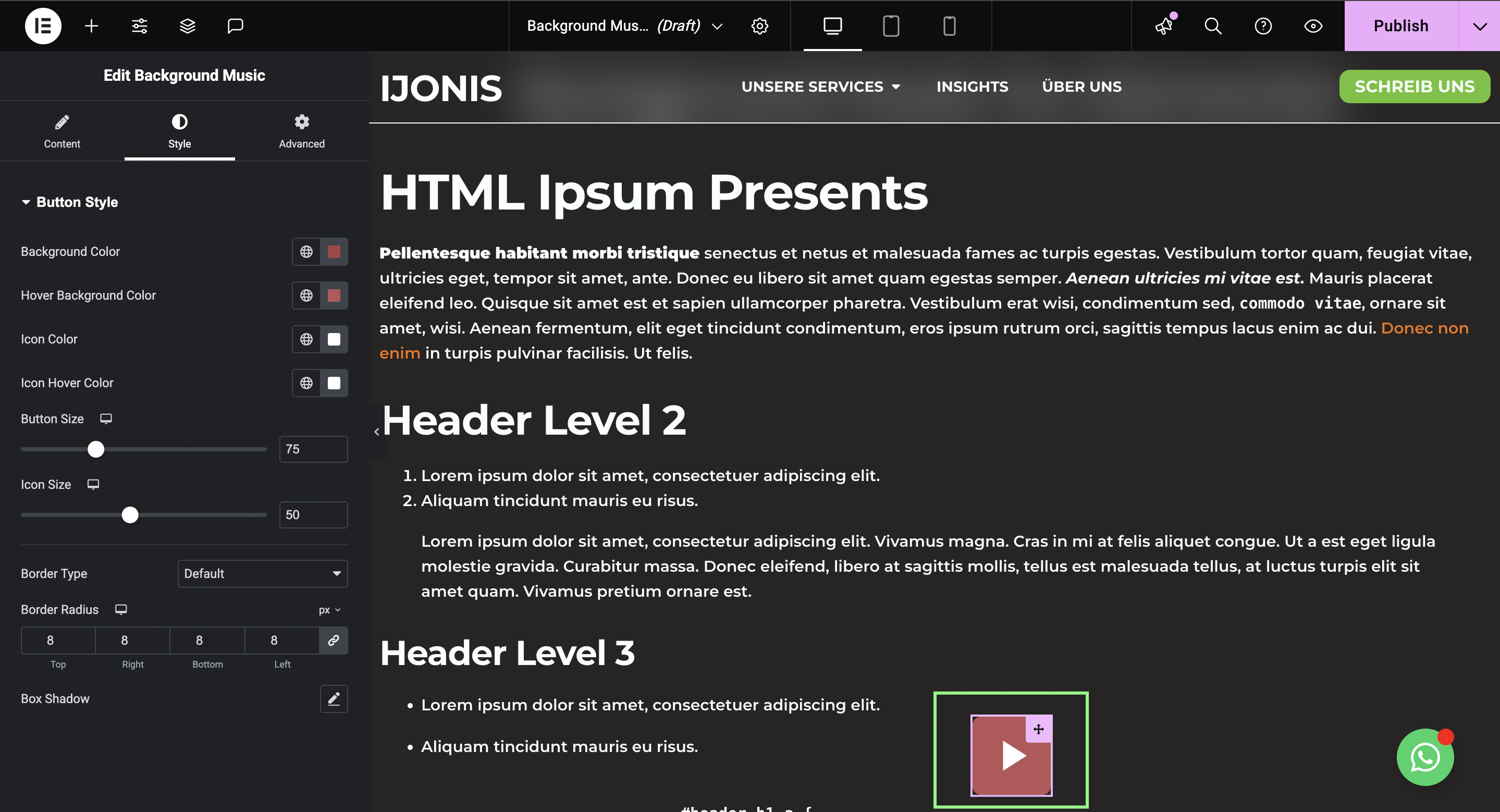
Player with volume control
Changelog
1.0.1
- Updated text domain to comply with WordPress.org plugin repository requirements
- Added proper escaping for admin notices
- Added nonce verification for form processing
- Updated “Tested up to” WordPress version to 6.7
- Fixed various code quality issues for WordPress.org submission
1.0.0
- Initial release