

Maintenance 22/1001755d since update
Active installs
10
Downloads
1,511
Reviews
1
Age
6.9y
Plugin info
Total downloads: 1,511
Active installs: 10
Total reviews: 1
Average rating: 5
Support threads opened: 0
Support threads resolved: 0 (0%)
Available in: 1 language(s)
Contributors: 1
Last updated: 4/29/2021 (1755 days ago)
Added to WordPress: 4/3/2019 (6 years old)
Minimum WordPress version: 5.2.2
Tested up to WordPress version: 5.7.0
Minimum PHP version: f
Maintenance & Compatibility
Maintenance score
Possibly abandoned • Last updated 1755 days ago • 1 reviews
22/100
Is Bdtask Booking365 abandoned?
Possibly abandoned (last update 1755 days ago).
Compatibility
Requires WordPress: 5.2.2
Tested up to: 5.7.0
Requires PHP: f
Similar & Alternatives
Explore plugins with similar tags, and compare key metrics like downloads, ratings, updates, support, and WP/PHP compatibility.
No similar plugins found yet.
Description
Bdtask Booking365 is a modern appointment wordpress plugin and booking system.This appointment wordpress plugin is usefull for taking appointment and booking information from client.It is 100% user friendly and responsive wordpress booking plugin.This wordpress appointment booking can be used for multi-purpose appointment booking like doctor, patient, official appointment, event booking, appointment schedule, general appointment, fitness center appointment and whatever you want.
Some Features
- Multi Booking System
- Multi Scheduling System
- Modern Reporting System
- Fresh and Clean Code,
- Any Language Supported
- Fully Customizable admin panel
- Make the Design as your Theme
- 100% User friendly
- All Browser Supported
- Easy ShortCode System
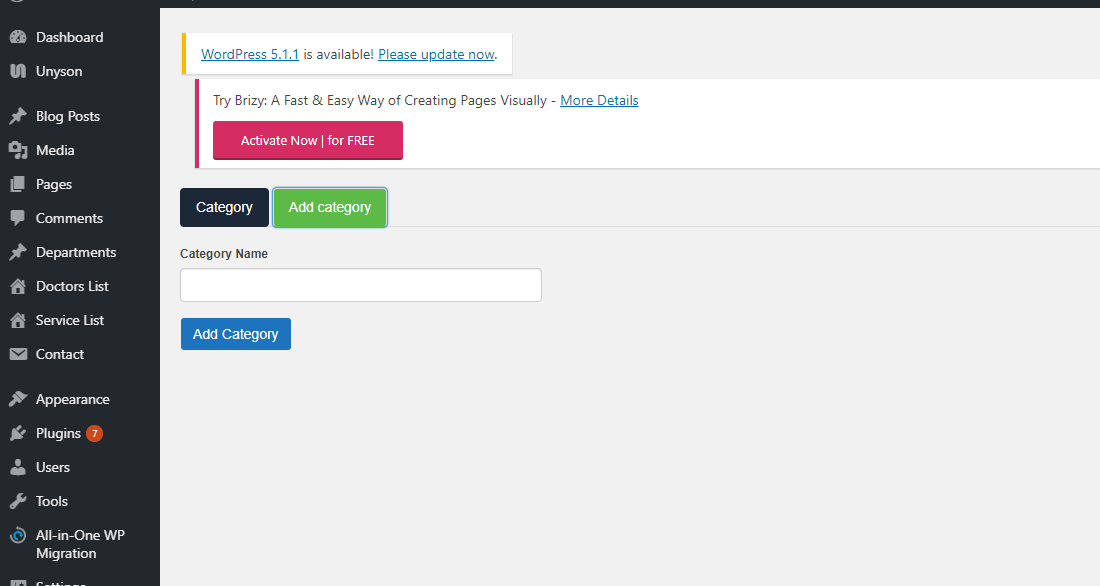
- Category based service
- Payment gateway
Installation
From your WordPress dashboard
- Visit ‘Plugins > Add New’
- Search for ‘Bdtaskbooking365’
- Activate Bdtaskbooking365 from your Plugins page.
From WordPress.org
- Download Bdtaskbooking365.
- Upload the ‘Bdtaskbooking365’ directory to your ‘/wp-content/plugins/’ directory, using your favorite method (ftp, sftp, scp, etc…)
- Activate Bdtaskbooking365 from your Plugins page.
Frequently Asked Questions
No FAQ available
Review feed
No reviews available
Screenshots


Changelog
1.0
- uploaded version 1.0