

Before After Image Comparison – Visual Comparison for Two Images
Easily showcase visual differences between two images with an interactive before-and-after slider – no coding required!
Plugin info
Maintenance & Compatibility
Maintenance score
Maintained • Last updated 132 days ago • 12 reviews
Is Before After Image Comparison – Visual Comparison for Two Images abandoned?
Likely maintained (last update 132 days ago).
Compatibility
Languages
Similar & Alternatives
Explore plugins with similar tags, and compare key metrics like downloads, ratings, updates, support, and WP/PHP compatibility.
Description
Easily showcase visual differences between two images with an interactive before-and-after slider—no coding required!
Effortlessly create engaging visual comparisons on your WordPress site using the Before & After Image Comparison Block. This lightweight, SEO-friendly Gutenberg plugin lets you add a responsive slider to posts, pages, or portfolios, making it perfect for highlighting transformations, product comparisons, renovations, or photo edits. Simply drag and drop your images, adjust the slider, and publish—no technical skills needed. Ideal for photographers, designers, real estate agents, and content creators who want to tell compelling visual stories and boost audience engagement.
Features
- Orientation: Choose between horizontal and vertical image comparison slider.
- Custom Labels: Add custom before/after labels to clearly indicate the comparison.
- Adjustable Slider: Drag the slider handle to compare images.
- Caption Support: Add descriptive captions below the comparison.
- Custom Colors: Customize colors for labels.
Premium Features of image slider
- Theme: Create stunning before & after image comparisons in both single view and slider formats.
- Label Position: Customize the label position to suit your needs.
- Line Shape: Customize the line shape for a unique and eye-catching design.
- Default Offset: Adjusts the initial position of the slider.
- Move Slider On Click: Enable the option to move the slider when the user clicks on it.
- Move Slider On Mouse Over: Enable the option to move the slider when the mouse hover over it.
- Auto Slide: Activate automatic sliding on the compare images.
- Auto Slide Speed: Set the speed of the auto moving slider.
- Stop Slider On Mouse Over: Pause the sliding movement when the mouse is over the images.
- Line Size: Adjust the line size to your preferred thickness.
- Line Color: Choose a desired color for the line.
- Handler Color: Choose a desired color for the handler.
- Icon Color: Select the icon color from the options provided to match your design.
Perfect For:
– Before/after reveals (home makeovers, fitness progress, beauty treatments).
– Product comparisons (features, versions, or upgrades).
– Photography edits (highlighting retouching or filters).
– Marketing campaigns (demonstrating effectiveness or improvements).
No technical skills needed—just upload your images, adjust the slider, and publish! Engage your audience with compelling visual storytelling.
How to use beaf
- First, install the Image Compare block plugin
- Add the Image Compare block from the block category called “Widgets” in the Gutenberg editor.
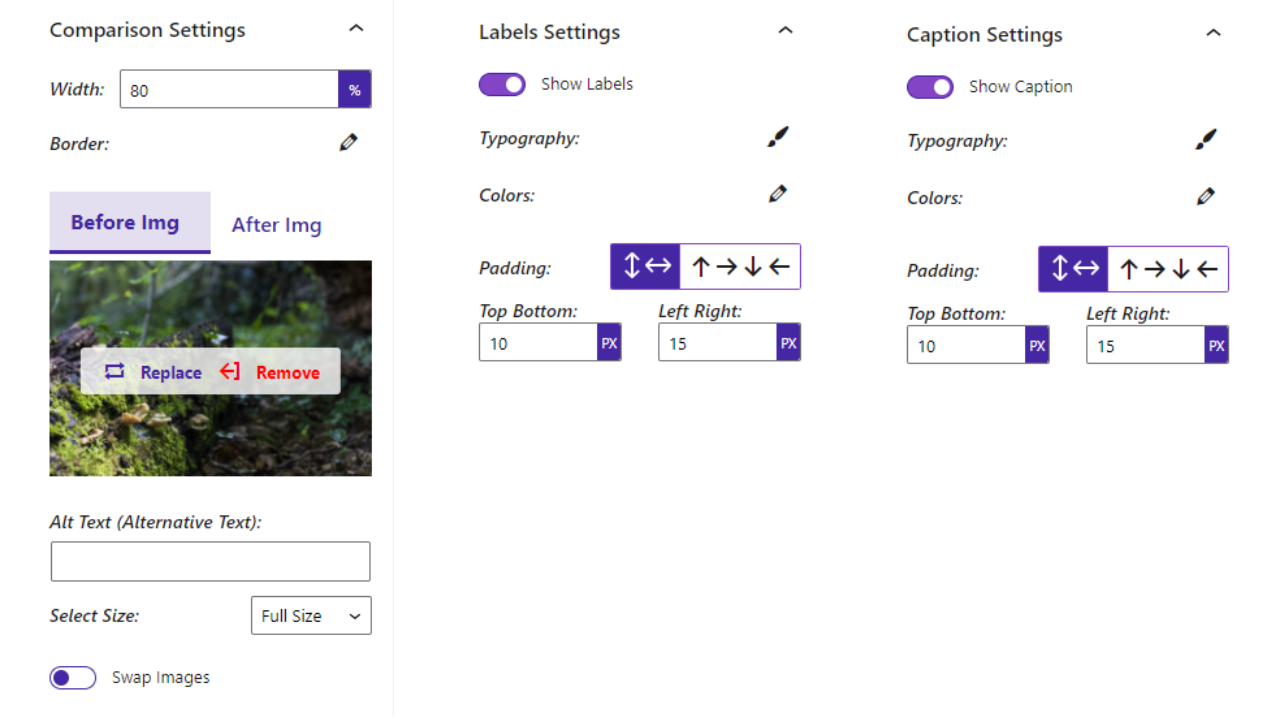
- You can change block settings from the right-side settings sidebar.
-
Enjoy!
-
For installation help click on Installation Tab.
Feedbacks on before after image
- Did you like this plugin? Dislike it? Do you have a feature request? Please share your feedback with us
⭐ Check out the Parent Plugin of this plugin-
🔥 B Blocks – Best gutenberg blocks collections for WordPress.
⭐ Check out our other WordPress Plugins-
🔥 Html5 Audio Player – Best audio player plugin for WordPress.
🔥 Html5 Video Player – Best video player plugin for WordPress.
🔥 PDF Poster – A fully-featured PDF Viewer Plugin for WordPress.
🔥 Document Embedder – Best WordPress Document Embedder Plugin.
🔥 3D Viewer – Display interactive 3D models on the webs.
🔥 Advanced Post Block – Best Post Display Plugin for WordPress.
Installation
From Gutenberg Editor:
- Go to the WordPress Block/Gutenberg Editor
- Search For Image Compare block.
- Click on the Image Compare to add the block
Download & Upload:
- Download the Image Compare block plugin (.zip file)
- In your admin area, go to the Plugins menu and click on Add New
- Click on Upload Plugin and choose the
before-after-image-compare.zipfile and click on Install Now - Activate the plugin and Enjoy!
Manually:
- Download and upload the Image Compare block plugin to the
/wp-content/plugins/directory - Activate the plugin through the Plugins menu in WordPress
Frequently Asked Questions
Yes, the Image Compare block is a free Gutenberg block plugin.
Yes, it will work with any standard WordPress theme.
Yes, you can change block settings from the Gutenberg block editor’s right sidebar.
You can use unlimited times as you want.
You can post your questions on the support forum here
Please report security bugs found in the source code of the Before After Image Comparison – Image comparison for WP plugin through the Patchstack Vulnerability Disclosure Program. The Patchstack team will assist you with verification, CVE assignment, and notify the developers of this plugin.
Review feed
Almost perfect, but a couple of near deal-breakers
Screenshots
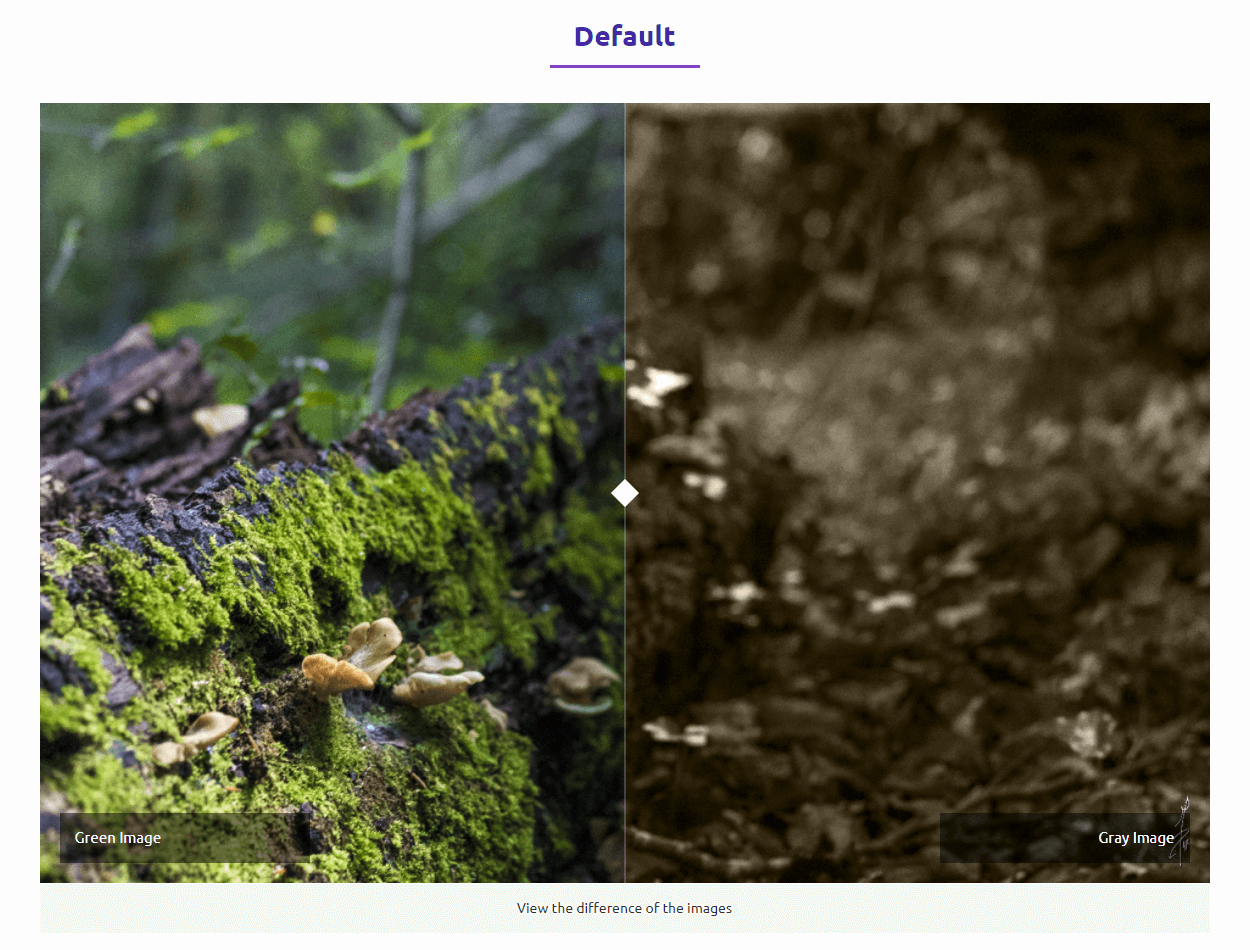
Default
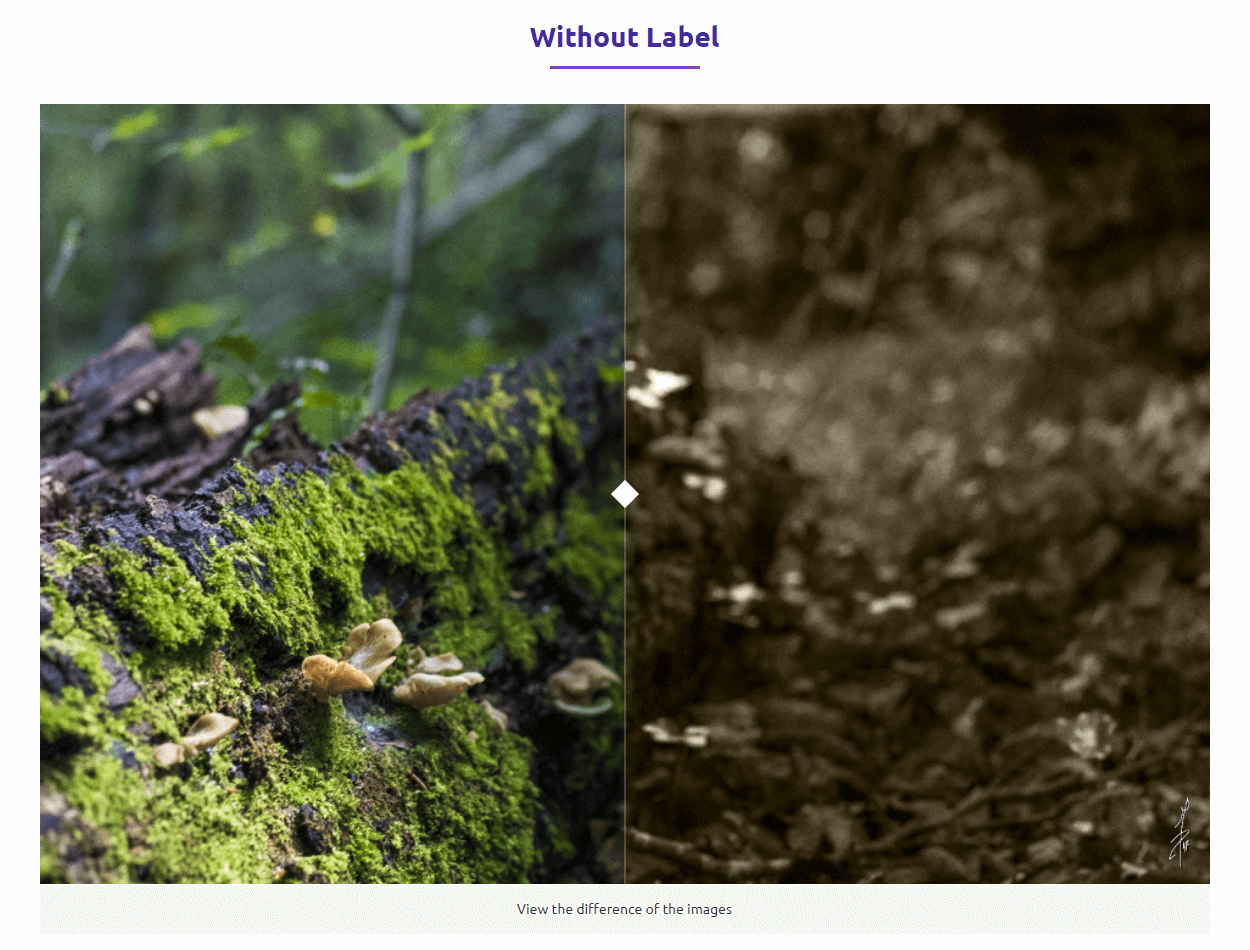
Without Label
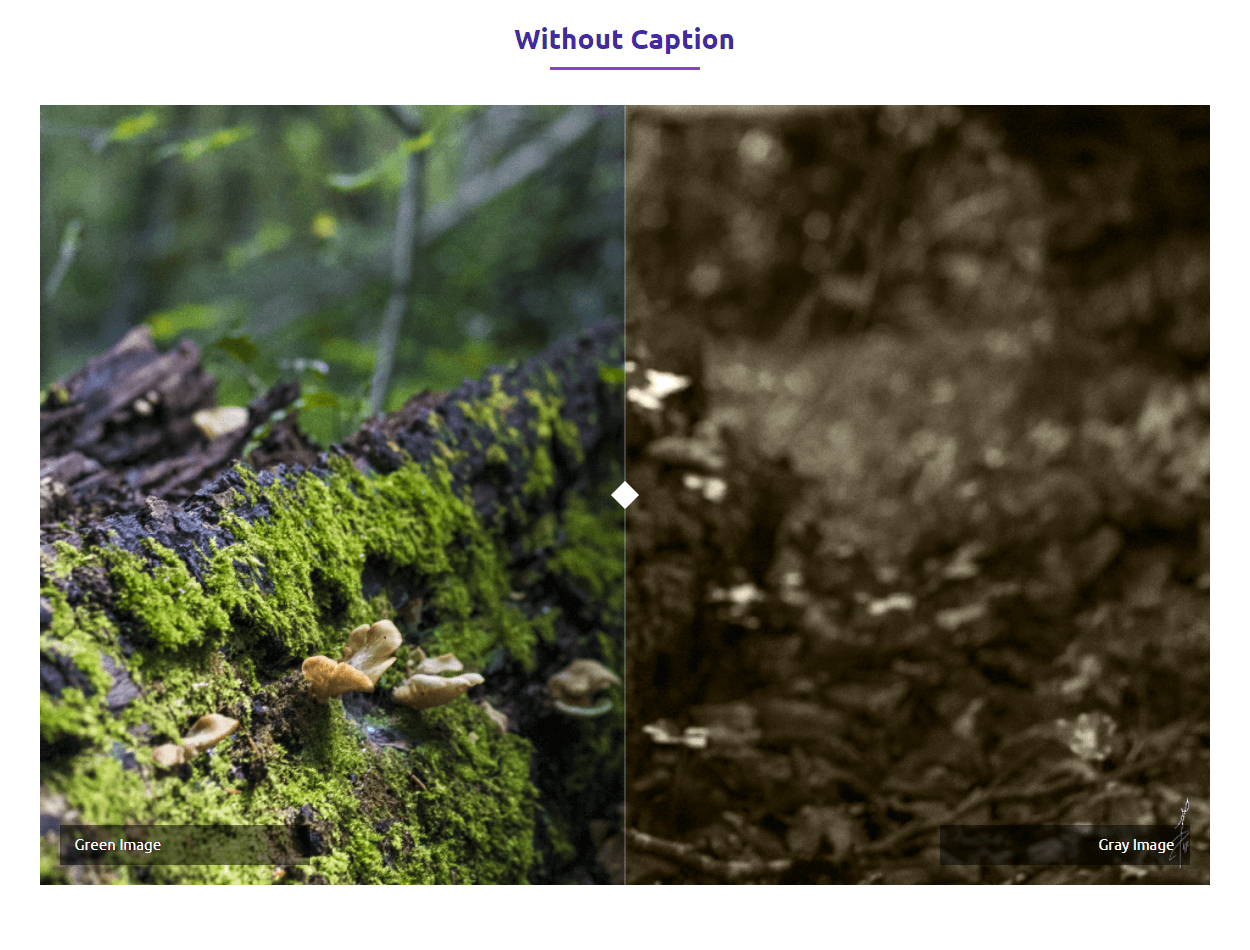
Without Caption
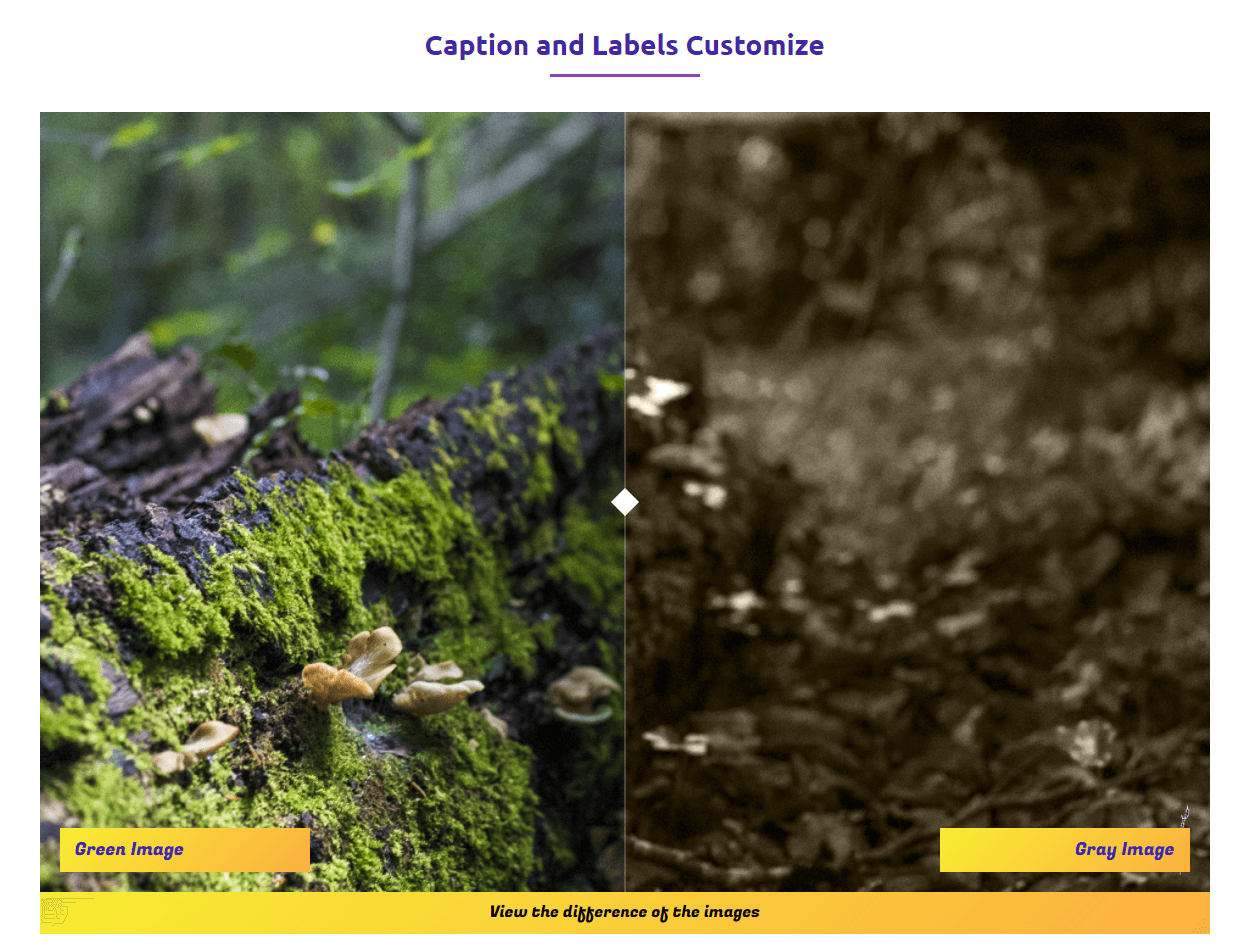
Caption and Labels Customize
Changelog
1.1.12 – 21 Nov 2025
- Fixed premium conflict.
1.1.11 – 7 Sep 2025
- Added Pricing page in the Dashboard.
1.1.10 – 6 Aug, 2025
- Update free SDK
1.1.9 – 15 March, 2025
- Added slider theme
1.1.8 – 13 March, 2025
- Orientation, Label Position, Default Offset
- Move Slider On Click, Move Slider On Mouse Over
- Auto Slide Speed, Stop Slider On Mouse Over
- Added amazing line Shape, Height, Line Size
- Line Color, Handler Color, Icon Color.
1.1.7 – 13 May, 2024
- Not load assets if not used block.
1.1.6 – 25 Nov, 2023
- Fix the window resize issue.
1.1.5
- Fix after-label issue.
1.1.4
- Fix issue.
1.1.3
- Reduce asset loads.
1.1.2
- Fix CSS parent width.
1.1.1
- Fix CSS box model not loaded.
1.1.0
- Additional class name fix.
1.0.9
- Fix post ID error.
1.0.8
- Backend UI Change
1.0.7
- Add translate feature.
- Theme Color Support.
1.0.6
- Image Compare Init Problem fix
1.0.5
- CSS font family fix.
1.0.4
- Fix HTML Render
1.0.3
- Reduce PHP Code
- Performance Improvement
1.0.2
- Reduce PHP Code
1.0.1
- Performance upgrade
1.0.0
- Initial Release.