

Block for Mailchimp – Add Email Subscription Forms and Collect Leads
Create a fully customizable Mailchimp subscribe form, and connect your Mailchimp with your WordPress.
Plugin info
Maintenance & Compatibility
Maintenance score
Maintained • Last updated 156 days ago • 3 reviews
Is Block for Mailchimp – Add Email Subscription Forms and Collect Leads abandoned?
Likely maintained (last update 156 days ago).
Compatibility
Languages
Similar & Alternatives
Explore plugins with similar tags, and compare key metrics like downloads, ratings, updates, support, and WP/PHP compatibility.
Description
Create a fully customizable Mailchimp subscribe form and connect your Mailchimp with your WordPress.
Your WordPress website can easily incorporate Mailchimp’s powerful email marketing features with the Mailchimp Block plugin. Automate email campaigns, sync user data and easily create custom opt-in forms Engage your audience and manage effective email marketing effortlessly.
Email storage makes it easy to communicate with your users. Many themes are available for you to add and modify as you like. To add visual appeal to your email templates, you can include various images and graphics. You can easily create a variety of messages, including newsletters, product promotions and event information, to diversify your communication strategy.
Here are the best MailChimp Blocks for WordPress ★★★★★
Mailchimp-block plugin has a variety of themes. You can easily design your website using themes. There are four different layouts: normal, modal, auto-popup, floating-top, and floating-bottom.
MileChimp-Block includes short code support. Themes can be embedded anywhere. There are many patterns that can be imported with a single click. Themes are transformed into patterns.
Who is the Mailchimp block designed for?
- Marketers and Influencers
- Online Course Providers
- Non-Profit Organizations
- Event Planners and Promoters
- Real Estate Agents and Brokers
- Subscription Box Services
- Travel Agencies and Tour Operators
- Restaurants and Food Services
- Health and Wellness Coaches
Mailchimp Block is a simple way to collect user feedback via email. Milechimp Block allows users to easily express their opinions, and organizations can act on their feedback. This block allows users to create inline forms, which is extremely convenient.
Mailchimp-Block Revolutionary Features
See the features that make Mailchimp-Block for Mailchimp the Greatest WordPress MailChimp-Block.
- Responsive design. Your MailChimp forms will never look out of place, no matter which device your visitors are using.
- The label, description, first name, and last name have a show/hide option.
- Emails are stored in the MailChimp dashboard. Connecting MailChimp is very easy.
- There are four forms available that you can use. You have the flexibility to customize the form layout, including changing the color, setting padding, and adjusting the border radius.
- The button text can be easily changed to your desired text. You also have the option to customize the button’s color, padding, and font typography to match your design preferences.
- Certainly! With the available options, you can set the color and typography separately for the success message and error message. This allows you to customize the appearance of each message type according to your preferences.
Mailchimp-Block Revolutionary Pro Features
- Four layout options: Normal, Modal, Auto Popup, Floating Top, and Floating Bottom
- Ten distinct themes: Default, Theme 1, Theme 2, Theme 3, Theme 4, Theme 5, Theme 6, Theme 7, Theme 8, and Theme 9
- Customizable margins for labels, descriptions, and buttons
- Added shortcode support for easy embedding
- Multiple pattern configurations for a tailored look
- Configurable auto-popup layout duration
- Supports logo uploads for seamless branding
Why is Mailchimp-Block for Mailchimp so revolutionary?
-
Configuration — Authorize your Mailchimp account and show your audience list.
-
Audience — Select your audience.
-
Layout— There are five different layouts: normal, modal, auto-popup, floating-top, and floating-bottom.
-
Theme— There are eleven different types of themes: default, theme 1, theme 2, theme 3, theme 4, theme 5, theme 6, theme 7, theme 8, theme 9, and theme 10.
-
Responsive Design — The website runs smoothly on mobile and tablet devices, improving the user experience.
-
Customization – The website design and features can be tailored to your specific needs.
Mailchimp-Block is perfect for:
✔ Business Websites
✔ Course Creators
✔ Coaches / Trainers
✔ eCommerce Store Owners
✔ Businesses
✔ Local Businesses
✔ Startups
✔ Personal Brands
✔ Real Estate Agents
✔ Artists & Photographers
✔ E-Commerce Sites
How to use
- Install the plugin.
- Go the the page/posts where you want to show the mailchimp form.
- Search block for mailchimp by clicking on the + button on the Gutenberg block editor.
- Select the Block For MailChimp
- Set your form, then customize the view from the right sidebar.
- Publish the page.
-
Enjoy!
-
For installation help click on Installation Tab
Feedback
- Do you like that plugin? Hate it? Want a new feature? Send me some feedback
⭐ Check out the Parent Plugin of this plugin-
🔥 b Blocks – Best gutenberg blocks collections for WordPress.
⭐ Check out our other WordPress Plugins-
🔥 Html5 Audio Player – Best audio player plugin for WordPress.
🔥 Html5 Video Player – Best video player plugin for WordPress.
🔥 PDF Poster – A fully-featured PDF Viewer Plugin for WordPress.
🔥 StreamCast – A fully-featured Radio Player Plugin for WordPress.
🔥 3D Viewer – Display interactive 3D models on the webs.
Installation
From Gutenberg Editor:
- Go to the WordPress Block/Gutenberg Editor
- Search For Mailchimp Block
- Click on the Mailchimp Block to add the block
Download & Upload:
- Download the block-for-Mailchimp plugin (.zip file)
- In your admin area, go to the Plugins menu and click on Add New
- Click on Upload Plugin and choose the
block-for-mailchimp.zipfile and click on Install Now - Activate the plugin and Enjoy!
Manually:
- Download and upload the Mailchimp block plugin to the
/wp-content/plugins/directory - Activate the plugin through the Plugins menu in WordPress
Frequently Asked Questions
Yes, MailChimp Block is a free Gutenberg block plugin.
Yes, it will work with any standard WordPress theme.
Yes, you can change block settings from the Gutenberg block editor’s right sidebar.
You can use unlimited times as you want.
You can post your questions on the support forum here
Please report security bugs found in the source code of the MailChimp Block plugin through the Patchstack Vulnerability Disclosure Program. The Patchstack team will assist you with verification, CVE assignment, and notify the developers of this plugin.
Review feed
Highly recommend for anyone using Mailchimp.
Screenshots
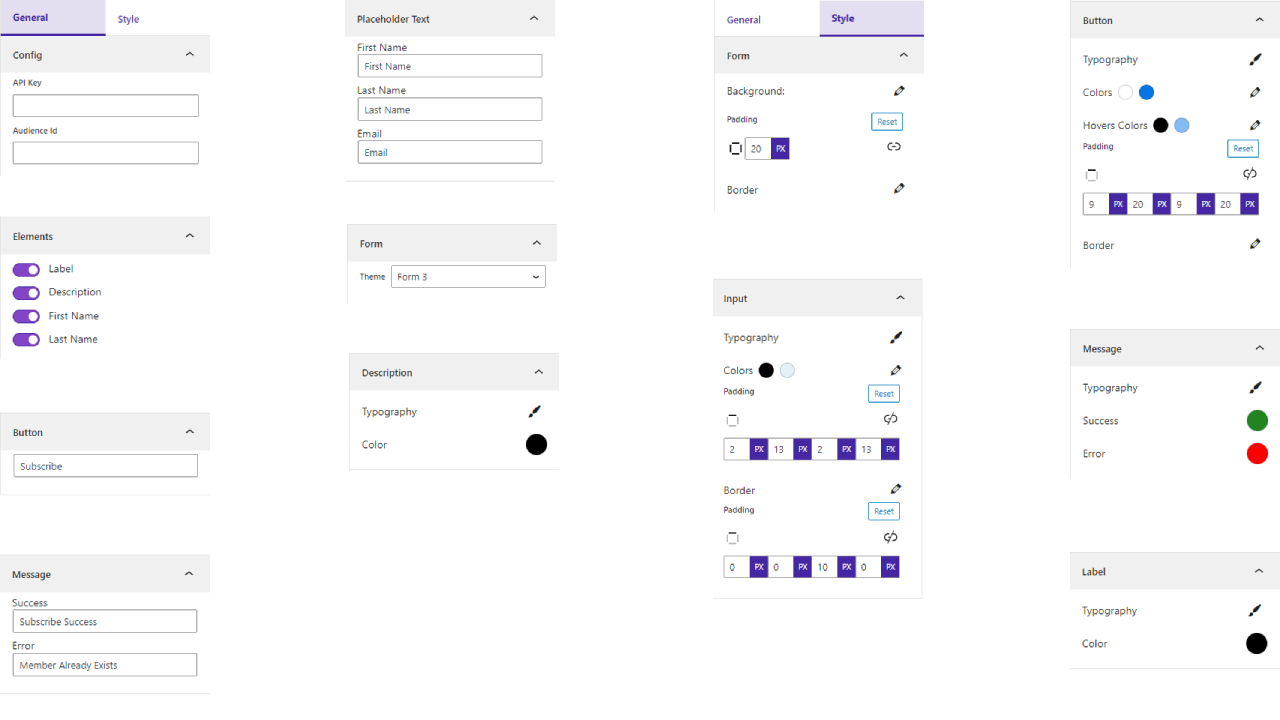
Settings
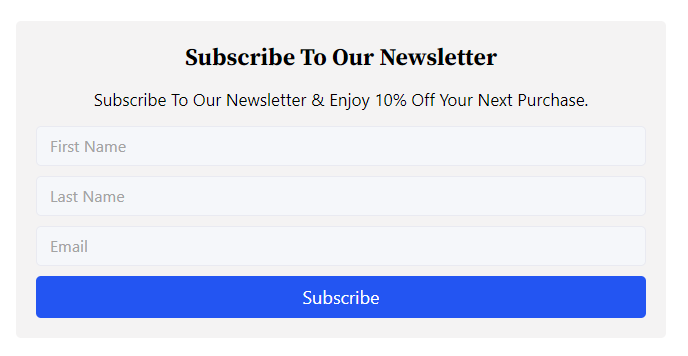
Default
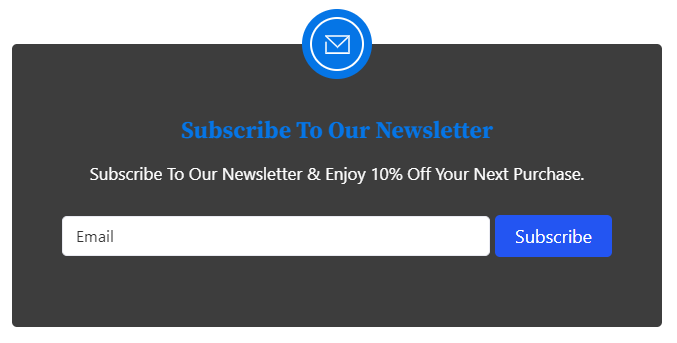
Theme One
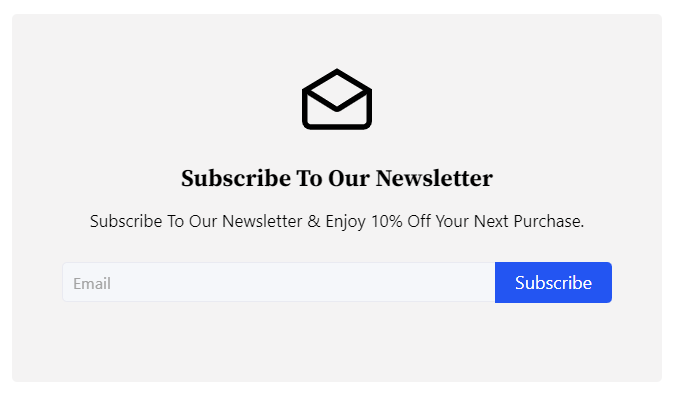
Theme Two
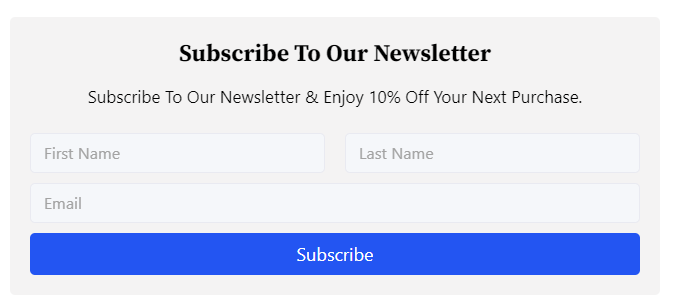
Theme Three
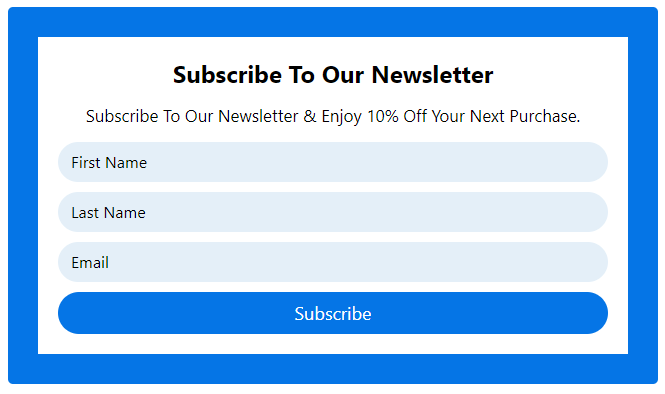
Default theme Customize
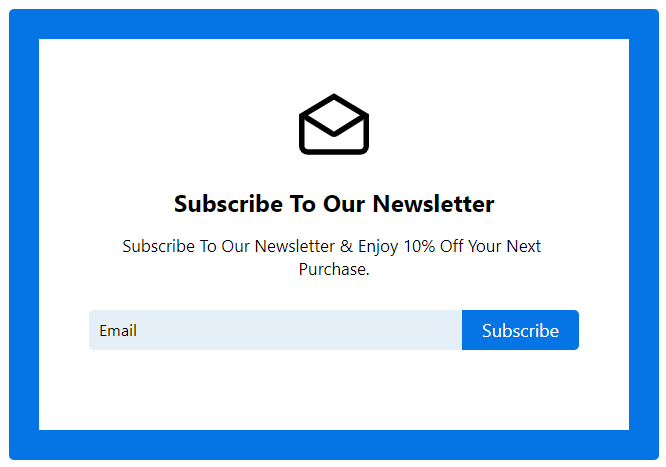
Theme One Customize
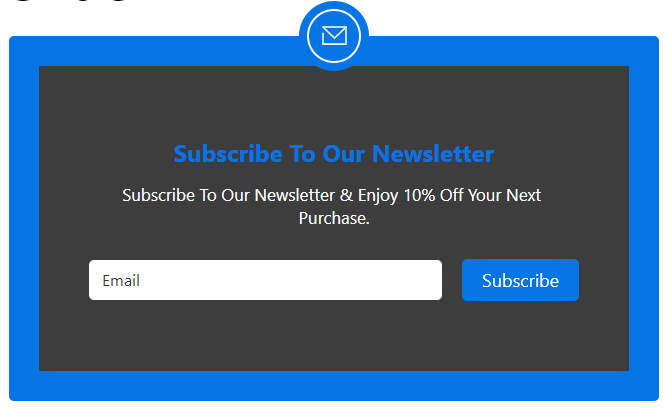
Theme Two Customize
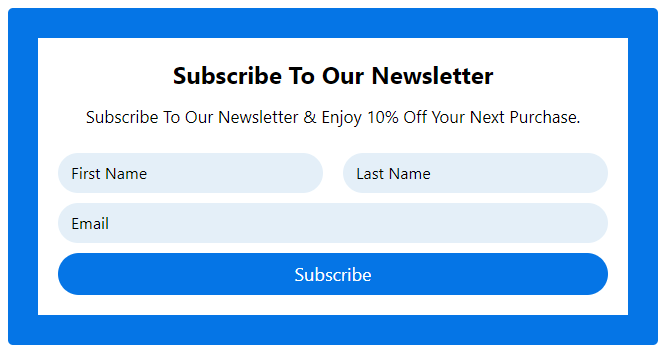
Theme Three Customize
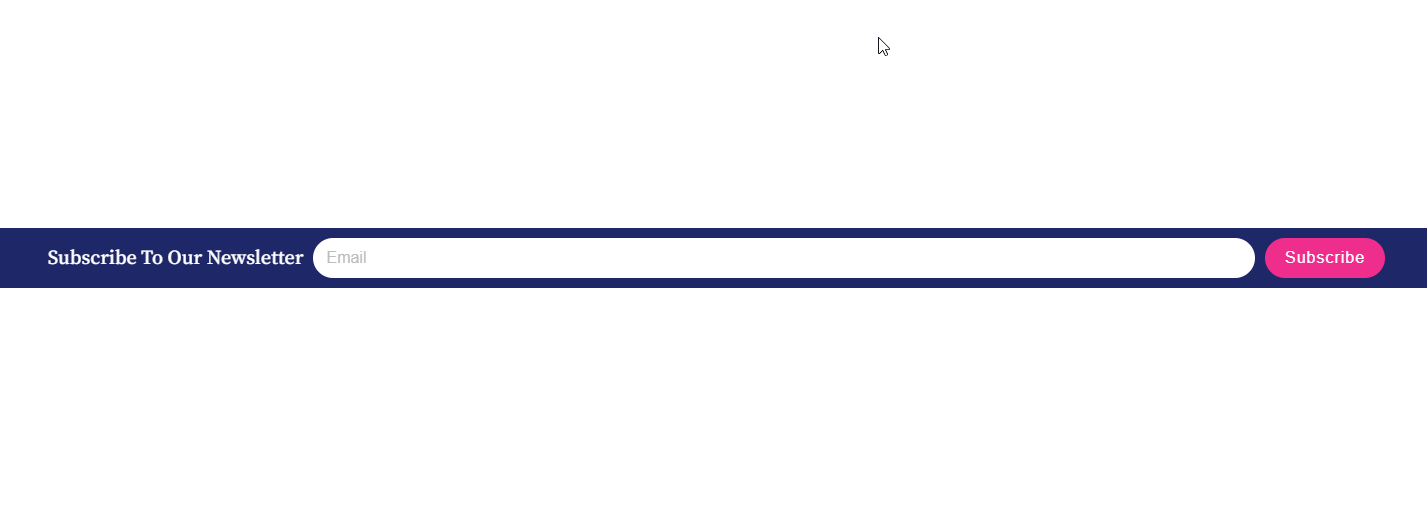
Floating Top
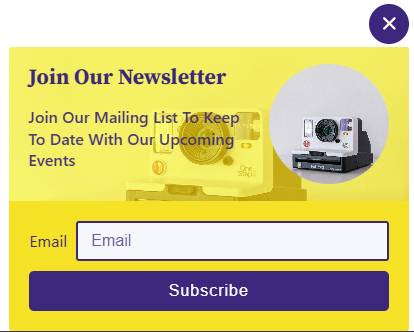
Form 8 Customization
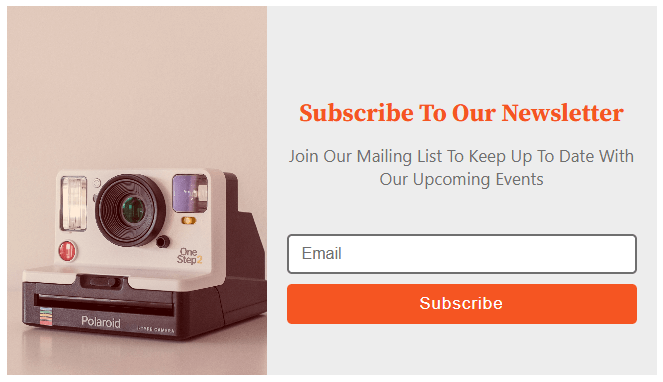
Form 9 Customization
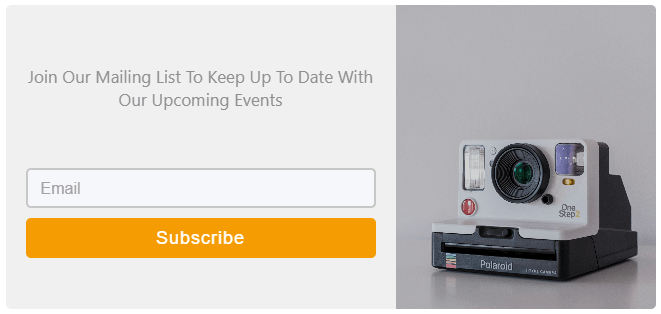
Form 10 Customizable
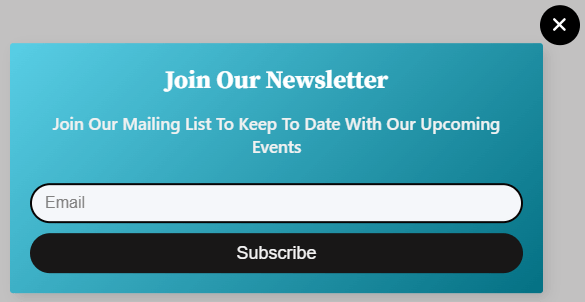
Form 1 Customization
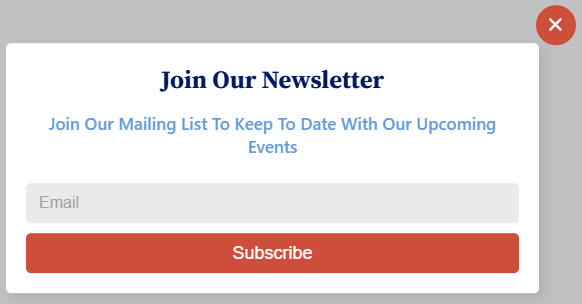
Form Popup Design
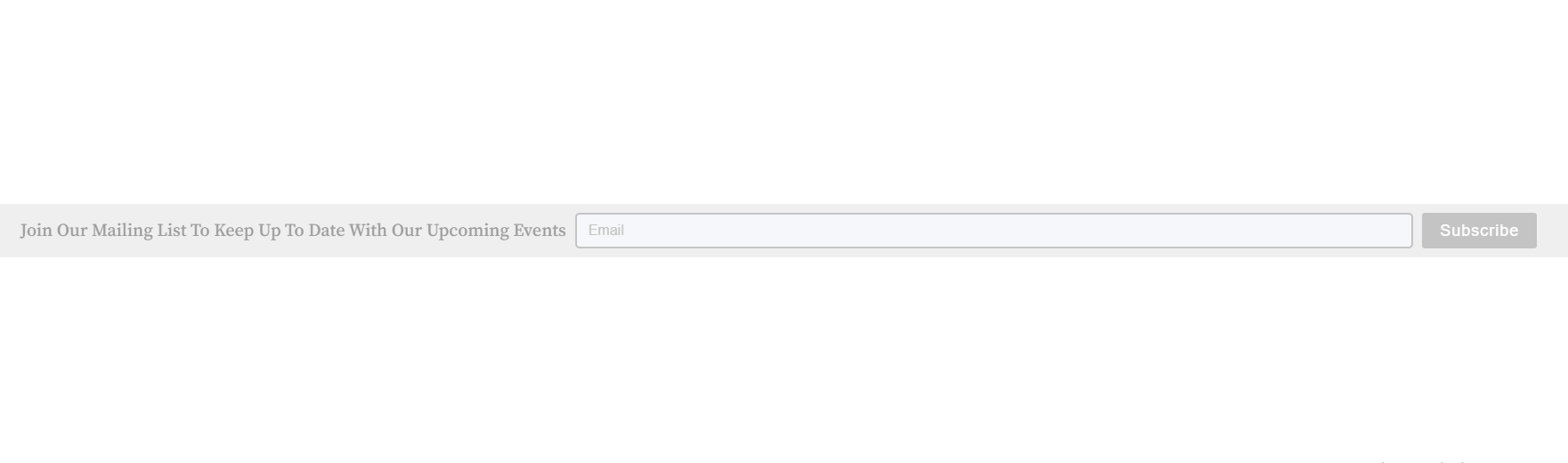
Floating Top Design
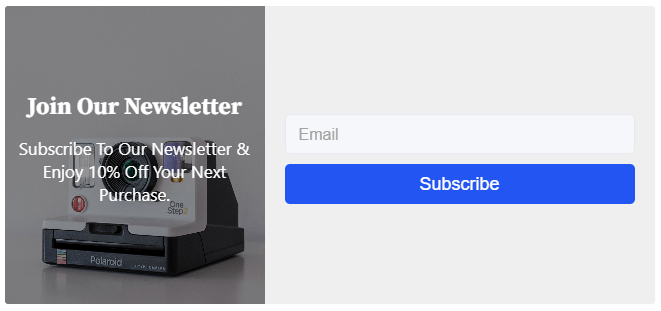
Form 4 Default Design

Form 5 Default Design
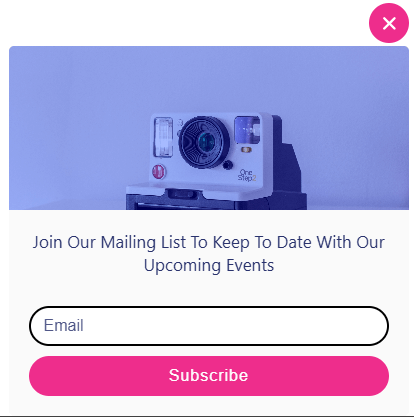
Form 5 Customization
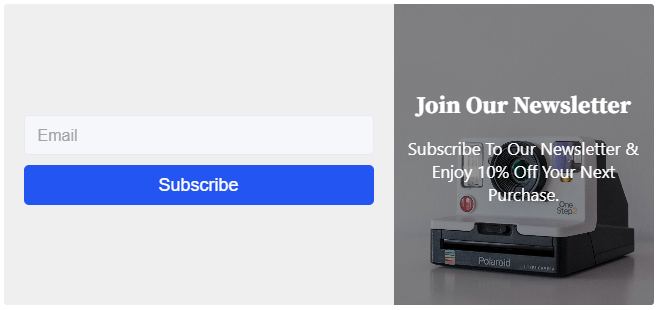
Form 6 Default Design
Changelog
1.1.13 – 27 Sept, 2025
- Wordfence issues fixed;
1.1.12 – 22 Sept, 2025
- Wordfence issues fixed and mordern dashboard added;
1.1.11 – 18 April, 2025
- Compatible with WordPress 6.8;
1.1.10 – 11 April, 2025
- Some issues fixed;
1.1.9 – 9 March, 2025
- escape richtext title, and description;
1.1.8 – 1 March, 2025
- Some problem fixed;
1.1.7 – 19 Feb, 2025
- Shortcode issues fixed;
1.1.6 – 27 Jan, 2025
- Freemius sdk integrate
1.1.5 – 13 Jan, 2025
- Vulnerability Problem fixed.
1.1.4 – 25 Dec, 2024
- bpl-tools added and maintainable code.
- secure access token not access other user.
1.1.3 – 18 Dec, 2024
- Plugin actions links demo and docs.
1.1.2 – 23 Nov, 2024
- _load_textdomain_just_in_time notice solved
1.1.1 – 5 Nov, 24
- Pro Feature List
- Four layout options: Normal, Modal, Auto Popup, Floating Top, and Floating Bottom.
- Ten distinct themes: Default, Theme 1, Theme 2, Theme 3, Theme 4, Theme 5, Theme 6, Theme 7, Theme 8, and Theme 9.
- Customizable margins for labels, descriptions, and buttons.
- Added shortcode support for easy embedding.
- Multiple pattern configurations for a tailored look.
- Configurable auto-popup layout duration.
- Supports logo uploads for seamless branding.
1.1.0 – 8 July, 24
- OAuth authorization system added.
1.0.10 – 15 May,24
- HTTP_HOST issue solved.
1.0.9 – 28 March,24
- Added theme width and alignment options
1.0.8 – 9 Nov,23
- WordPress version update
1.0.7 – 27 sept, 23
- Some issues have been resolved.
1.0.6
- Some issues have been resolved.
1.0.5
- I have fixed the issue, and now all forms are responsive on all devices.
1.0.4
- Easiest API Key Configuration Process
1.0.3
- Show All Audience Id
1.0.2
- Opt-in form implemented
- Audience ID restricted
- Form default design changed
- Forms renamed themes and labels, and the title was renamed
1.0.1
- API key configured top right sidebar
1.0.0
- Initial Release