

CTC Masonry Gallery 🎨
CTC Gallery is a versatile WordPress plugin that lets you create stunning Masonry image galleries using the Gutenberg Block editor.
Plugin info
Maintenance & Compatibility
Maintenance score
Stale • Last updated 291 days ago • 3 reviews
Is CTC Masonry Gallery 🎨 abandoned?
Likely maintained (last update 291 days ago).
Compatibility
Similar & Alternatives
Explore plugins with similar tags, and compare key metrics like downloads, ratings, updates, support, and WP/PHP compatibility.
Description
CTC Gallery is a versatile WordPress plugin that lets you create stunning Masonry image galleries using the Gutenberg Block editor. Showcase your images in a dynamic grid layout and enhance their presentation with customizable options.
Key Features:
- Masonry Layout 📸: Create beautiful image galleries with a masonry grid.
- Modal View 🔍: View images in a sleek modal window for a polished look.
- Customization Options ✨: Apply box shadow effects, zoom on hover, and display images in an overlay.
- Flexible Settings ⚙️: Adjust image size and gutter width with range controls in the block settings.
What’s Next
Explore my other WordPress projects:
- CTC Gallery 🎨 – Four different types of Galleries in same plugin.
-
PicTweak 📸 – Capture, edit, and upload stunning photos with ease with webcam, all within WordPress.”
-
CT Commerce Lite 🛒 – A block-based eCommerce plugin.
Installation
To install and activate the CTC Gallery plugin, follow these steps:
- Upload the plugin files to the
/wp-content/plugins/ctc-gallerydirectory, or install the plugin through the WordPress plugins screen directly. - Activate the plugin through the ‘Plugins’ screen in WordPress.
- Go to the Post screen and look for the Masonry Gallery block in the Gutenberg section.
- Add the block to your post or page.
- Customize the image size and gutter width using the range control in the block settings.
Frequently Asked Questions
A: You can adjust the gutter width in the block settings under the Gutenberg editor.
A: Yes, you can customize the modal view by configuring the settings in the block options.
A: For support or to report issues, please visit the Support Forum.
Review feed
Great Gallery
Screenshots
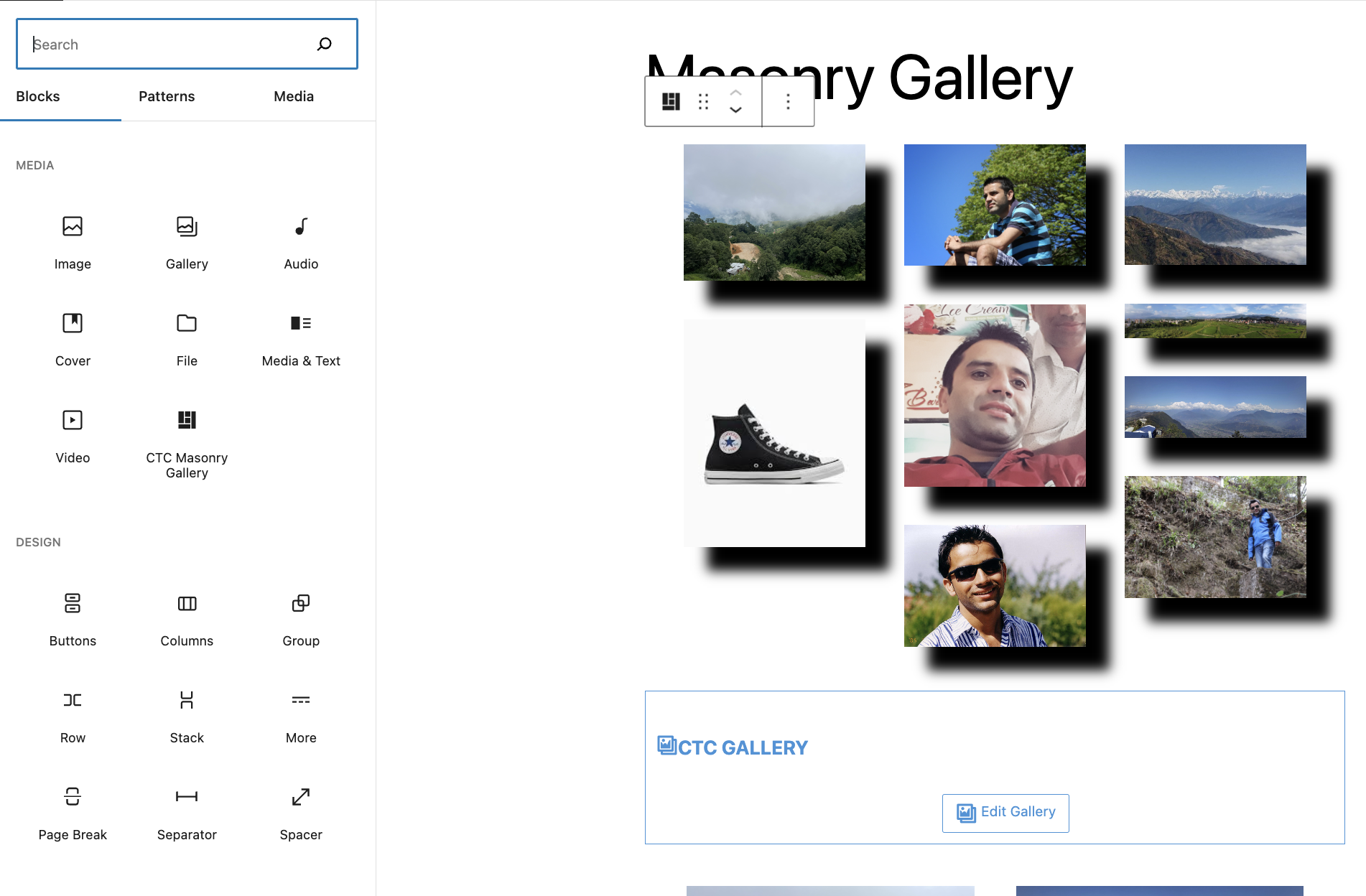
Gutenberg Block Interface 🖼️

Frontend Display Example 🌟
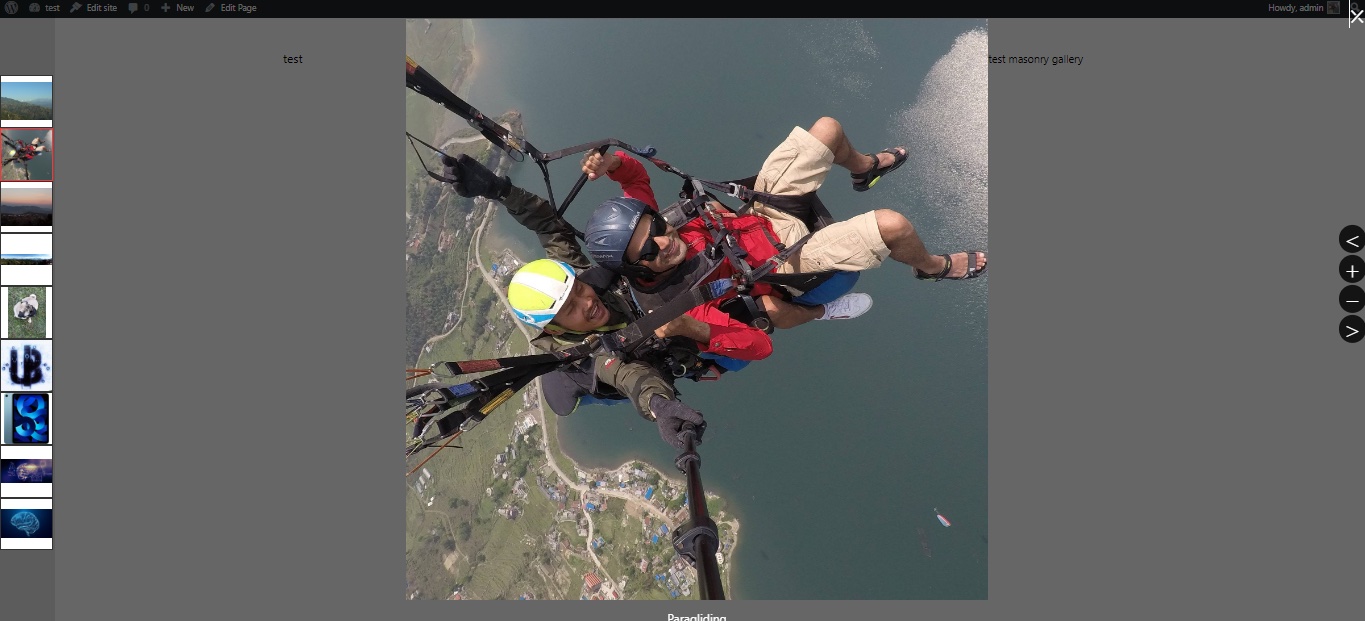
Image Overlay View 🖌️
Changelog
2.7.0
- Enhanced gallery display on image load 📥
2.6.0
- Added image box shadow background effect 🖍️
- Added optional image enlargement on hover 🔍
- Added optional display of images in overlay 🖼️
2.5.1
- Minor bug fixes 🐞
2.5.0
- Added JSX support for development 🛠️
- Minified version of JavaScript included ⚡
2.0.0
- Introduced CTC Overlay viewer 🎥
- Added gutter width adjustment option 📏
1.0.0
- Initial stable release 🚀