

Brand Master – Customize Login and User Frontend Dashboard
Customize your WordPress login page and provide a sophisticated frontend dashboard for your users with Brand Master.
Plugin info
Maintenance & Compatibility
Maintenance score
Stale • Last updated 350 days ago
Is Brand Master – Customize Login and User Frontend Dashboard abandoned?
Likely maintained (last update 350 days ago).
Compatibility
Languages
Similar & Alternatives
Explore plugins with similar tags, and compare key metrics like downloads, ratings, updates, support, and WP/PHP compatibility.
Description
Brand Master is a powerful plugin designed to provide you complete control over the appearance and behaviour of your WordPress login pages, along with a seamless experience for users through a customized frontend dashboard. Elevate your brand by creating a unique and user-friendly login and frontend dashboard environment.
Available shortcodes
- [brand_master_dashboard /]
- [brand_master_login /]
Inbuilt Patterns for Quick Setup
The ‘Brand Master’ plugin comes with a collection of inbuilt Gutenberg Block Patterns that users can easily apply for a quick setup. It includes patters for dashboard main page and support page.
Locating and Inserting Patterns
-
Access the Block Editor: Open the page or post where you want to use a pattern. Click the “Add Block” button (+) or the “+” sign in the top left corner of the block editor.
-
Switch to the Patterns Tab: In the block inserter window, click the “Patterns” tab. This displays all available patterns.
-
Dashboard : Within the Patterns tab, find the category labeled “Dashboard.” This categorization ensures a quick and efficient search for the patterns tailored to your needs.
-
Insert a Pattern: Click on one of the pattern to insert it directly into your edit content area.
-
Modify as Needed: The inserted pattern serves as a starter template. Customize it effortlessly to align with your specific requirements. Modify text, colors, and any other elements to ensure your Dashboard page reflects your unique style.
Features
-
Login Page Customization:
- Personalize the login, registration, and password reset pages with your brand colors, logo, and background images.
-
Frontend Dashboard:
- Integrate a stylish frontend dashboard for users with customizable dashboard and menu content from selected pages.
-
Branding Options:
- Customize the WordPress logo on the login page and dashboard, reinforcing your brand identity.
-
Responsive Design:
- Ensure a consistent and responsive design across devices, providing a seamless experience for users on both desktop and mobile.
-
Additional Features:
- Display login user info with avatar, advanced menu options with menu title, slug, and page selection, social links with headings, and a logout link.
There are two ways to install the plugin:
- Upload the plugin’s zip file via Dashboard -> Plugins -> Add New -> “Upload Plugin”.
- Extract the plugin folder and place it in the “/wp-content/plugins/” directory.
After installation, activate the plugin through the ‘Plugins’ menu in WordPress.
Installation
Frequently Asked Questions
Navigate to the Brand Master settings page in the WordPress admin panel. Here, you can easily customize the login, registration, and password reset pages with your brand elements.
The frontend dashboard offers user info with user avatar, advanced menu options with menu title, slug, and page selection, social links with headings, and a logout link. You can configure these options in the Brand Master settings.
Yes, you can upload your brand logo, set brand colors, and customize various elements to align with your brand identity.
No, Brand Master does not alter the WordPress backend dashboard. It facilitates the creation of a customized frontend dashboard for users while keeping the backend dashboard unchanged.
Review feed
Screenshots
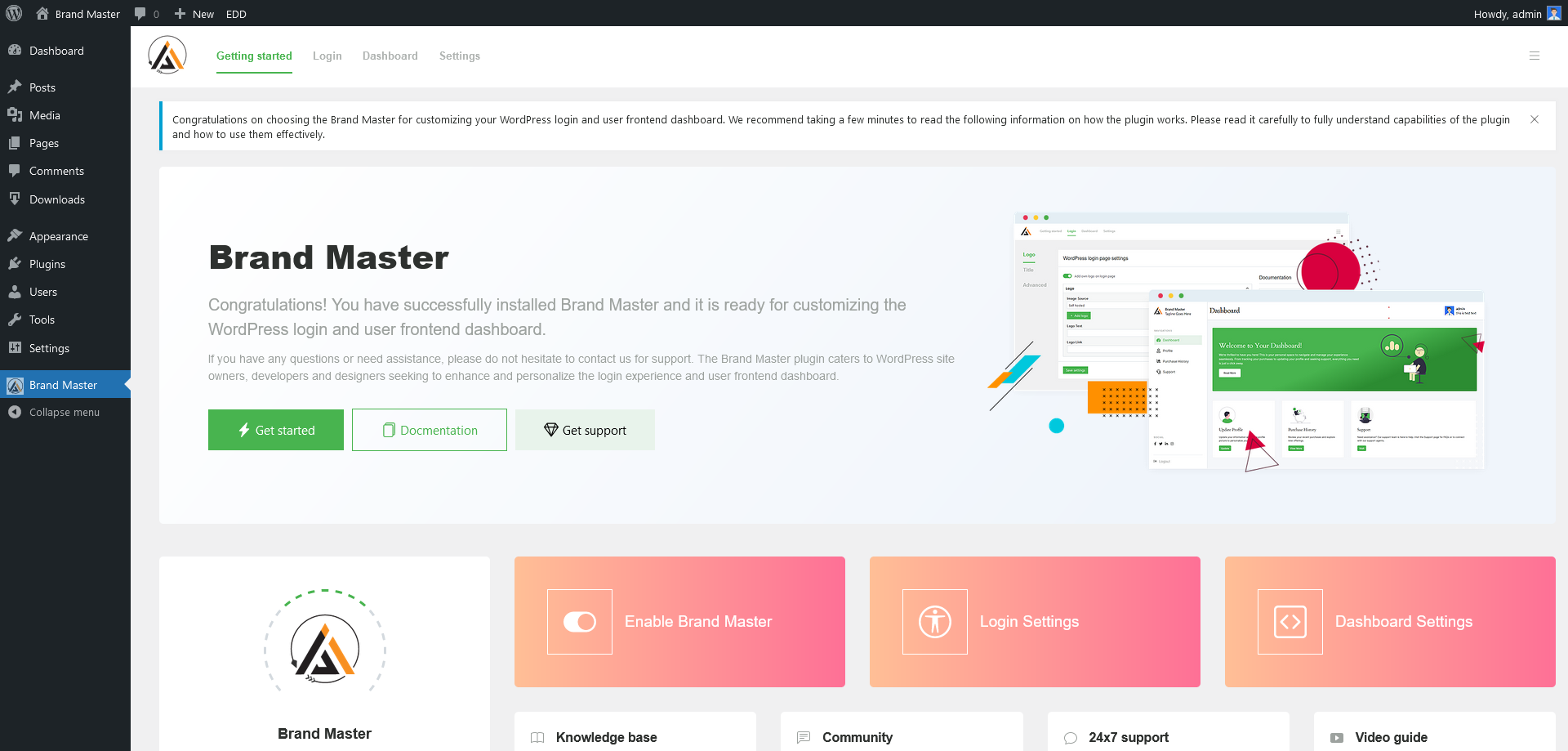
Dashboard - Getting started
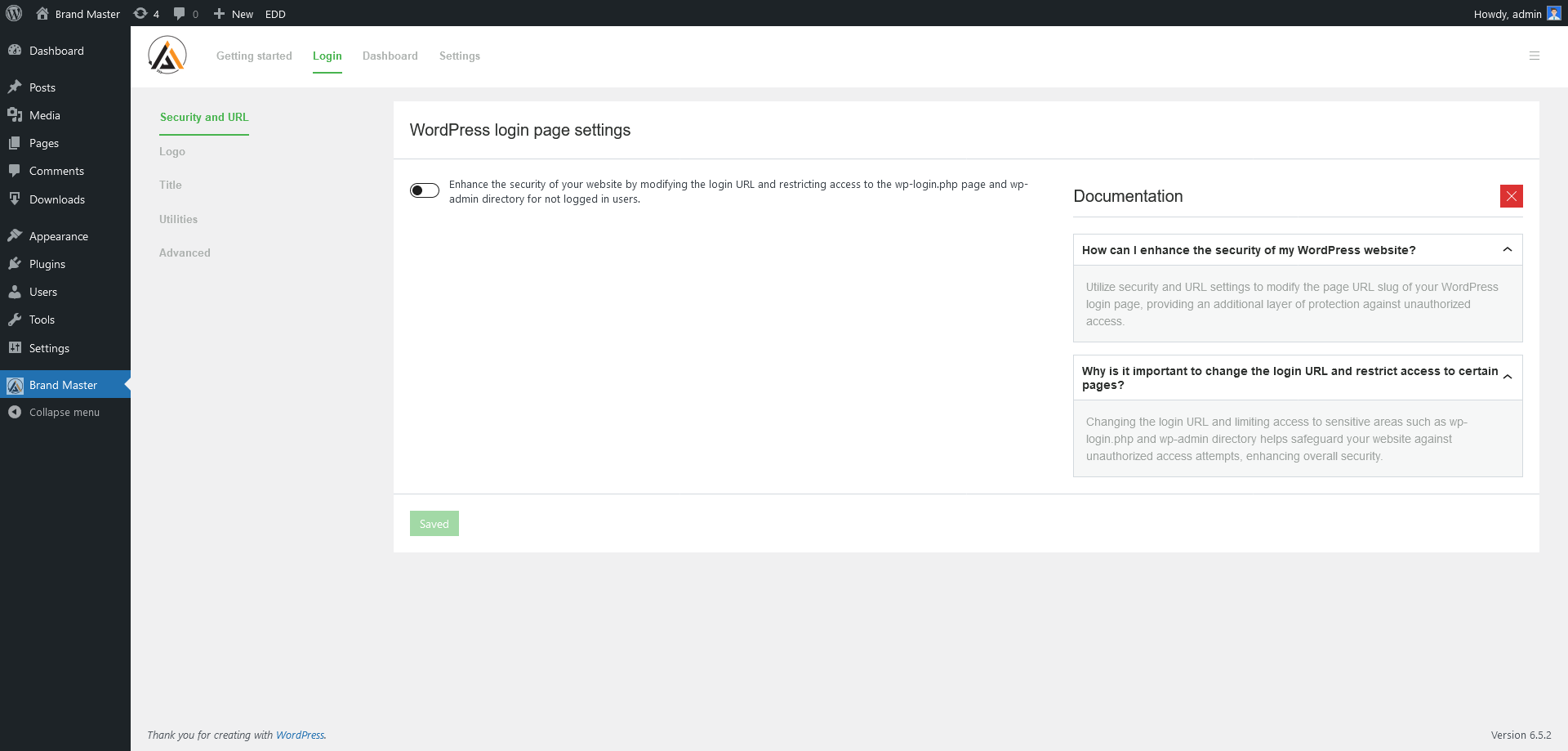
Dashboard - Login Settings => Security and URL
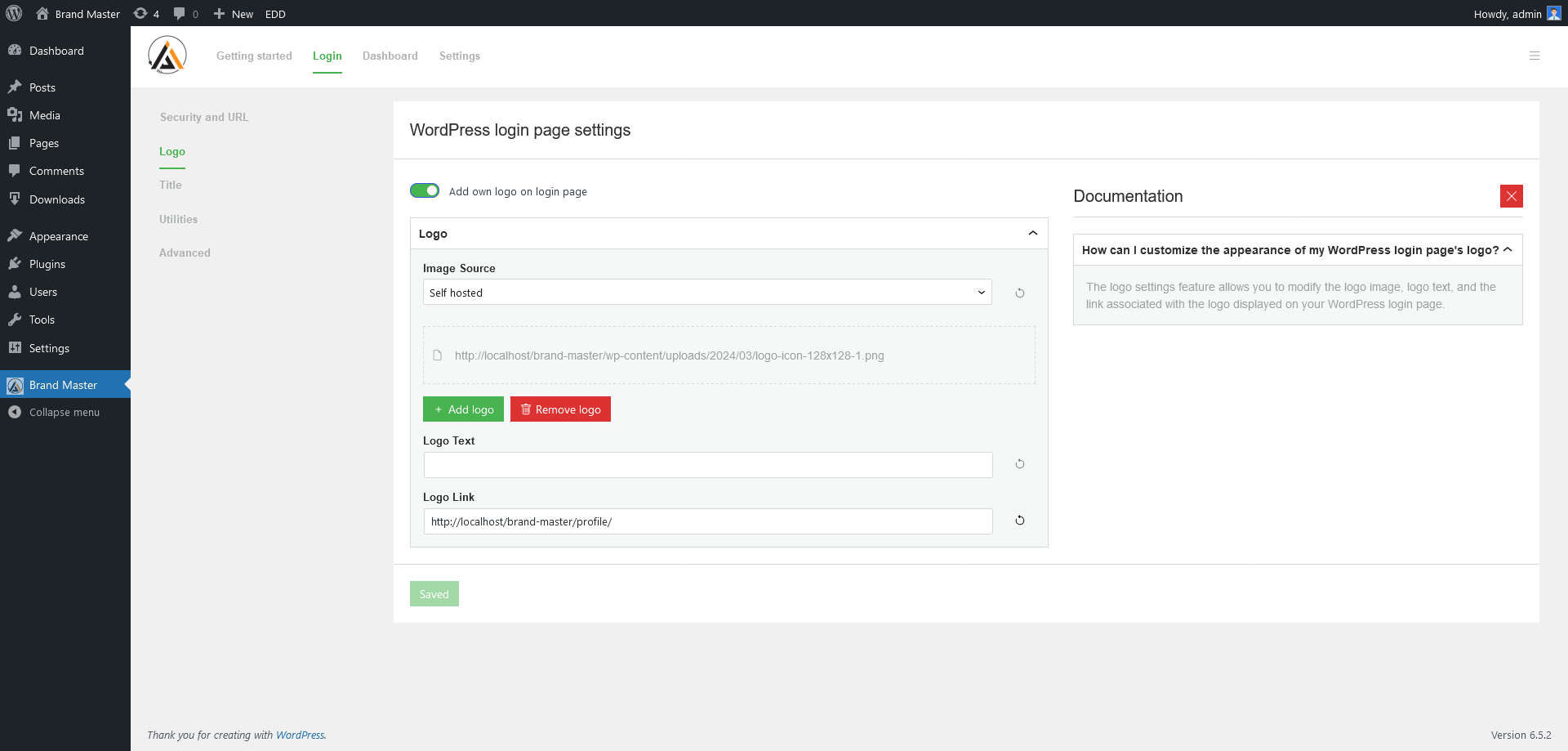
Dashboard - Login Settings => Logo
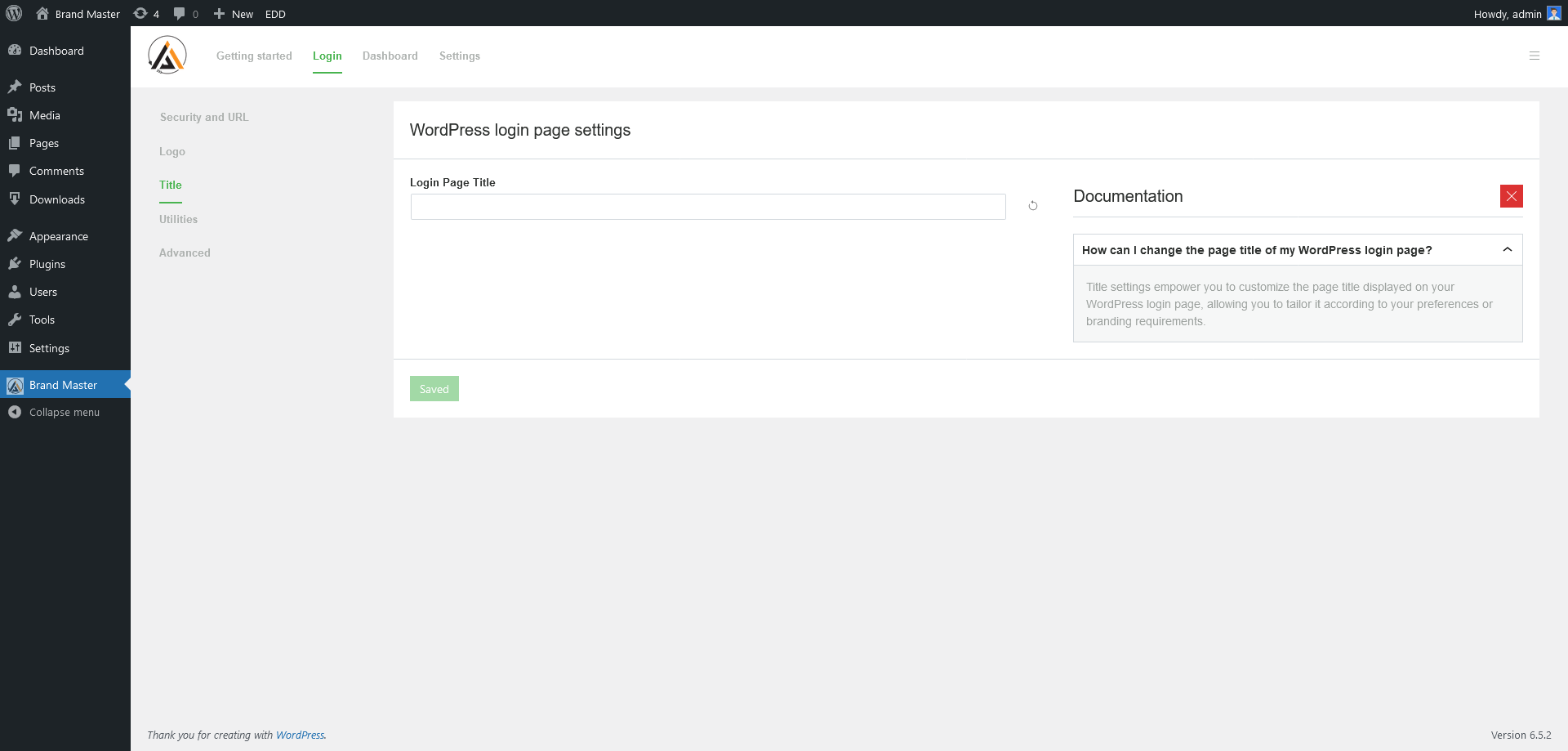
Dashboard - Login Settings => Page Title
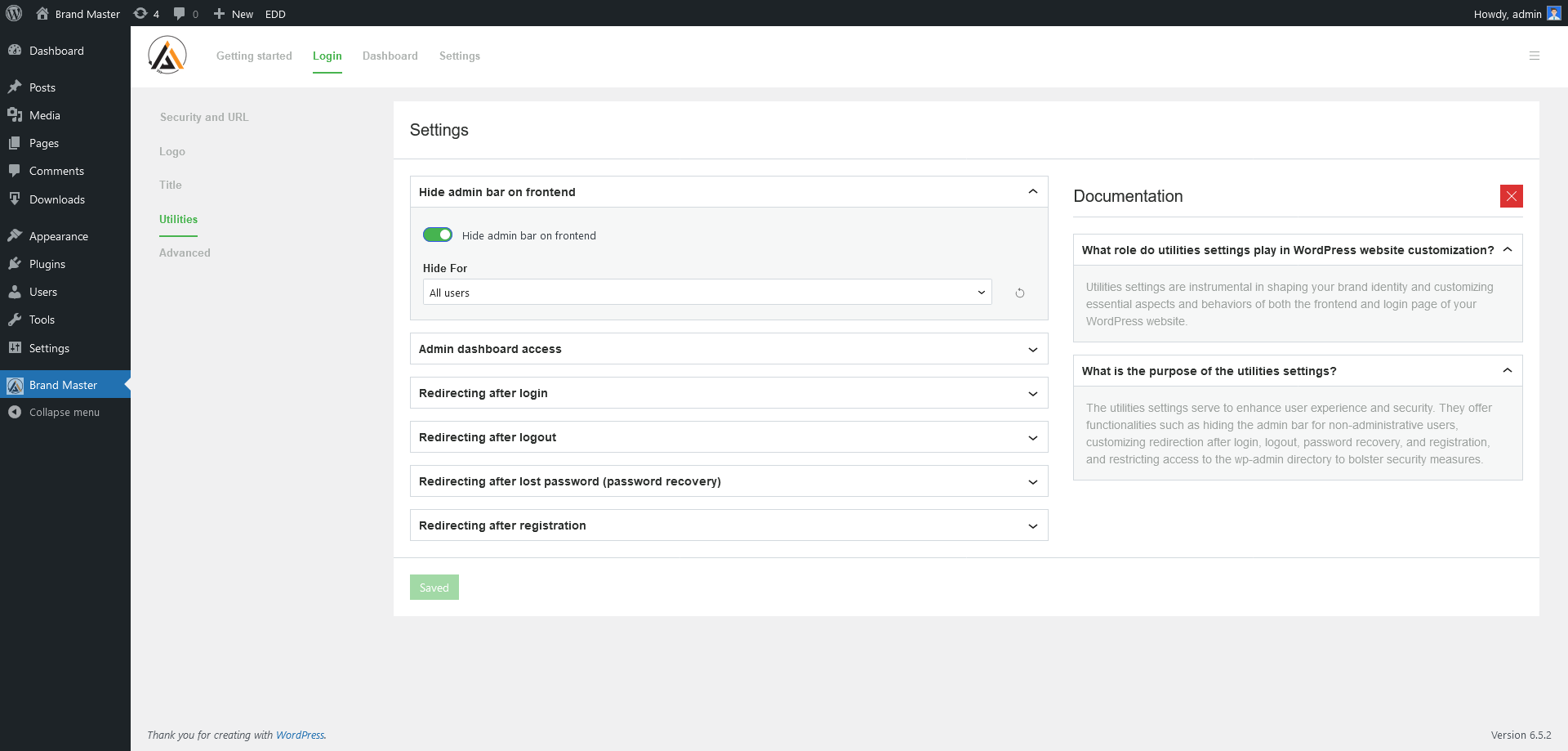
Dashboard - Login Settings => Utilities
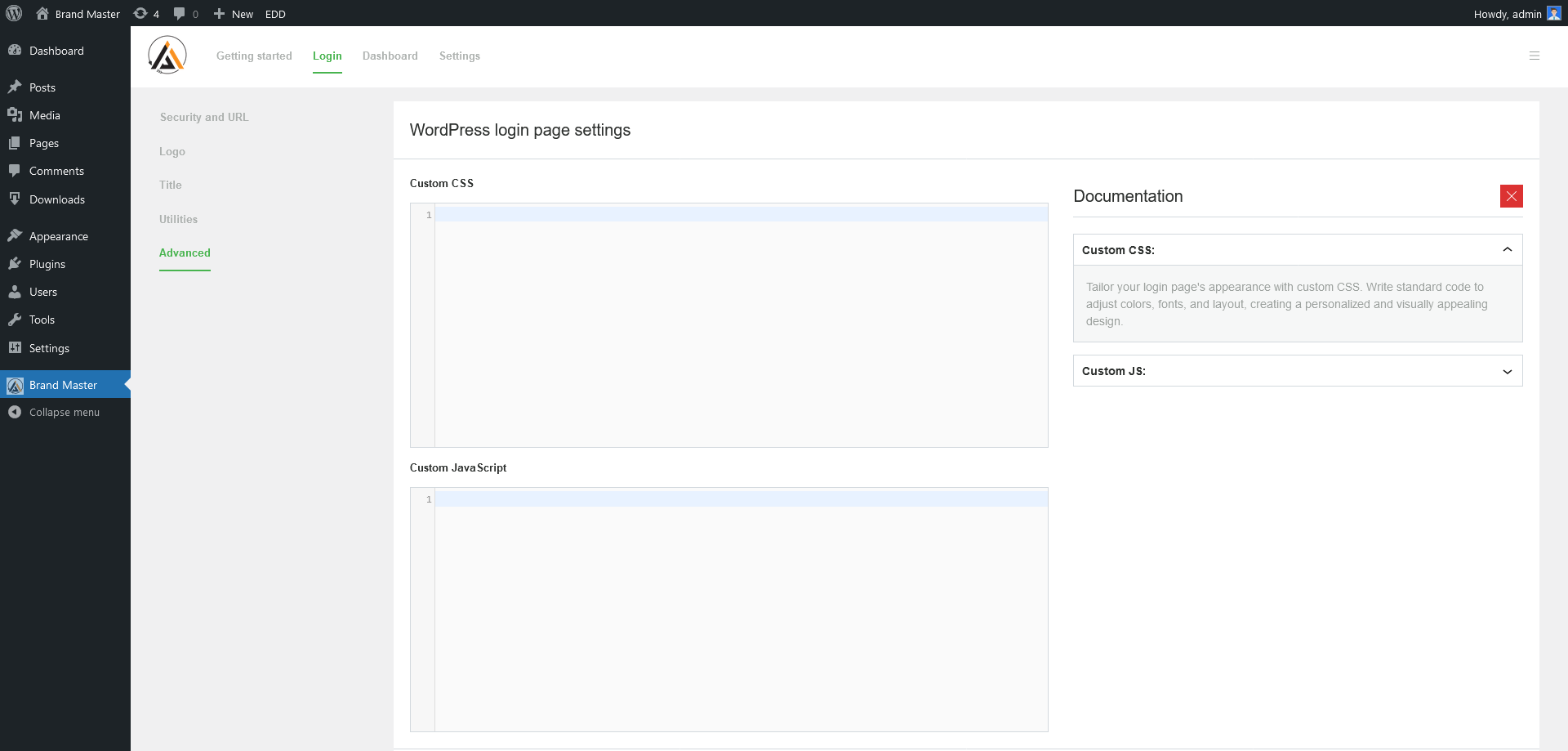
Dashboard - Login Settings => Advanced

Dashboard - Frontend Dashboard Settings => Non-logged-in visitor page
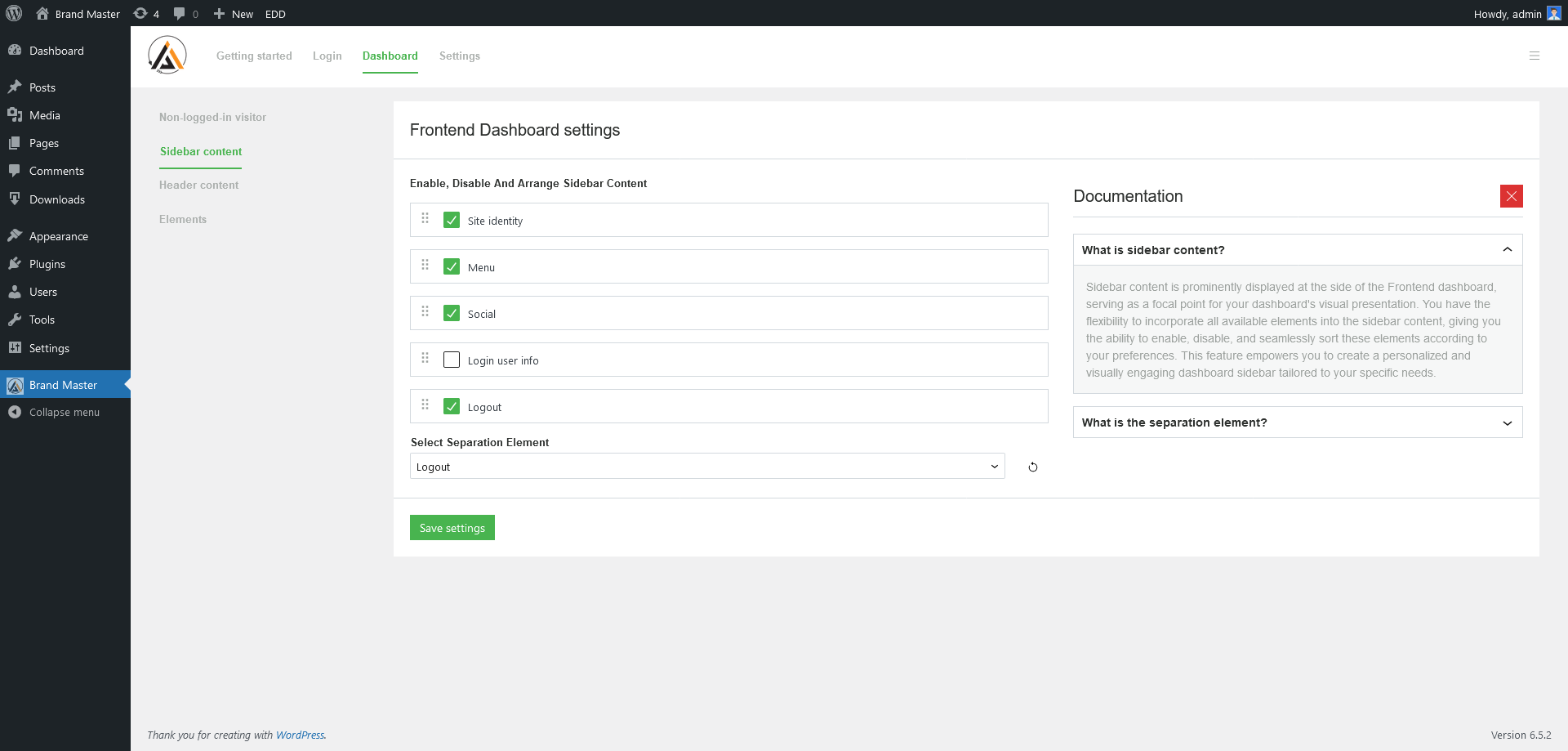
Dashboard - Frontend Dashboard => Sidebar content
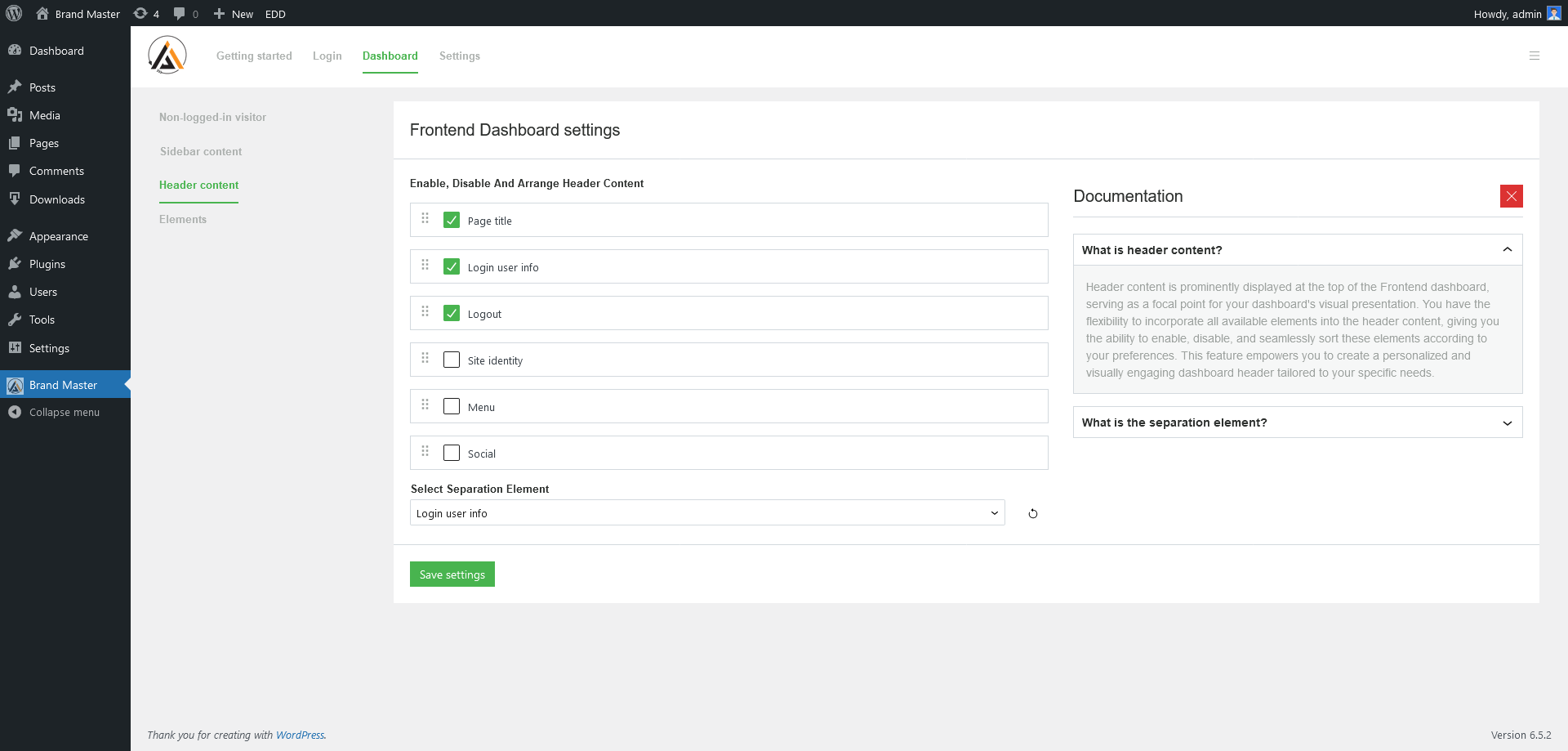
Dashboard - Frontend Dashboard => Header content
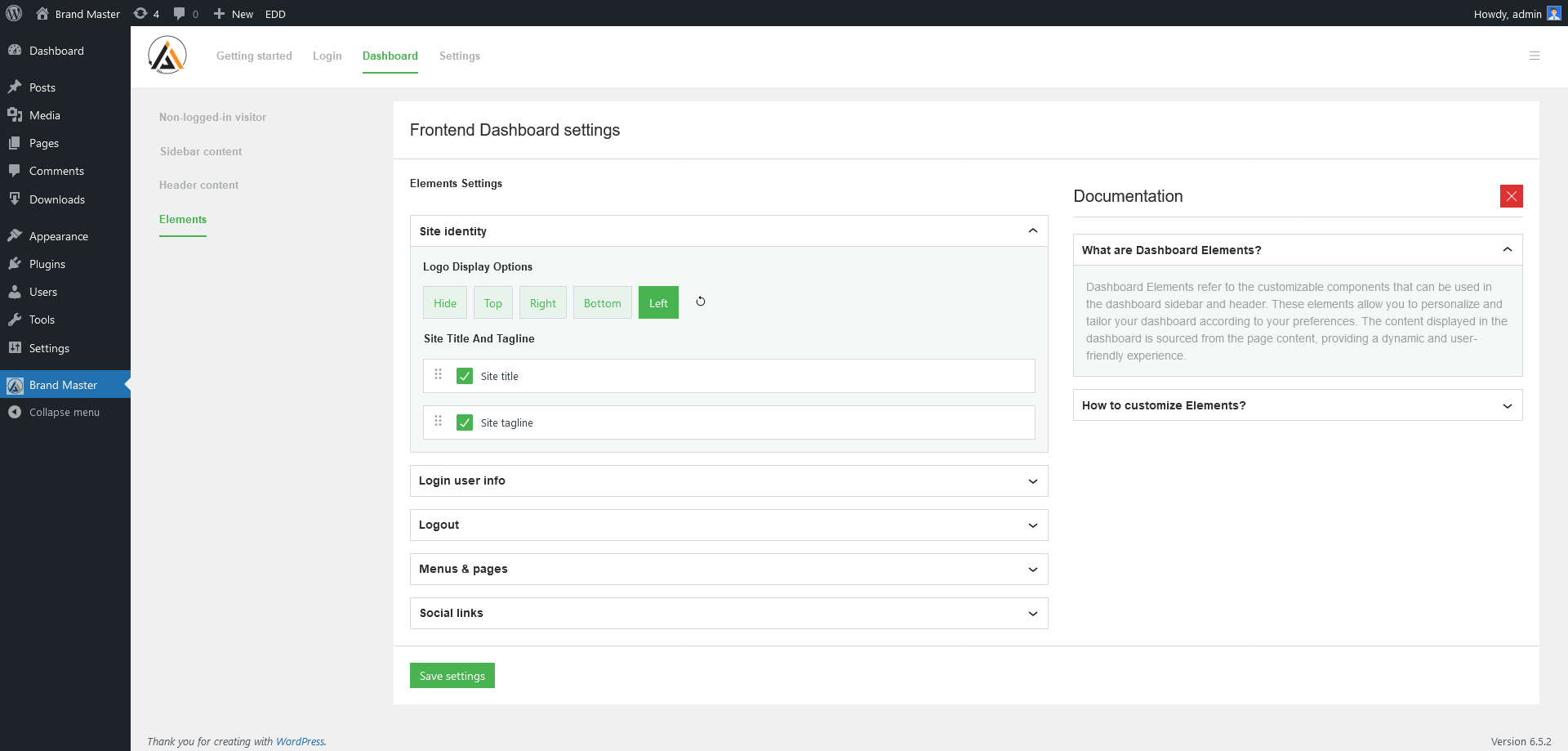
Dashboard - Frontend Dashboard => Elements
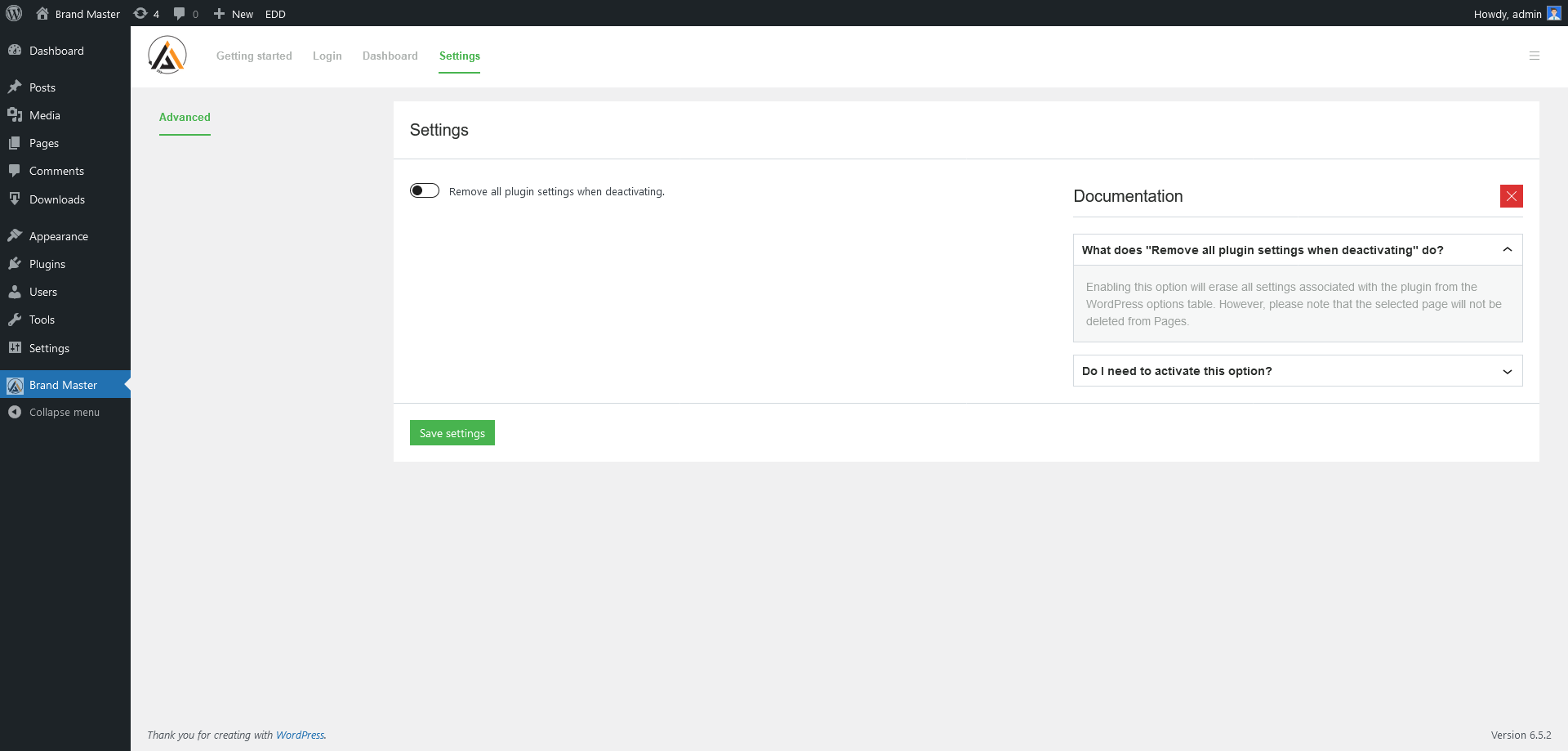
Dashboard - Settings => Advanced
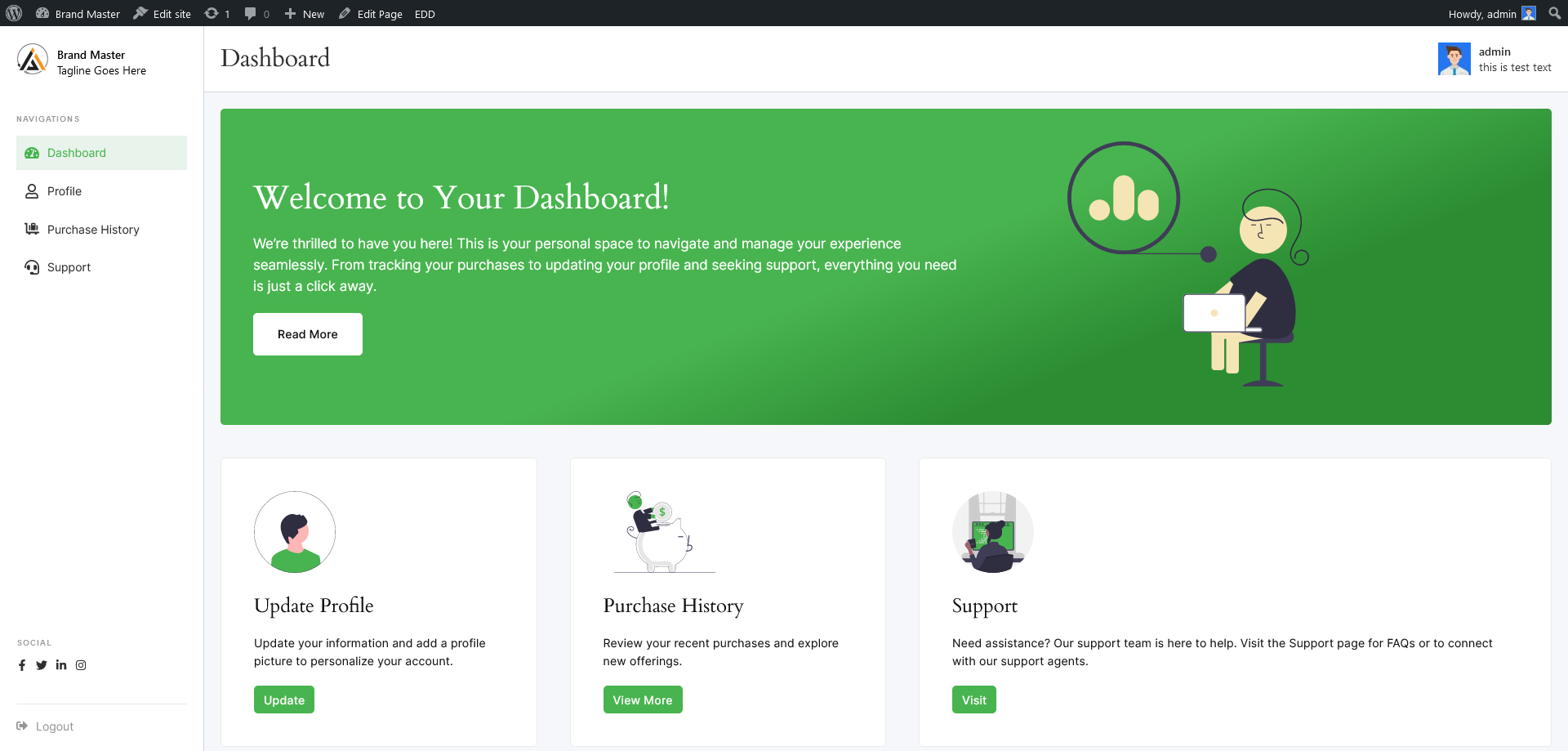
Frontend - User Dashboard
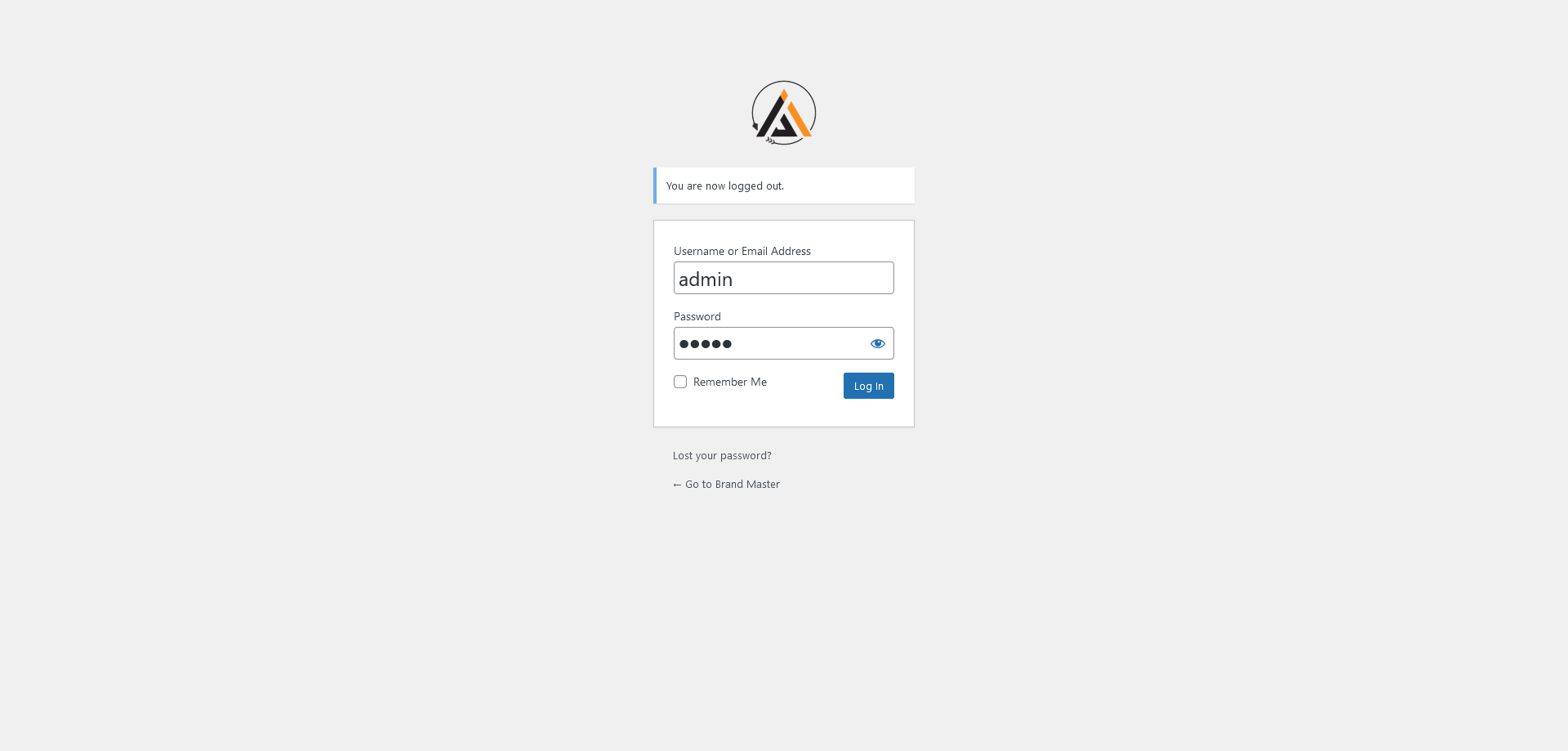
Frontend - Login page with own logo
Changelog
1.0.5
- Added: WordPress latest compatibility
- Fixed: Resolved issue with translation function preload
1.0.4
- Added: Tested with the latest WordPress
- Added: RTL support
- Updated: Atomic CSS
- Updated: npm packages
- Fixed: Admin Notices Hidden by Sticky Header on Plugin Settings Page #14
1.0.3
- Updated: Plugin URL
- Updated: Author links
- Updated: Contributors links
1.0.2
- Updated: Author
- Updated: Contributors
1.0.1
- Added: Tested with the latest WordPress
- Added: Plugin link to Settings.
1.0.0
- Initial release