

Category Manager for WooCommerce
A plugin to manage and organize WooCommerce product categories with advanced features and an intuitive interface.
Plugin info
Maintenance & Compatibility
Maintenance score
Stale • Last updated 266 days ago
Is Category Manager for WooCommerce abandoned?
Likely maintained (last update 266 days ago).
Compatibility
Similar & Alternatives
Explore plugins with similar tags, and compare key metrics like downloads, ratings, updates, support, and WP/PHP compatibility.
Description
Category Manager for WooCommerce allows you to easily manage your WooCommerce product categories with a range of powerful features:
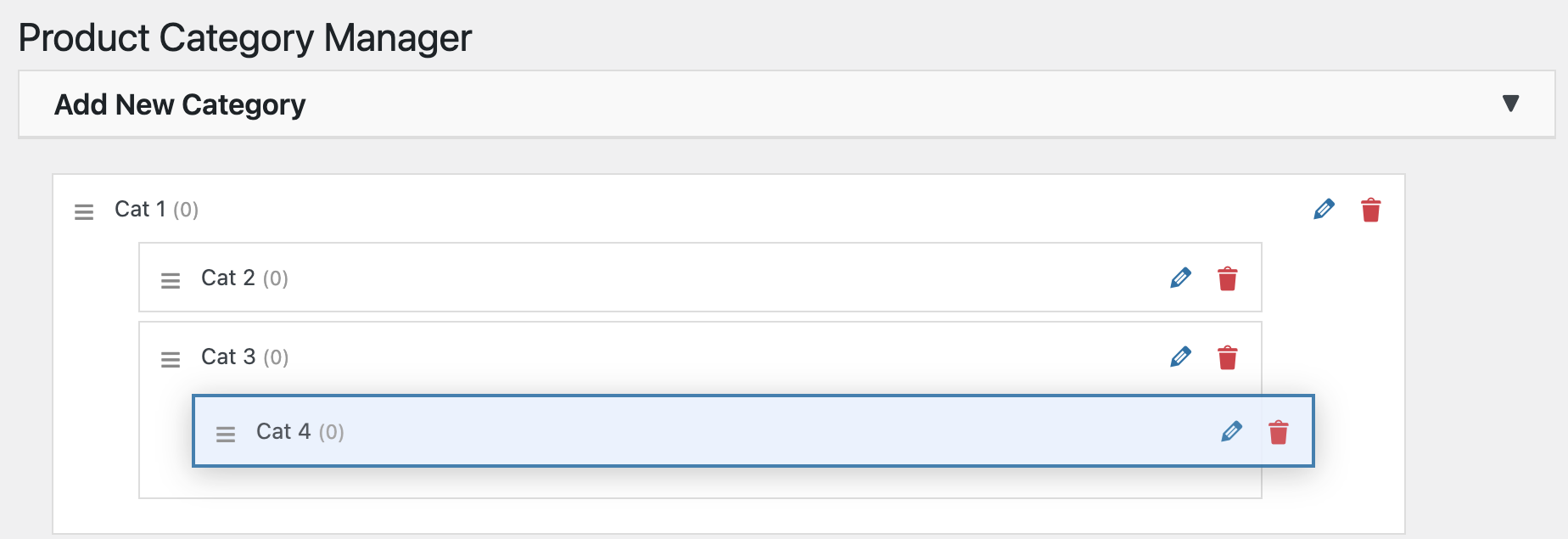
– Drag-and-drop reordering of categories for flexible organization
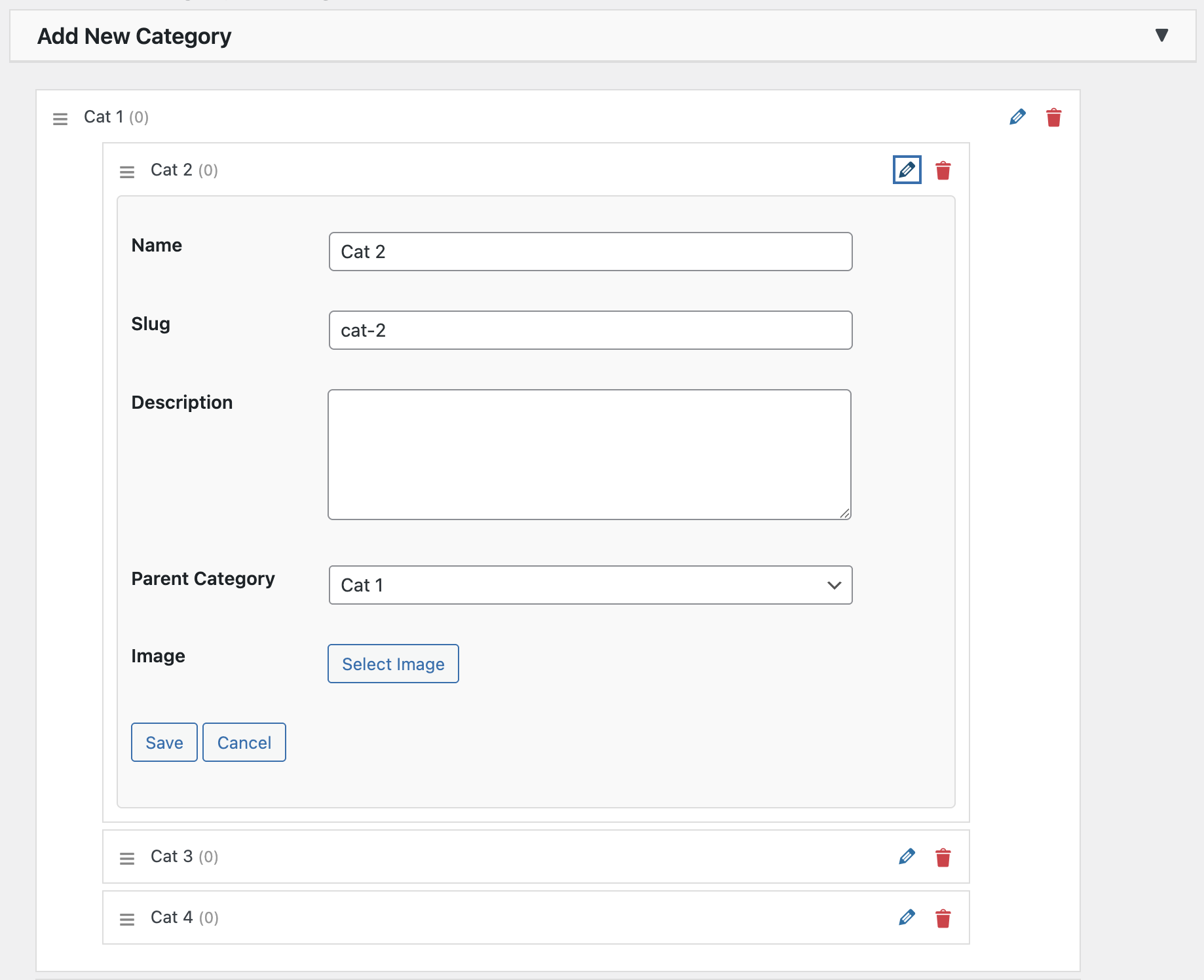
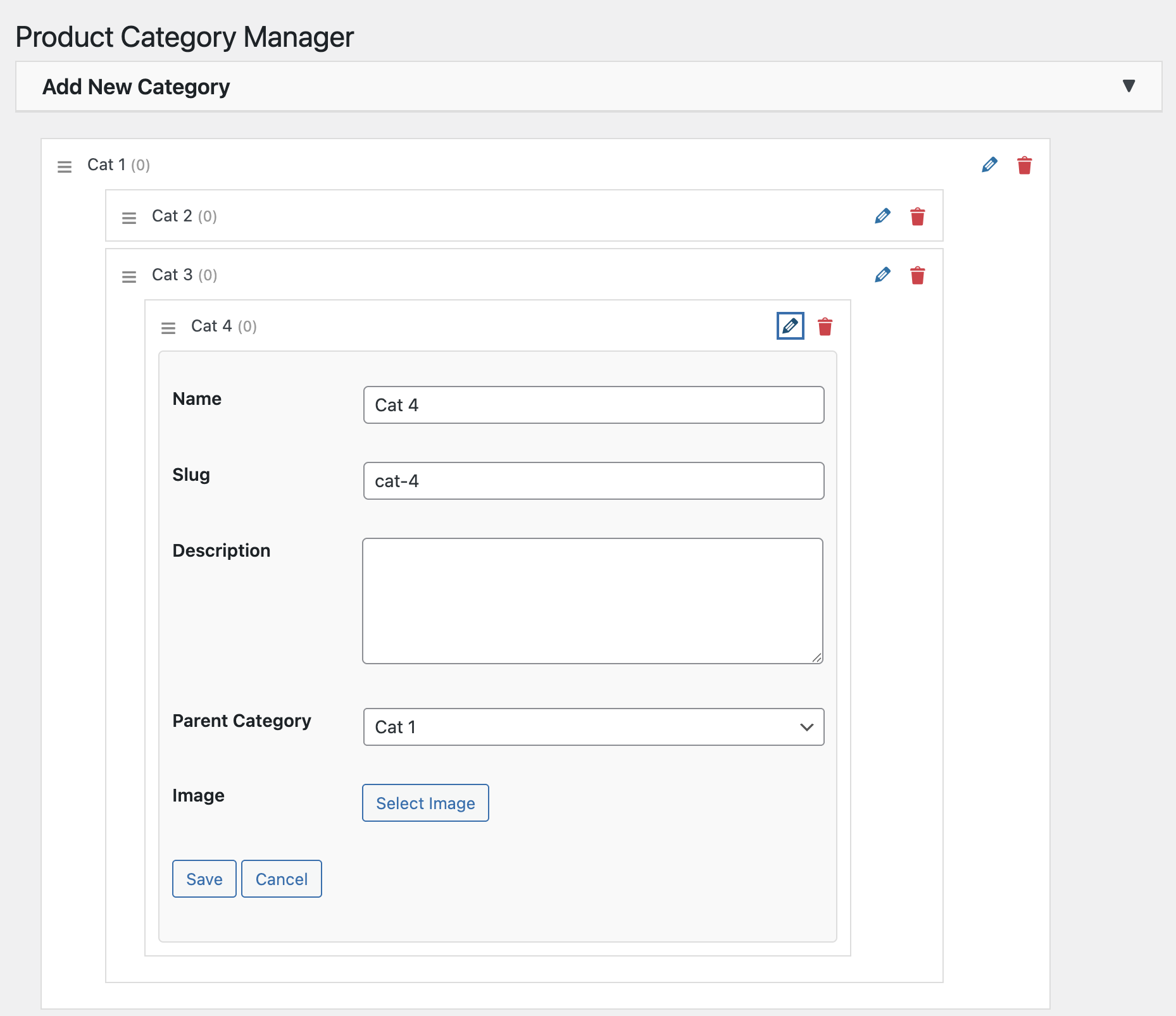
– Quick edit functionality to update category details instantly
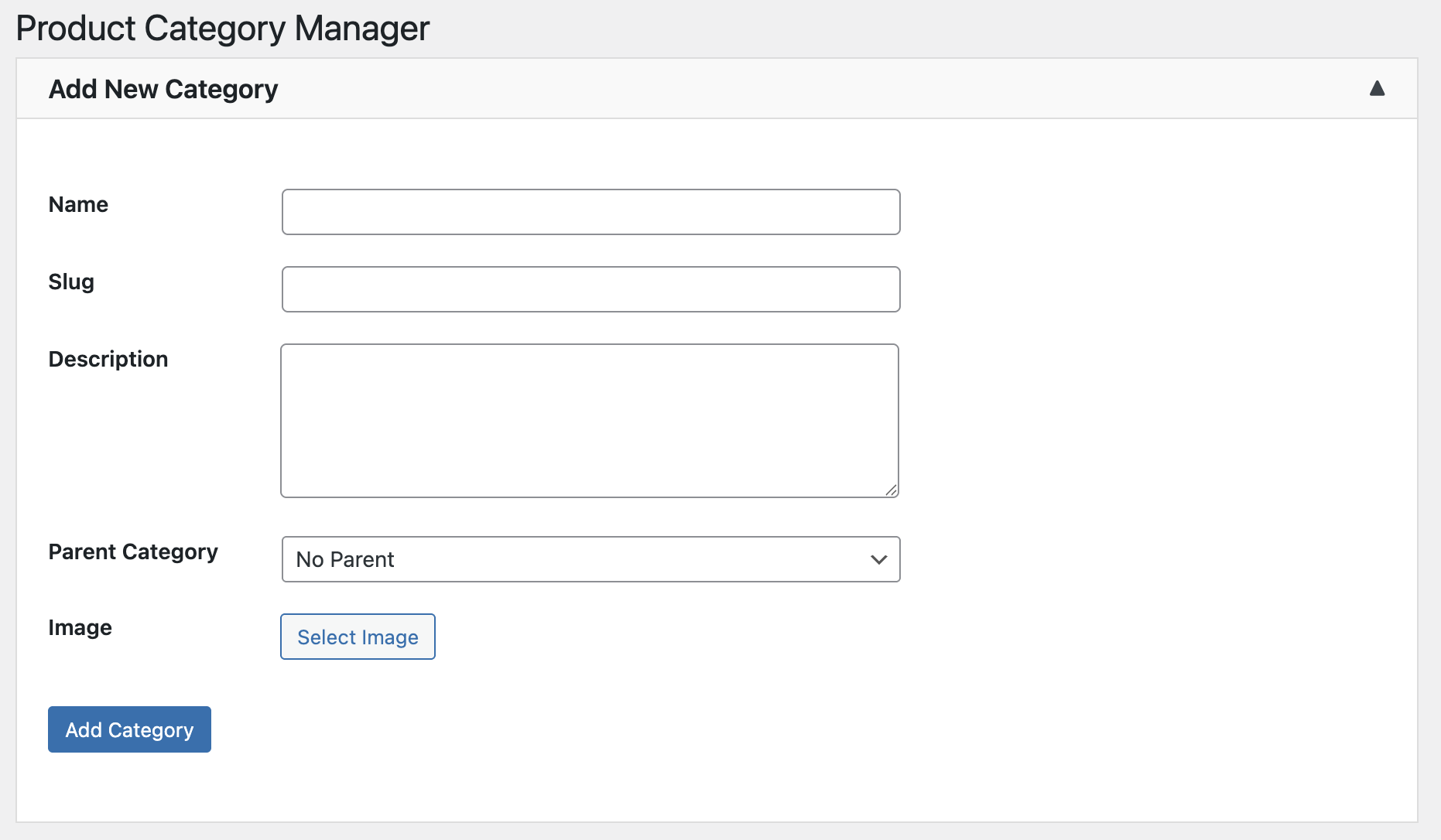
– Add new categories with name, slug, description, parent category, and image
– Seamless integration with WooCommerce
– Set a default category for products with no assigned category
– Display images next to categories for better visual management
– Undo functionality with a 7-second timer to recover deleted categories
– Improved user interface and bug fixes for a smoother experience
This plugin is perfect for store owners who need an efficient way to manage numerous product categories, especially with complex parent-child relationships.
Installation
- Upload the
category-manager-for-woocommercefolder to the/wp-content/plugins/directory. - Activate the plugin through the ‘Plugins’ menu in WordPress.
- Navigate to the ‘Ctgry Mngr’ menu in your WordPress admin dashboard to start managing your categories.
Frequently Asked Questions
Managing WooCommerce product categories is very basic and can be challenging, especially if you have a large number of categories or complex parent-child relationships. With this plugin, you can easily manage categories using drag-and-drop and instant editing features.
Yes, the plugin is tested and compatible with the latest version of WooCommerce.
Yes, you can upload an image for each category directly from the ‘Add New Category’ form.
Review feed
Screenshots
The main Category Manager page showing the drag-and-drop interface.
The 'Add New Category' form with fields for name, slug, description, parent, and image.
Changelog
3.0.1
- Added default category settings for easier product assignment
- Introduced category image display for better management
- Implemented Undo functionality with a 7-second timer for deleted categories
- Fixed bugs and improved user interface for a smoother experience
2.9.5
- Initial release with drag-and-drop and quick edit features.