

Copy Link and QR Code
Add Copy Link & Show QR buttons to posts, pages, and custom post types. Includes settings for post types, button placement, admin toggle, shortcod …
Plugin info
Maintenance & Compatibility
Maintenance score
Stale • Last updated 182 days ago • 2 reviews
Is Copy Link and QR Code abandoned?
Likely maintained (last update 182 days ago).
Compatibility
Similar & Alternatives
Explore plugins with similar tags, and compare key metrics like downloads, ratings, updates, support, and WP/PHP compatibility.
Description
Copy Link and QR Code allows you to add shareable buttons to posts, pages, and WooCommerce products:
- Copy the current page URL to the clipboard.
- Generate a QR code on the fly (no external API required).
- Configure post types, button placement, and toggle admin QR column via settings page.
- Shortcode:
[copy_link_and_qr_code] - Gutenberg block for easy insertion.
- Lightweight and privacy-friendly (no data collection).
This plugin bundles the qrcode-generator library.
- Repository: https://github.com/kazuhikoarase/qrcode-generator
- Homepage: https://github.com/kazuhikoarase/qrcode-generator#readme
- Documentation: https://docs.npmjs.com/
- License: MIT
This implementation is based on JIS X 0510:1999.
The term “QR Code” is a registered trademark of DENSO WAVE INCORPORATED.
Privacy
This plugin does not collect, store, or transmit any personal data.
Installation
- Upload the plugin files to
/wp-content/plugins/copy-link-and-qr-code/. - Activate the plugin through the “Plugins” screen in WordPress.
- Configure settings under Settings Copy Link & QR Code.
Frequently Asked Questions
No. It does not collect, store, or send any data to external servers.
Yes. It works on products as well as posts and pages.
Yes. Enable the Show QR Code Column in Admin toggle in the plugin settings to display a QR code column in post/page/custom post type lists.
Review feed
Very Simple, Very Useful — Instant Link & QR Code Copying
Simple, Fast, and Reliable Plugins
Screenshots

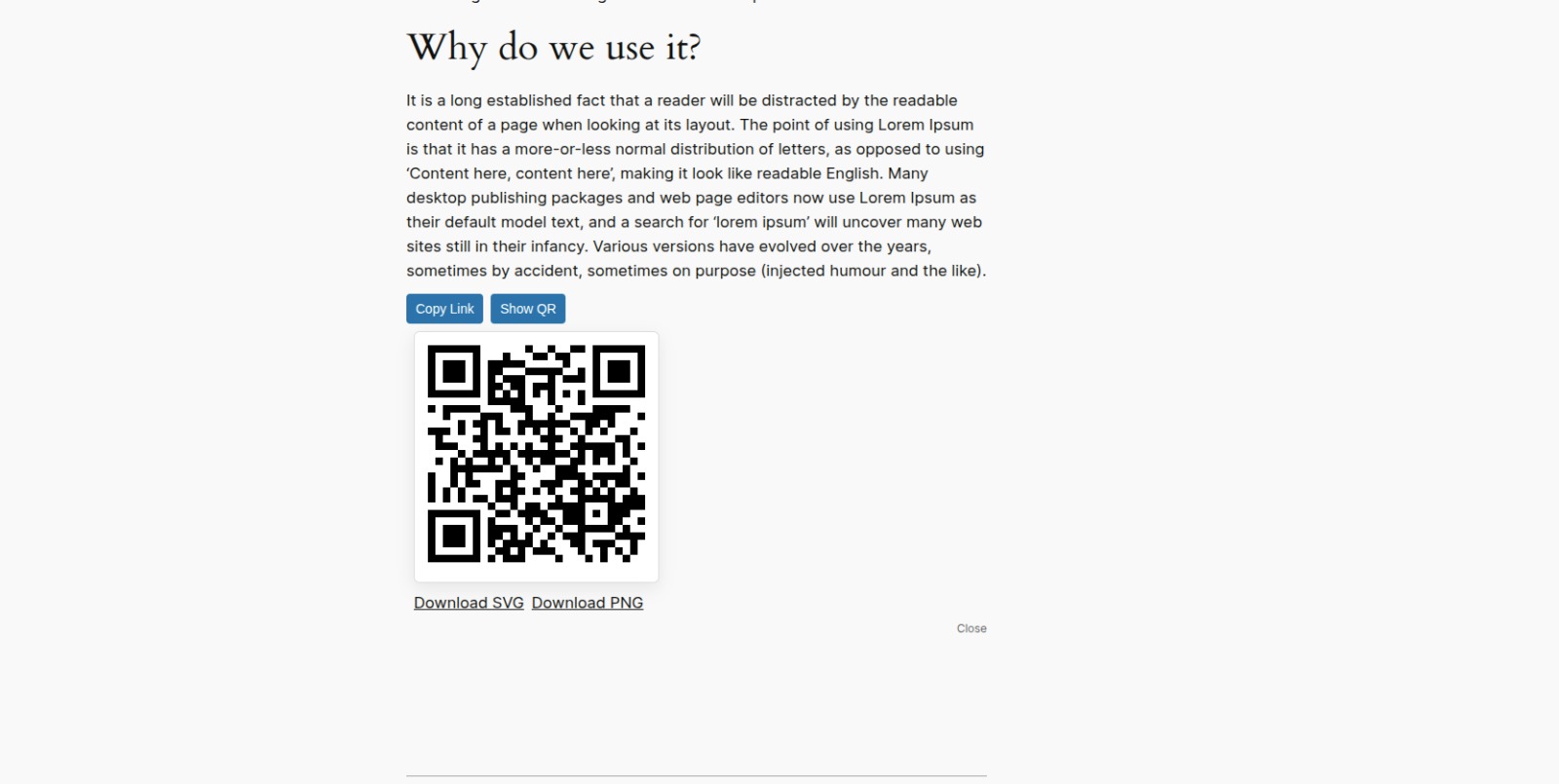
Copy Link & Show QR buttons on a post/page/product.
Plugin settings page.

Changelog
1.1
- Added admin setting toggle to enable/disable QR Code column in post/page/custom post type list tables.
- Updated settings page to include the new toggle.
- Refactored
CLQRC_Adminclass for better maintainability. - Minor HTML and formatting improvements in the settings page.
- Ensured compatibility with WordPress 6.1+ and PHP 7.4+.
1.0
- Initial release.
- Adds Copy Link & Show QR buttons on single posts, pages, and CPTs.
- Settings page for post types & button position.
- Shortcode
[copy_link_and_qr_code]and Gutenberg block. - Privacy-friendly: no data collection.