

Dinosaur Game
Add the dinosaur game from Google Chrome to your site using the [dinosaur-game] shortcode.
Plugin info
Maintenance & Compatibility
Maintenance score
Stale • Last updated 230 days ago • 13 reviews
Is Dinosaur Game abandoned?
Likely maintained (last update 230 days ago).
Compatibility
Similar & Alternatives
Explore plugins with similar tags, and compare key metrics like downloads, ratings, updates, support, and WP/PHP compatibility.
Description
This plugin lets you add the dinosaur game from Google Chrome onto your WordPress site.
To use it, install the plugin, and use the [dinosaur-game] shortcode wherever you’d like the game to appear.
How to play
- Jump to start a game.
- The object of the game is to run as far as possible. Enemies and obstacles will try to block your path.
- Use the space bar or up key on your keyboard to jump over them. The down key lets you crouch. On mobile, tap on the game area to jump.
Installation
Frequently Asked Questions
Yes! The HTML markup of the game has classes that make it easy to apply CSS to them. If you like playing with game files, you can also swap out the spritemap with your own by editing the game-sprites-1x.png and game-sprites-2x.png files.
Yes! In fact, you can put this game anywhere on your site that you can put a shortcode. Inside post/page content you can use [dinosaur-game]. In a PHP template file you can use:
<?php echo do_shortcode('[dinosaur-game]'); ?>
- If you see the message “The dinosaur game can only be used once per page.” then that means the page is trying to show the shortcode more than once. Since the game binds to keys (up, down, and spacebar) it wouldn’t work well with multiple instances of the game on a single page. So this game only runs once per page or post.
- If you don’t see an error message, and the shortcode still isn’t working, check your PHP error log or turn on debug mode to see if another plugin or theme is interfering with this plugin.
Also feel free to ask a question on the WordPress.org support forum.
Review feed
Screenshots
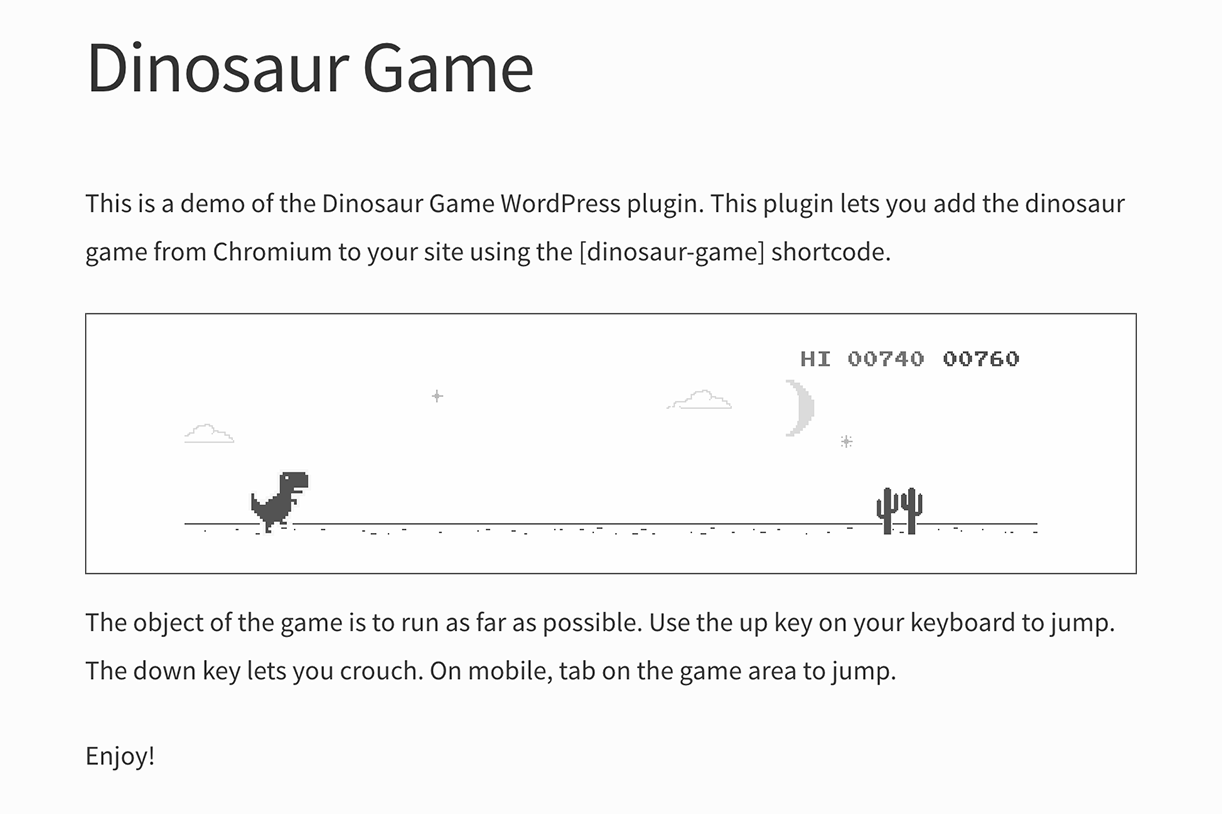
A demo of the dinosaur game in a post.

The dinosaur game works on all screen sizes.
Changelog
1.0.7
- Makes it easier to redefine plugin resources so another plugin could specify custom js, css, or game sprites.
1.0.6
- Solves a problem with full page caching.
1.0.5
- Solves a compatibility issue with the plugin Lazy Load by Mohammad Jangda.
1.0.4
- Solves a compatibility issue with Jetpack Photon CDN.
1.0.3
- “The dinosaur game can only be used once per page.” checking is now done within the shortcode rather than using CSS, and works much better.
1.0.2
- The game’s CSS is now slightly more portable.
- This release fixes compatibility issues with a number of image lazy load plugins including:
- Crazy Lazy
- EWWW Image Optimizer
- Lazy Load by WP Rocket
- Lazy Loader
- Native Lazyload
- Smush Image Compression and Optimization (wp-smushit) by WPMU DEV
- WP-Optimize Premium – Clean, Compress, Cache
1.0.1
- Solves a compatibility issue with the a3 Lazy Load plugin.
1.0.0
- Initial release.