

Document Library Hub
Organizing documents in customizable formats, with advanced access control options.
Plugin info
Maintenance & Compatibility
Maintenance score
Possibly abandoned • Last updated 376 days ago
Is Document Library Hub abandoned?
Possibly abandoned (last update 376 days ago).
Compatibility
Similar & Alternatives
Explore plugins with similar tags, and compare key metrics like downloads, ratings, updates, support, and WP/PHP compatibility.
Description
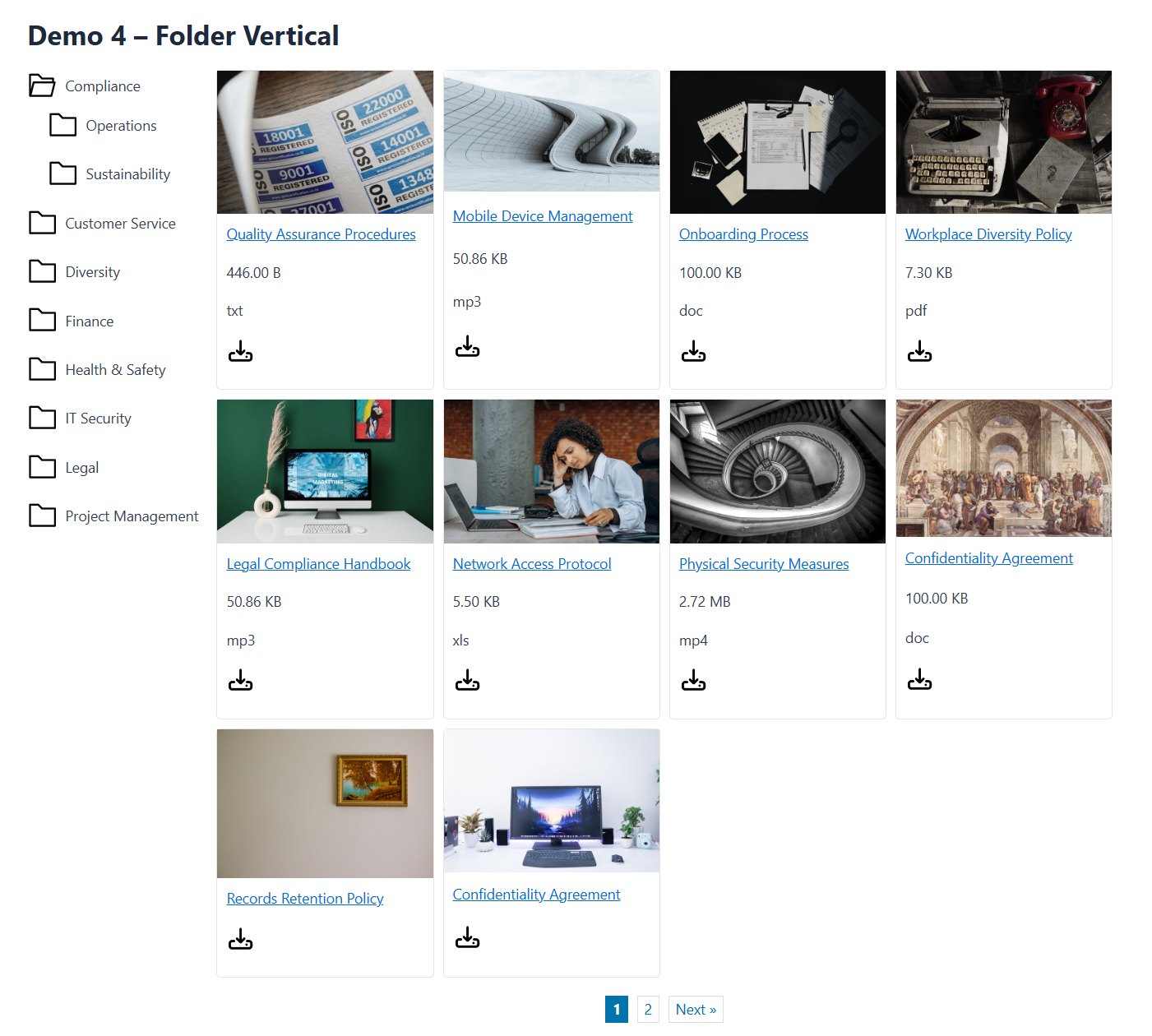
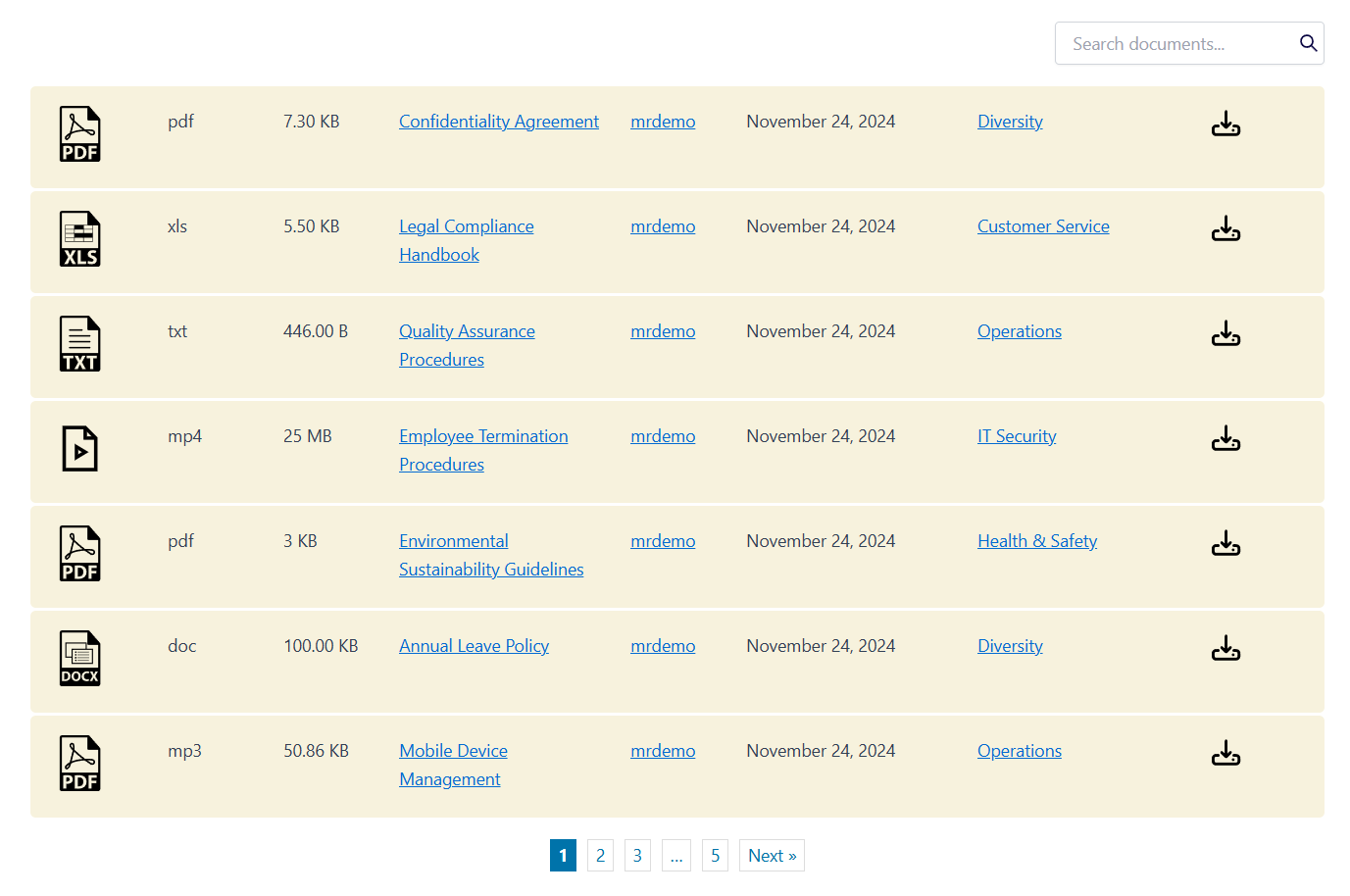
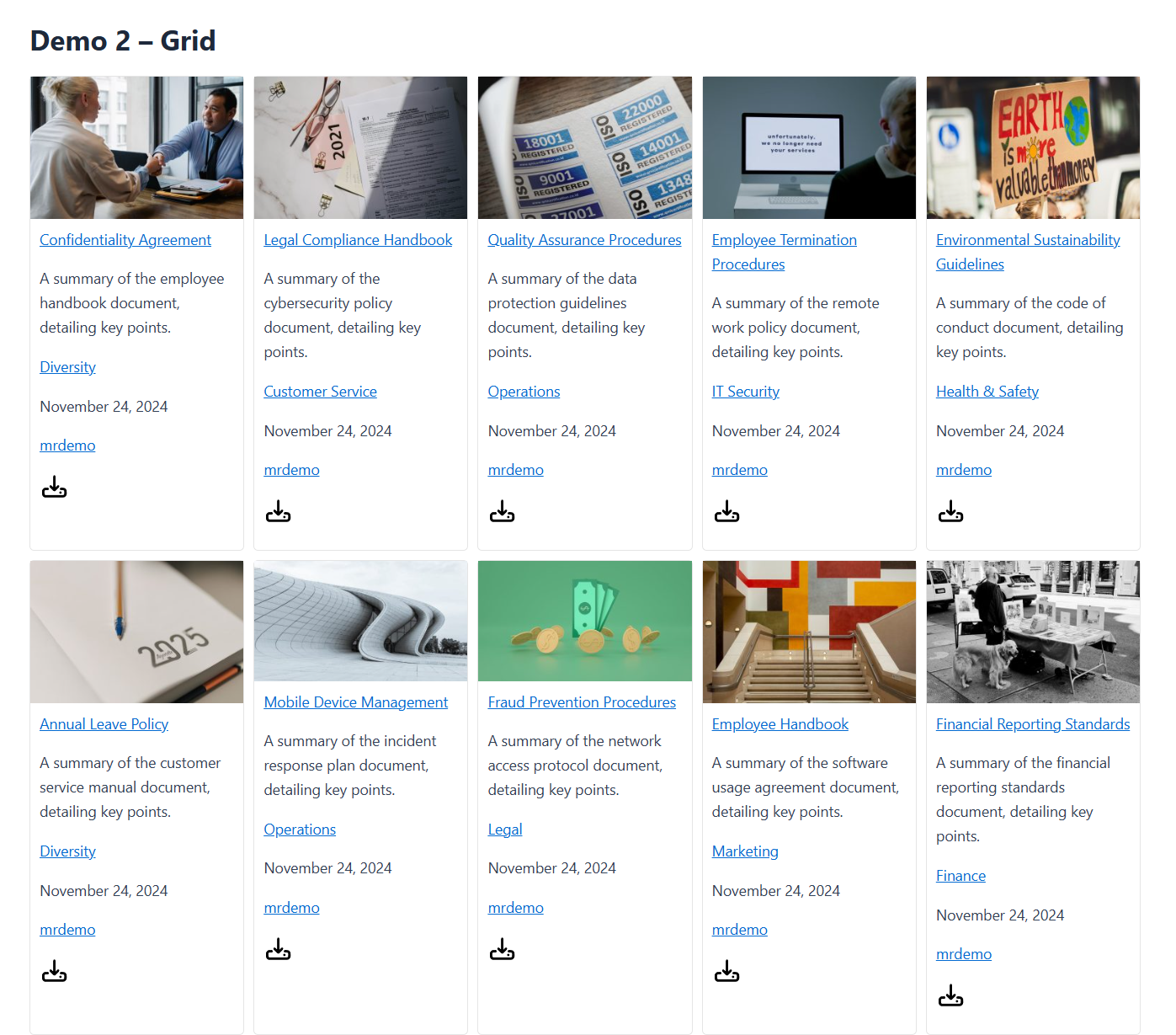
Document Library Hub is the ultimate solution for organizing, displaying, and protecting sensitive documents on your WordPress website. Whether you need to create a private file library, restrict access to certain user roles, or showcase documents in a sleek layout, this plugin provides all the tools you need.
Key Features:
1. Advanced Document Management
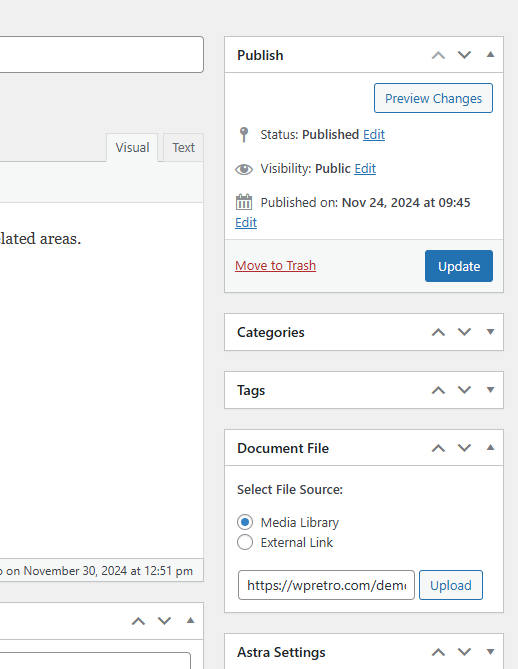
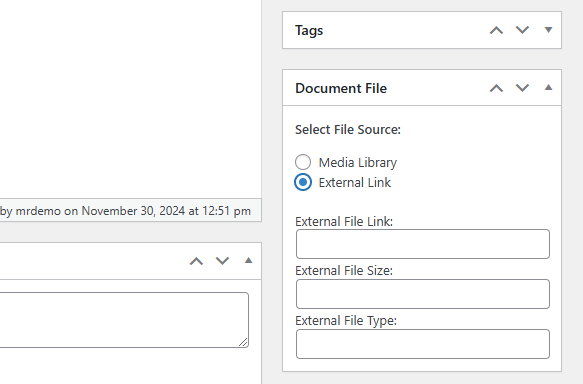
Organize your files effortlessly with categories and a centralized library. Managing large collections has never been easier.
2. Customizable Display Options
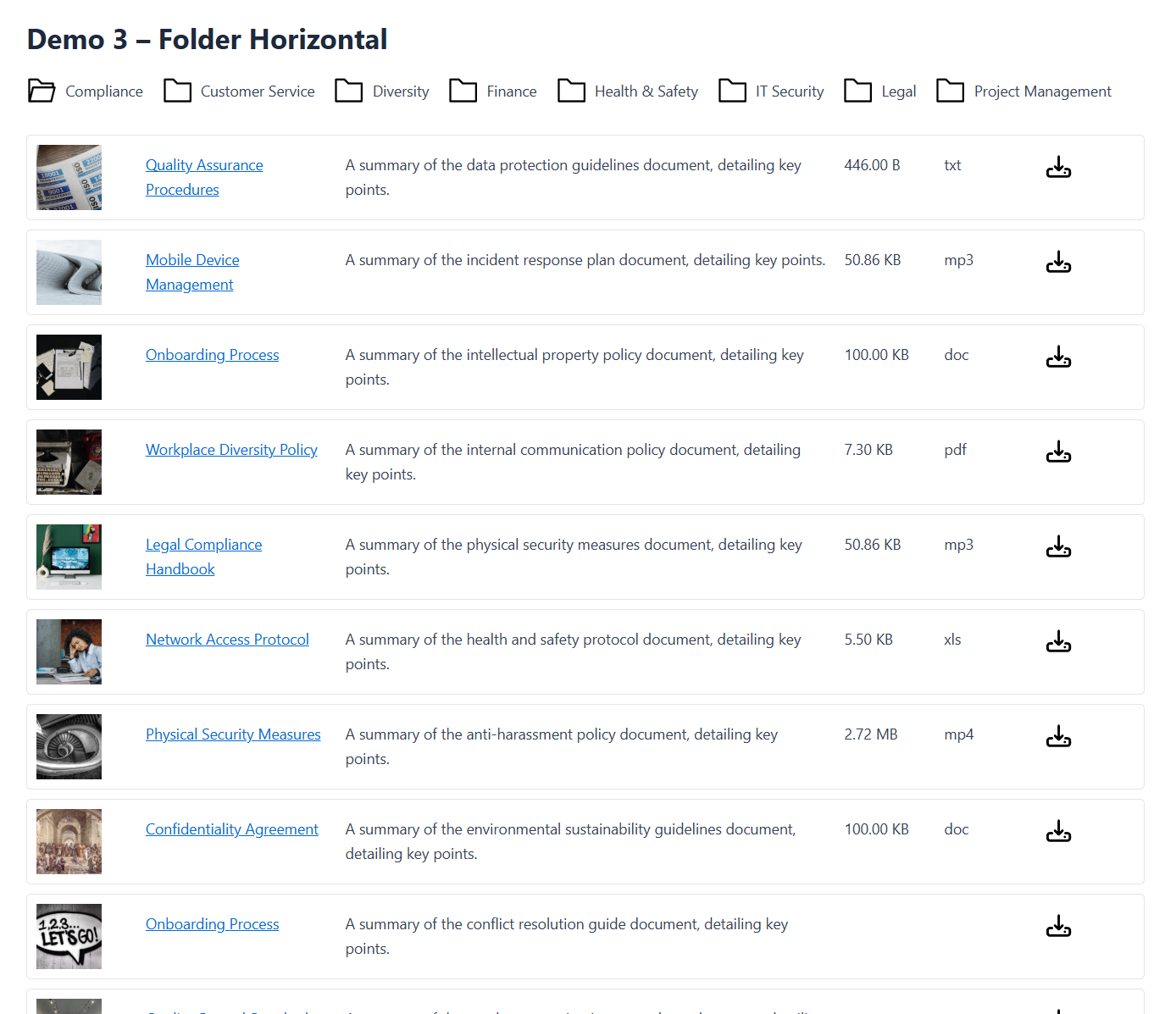
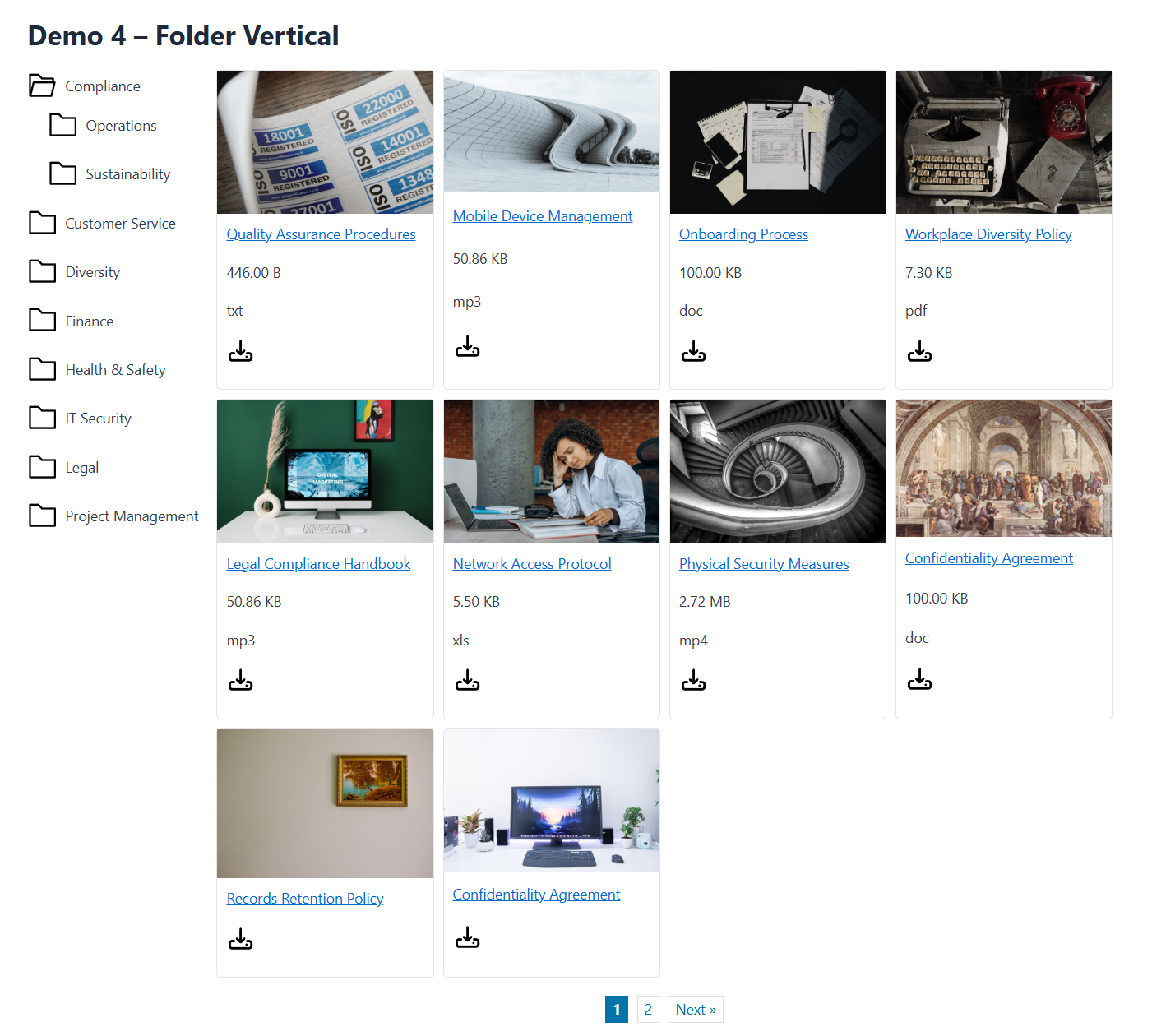
Showcase your documents in a table or grid layout with fully customizable options to match your website’s style.
3. Secure Access Control
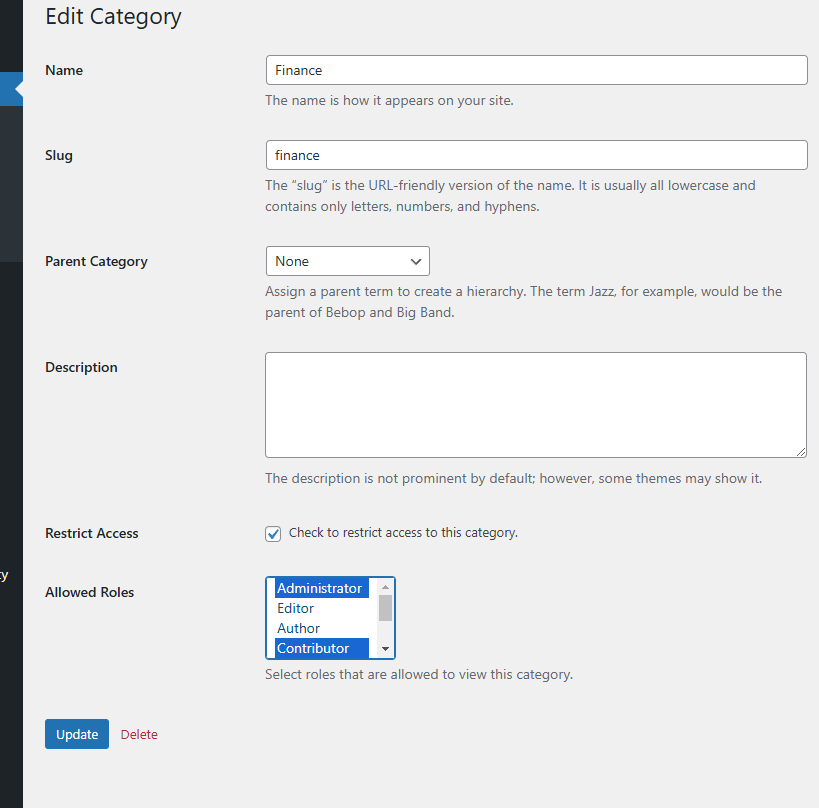
Protect documents posts. Set permissions based on user roles, ensuring only authorized users can view specific documents.
Installation
- Download and install the Document Library Hub plugin from the WordPress plugin repository.
- Activate the plugin through the “Plugins” menu in WordPress.
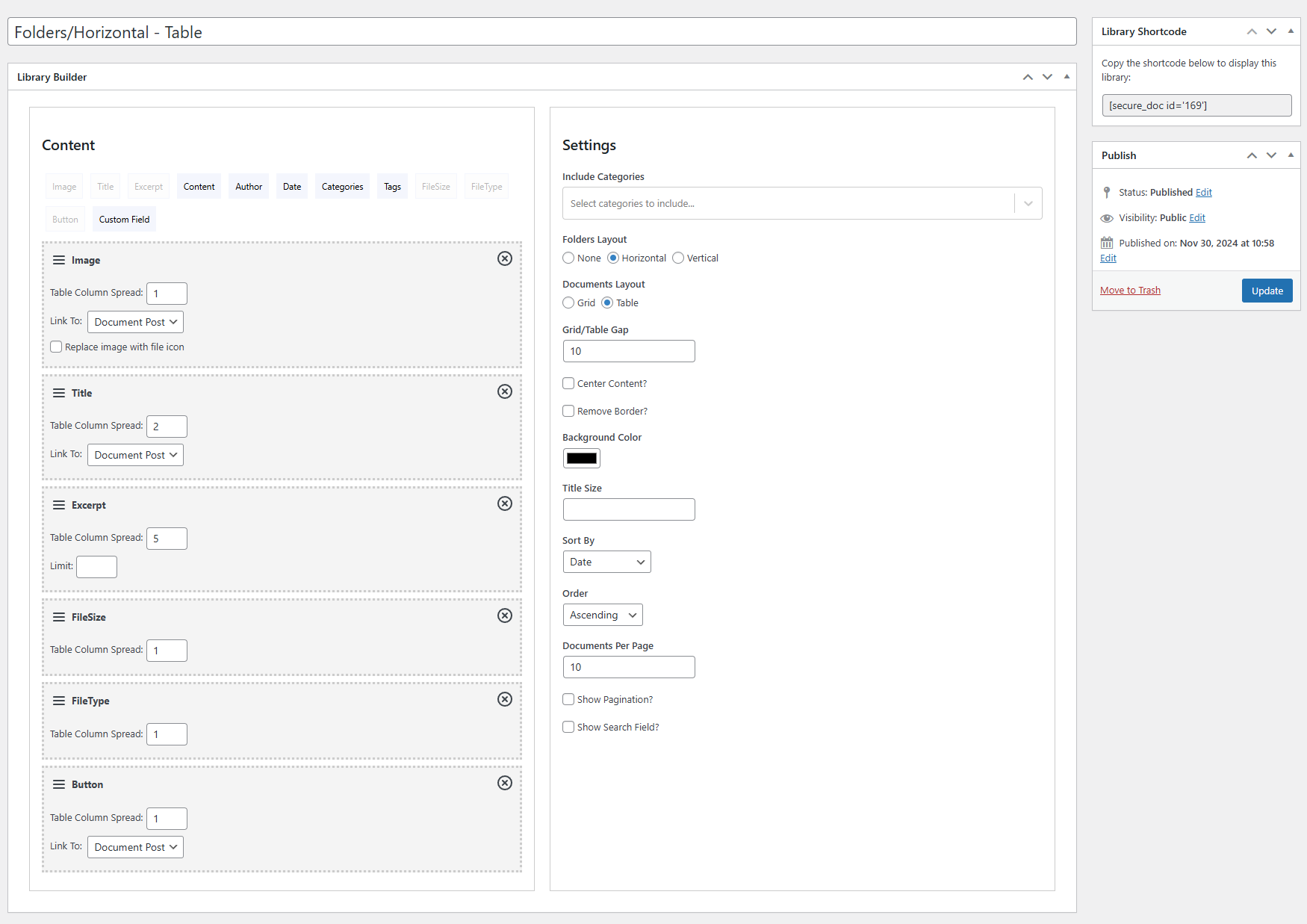
- Navigate to “Documents > Libraries” in your WordPress dashboard to add alibrary.
- Copy the shortcode and paste it into any page.
Frequently Asked Questions
Review feed
Screenshots

Changelog
1.0.0
Release date 15 Dec 2024
- Initial release.