

Easy WP Google Tag Manager
Easily add Google Tag Manager to your blog without having to edit your theme or know how to code.
Plugin info
Maintenance & Compatibility
Maintenance score
Possibly abandoned • Last updated 1392 days ago
Is Easy WP Google Tag Manager abandoned?
Possibly abandoned (last update 1392 days ago).
Compatibility
Similar & Alternatives
Explore plugins with similar tags, and compare key metrics like downloads, ratings, updates, support, and WP/PHP compatibility.
Description
Easily add Google Tag Manager to your blog without having to edit your theme or know how to code.
Installation
After installing the plugin, go to Settings > General and add your Google Tag Manager’s container ID to the field called ‘Google Tag Manager ID’.
Frequently Asked Questions
No! If you install this plugin, you just need to go to Settings > General and add your Google Tag Manager’s container ID to the field called ‘Google Tag Manager ID’.
Review feed
Screenshots
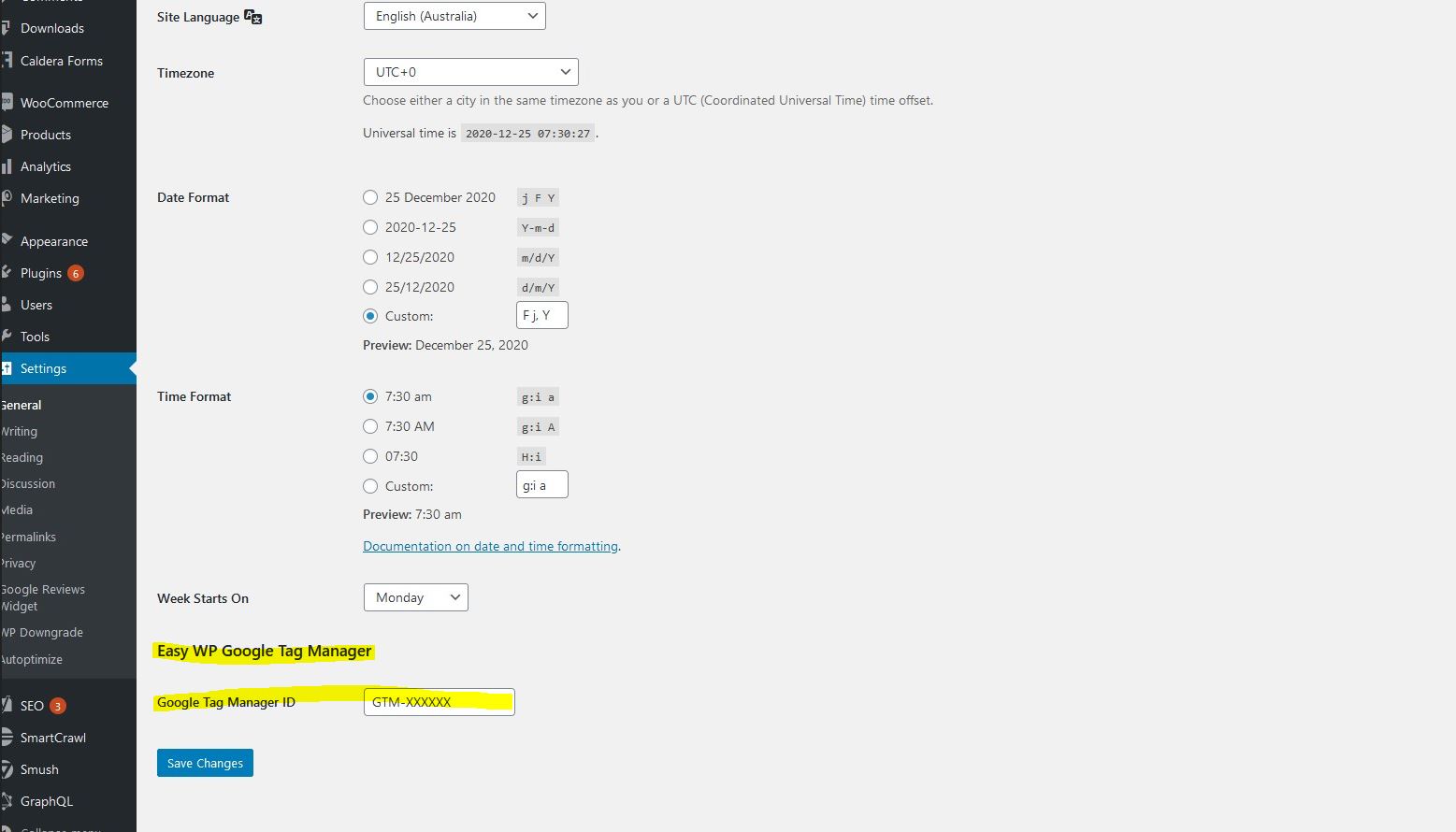
This plugin will add a field to Settings > General for your Google Tag Manager's ID. Add your ID and that's it!
Changelog
=1.0=
* First version released.