

Eazy Under Construction
Creates a 'Coming Soon' page that will show for all users who are not logged in
Plugin info
Maintenance & Compatibility
Maintenance score
Possibly abandoned • Last updated 476 days ago • 2 reviews
Is Eazy Under Construction abandoned?
Possibly abandoned (last update 476 days ago).
Compatibility
Similar & Alternatives
Explore plugins with similar tags, and compare key metrics like downloads, ratings, updates, support, and WP/PHP compatibility.
Description
Creates a ‘Coming Soon’ page that will show for all users who are not logged in. Useful for developing a site on a live server, without the world being able to see it. This is an ad-free fork of the great Under Construction plugin by Jeremy Massel.
Installation
- Upload the folder to the
/wp-content/plugins/directory - Activate the plugin through the ‘Plugins’ menu in WordPress
- If you want to change the look of the page that is displayed, click Settings->Under Construction and change the settings there.
Frequently Asked Questions
If you’ve disabled the plugin, it won’t show anything anymore. To be extra super-sure, try deleting the plugin files. Usually, though, the issue is that you’re seeing a cached version of the page. Try force-refreshing your browser, and then try clearing your cache on the server and force refreshing again. If you have a caching plugin like W3 Total Cache, make sure you clear that too!
As long as you’re logged in, you won’t be able to see it. That’s a feature! This way, while you’re logged in you can work as usual. To preview what it looks like, either a) log out, or b) try viewing it in another browser
You enter the contents of the entire HTML file. You can include inline styles, or links to external style sheets and external images.
Review feed
Screenshots
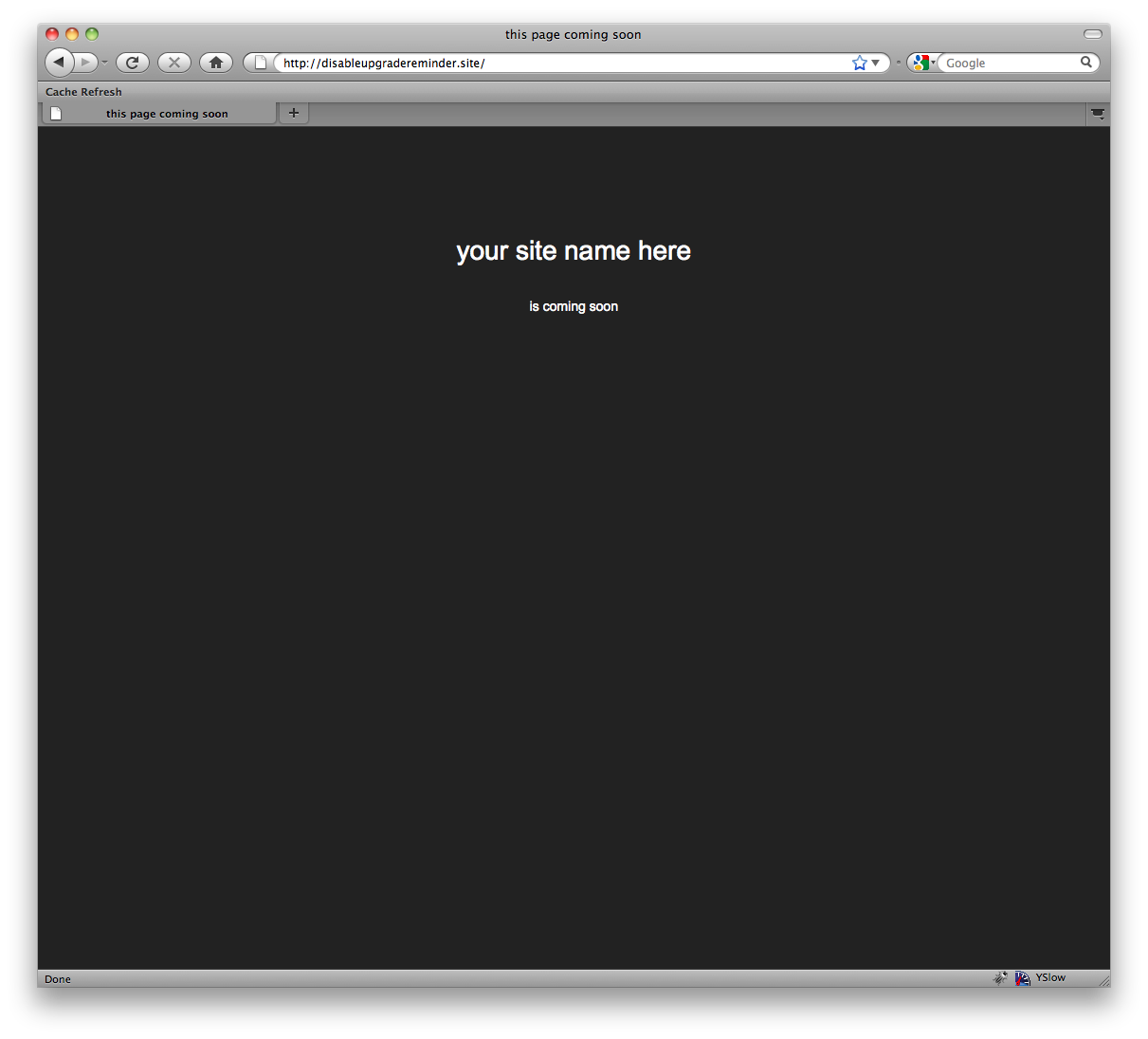
The default page that is displayed (this can be overridden)
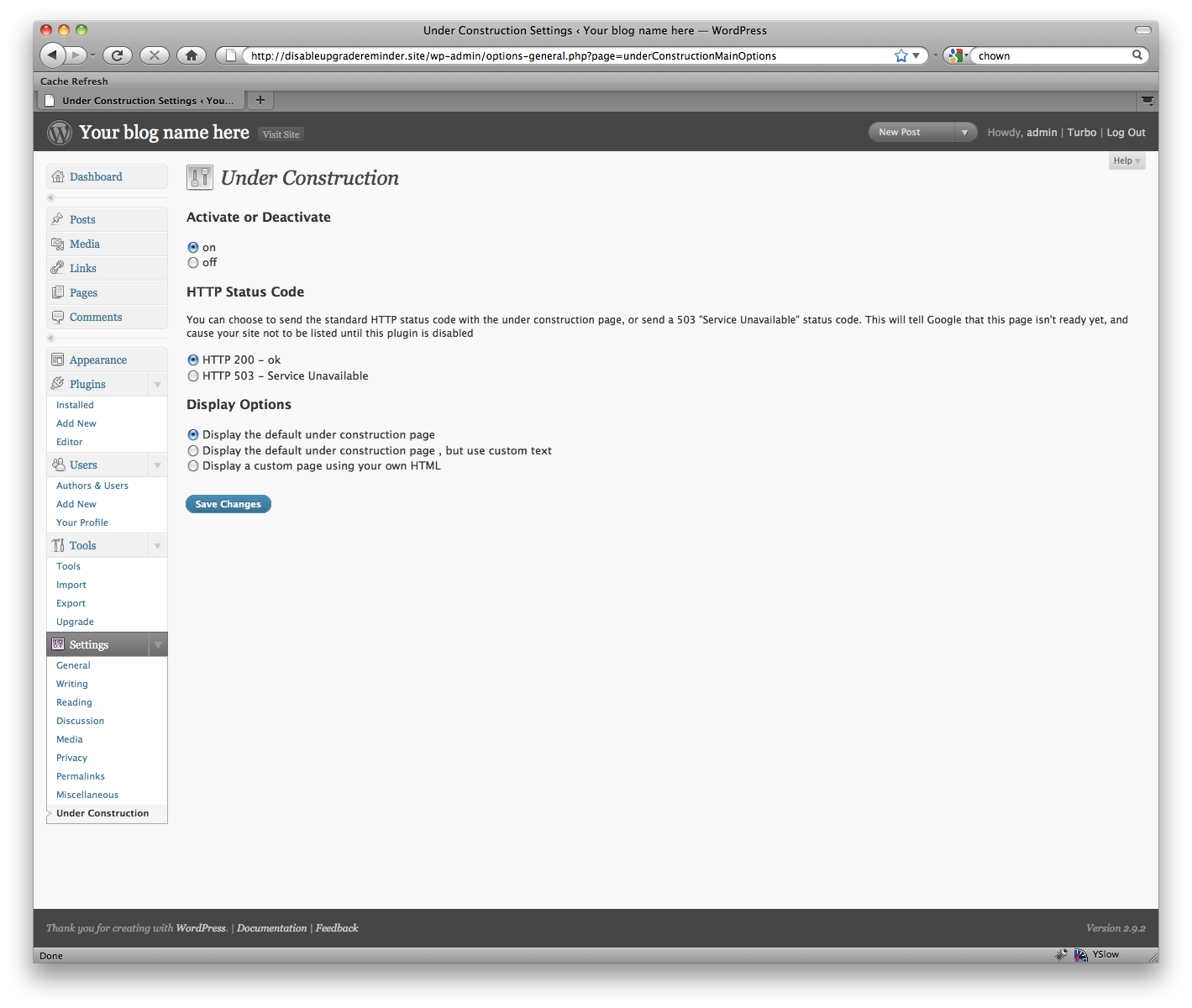
The editing screen with the default page selected
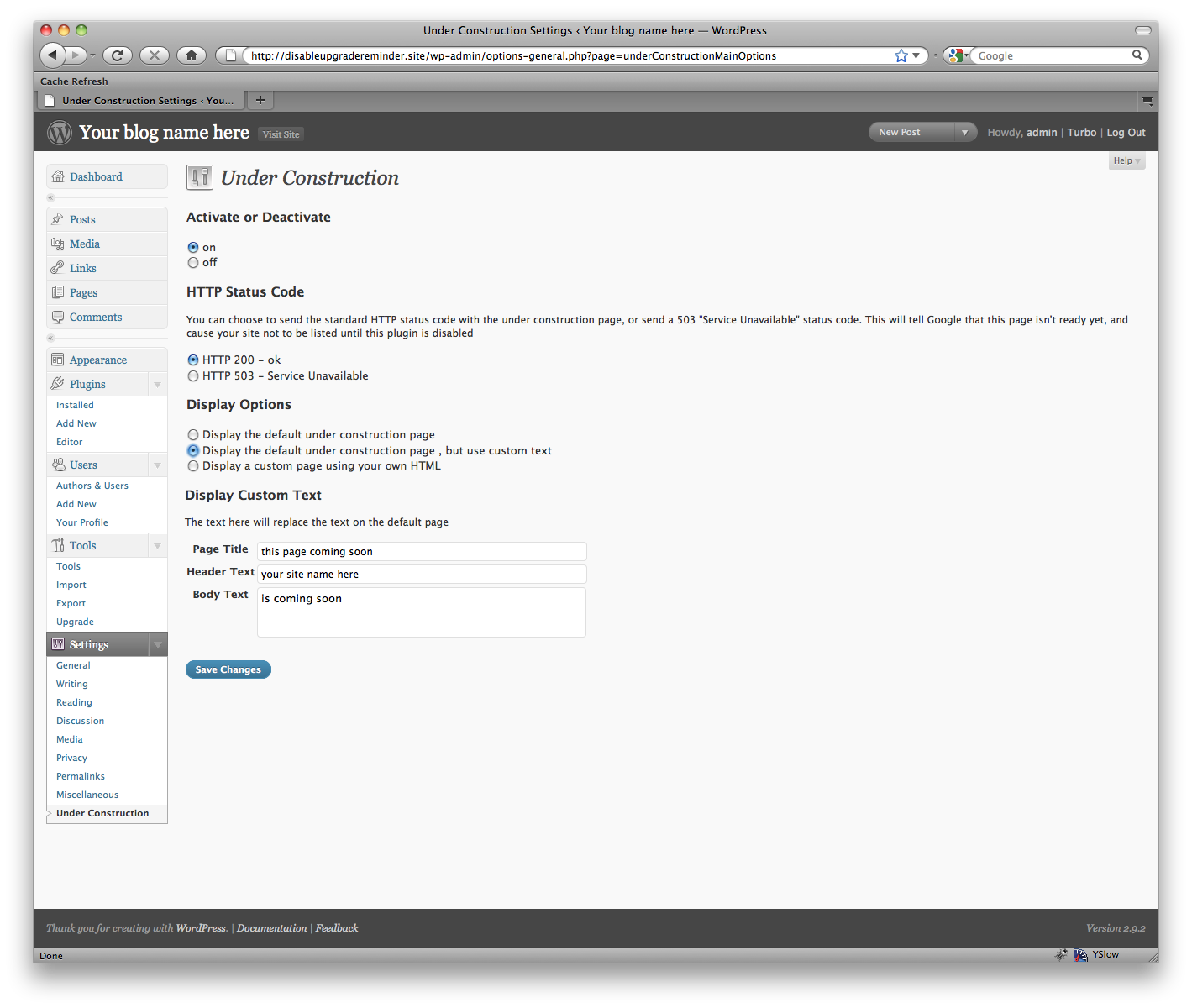
The editing screen with the custom text option selected
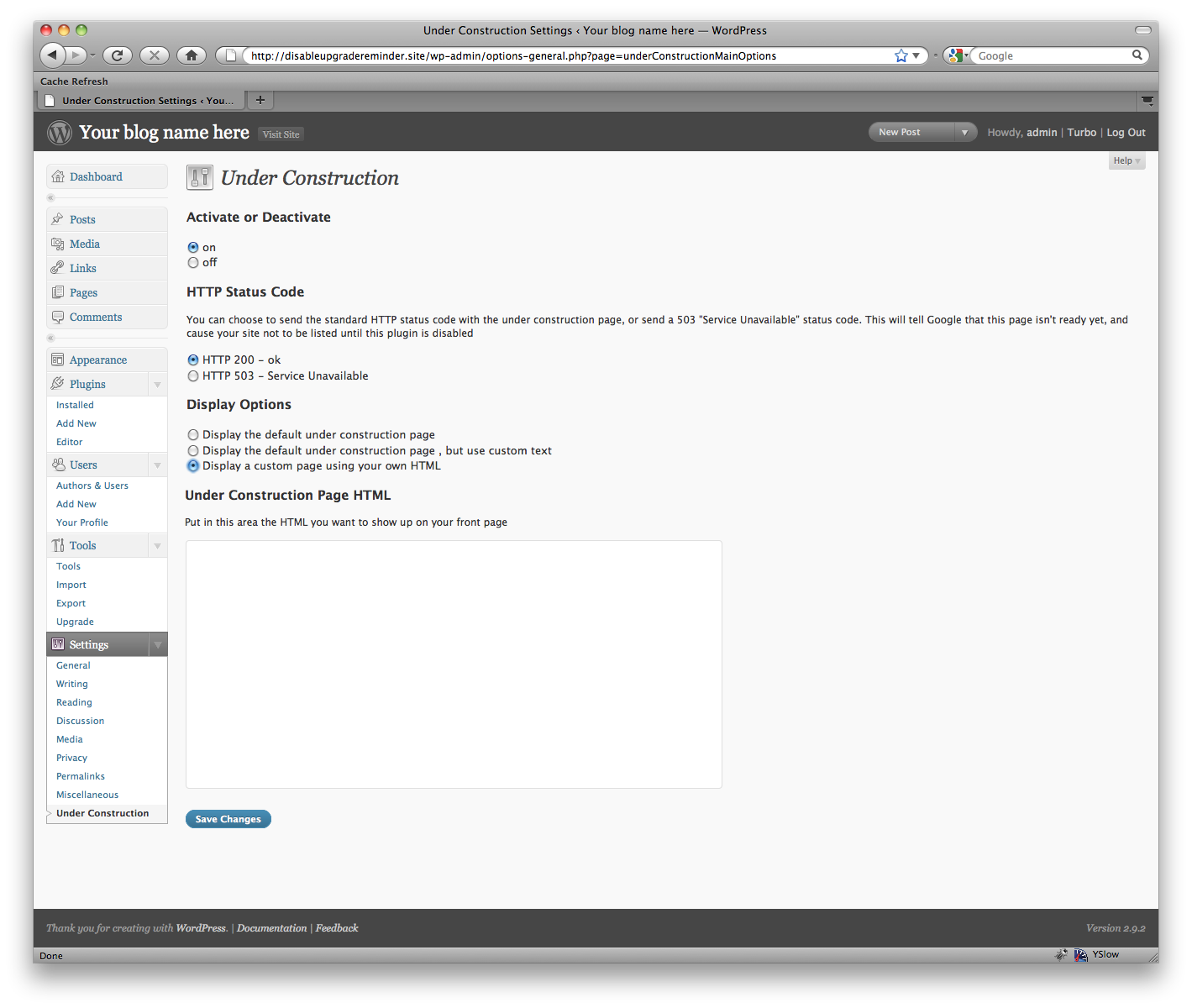
The editing screen with the custom HTML option selected
Changelog
1.0
- First version